


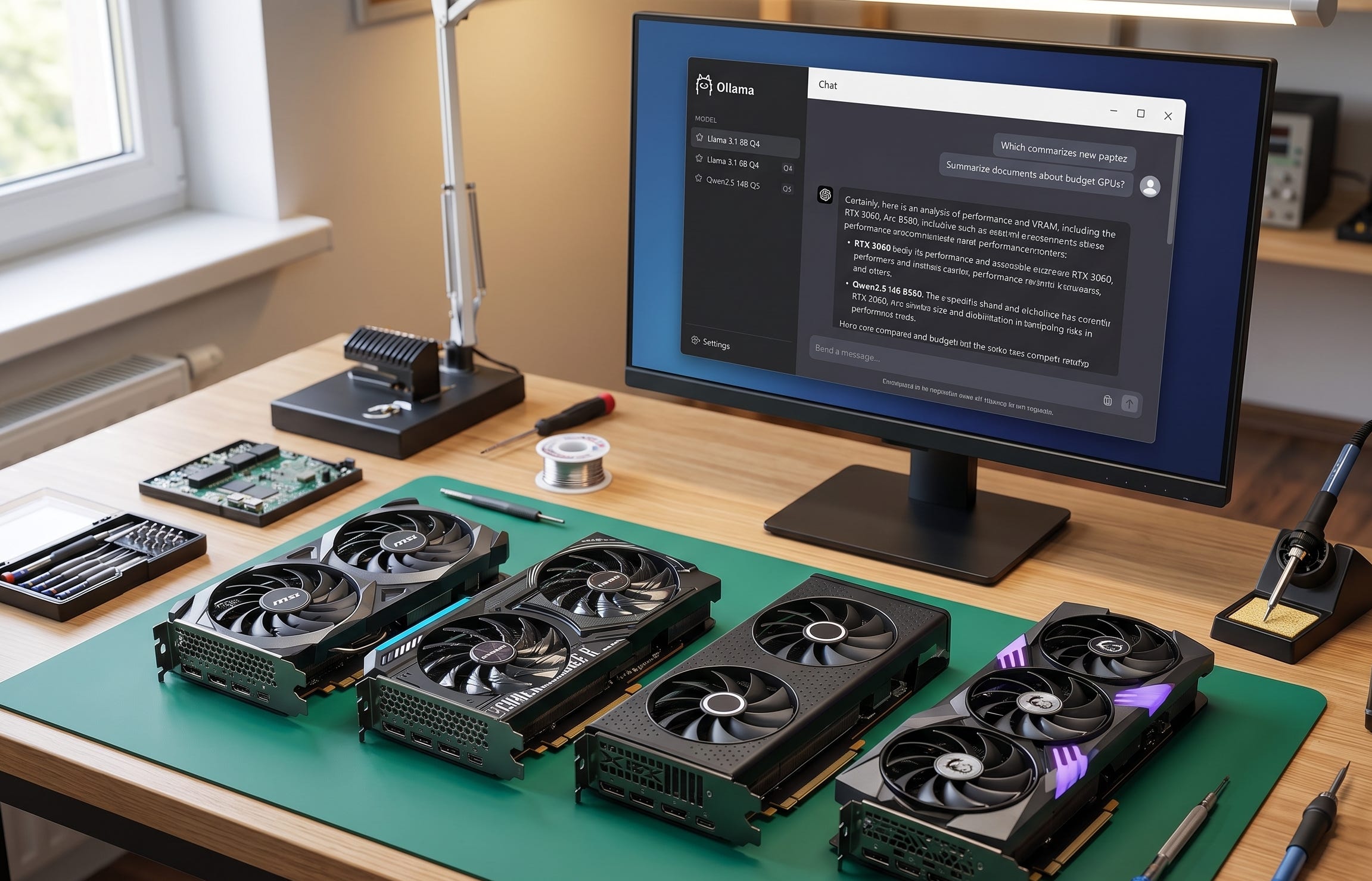
For anyone building a cheap local AI box in 2026, the first rule has not changed. VRAM matters more than gamer marketing. A Llama 3.1 8B Q4 build in Ollama is 4.9GB. A Gemma 3 12B Q4 build lands at 8.1GB, while its Q8 build is 13GB. Qwen2.5 14B Q5 variants sit around 10GB to 11GB, and Qwen2.5 32B Q5 comes in at about 23GB. That is why 8GB cards are a weak starting point for serious local AI, 12GB is the practical floor, and 16GB is where a budget local LLM machine starts to feel comfortable.
That matters even more because Ollama still defaults GPUs with less than 24 GiB of VRAM to a 4k context window, and its current guidance says tasks like web search, agents, and coding tools should be set to at least 64,000 tokens. In other words, if you are shopping for the best budget GPU for Ollama, you are not choosing based on benchmark charts alone. You are buying for private chat, local coding help, document Q&A, embeddings, light RAG, and a little multimodal work without instantly smashing into memory limits.
More on budget GPU choices for local AI:

Why the 2026 budget GPU market is still messy
The other reason this category is hard is that the market still refuses to behave. As of April 13, 2026, Tom’s Hardware’s current U.S. price tracker lists the GeForce RTX 5060 Ti 16GB at $514 and the GeForce RTX 4060 Ti 16GB at $599, while their lowest-ever tracked U.S. prices were $379 and $419. Intel still lists the Arc B580 at a $249 recommended customer price. So the best GPU for local LLMs is not always the newest card, and the technically newer card is not always the smarter value buy.
Software support still shapes this market just as much as raw hardware. Ollama’s hardware support page explicitly supports Nvidia GPUs broadly, lists the Radeon RX 7600 XT on both Linux and Windows support paths, and puts extra GPU coverage through Vulkan under an experimental flag. That is why Nvidia keeps charging a comfort premium, AMD keeps looking better on paper than in mainstream mindshare, and Intel still feels like the value pick for readers who do not mind more setup work.
Disclosure: This post includes Amazon affiliate links. If you buy through them, Popular AI may earn a small commission at no extra cost to you.
1) GeForce RTX 3060 12GB

The RTX 3060 12GB earns the top spot here because it solves the right problem without asking readers to become part-time driver archaeologists. Nvidia’s official GeForce RTX 3060 specs still show 12GB of GDDR6 on a 192-bit bus and 170W graphics card power, and Ollama still explicitly lists the RTX 3060 in its supported Nvidia stack. For Popular AI readers who want the least painful path to a real local AI machine, that mix of usable VRAM and mature CUDA support still matters more than the card’s age. A current Amazon listing for the MSI GeForce RTX 3060 Ventus 2X 12G OC is a representative example of the kind of card to watch.
In real local AI use, this is still the safest low-drama recommendation for the biggest slice of readers. It is well suited to Ollama chat, private document Q&A, embeddings, light RAG, and the 8B to 14B class of models that most people actually run every day. You can fit a Llama 3.1 8B Q4 build in Ollama easily, and you can run Gemma 3 12B Q4 or many Qwen2.5 14B quantizations without turning every session into a compromise festival. What you are not buying is carefree 32B inference or roomy long-context work. You are buying the cheapest mature Nvidia route that still feels like a serious local LLM PC.
2) Intel Arc B580 12GB

The Arc B580 is the best fresh-hardware curveball in this whole category. Intel’s official Arc B580 specs list a $249 recommended customer price, 12GB of GDDR6, a 192-bit interface, 456 GB/s of memory bandwidth, and 190W TBP. On the hardware side, that is a lot of card for the money. Tom’s Hardware also found that the B580 did very well in several AI tests, while cautioning that optimized software paths can make those results look better than some real-world workloads. A current Amazon example is the ASRock Intel Arc B580 Challenger 12GB OC.
The catch is the same one Intel buyers keep running into. In Ollama, extra GPU coverage through Vulkan is still marked experimental, and the Intel path is simply more likely to involve tinkering than the Nvidia path. That does not make the B580 a bad local LLM GPU. It makes it a smarter pick for readers who value brand-new hardware, a warranty, and aggressive price-to-VRAM value more than they value the easiest possible setup. If that sounds like you, the B580 is one of the strongest budget entries for 8B to 14B local AI work in 2026.
3) Radeon RX 7600 XT 16GB

If your real goal is 16GB without paying Nvidia prices, the RX 7600 XT remains one of the most practical ways to get there. AMD’s official Radeon RX 7600 XT specs list 16GB of GDDR6, a 128-bit memory interface, and 190W typical board power. More important for this audience, Ollama’s current support docs still list the RX 7600 XT on Linux and Windows support paths. For a budget local AI build, boring support is a feature, and the 7600 XT is boring in the exact way you want. A typical listing to watch is the XFX Speedster SWFT210 Radeon RX 7600 XT 16GB.
That 16GB pool opens up room that 12GB cards simply do not have. It gives you more breathing room for 12B and 14B models, makes longer prompts less claustrophobic, and lets cards in this class handle workloads like Gemma 3 12B Q8 that start to push a 12GB GPU out of its comfort zone. You are still not buying an effortless big-model box, and the 128-bit bus will always annoy spec-sheet purists, but for the best budget GPU for local AI, extra VRAM still beats forum aesthetics.
4) GeForce RTX 5060 Ti 16GB

This is the biggest change in the list. On capability alone, the RTX 5060 Ti 16GB was already the stronger card. On current pricing, it has become the more logical buy than the RTX 4060 Ti 16GB as well. Nvidia’s official GeForce RTX 5060 Ti specs list 4,608 CUDA cores, 16GB of GDDR7, a 128-bit interface, and 180W total graphics power. Tom’s Hardware’s current tracker now shows a best U.S. price of $514 against a $429 launch MSRP, which is still inflated, but it is much less absurd than the current 4060 Ti 16GB pricing. A current product example is the MSI GeForce RTX 5060 Ti 16G Gaming OC.
There is also a real performance argument here. Tom’s Hardware testing reported about a 40 percent uplift in text-generation tokens per second for the 5060 Ti 16GB compared with the 4060 Ti 16GB. That means this card now sits in a much more attractive spot for readers who want one sub-24GB GPU that can handle serious 12B and 14B work, better throughput, and the usual Nvidia software ease without wandering into workstation pricing. It is still a premium choice in a budget guide. It just no longer feels like a bad one.
5) GeForce RTX 4060 Ti 16GB

The RTX 4060 Ti 16GB is still a competent local LLM GPU. It is just much harder to defend in April 2026. Nvidia’s official GeForce RTX 4060 Ti specs show 16GB of GDDR6, a 128-bit interface, and total graphics power of 165W or 160W depending on model. That low power draw and mature CUDA support still make it pleasant to live with. But Tom’s current U.S. tracker lists it at $599, while the same tracker shows the 5060 Ti 16GB at $514. At today’s pricing, the older card is simply in the wrong lane. A representative affiliate listing is the MSI GeForce RTX 4060 Ti Ventus 2X Black 16G OC.
If you find a meaningful discount, the case gets better fast. Sixteen gigabytes of VRAM still matters, and this remains a quiet, efficient, easy Nvidia card for everyday Ollama use. But unless the market moves sharply, the 4060 Ti 16GB no longer belongs above the 5060 Ti 16GB in a value-focused local AI ranking. In 2026, that is the whole story.
What I left out
I left out most 8GB cards because this is a local LLM guide, not a 1080p gaming roundup. I also left out oddball used datacenter plays because they can be fun for hobbyists and miserable for everyone else. For readers who want capability without turning a weekend build into a support hobby, the right budget GPU is the one that gets you enough VRAM and a tolerable software path on day one.
Which budget GPU should you actually buy
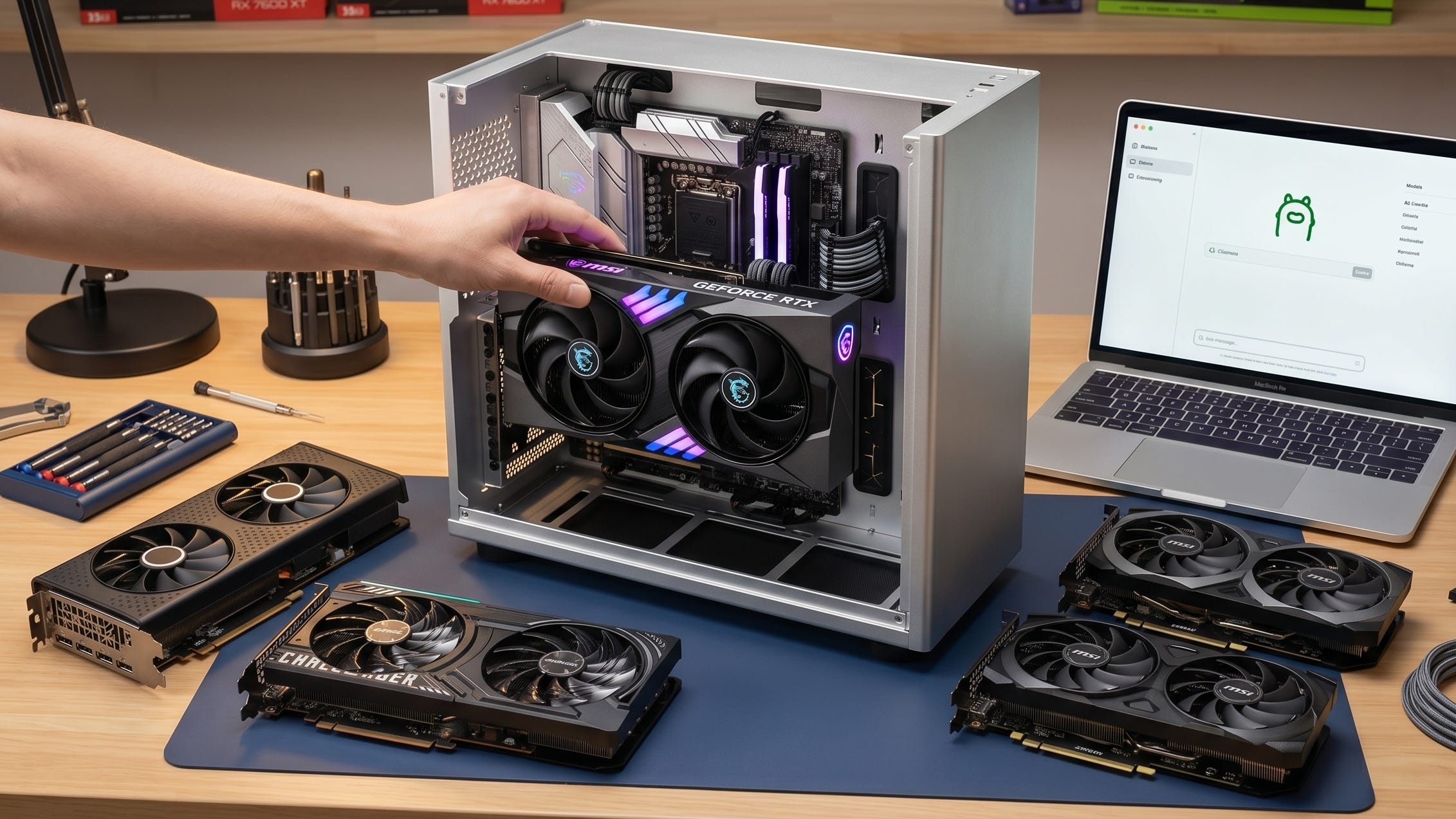
If your main target is a Llama 3.1 8B Q4 build in Ollama, private document chat, embeddings, and the kind of everyday workflows most people actually run, the RTX 3060 12GB is still the safest cheap answer. If you want brand-new hardware and the most aggressive value story, the Arc B580 is the interesting bet. If you want 16GB at a more reasonable price than Nvidia usually allows, the RX 7600 XT still makes a strong case. If you want the strongest sub-24GB single-GPU option in this list and the pricing does not drift higher again, the RTX 5060 Ti 16GB is now the smarter step up. The RTX 4060 Ti 16GB only becomes interesting again when the market remembers what discounting is.
One final point matters more than any ranking. Before spending money, read Ollama’s web search docs and its context-length guidance, then match your GPU to the workloads you actually care about. Readers who need longer-context agentic work, coding tools, and web-grounded answers will feel VRAM pressure much faster than readers who just want a private 8B or 12B chatbot on their desk. That is why the best budget GPU for local LLMs is still mostly a memory story.
The bottom line
The plain truth is simple. The RTX 3060 12GB remains the best mainstream value pick for cheap local LLMs. The Arc B580 is the best tinkerer’s bargain. The RX 7600 XT is the best affordable 16GB escape hatch from Nvidia pricing. The RTX 5060 Ti 16GB is now the best performance step-up in this range. And the RTX 4060 Ti 16GB needs a sale before it deserves much attention. For Popular AI readers, the right GPU is the one that buys the most autonomy for the fewest dollars and the fewest hours of troubleshooting.
Explore more from Popular AI:
Start here | Local AI | Fixes & guides | Builds & gear | Popular AI podcast
In this guide, we ranked the smartest budget GPUs for private AI, local chat, coding help, and longer context windows without wasting money. Which GPU are you running for local LLMs right now, and would you buy it again in 2026?