


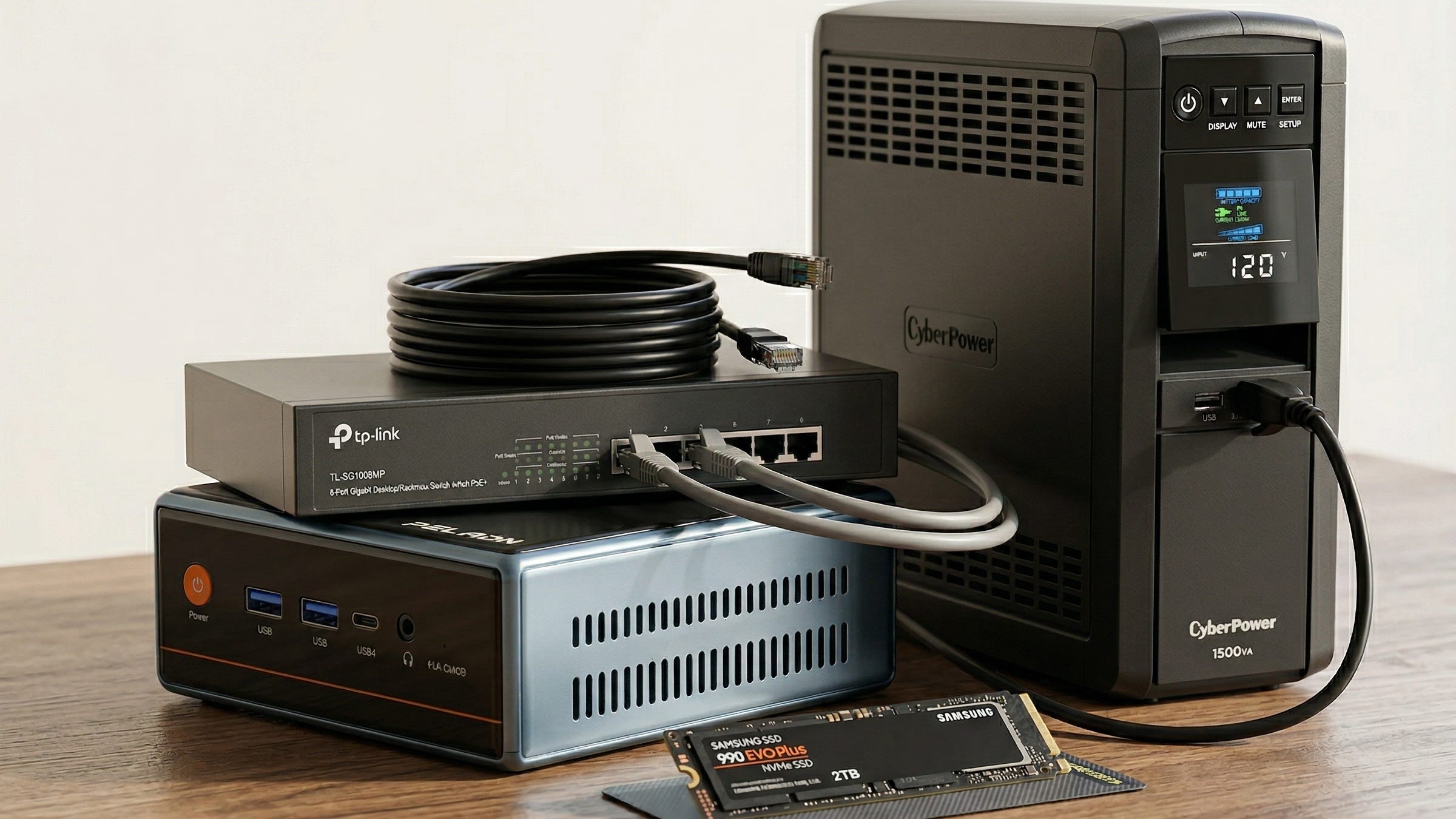
Frigate has become one of the best ways to build a local AI NVR for Home Assistant without paying cloud camera fees forever. In the Frigate introduction, the project describes itself as “a complete and local NVR designed for Home Assistant with AI object detection,” and the docs still make the same point many first-time builders miss. CPU-only detection is really for testing. As of March 25, 2026, the Frigate updating guide listed version 0.17.0 as the current stable release.
The bigger story is that the best Frigate hardware advice in 2026 looks different from the Coral-first guides that dominated older builds. On Frigate’s recommended hardware page, the project says the Google Coral is still supported but no longer recommended for most new installs. For a fresh build, Frigate is clearly steering people toward Intel hardware with OpenVINO and toward Intel 125H class systems for heavier 1080p camera workloads.
For Popular AI readers, that changes the answer to a very common search: what is the best Frigate AI NVR build for Home Assistant in 2026? The right answer is a modern Intel mini PC with hardware video decode, OpenVINO support, wired cameras, and enough storage headroom to grow. It is the setup that gives you local detection, local recordings, and a clean exit from vendor lock-in without turning your weekend into a driver hunt.
More on private home AI builds:

Why the old Coral-first advice no longer holds up
The old default recommendation was simple. Buy a Google Coral, attach it to whatever small PC you already have, and call it a Frigate build. That advice made sense when Coral was the obvious upgrade path. It makes less sense now.
Frigate’s current hardware guidance explicitly says Coral is no longer the best starting point for new installations unless you are chasing very low power use or dealing with hardware that cannot take advantage of better detector options. The same page also says an Intel 125H system can handle a significant number of 1080p cameras with high activity, which tells you a lot about where serious home installs should begin.
That shift also lines up with what people are actually trying to build. In recent homelab discussions like this thread on a local AI/NVR box for Home Assistant and Frigate, people are no longer asking for a single-purpose recorder. They want one box that can run Frigate, Home Assistant, local voice tools, and sometimes a small local model. A modern Intel mini PC is a much better fit for that job than a bargain system with a TPU hanging off the side.
What actually matters in a Frigate mini PC build
The biggest Frigate performance mistake is obsessing over object detection while ignoring video decode. Frigate’s video decoding guide says it is highly recommended to use a GPU for hardware-accelerated video decoding, because every stream still has to be decoded for motion detection and the rest of the pipeline. In practice, that means your Intel iGPU is carrying more of the workload than a lot of buyers realize.
The second thing that matters is the detector path. Frigate’s getting started guide walks Intel users toward OpenVINO, and the hardware page makes it clear that OpenVINO can run on Intel iGPUs, Arc GPUs, and Intel NPUs. That makes a modern Intel mini PC the cleanest default choice for a Home Assistant NVR build in 2026.
Networking matters too. Frigate’s recommended hardware guide says cameras that output H.264 video and AAC audio offer the best compatibility, multiple substreams are helpful, and Wi-Fi cameras are not recommended because their streams are less reliable. A mini PC with dual LAN gives you room to isolate the camera network from the rest of your home network, which is one of the smartest privacy upgrades you can make.
Then there is storage. Frigate’s planning guide says the old fear that SSDs instantly wear out under NVR use is mostly outdated for modern drives, especially in a typical home deployment. That makes a two-drive setup very attractive. One drive handles the OS, Docker, Home Assistant, and Frigate’s database. The second drive handles recordings, clips, and exports.
The Frigate AI NVR build
Disclosure: This post includes Amazon affiliate links. If you buy through them, Popular AI may earn a small commission at no extra cost to you.
PELADN WO4 Core Ultra 5 125H mini PC
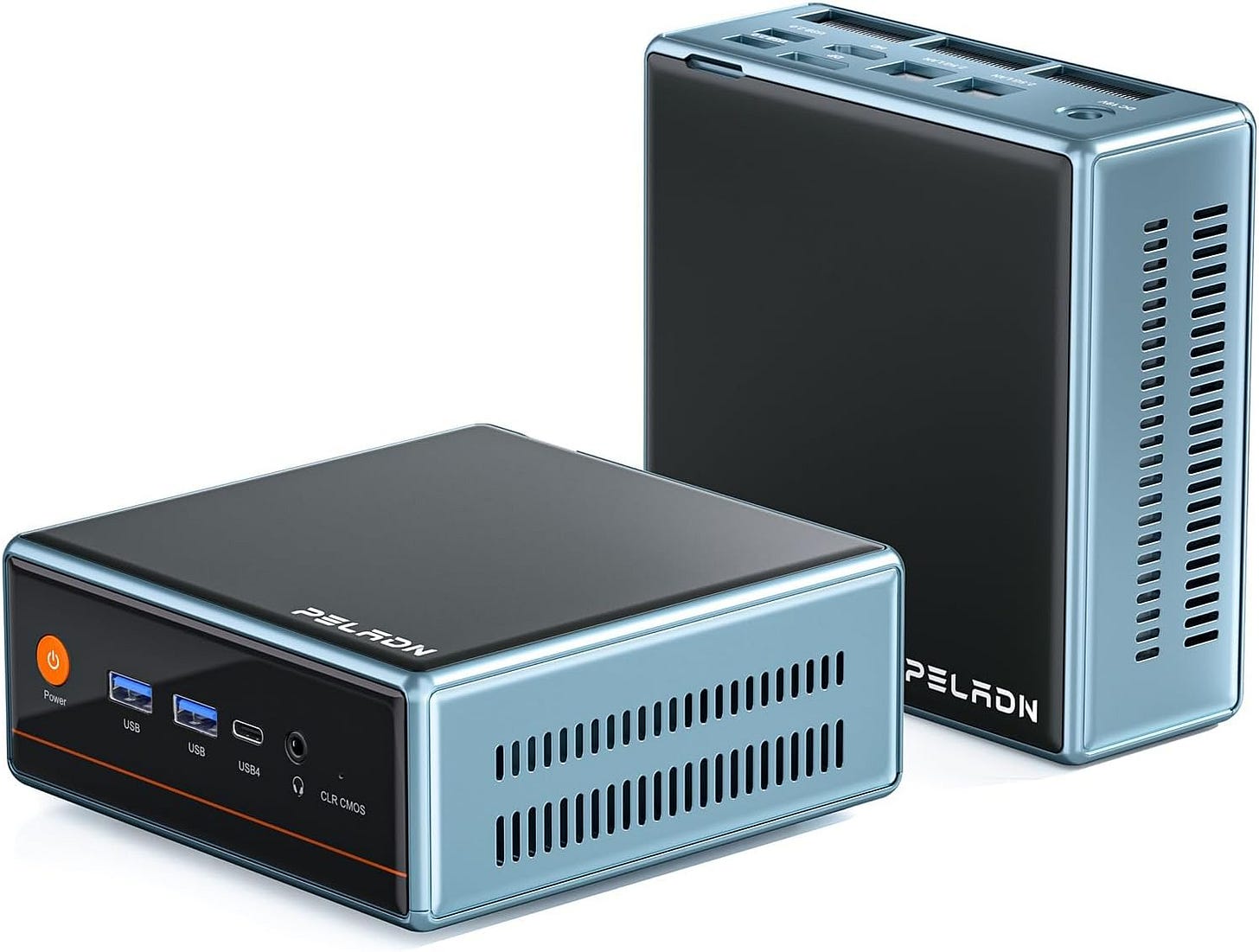
This is the heart of the build, and it is the reason this setup works as a serious Frigate AI NVR instead of a weekend experiment. Frigate’s recommended hardware page explicitly points to Intel 125H class systems for a significant number of 1080p cameras with high activity, and that is exactly the kind of workload many Home Assistant power users are targeting now.
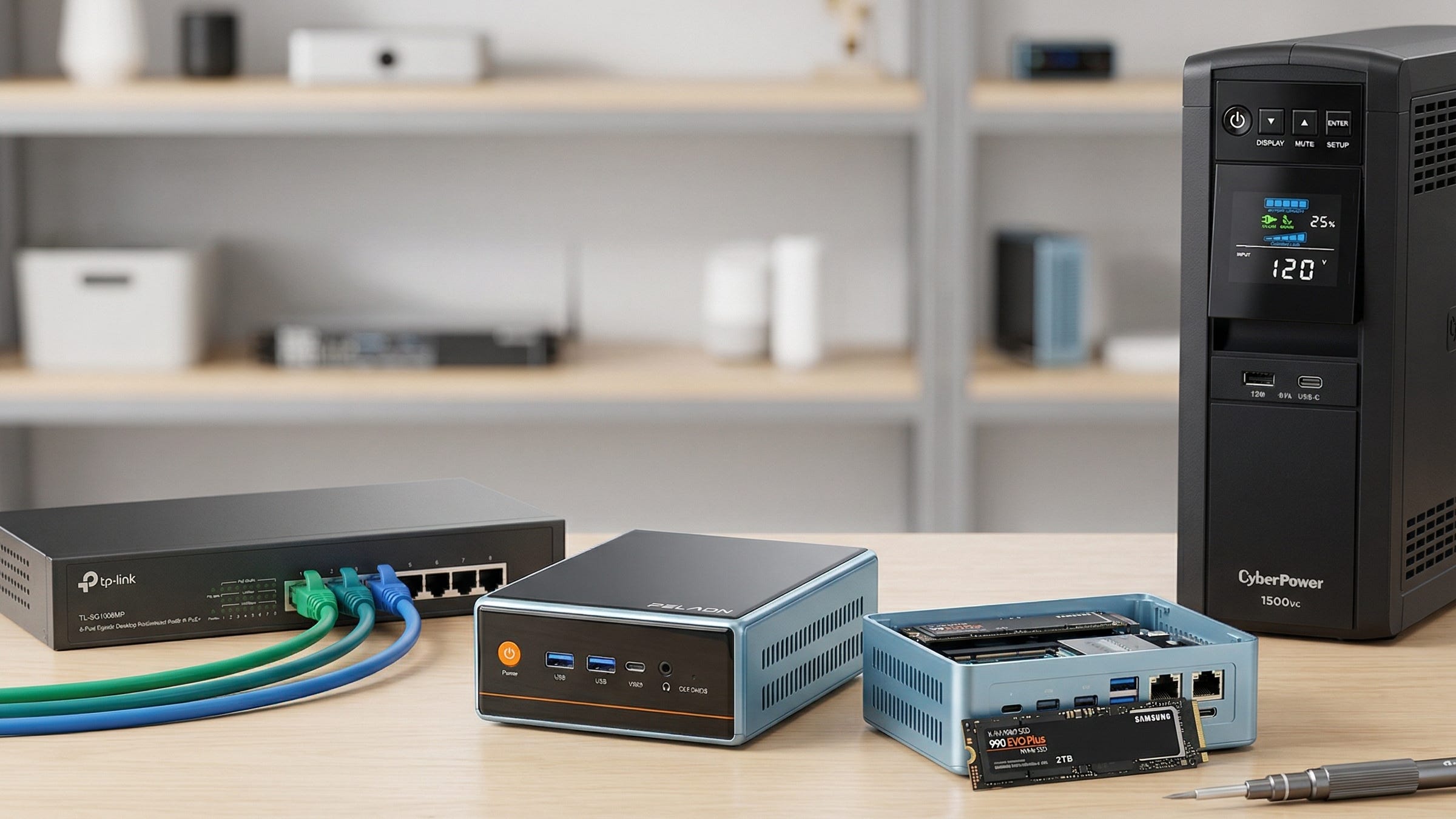
The PELADN WO4 Core Ultra 5 125H mini PC also brings the practical features that matter when you are building a local NVR you want to keep for years. You get 32GB of RAM, a 512GB SSD, dual 2.5GbE, and dual NVMe slots. The dual-network setup is especially useful because Frigate’s own hardware guidance highlights the appeal of dual-NIC systems for an isolated camera network. If you want one machine that can run Frigate, Home Assistant, local voice, and a few extra containers without feeling cramped, this is the right starting point.
Samsung 990 EVO Plus 2TB NVMe SSD
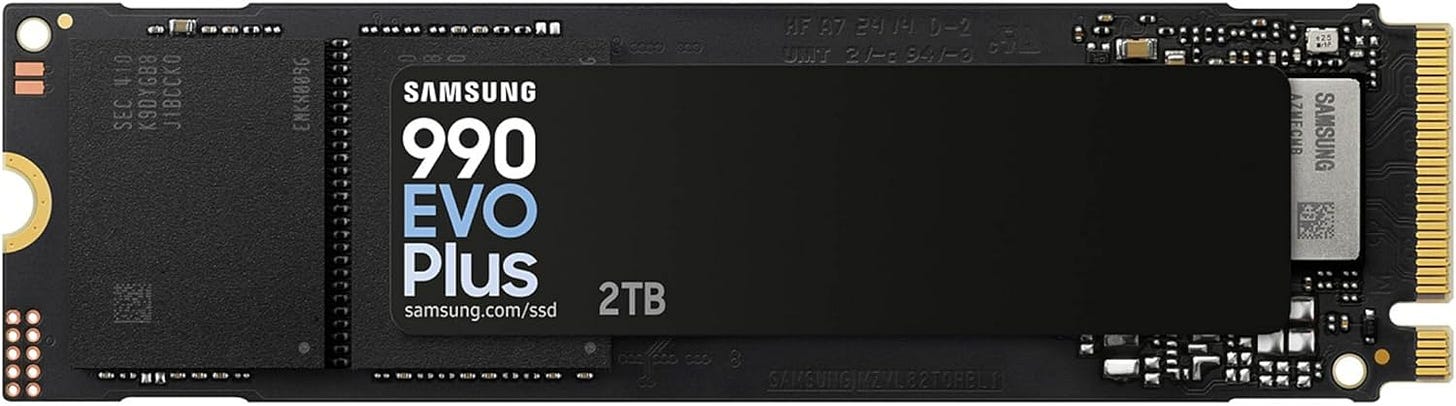
Use the included 512GB drive for Debian, Docker, Home Assistant, Frigate’s config, and database duties. Then add the Samsung 990 EVO Plus 2TB NVMe SSD in the second slot for recordings, clips, and exports. That split keeps the system cleaner and makes future maintenance much easier.
Frigate’s planning guide now says modern SSDs are an excellent fit for home NVR use, with the old wear-out anxiety mostly behind us. For most readers, a fast 2TB NVMe drive is the easiest upgrade that turns a good Frigate mini PC build into a box you can actually live with every day.
TP-Link TL-SG1008MP 8-port PoE+ switch
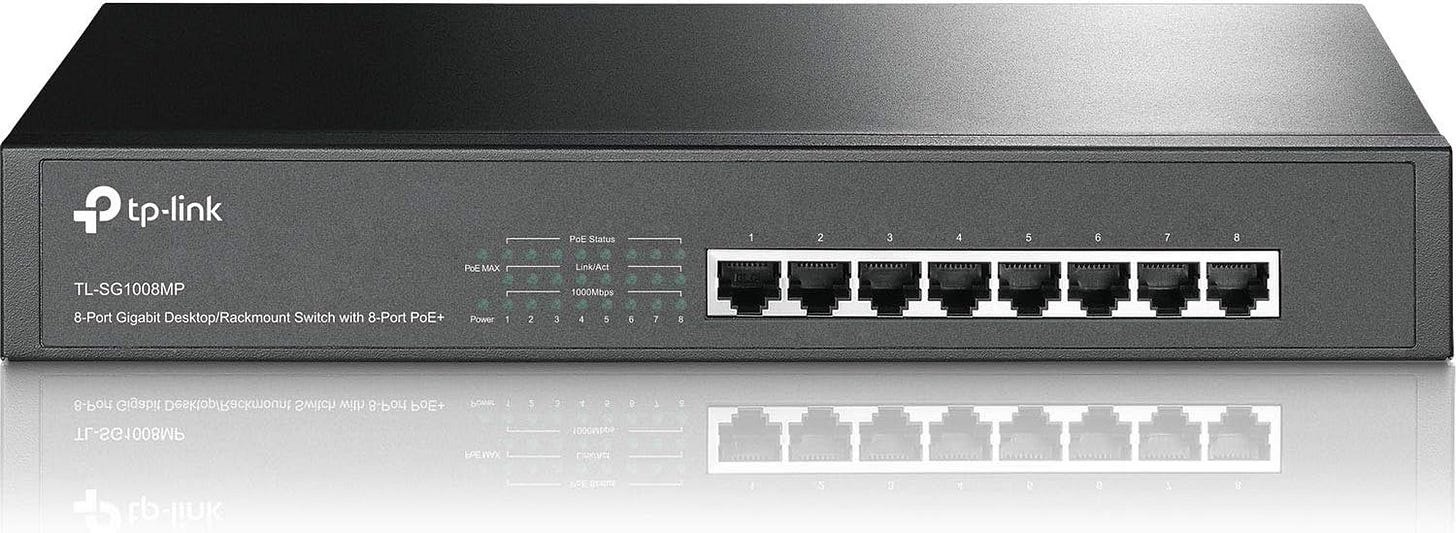
If you want the best Frigate build for Home Assistant, this switch is close to mandatory in spirit even if it is technically optional on paper. Frigate’s hardware recommendations favor cameras that use H.264 video, AAC audio, and multiple substreams, and the same page warns that Wi-Fi cameras are more likely to drop frames or disconnect. A good PoE switch fixes power and networking in one move and makes the whole install more reliable from day one.
The TP-Link TL-SG1008MP 8-port PoE+ switch gives you eight PoE+ ports and enough power budget for a normal home camera deployment. More importantly, it pushes you toward the right architecture. Wired cameras, cleaner cable runs, and fewer random network headaches.
CyberPower CP1500PFCLCD UPS
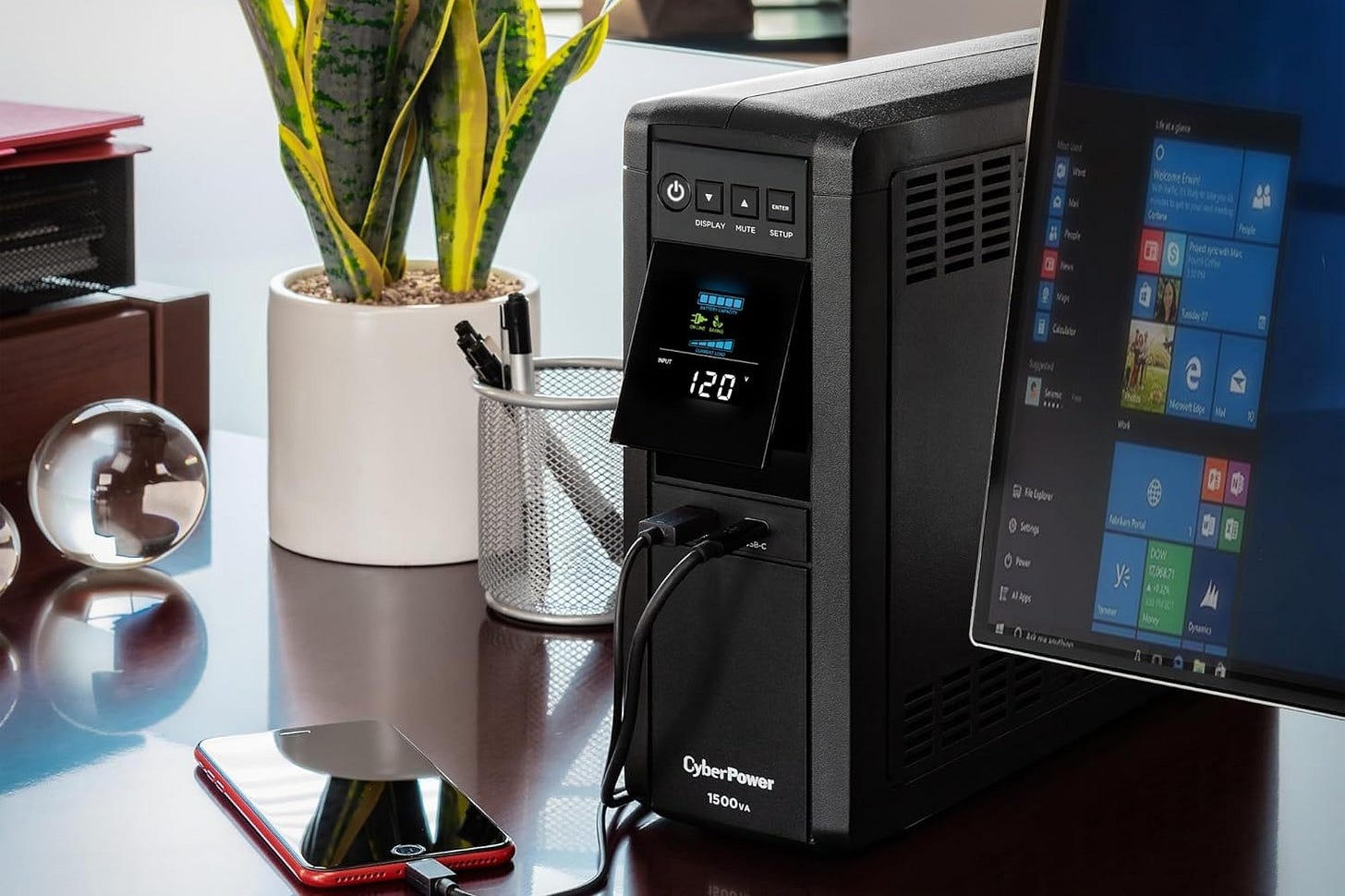
A local AI NVR writes data constantly, and that means power stability matters. Frigate’s installation guide spells out how much read and write activity the system handles across config, clips, recordings, and cache directories. That is exactly why a UPS belongs in any serious build. It keeps short outages from becoming database corruption, broken writes, or half-finished exports.
The CyberPower CP1500PFCLCD UPS is a very sensible fit here. It gives you enough runtime to ride out brief outages and enough breathing room to shut down cleanly if the power problem lasts longer. It is one of those boring buys that becomes very interesting the first time the lights flicker.
Google Coral USB Edge TPU
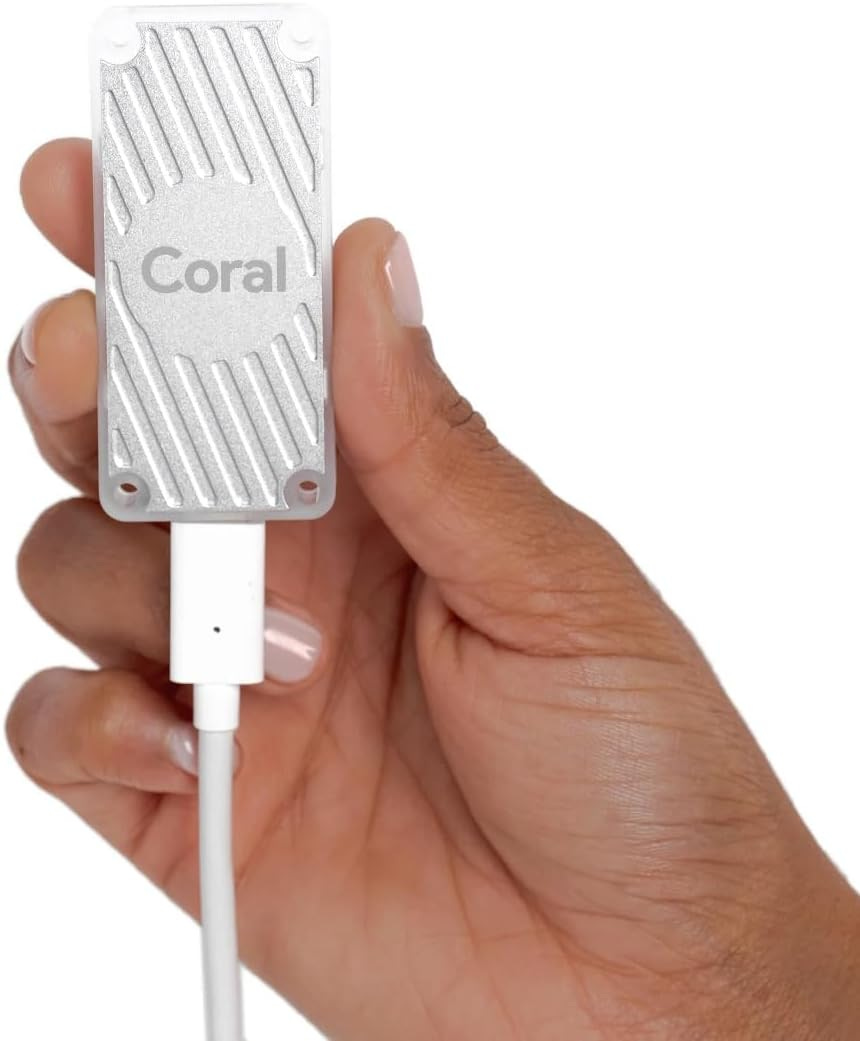
The Google Coral USB Edge TPU is no longer the default buy for a new Frigate build, but it is still a useful optional part. Frigate’s hardware page says Coral is still supported, though it is now mainly recommended for ultra-low-power deployments or for systems that cannot use alternative accelerator options.
If you already own a Coral, the USB version remains the easiest way to use it. Frigate says the USB model works with the widest variety of hardware and does not require a host driver, which is a big reason it remains more practical than the M.2 and PCIe versions for many hobbyists. I would not buy one first for this build. I would buy it only if you already have one or you know your setup has a specific reason to need it.


Why this build beats the cloud camera model
The strongest reason to build a Frigate AI NVR is not raw benchmark performance. It is control. With a cloud camera setup, you usually end up paying monthly to unlock your own alerts, your own history, and sometimes even basic export features. You buy the hardware, then keep renting access to it.
A local Frigate box flips that model. The detection happens locally. The recordings stay local. The integration with Home Assistant is local. Frigate’s installation documentation is built around Docker on a Debian-based host, and the project is designed to work with Home Assistant instead of forcing you into another subscription ladder.
There is also a privacy argument that gets more compelling every year. Frigate’s hardware guide explicitly points to dual-NIC mini PCs because an isolated camera network is a good idea. That matters because cheap cameras are often the weakest security link in a smart home. Giving them a private wired segment and blocking internet access is one of the simplest ways to reduce your exposure without giving up useful automation.
Coral vs OpenVINO vs Hailo for Frigate in 2026
For a new build, OpenVINO is the clean default. Frigate’s Intel OpenVINO setup guidance is straightforward, and the hardware page shows support across Intel iGPUs, Arc GPUs, and Intel NPUs. That means a recent Intel mini PC already gets you most of what you want without extra hardware clutter.
Coral still makes sense in a narrower set of cases. If your main goal is very low power use, or if you already have a USB Coral in a drawer, it remains a valid option. Frigate continues to support it, and the USB version is still the least painful one to deploy. It just is not the smartest first purchase for most new Frigate builds anymore.
Hailo is the more interesting dedicated accelerator if you are shopping from scratch. Frigate’s Hailo section says the project supports both Hailo-8 and Hailo-8L, and it automatically picks the right default model when you do not supply a custom one. That gives Hailo a more forward-looking feel than Coral for buyers who already know they want dedicated AI hardware from day one.
You can even see this shift in community conversations. Older homelab threads treated Coral like the obvious answer. Newer conversations, including this broader discussion about the best free NVR software today, sound much more cautious about buying a Coral first when a modern Intel iGPU is often good enough to get started.
Setup notes that save you time
Start with wired PoE cameras that support H.264 video, AAC audio, and multiple substreams. Frigate’s recommended hardware page is very clear about that because it gives you the smoothest compatibility with Frigate and Home Assistant while avoiding needless re-encoding.
Run Frigate on bare-metal Debian with Docker if you can. Frigate’s installation guide says that is the best-performing path because it gives Frigate low-overhead access to GPU and Coral hardware. Running it inside a VM can work, but it adds pass-through complexity that most people do not need.
Turn on hardware acceleration early. Frigate’s video decoding guide and getting started guide make it clear that hardware-accelerated decode and a proper detector configuration should be in place before you judge CPU usage or overall performance. A surprising number of “Frigate is heavy” complaints come down to a box that is decoding video the hard way.
The bottom line
The best Frigate AI NVR build for Home Assistant in 2026 is a modern Intel mini PC with OpenVINO, a second SSD for recordings, a real PoE switch, and a UPS. That combination gives you local AI detection, local storage, better privacy, and far less vendor lock-in than a cloud camera stack.
For most readers, the sweet spot is an Intel 125H class box like the PELADN WO4 Core Ultra 5 125H mini PC, paired with the Samsung 990 EVO Plus 2TB NVMe SSD, the TP-Link TL-SG1008MP 8-port PoE+ switch, and the CyberPower CP1500PFCLCD UPS. Add the Google Coral USB Edge TPU only if you already own one or you know your use case calls for it.
That is the build that makes the most sense right now because it is fast, realistic, expandable, and much closer to the way Frigate itself now recommends people build.
Explore more from Popular AI:
Start here | Local AI | Fixes & guides | Builds & gear | Popular AI podcast
What hardware are you running Frigate on right now, or what are you planning to build next?