


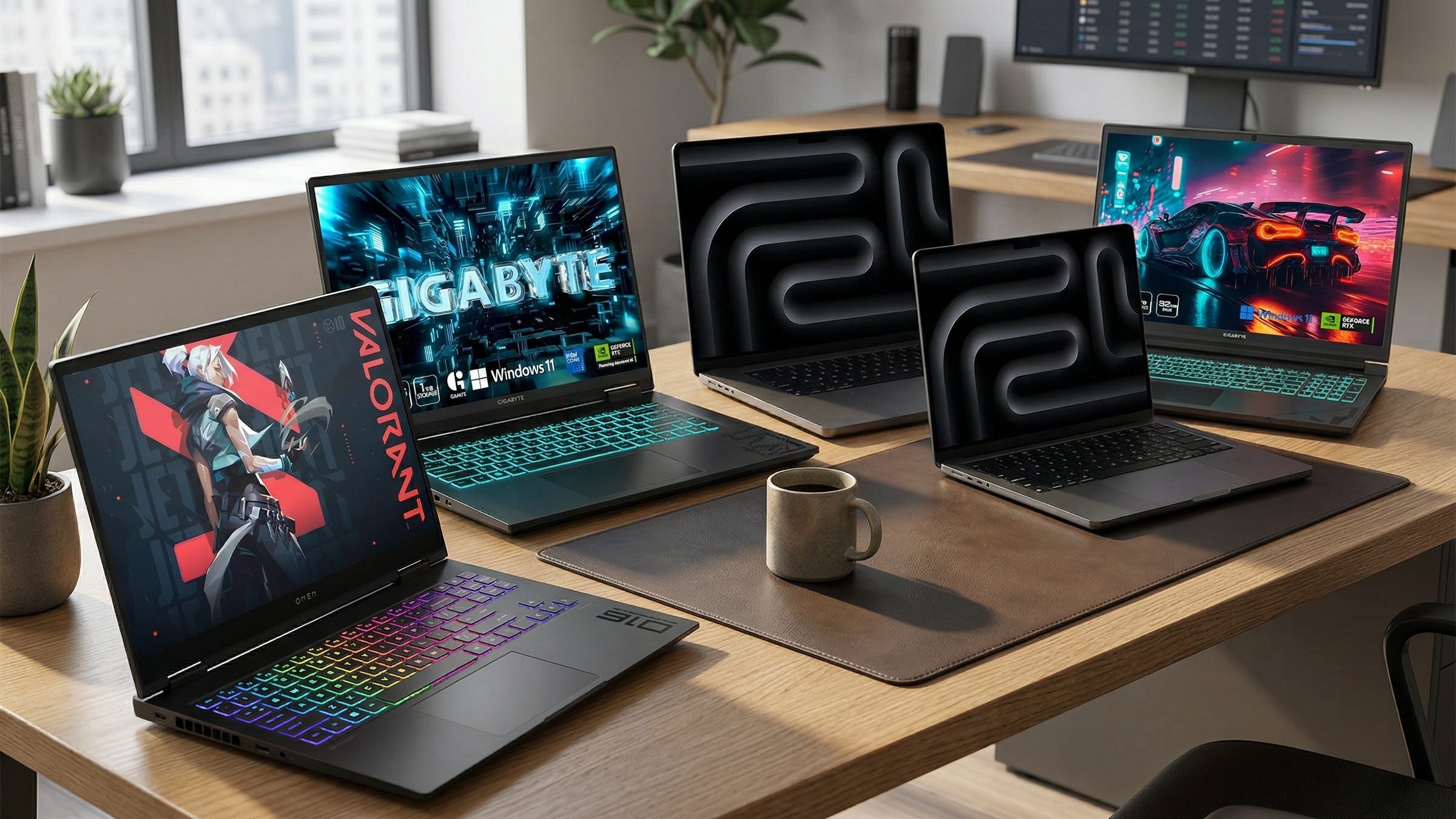
You do not need a custom desktop to run local LLMs with Ollama or LM Studio in 2026. You do need to stop shopping like a gamer. For local inference, memory is usually the first thing that decides whether a laptop feels useful or frustrating. NVIDIA’s current laptop GPU guidance now maps laptop graphics tiers to rough model-size classes, with 8GB for medium models, 12GB for large models, and 16GB for XL models. Ollama’s hardware support docs also confirm support for NVIDIA GPUs on Windows and Linux plus Metal acceleration on Apple hardware, and LM Studio’s documentation says the app runs on macOS, Windows, and Linux and can handle offline document chat on local machines.
That is the real buying problem. You want a laptop you can actually buy, install Ollama, load a model, and use for private chat, coding, research, and document work without discovering a week later that your shiny new machine still tops out at an 8GB ceiling. Apple complicates the usual Windows laptop logic because Apple’s 14-inch MacBook Pro M4 Pro specs show a 24GB unified-memory starting point for that platform and a 48GB configurable ceiling on M4 Pro, which is why unified-memory Macs can punch above what their GPU labels might suggest in local AI workloads.
More local LLM hardware guides:

Why local LLM laptop shopping is different
A laptop for local LLMs is really a memory purchase disguised as a laptop purchase. CPU matters. Cooling matters. Storage matters. Still, the first question is simple: how much model weight can you fit comfortably, and how painful will offload compromises become once you move past lightweight chatbots?
That is why the badge on the box can lead buyers in the wrong direction. A newer GPU name does not always buy you a better local AI experience. Sometimes it only buys more gaming throughput while leaving you stuck in the same memory tier. For Windows laptops, the biggest step changes are still 8GB, 12GB, and 16GB of graphics memory. For Apple laptops, the conversation shifts to unified memory and how much of it the machine can devote to local inference without turning everyday use into a squeeze.
The practical use cases are easy to understand. People want private chatbots that do not send data away, local coding help, offline document Q&A, note summarization, travel-friendly research machines, and personal knowledge bases that stay on the device. That is exactly the kind of workflow local tools now make realistic on consumer hardware.
Disclosure: This post includes Amazon affiliate links. If you buy through them, Popular AI may earn a small commission at no extra cost to you.
1) GIGABYTE G6X (RTX 4060, 32GB RAM, 1TB SSD)

The exact GIGABYTE G6X configuration that earns the budget slot pairs an Intel i7-13650HX with 32GB of DDR5, a 1TB SSD, and an RTX 4060 laptop GPU with 8GB of GDDR6. The matching Amazon product page backs up the core configuration, and that 8GB GPU tier lines up with NVIDIA’s current guidance for medium-size local workloads.
This is still the best place to start for the biggest slice of readers. The reason is not that 8GB of VRAM is generous. It is not. The reason is that 32GB of system RAM keeps the machine from feeling like a false bargain. That extra headroom matters once you start juggling the model, the app, your browser, your notes, and the documents you are feeding into the workflow.
In real use, this is the cheapest machine here that still feels like a proper local LLM laptop instead of a spec-sheet trap. It is a sensible entry point for smaller models, private document chat, offline note work, and local coding help. You will run into the limits of 8GB VRAM sooner than you would on the pricier picks below, but the G6X gets the fundamentals right enough to deserve the budget crown.
2) GIGABYTE A16 PRO (RTX 5070 Ti, 32GB RAM, 1TB SSD)

The GIGABYTE A16 PRO listing shows the configuration that matters here: Intel Core 7 240H, 32GB LPDDR5X, 1TB SSD, and an RTX 5070 Ti laptop GPU. The current Amazon page confirms the model family and memory setup, while NVIDIA’s laptop GPU guidance places the RTX 5070 Ti in the 12GB large-model tier. That 12GB jump is why this machine matters.
This is where the value curve gets much more interesting for Windows buyers. The jump from 8GB to 12GB is the first move that feels meaningfully different for local LLM work. It gives you more room to offload model weights to the GPU, more breathing room for larger quantized models, and fewer annoying moments where a laptop looks strong on paper but feels cramped the second you try to do anything ambitious.
For a lot of readers, this is the real sweet spot in the whole ranking. The G6X is the smart cheap buy. The A16 PRO is the smart step-up buy. It is the laptop for people who want one Windows machine for local coding, heavier document workflows, more serious experimentation, and a better shot at running larger models without leaping straight into eye-watering pricing.
3) Apple MacBook Pro 14-inch M4 Pro (24GB unified memory)

The 14-inch MacBook Pro retailer listing points to the 12-core CPU, 16-core GPU, 24GB unified memory, 512GB SSD configuration, and the corresponding Amazon page for that setup reflects the same 24GB memory tier. Apple’s own 14-inch MacBook Pro tech specs confirm the 24GB starting point for M4 Pro and show that the platform can be configured higher, which is the key reason this laptop is more interesting for local AI than a lot of discrete-GPU machines that still stall at 8GB VRAM.
This is the best portable pick in the group. The case for it is straightforward. You get a machine that travels well, stays civilized acoustically, offers strong battery life, and can still act like a serious local AI laptop because unified memory changes the math. On the 14-inch M4 Pro platform, Apple lists up to 22 hours of video streaming and 14 hours of wireless web battery life, which helps explain why this machine feels much easier to live with away from a desk.
For readers who care about writing, research, travel, and code more than brute-force CUDA loyalty, this is a compelling buy. Ollama supports Metal on Apple hardware, and LM Studio supports Apple Silicon workflows as well. The bigger point is that this Mac often makes more sense than a pricier Windows laptop whose GPU badge sounds more impressive but whose usable memory headroom is still tighter in practice.
4) HP OMEN MAX 16 (RTX 5080, 32GB RAM, 1TB SSD)

The HP OMEN MAX 16 listing and its current Amazon page both point to the configuration that matters here: 32GB RAM, 1TB SSD, and an RTX 5080 laptop GPU. NVIDIA’s own laptop tables place the RTX 5080 laptop GPU in the 16GB XL-model tier, which is the first Windows laptop memory tier that starts to feel genuinely comfortable for heavier local AI use.
This is the heavy-duty Windows pick for people who already know they want NVIDIA, want CUDA, and want to stop micromanaging every offload choice. Sixteen gigabytes is a real threshold. It does not make the laptop cheap, cool, or light. It does make the machine far less annoying once your workloads get bigger and your ambitions stop at something beyond lightweight local chat.
That is why this model earns its place. If your priority is a serious Windows laptop for larger models, multimodal experiments, and deeper work inside the NVIDIA ecosystem, the OMEN MAX 16 is the best fit in this ranking. It asks a lot in price and portability, but at least it buys you a memory tier that lines up with the work.
5) Apple MacBook Pro 16-inch M4 Pro (48GB unified memory)

The 16.2-inch MacBook Pro listing included in the source material points to the 48GB unified-memory version of the M4 Pro machine, and the matching Amazon page for that configuration shows the same 48GB memory tier. That is what makes this laptop stand out. It is a memory play first and a laptop second.
This is the outlier pick in the ranking, and it belongs here for one reason. If your real goal is to fit larger local models on a laptop, memory changes everything. A 48GB unified-memory MacBook Pro is one of the few portable systems that makes that ambition feel reasonable without forcing you into a desktop workflow.
It is not the best raw bang for the buck if your work fits comfortably on a cheaper Windows machine. It is the best pick here for readers who care more about the ceiling than the entry price. You give up some of the convenience of the NVIDIA ecosystem. You gain a much larger shared memory pool, excellent battery life, and a machine that still feels like a laptop instead of field equipment.
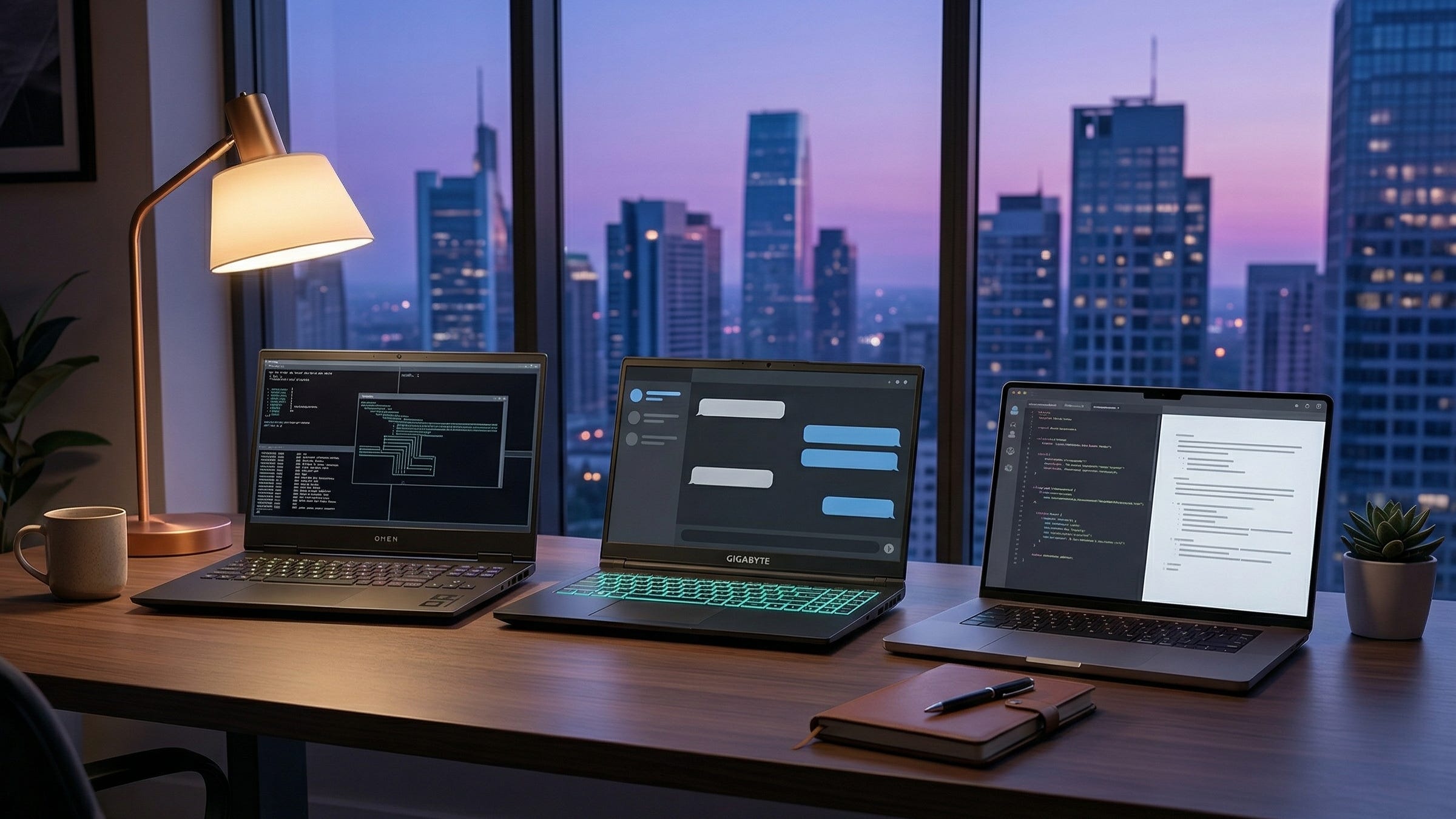
The category I would mostly skip
I would be very cautious with many RTX 5060 and RTX 5070 laptops unless the deal is unusually strong. NVIDIA’s GeForce laptop compare page shows the current 50-series memory spread clearly: 8GB on the RTX 5060 laptop GPU, 8GB on the RTX 5070 laptop GPU, 12GB on the RTX 5070 Ti laptop GPU, and 16GB on the RTX 5080 laptop GPU. That means a lot of buyers can end up paying extra for a newer badge without getting the memory jump that actually changes the local LLM experience.
That is the trap in this market. Laptop brands know people shop by GPU name first. Local AI buyers should not. If the choice is between a nicer 8GB machine and a cheaper 8GB machine, the cheaper one often wins. If the price gap to 12GB is manageable, the 12GB machine is usually the smarter long-term buy. This is where NVIDIA’s Studio comparison guide is more useful than most marketing pages because it frames the hardware around actual model-size tiers instead of pure gaming prestige.
Final verdict
As of March 25, 2026, the best budget Windows buy for local LLMs is the GIGABYTE G6X. The best Windows sweet spot is the GIGABYTE A16 PRO. The best portable pick is the 14-inch MacBook Pro M4 Pro. The best heavy-duty Windows option is the HP OMEN MAX 16. The best machine here for readers who care most about fitting larger local models is the 16-inch MacBook Pro with 48GB unified memory.
The one rule that matters most is still the simplest one: buy memory first, then buy the rest of the laptop around it. That habit will save you more money, more frustration, and more second-guessing than almost any other rule in this category. The laptops that age well for local AI are the ones that give you room to grow after the honeymoon period is over.
Explore more from Popular AI:
Start here | Local AI | Fixes & guides | Builds & gear | Popular AI podcast
One big takeaway from this guide: for local LLMs, memory matters more than badge prestige. That is why I focused on laptops that make sense for real-world Ollama and LM Studio use, from budget RTX options to higher-memory MacBooks. If you are buying for private chat, coding, research, or document work, this should help you avoid expensive mistakes. Which would you choose for your own setup: a lower-cost 8GB machine, a 12GB sweet spot, or a memory-heavy MacBook?