


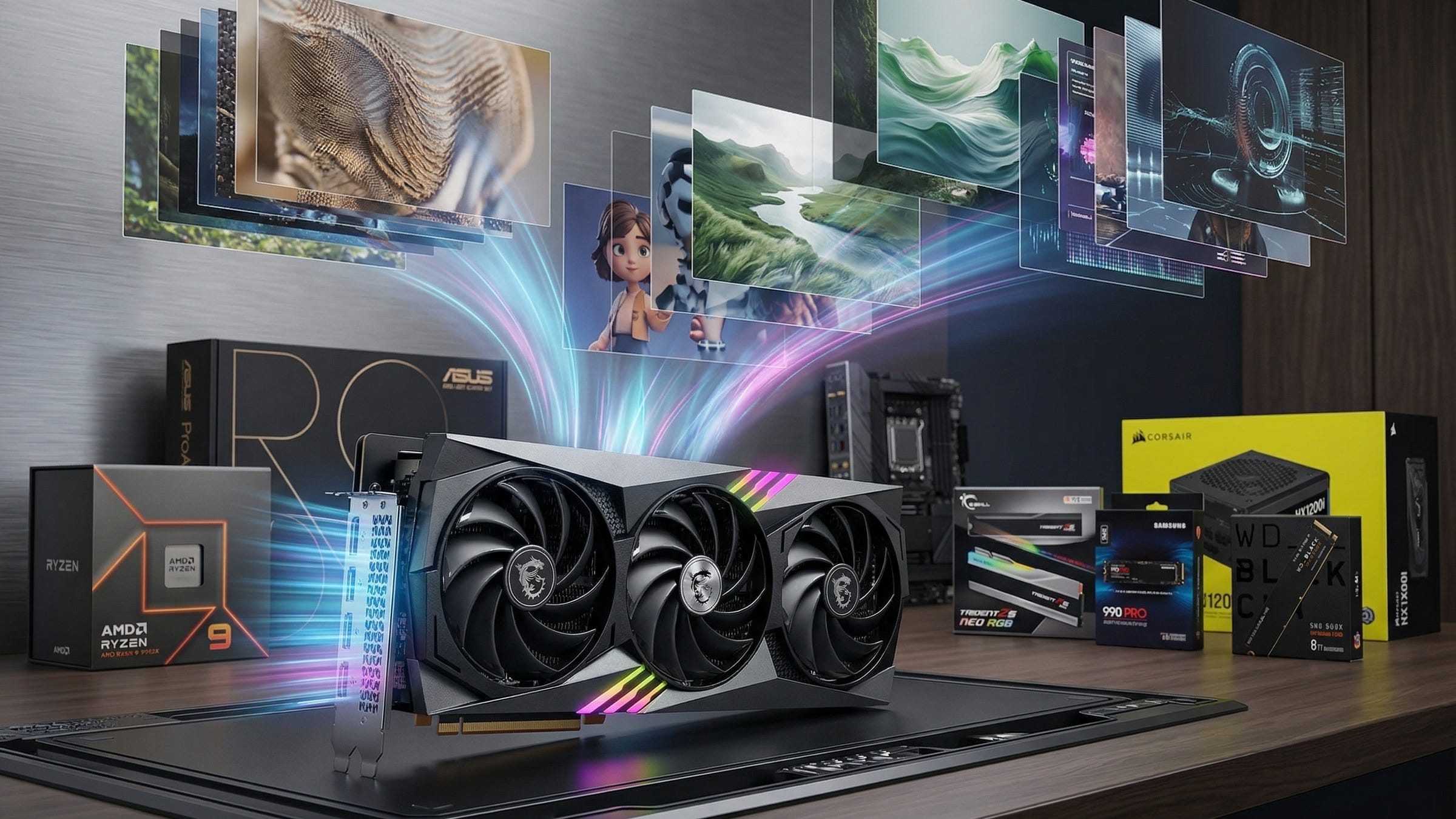
Local AI video generation finally makes sense on a serious consumer desktop. The split in the open model landscape is a lot clearer now. The official Wan 2.2 repo makes a strong case for a 24GB consumer GPU workstation, while the original HunyuanVideo repo remains far heavier. Tencent’s newer HunyuanVideo-1.5 repo is the more practical second engine for people building around an RTX 4090, and the official ComfyUI Wan2.2 guide has made the workflow much easier to keep.
That is why this build matters. A good local AI video generation PC is about more than raw speed. It gives you control over prompts, source images, outputs, workflow versions, and long-term capability. Cloud tools can rate limit you, change terms, filter prompts, or shift pricing whenever they want. A local workstation costs more up front, but it gives you a machine you can keep using on your terms.
More on local AI with an RTX 4090 GPU:

Why Wan 2.2 should anchor a 4090 build
If you are building the best RTX 4090 PC for local AI video generation, Wan 2.2 should sit at the center of the plan. The official project is refreshingly direct about what runs on consumer hardware. Its TI2V-5B model supports both text-to-video and image-to-video at 720P and 24 fps, and the repo explicitly says the single-GPU TI2V-5B command can run on at least 24GB of VRAM, including an RTX 4090-class card. That is the most important hardware truth in this whole category.
The fine print matters, too. Wan 2.2 includes larger model paths, but the same repo makes clear that the bigger A14B workloads live in 80GB territory. That means a smart consumer build should target the 4090-friendly lane that the model authors actually document, instead of pretending every Wan 2.2 variant is equally comfortable on one desktop GPU. For buyers trying to build a machine that stays useful, Wan 2.2 TI2V-5B is the honest anchor.
ComfyUI makes the choice even easier. The official guide says you can load a built-in “Wan2.2 5B video generation” template through Workflow, Browse Templates, and Video, and it notes that the 5B version fits well on 8GB VRAM with native offloading. On a 24GB card, that gives you far more breathing room for real work, larger jobs, and less painful juggling when you have browsers, editors, outputs, and model assets all open at once.
Where Hunyuan fits in a real 2026 workflow
Tencent’s video stack still matters a lot, but buyers need to separate the names before they spend money. The original HunyuanVideo project is not the repo you should use as the planning baseline for a one-card RTX 4090 workstation. Tencent documents it as a much heavier setup, tested on a single 80GB GPU, with a minimum of 60GB for 720×1280×129-frame generation and 45GB for 544×960×129-frame generation. That is useful context, because a lot of flashy “AI PC” advice still acts like a 4090 can comfortably handle every open video model worth caring about. It cannot.
The more practical Tencent option is HunyuanVideo-1.5. Tencent presents it as a lightweight 8.3B-parameter model designed for consumer-grade GPUs, with an offloaded path for GPUs above 14GB of memory and official ComfyUI support. Even better, Tencent says its 480p image-to-video step-distilled model can reduce end-to-end generation time by 75 percent on an RTX 4090, bringing a run down to within 75 seconds while maintaining comparable quality. That makes HunyuanVideo-1.5 the right second workflow for a 4090 owner who wants a broader local toolkit without drifting into fantasy hardware requirements.
Tencent is still expanding the stack around it. The official Tencent-Hunyuan GitHub organization now surfaces projects including HunyuanVideo, HunyuanVideo-1.5, and HunyuanVideo-I2V, while search results for the HunyuanVideo-I2V project show released inference code and model weights. That matters because it tells you Tencent is still pushing aggressively into open video tooling, even if the original flagship repo remains far too demanding to shape a single-4090 shopping list.
What buyers are actually looking for
The search intent behind this build is easy to see in the wild. In a recent Reddit thread asking for the currently preferred local AI video generator, the original poster edited the post to say that Wan 2.2 won out. That lines up with what 4090 owners keep asking: what should I actually run locally, what is worth building around, and which workflow is stable enough to keep instead of reinstalling everything every month.
That is the right lens for this guide. The best RTX 4090 AI workstation is not the most expensive machine you can assemble. It is the one that matches the software reality of local AI video generation right now.
The best local AI video generation PC build in 2026
Disclosure: This post includes Amazon affiliate links. If you buy through them, Popular AI may earn a small commission at no extra cost to you.
GPU: NVIDIA GeForce RTX 4090 24GB
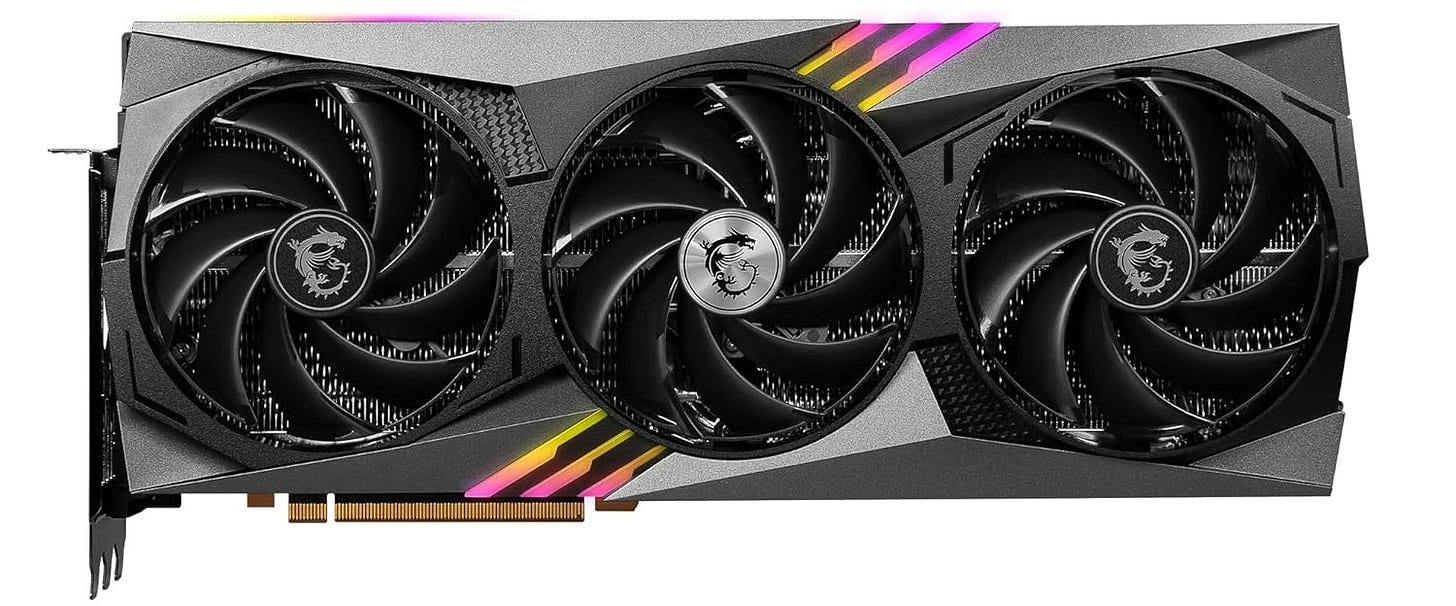
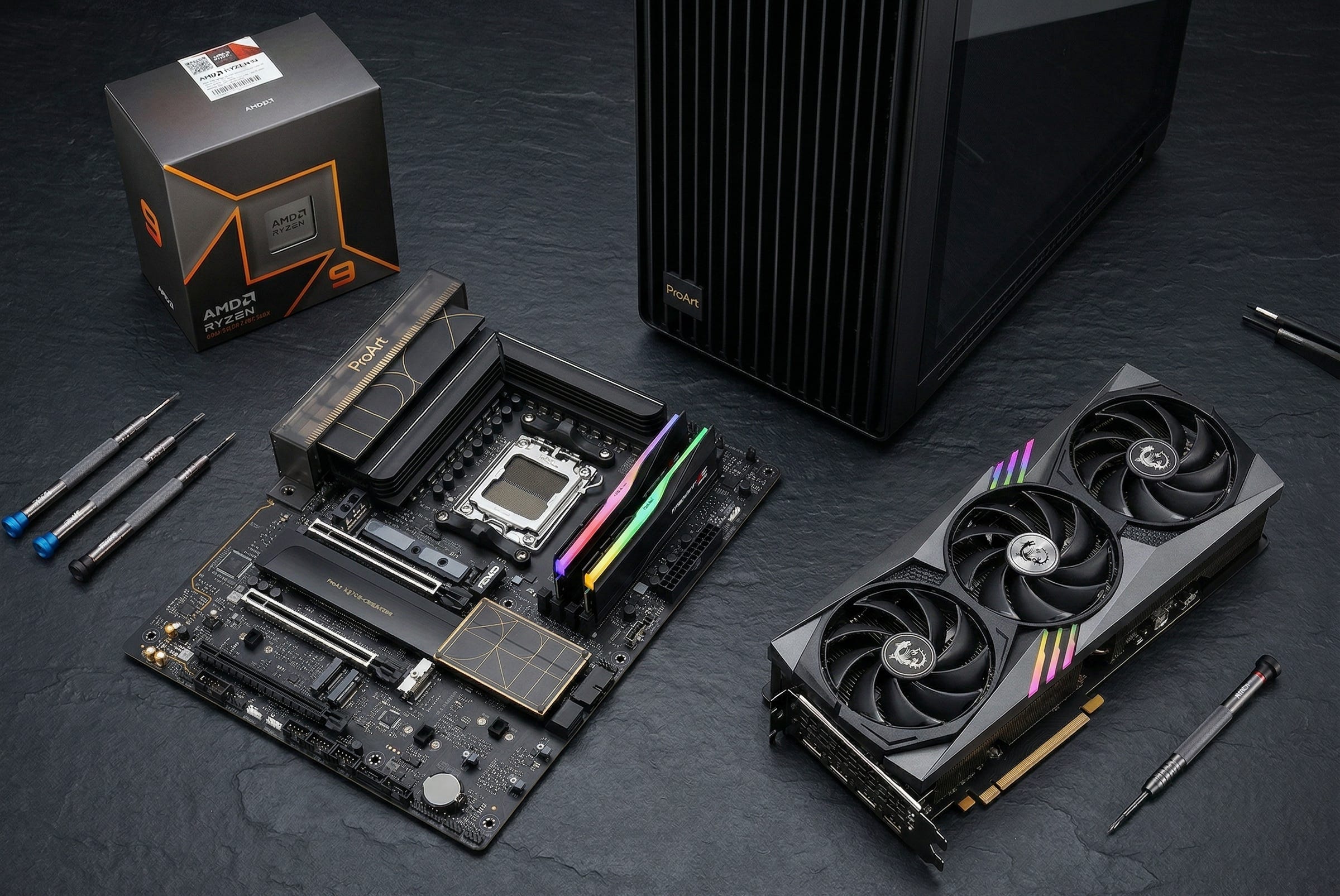
This is where the build starts, because local AI video generation is still a VRAM-first workload. Wan 2.2’s official TI2V-5B path is one of the clearest documented matches for a 24GB consumer GPU, so this is the part that determines whether the machine feels purposeful or compromised. The MSI GeForce RTX 4090 Gaming X Trio 24G is the obvious anchor for a workstation built around the best local text-to-video and image-to-video path available on a 4090-class card.
CPU: AMD Ryzen 9 9950X
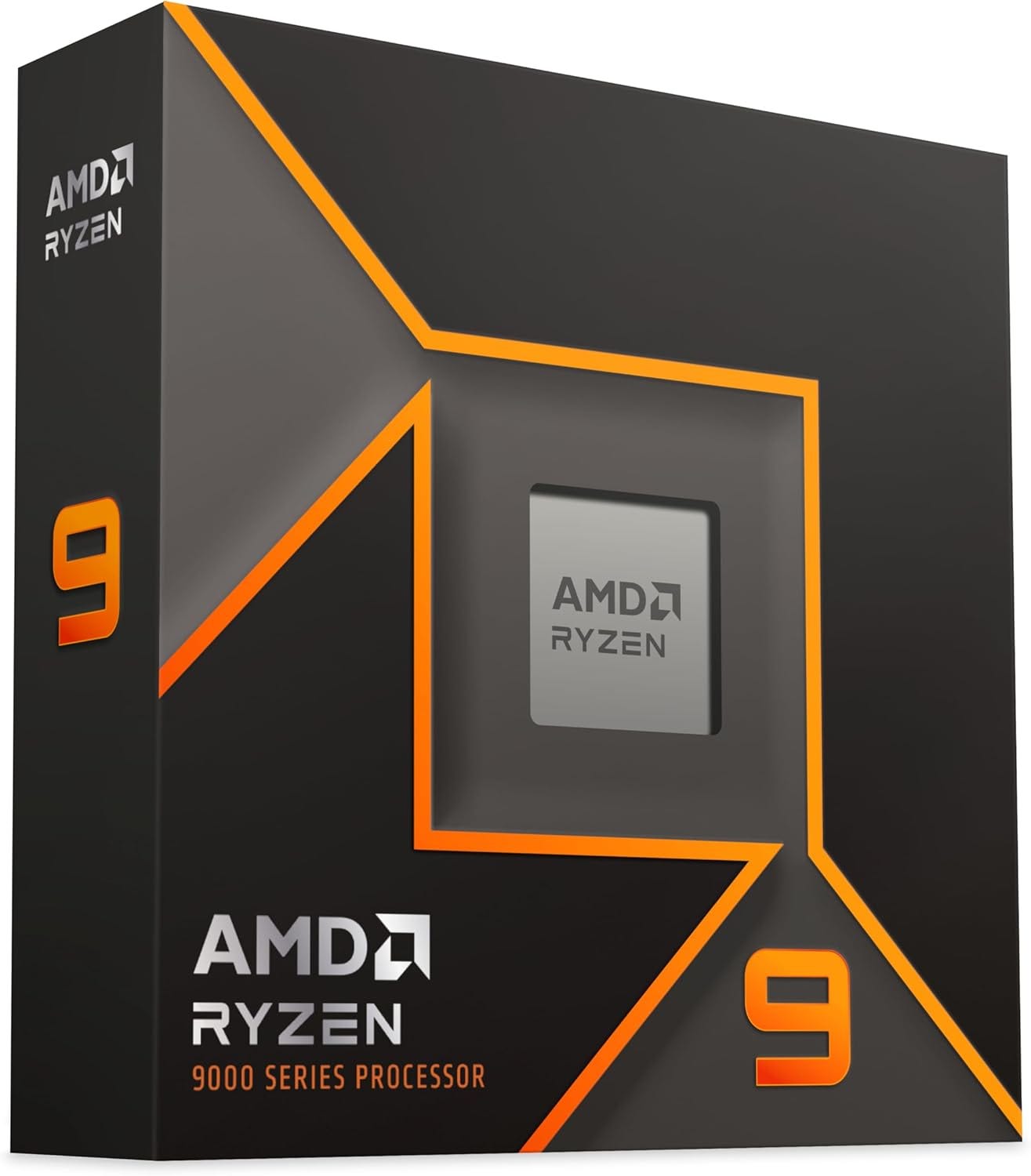
A local AI video workstation is still GPU-first, but you do not want a weak CPU feeding a high-end card. Model loading, preprocessing, encoding, background tasks, and day-to-day responsiveness all benefit from a serious desktop processor. The AMD Ryzen 9 9950X gives this build the kind of high-core-count headroom that makes ComfyUI, generation tools, and a normal multitasking desktop feel sane under load.
Motherboard: ASUS ProArt X870E-CREATOR WiFi
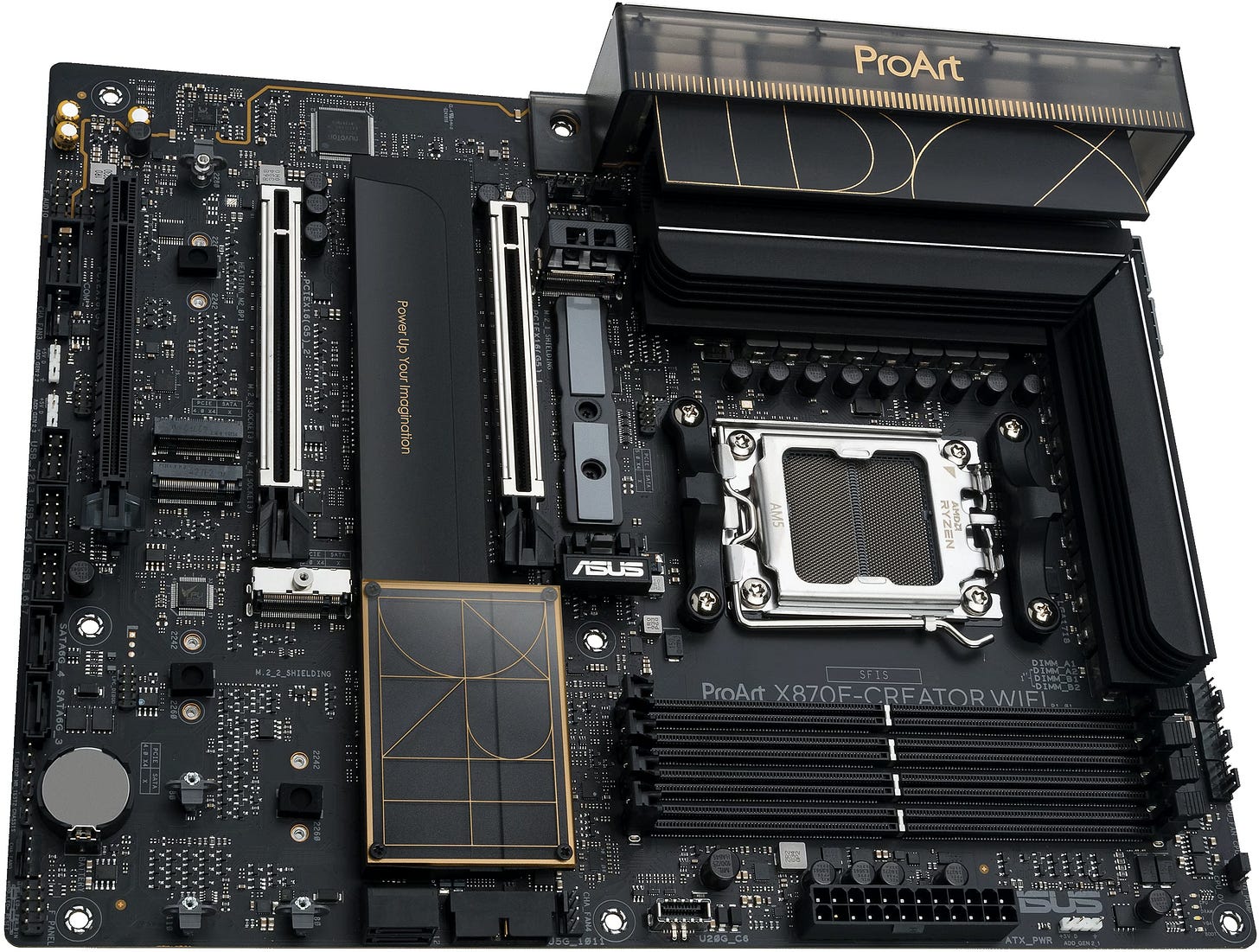
This machine needs a board built for creators, not one built to look aggressive in a glass box. The ASUS ProArt X870E-CREATOR WiFi is the kind of motherboard that makes sense for an AI workstation because it is designed around storage, connectivity, expansion, and low-drama reliability. That is far more useful here than gamer branding.
RAM: 128GB DDR5-6000, ideally 2×64GB
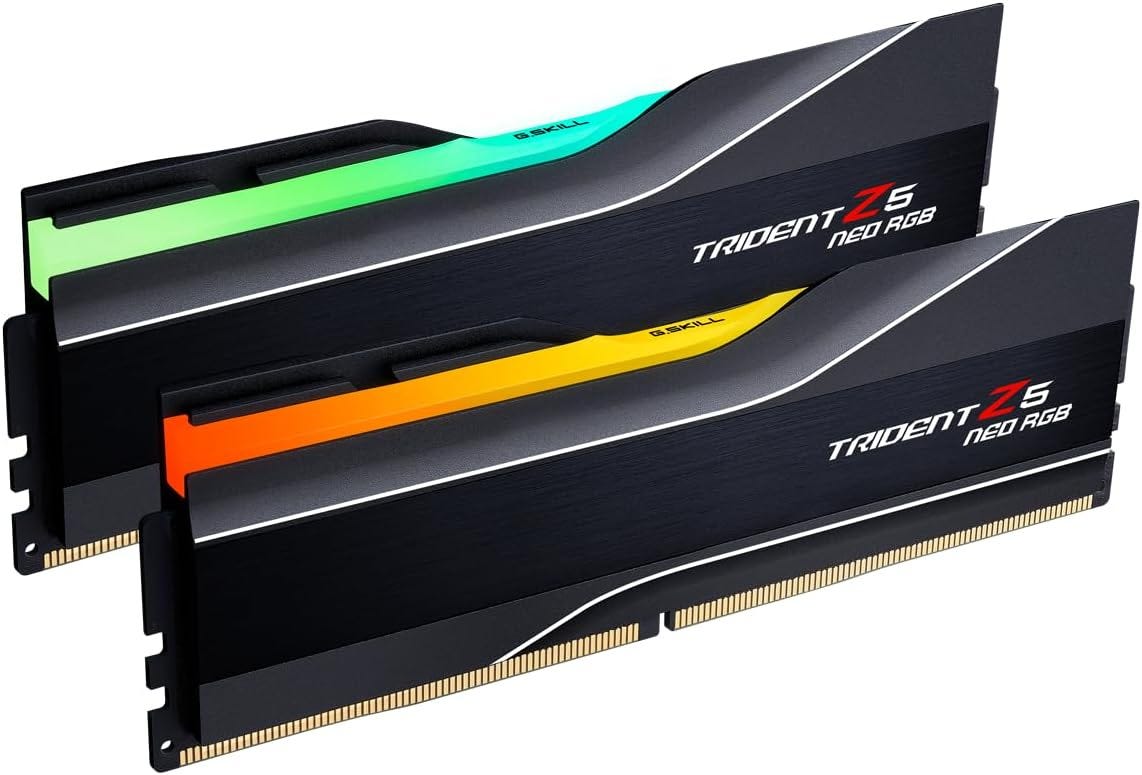
A lot of otherwise good RTX 4090 builds fail right here. Local AI video generation can burn through memory fast once offloading, model assets, browsers, editors, outputs, and caches start stacking up. A 2×64GB layout keeps things cleaner than filling every slot, and the G.Skill Trident Z5 Neo RGB 128GB DDR5-6000 kit lands in the sweet spot for a machine that is supposed to feel capable for years, not weeks.
Primary SSD: Samsung 990 PRO 4TB
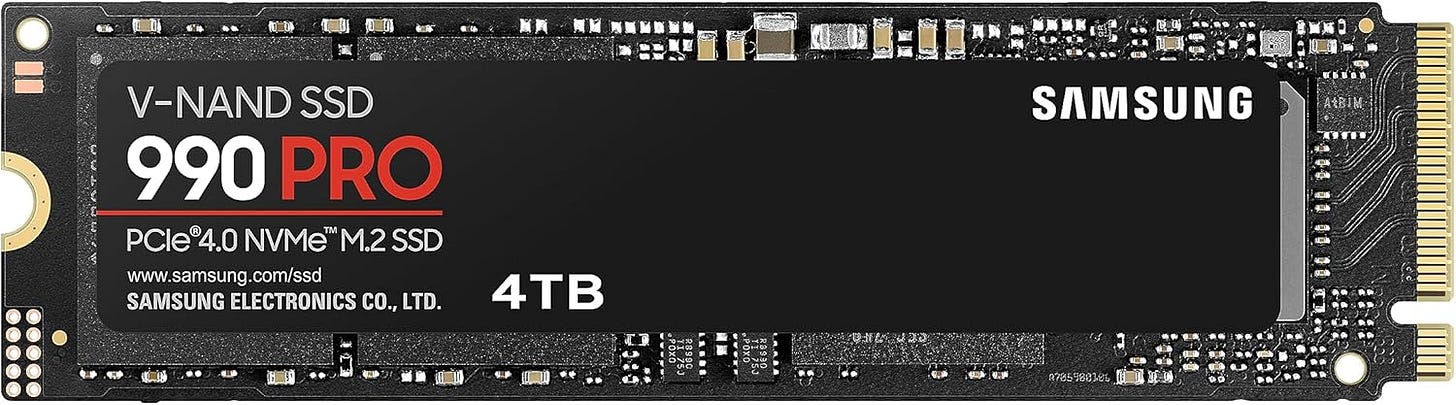
Your operating system, apps, current models, active project files, and day-to-day scratch work should live on a fast main drive with enough space that you do not start micromanaging it immediately. The Samsung 990 PRO 4TB is a strong fit for the primary SSD role because it gives this workstation the kind of fast, roomy baseline that local generation workloads actually need.
Scratch and model library SSD: WD_BLACK SN850X 8TB
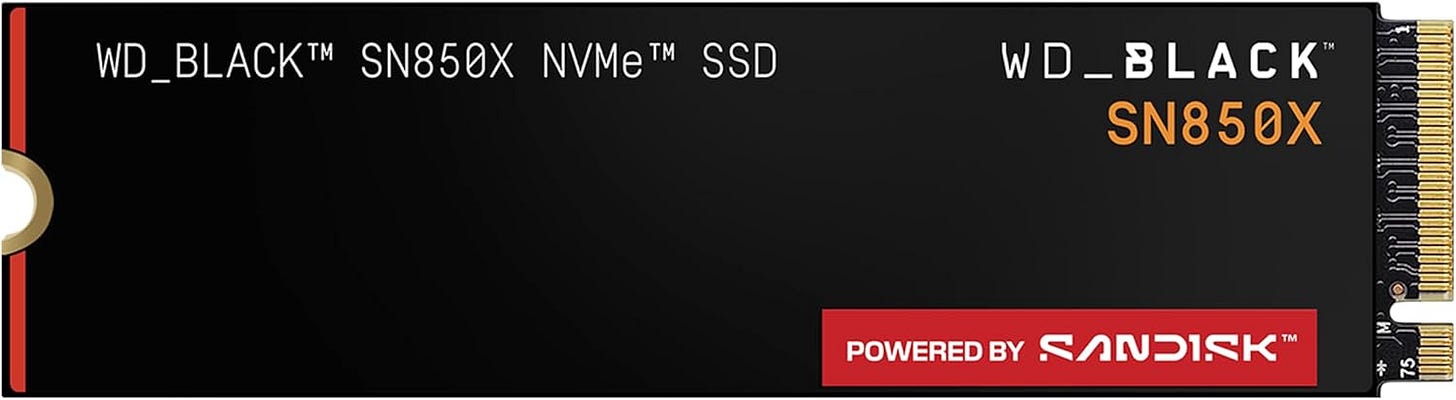
Model libraries, checkpoints, VAEs, text encoders, caches, input media, exports, and test generations pile up faster than most people expect. A second large NVMe drive turns this build from a nice benchmark machine into a genuinely comfortable daily workstation. The WD_BLACK SN850X 8TB is a smart choice for the model and scratch drive because it gives you breathing room on day one instead of forcing an upgrade path a few months later.
CPU cooler: ARCTIC Liquid Freezer III Pro 360
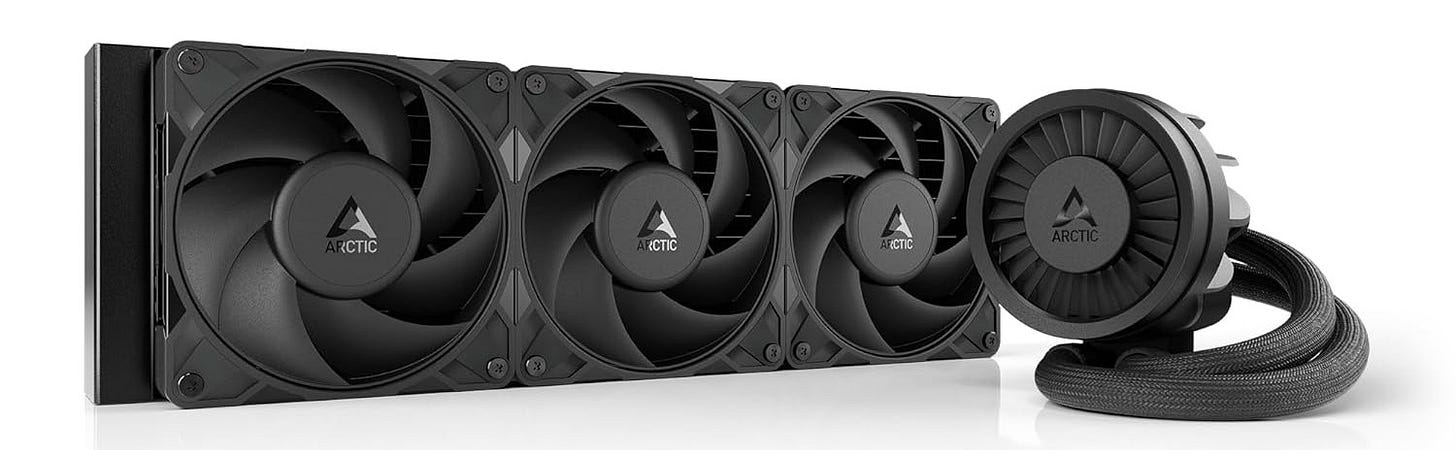
The CPU in this build deserves real cooling. Long sessions, heavy multitasking, and creator workloads reward stable thermals and low noise. The ARCTIC Liquid Freezer III Pro 360 fits the brief well and helps keep the whole machine feeling calm when generation runs stretch out.
Power supply: CORSAIR HX1200i (2025) 1200W
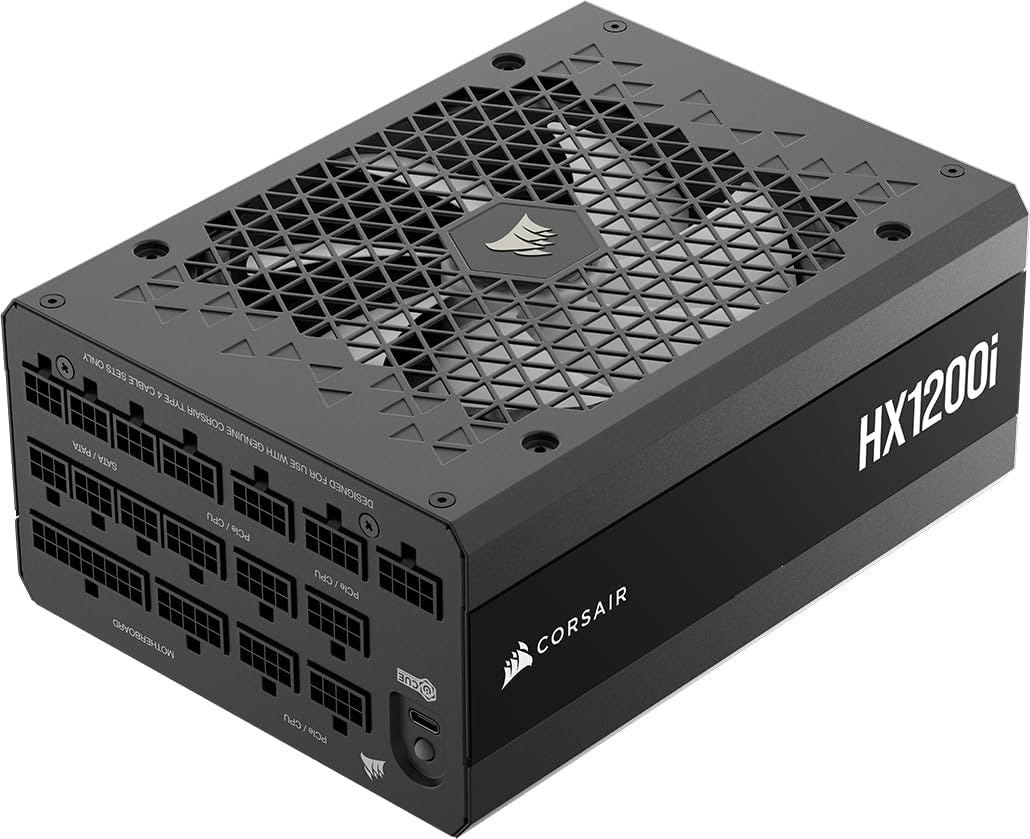
An RTX 4090 box should not be paired with a bargain power supply. Stability matters more once you stop treating the PC like a toy and start leaning on it for long renders, repeated workloads, and future upgrade flexibility. The CORSAIR HX1200i (2025) is the kind of premium PSU that makes sense in a serious AI workstation.
Case: ASUS ProArt PA602
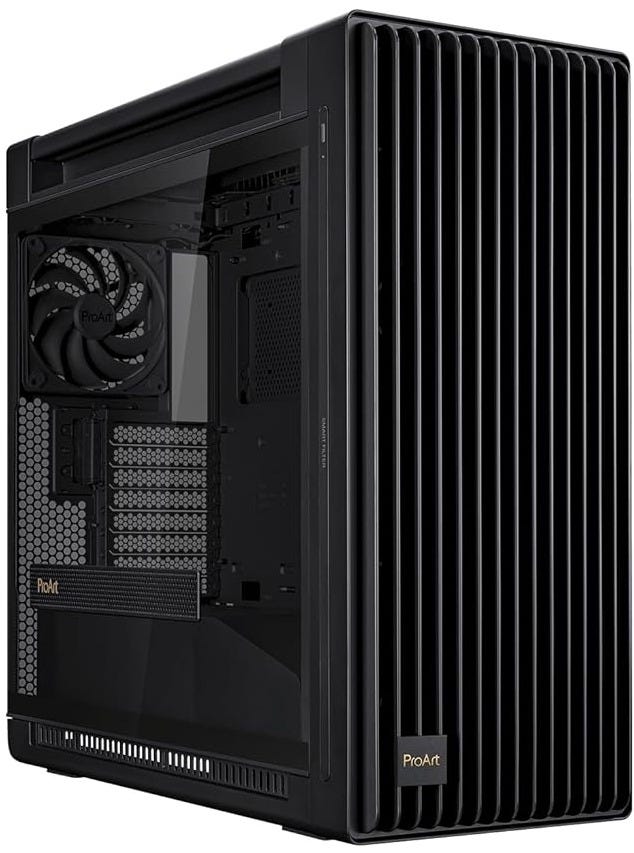
Big GPUs, large radiators, and long render sessions reward airflow and room to work. The ASUS ProArt PA602 is exactly the kind of case this build wants, roomy, creator-focused, and designed to keep thermals under control without turning the system into a maintenance project.


Why this parts mix works better than a flashy AI PC
A lot of “AI PC” coverage still gets the priorities backward. For local AI video generation, the money should go to the 24GB GPU first, then to system memory, then to fast storage, then to cooling and stable power delivery. That is what this build does.
The reason is simple. Wan 2.2’s practical 4090 workflow wants the VRAM. Offloading and big local workflows want the RAM. Model libraries and outputs want lots of NVMe space. Long sessions want airflow and a real PSU. Those are the pressure points you actually feel after the first week.
What you do not need is a shopping list full of fake-premium parts that look expensive but do little for the workload. A smaller case makes the machine worse. A prettier gaming motherboard with less storage flexibility makes the machine worse. A weaker PSU makes the machine worse. The whole point of a proper RTX 4090 AI workstation is to remove friction, not add it.
What this workstation can realistically run
On a one-GPU consumer box, Wan 2.2 TI2V-5B should be your daily driver. It is the cleanest official path for local text-to-video and image-to-video on a 24GB card, and it now has a straightforward ComfyUI path. HunyuanVideo-1.5 should be the second workflow you add, because it is Tencent’s lighter branch with consumer-GPU support and a much more believable fit for this class of hardware. The original HunyuanVideo repo still belongs in the “advanced or remote hardware” bucket unless you have access to much larger memory pools.
That distinction is what makes this build strong. It is not trying to win a theoretical argument about every open video model on the market. It is built around the paths that actually line up with a serious 24GB consumer GPU in the real world.
The software path that wastes the least time
For most people, the least painful start is to begin with the official ComfyUI Wan2.2 workflow guide, load the built-in Wan2.2 5B video generation template, and make that your main local AI video generation path. That gets you onto a supported route quickly, and it keeps the machine focused on the workload it was built for.
Once that is working, add HunyuanVideo-1.5 as your second engine. That gives you a broader open-source video stack without forcing the whole workstation to revolve around the much heavier original HunyuanVideo requirements. If this box is going to live as a dedicated generation node, Linux still makes the cleanest match for the official repo ecosystem. If it is a mixed-use creator desktop, you can still get a lot done as long as Wan 2.2 in ComfyUI stays at the center.
Why local AI video generation still matters
There is a deeper reason to build a machine like this. A local AI video workstation gives you privacy, consistency, and leverage. Your prompts stay with you. Your rejected takes stay with you. Your source material stays with you. Your workflow does not disappear because a vendor changed the product, the pricing, or the rules.
That matters more than a lot of reviews admit. Local video generation is attractive because it lets creators own a real capability instead of renting access to one. Once the hardware is in place, your costs become more predictable, your process gets steadier, and the machine keeps working even when the online market shifts again.
Final verdict
The best RTX 4090 PC build for local AI video generation in 2026 is a disciplined workstation, not an enterprise fantasy and not a gimmicky “AI PC.” Build around Wan 2.2 TI2V-5B first. Add HunyuanVideo-1.5 second. Spend your money on VRAM, RAM, storage, cooling, and power stability.
Do that, and local AI video generation stops feeling like a pile of half-working experiments. It starts feeling like a real creative tool.
Explore more from Popular AI:
Start here | Local AI | Fixes & guides | Builds & gear | Popular AI podcast
We put this build together to run Wan 2.2 and HunyuanVideo-1.5 locally without wasting money on flashy parts that do little for real workloads. What are you using for local AI video generation right now, and what would you change in this build?