


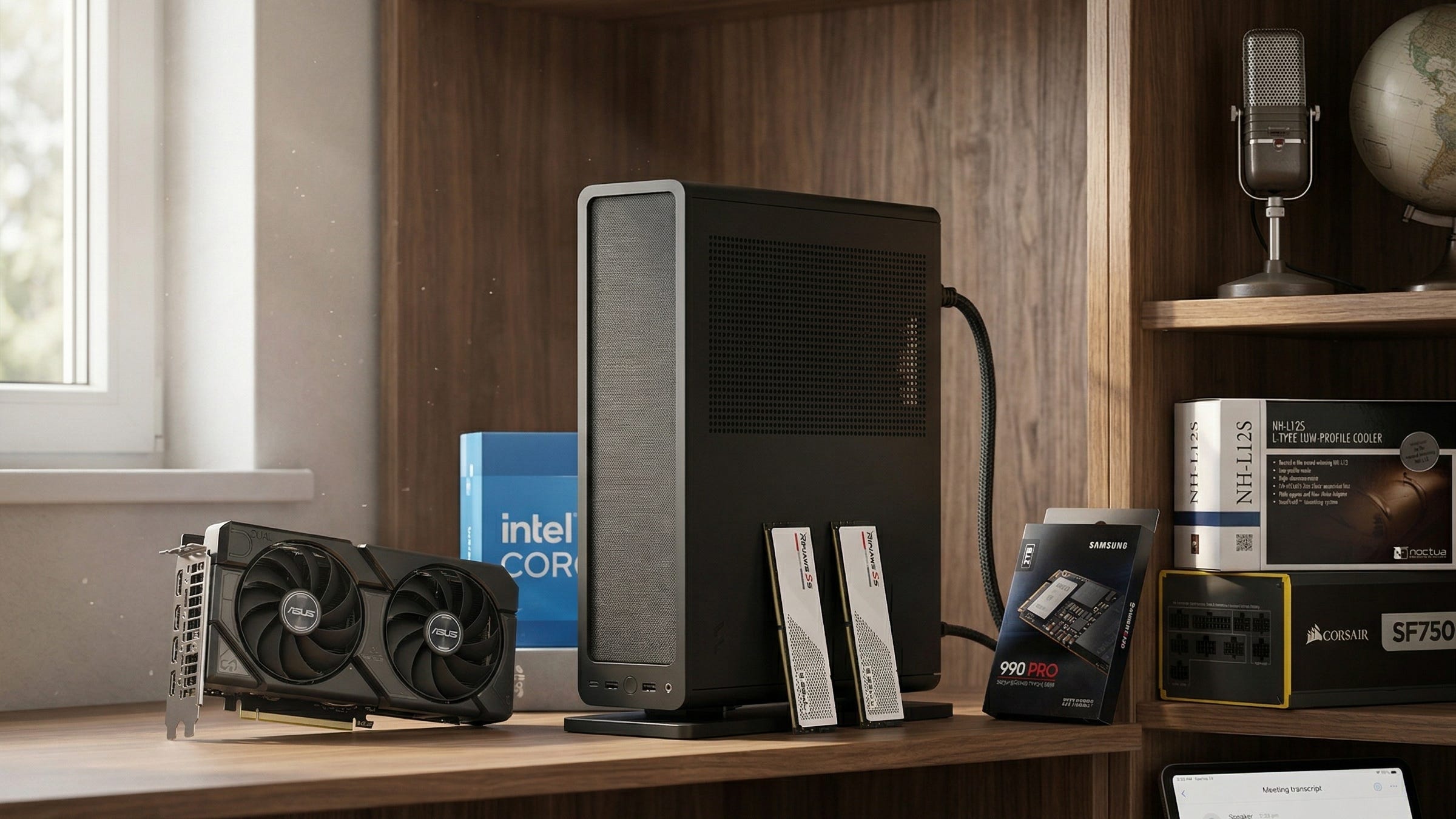
Every private call you upload to a transcription SaaS creates a new copy of your conversations outside your control. That can turn into retention risk, compliance headaches, or a slow drip of vendor lock-in that gets more expensive as your archive grows. For people who record client calls, interviews, sales meetings, research sessions, or internal team conversations, a self-hosted transcription server is no longer a fringe hobby. It is a practical way to keep sensitive audio, transcripts, and meeting notes on hardware you own.
The timing matters. The software stack is stronger than it was even a year ago. Whisper is still the foundation most people benchmark against. faster-whisper is the version that makes real-world deployment feel fast enough to use every day. WhisperX adds word-level timestamps and diarization that make transcripts far more useful when you need to know who said what and when. In other words, the missing pieces have started to click into place.
What Popular AI readers care about is simple. You want a private meeting-notes appliance that can sit quietly on a shelf, chew through recordings, and hand back something you can actually use. That means audio in, transcript out, speakers separated when possible, and notes that can flow into a local knowledge system without routing your entire workflow through someone else’s cloud.
More on local AI audio transcription:

The new wave of self-hosted transcription tools is real
This demand is not hypothetical. In the r/selfhosted discussion about aside, the creator described a local meeting recorder that captures mic and system audio together, runs local transcription, and writes output into an Obsidian vault with wikilinks. The original aside thread is compelling because it shows what people actually want from AI transcription today. They do not want a raw block of text. They want a private workflow that turns a call into a useful note.
The same story shows up in the community response to TranscriptionSuite, which pitches a fully local transcription and diarization setup with OpenAI-compatible endpoints, remote access, live mode, and audio notebook workflows. That kind of project matters because it makes the category feel mature. It is no longer “can I run this at all?” It is “which stack fits the way I already work?”
You can see the shift in help-me-choose conversations too. In a recent thread asking whether WhisperX is the best self-hosted transcription option, people were comparing accuracy, model size, local speed, and workflows that capture both sides of a call. That is a market that has moved beyond curiosity.
Why faster-whisper is the right engine for most readers
OpenAI’s official Whisper repository remains the baseline reference because it tells you what the models are trying to do and where their limits are. The project documentation lays out the model family, the multilingual design, and the fact that Whisper is a general-purpose speech recognition system rather than a meeting-notes product. That distinction matters. Whisper gives you strong raw transcription capabilities. It does not, by itself, give you a polished local workflow.
That is where faster-whisper earns its place. It is the implementation most readers should start with because it keeps Whisper-level quality while making latency and memory use far more manageable on consumer hardware. A private transcription box needs to feel dependable. Waiting forever for jobs to finish is how a promising weekend project turns into an unused box in the corner.
When you need diarization and tighter timestamps, WhisperX is the layer that makes a self-hosted meeting-notes server feel serious. WhisperX adds speaker labeling, voice activity detection, and word alignment on top of a faster-whisper backend. For journalists, consultants, researchers, founders, and anyone who needs to trace a quote or decision back to the exact moment in a conversation, that extra structure is the difference between a transcript you skim once and a transcript you build on.
The server story is better than many people realize. Speaches gives you an OpenAI-compatible API surface for local speech work, which makes it much easier to connect scripts, front ends, and automations. For simpler setups, whisper-fastapi is another useful option if you want a lightweight API layer. And if you have seen older guides mention faster-whisper-server, that repo now points at the Speaches project rather than a separate stack.
There is also a strong argument for keeping this workload off your main smart-home box. The AlexxIT FasterWhisper integration for Home Assistant is a useful warning sign because it openly notes that heavy local STT workloads can create performance and backup problems inside Home Assistant. That is exactly why a dedicated private transcription server makes sense. You keep the load isolated, the storage predictable, and the maintenance headaches contained.
What the best mini server for self-hosted transcription needs
A good private transcription appliance does not need to look like a gaming tower, but it does need real hardware. The sweet spot is a compact NVIDIA-backed system with enough CPU, enough RAM, and enough SSD throughput to keep recording, transcription, diarization, container services, and note exports moving without friction.
That is why the best mini server for self-hosted transcription is not the same thing as the cheapest mini PC that can technically launch Whisper. A bargain box can work for occasional jobs. It usually starts to feel cramped once you add diarization, Docker containers, model downloads, archived recordings, and any kind of local summarization or note processing on top. The result is a system that feels fine during a demo and annoying during real work.
For most Popular AI readers, the real target is a quiet small-form-factor build with an RTX 4060, 64GB of RAM, and fast NVMe storage. That combination gives you enough headroom for serious local transcription, enough GPU memory for WhisperX-class workflows, and enough system memory to avoid the death-by-a-thousand-slowdowns that happens when multiple services are running at once.
Best mini server build for self-hosted transcription
Here is the buy-now build that makes the most sense for a private Whisper, faster-whisper, and WhisperX appliance. It stays compact, it stays quiet, and it has the right upgrade path for readers who want a server that still feels relevant a year from now.
Disclosure: This post includes Amazon affiliate links. If you buy through them, Popular AI may earn a small commission at no extra cost to you.
CPU: Intel Core i5-14500
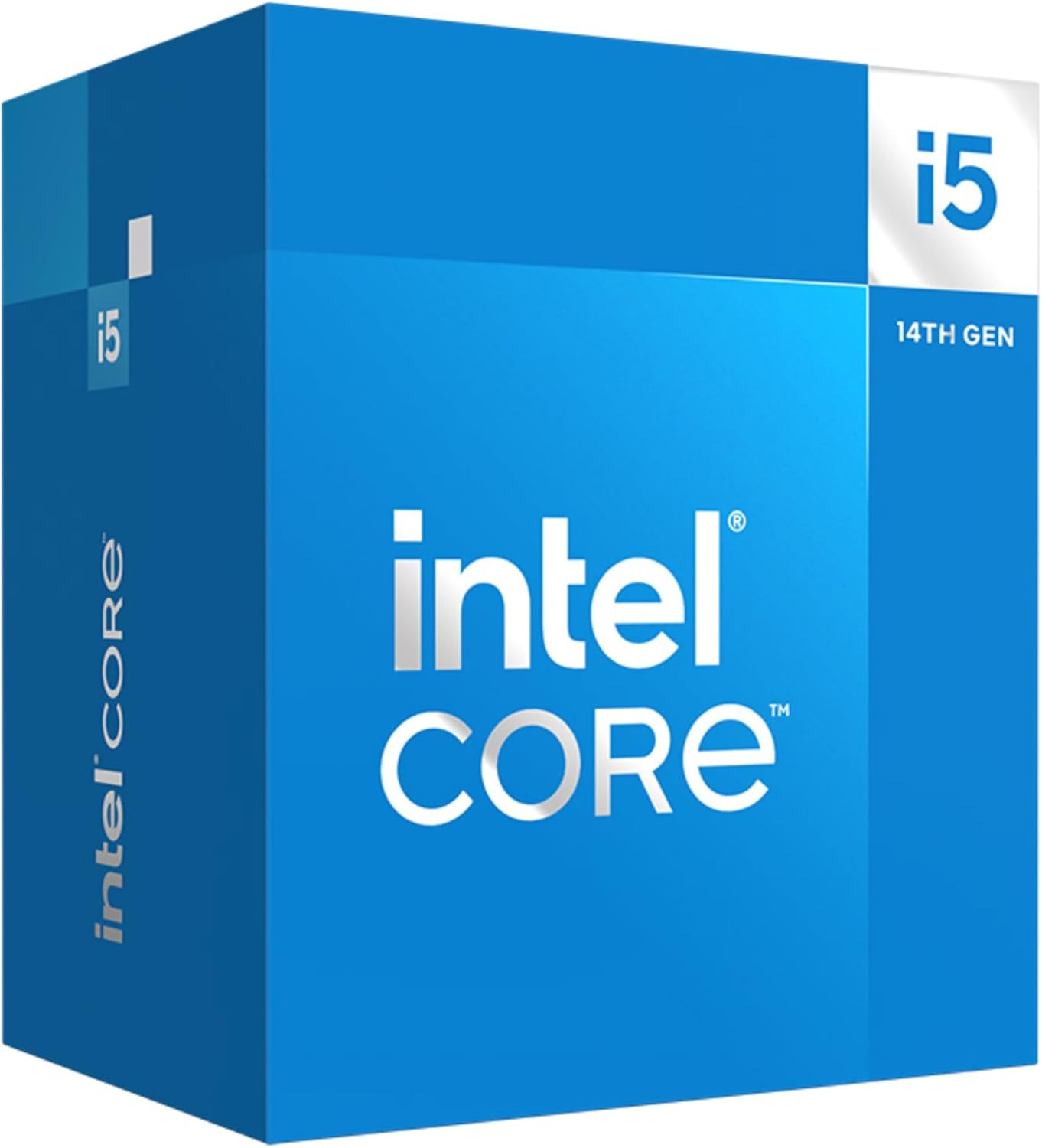
The Intel Core i5-14500 is the right kind of processor for a self-hosted transcription server because it balances idle efficiency with enough multi-core muscle to handle CPU-side tasks around the GPU. If you are recording audio, unpacking files, running containers, indexing transcripts, and occasionally transcribing lighter jobs without CUDA acceleration, this chip gives you room to breathe. Intel’s official specification page is a good reminder that you are getting a 14-core, 20-thread desktop CPU with a 65W base power target, which is exactly the kind of profile that fits an always-on appliance.
Motherboard: MSI MPG B760I Edge WiFi
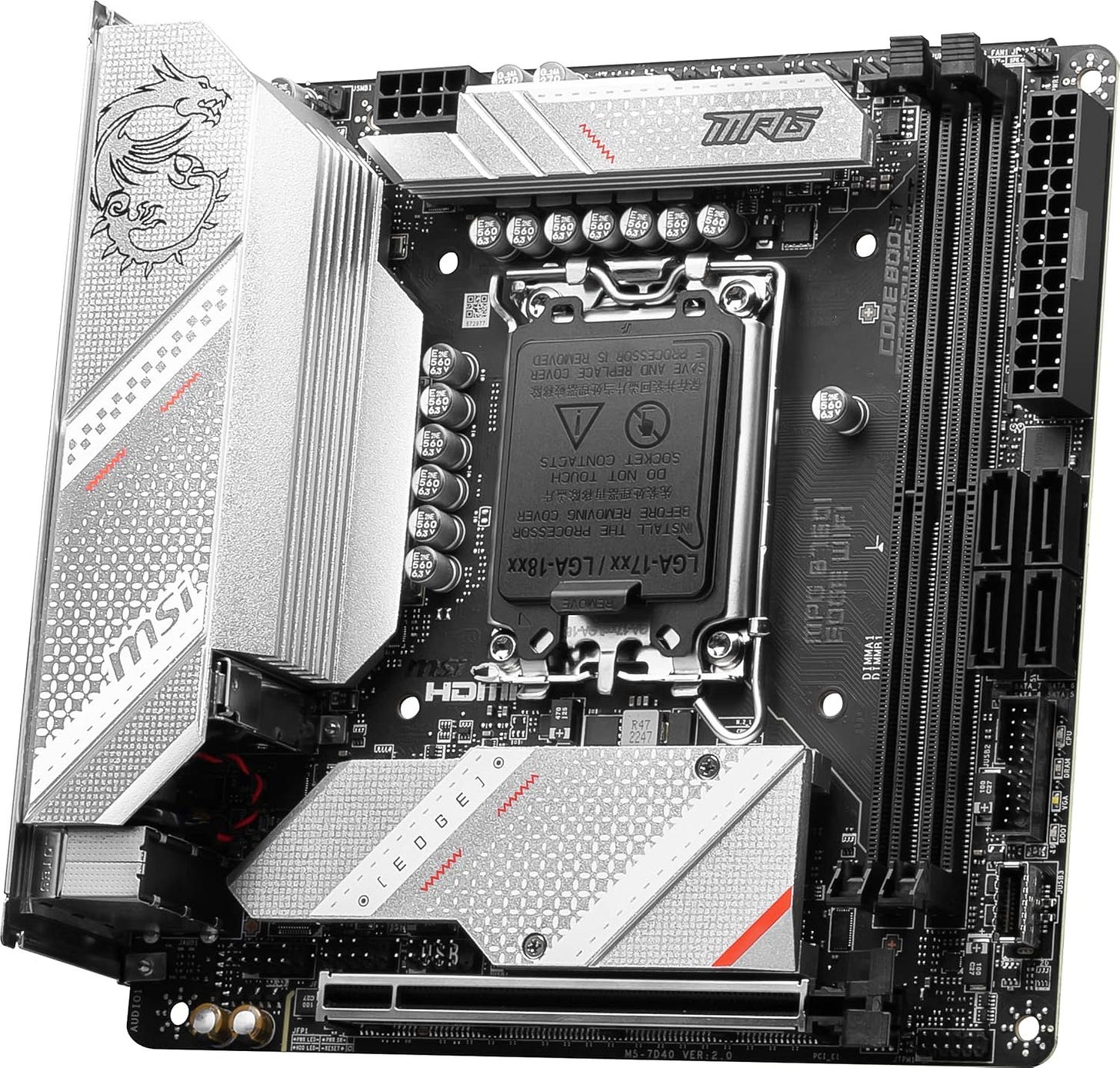
Mini-ITX is the format that makes this whole build possible, and the MSI MPG B760I Edge WiFi hits the right feature mix without feeling compromised. The board’s official specification page confirms the features that matter for this build, including DDR5 support, 2.5GbE networking, Wi-Fi 6E, and dual M.2 slots. That gives you enough flexibility for a fast boot drive today and a second NVMe drive later for archived audio, model caches, or local note storage.
CPU cooler: Noctua NH-L12S
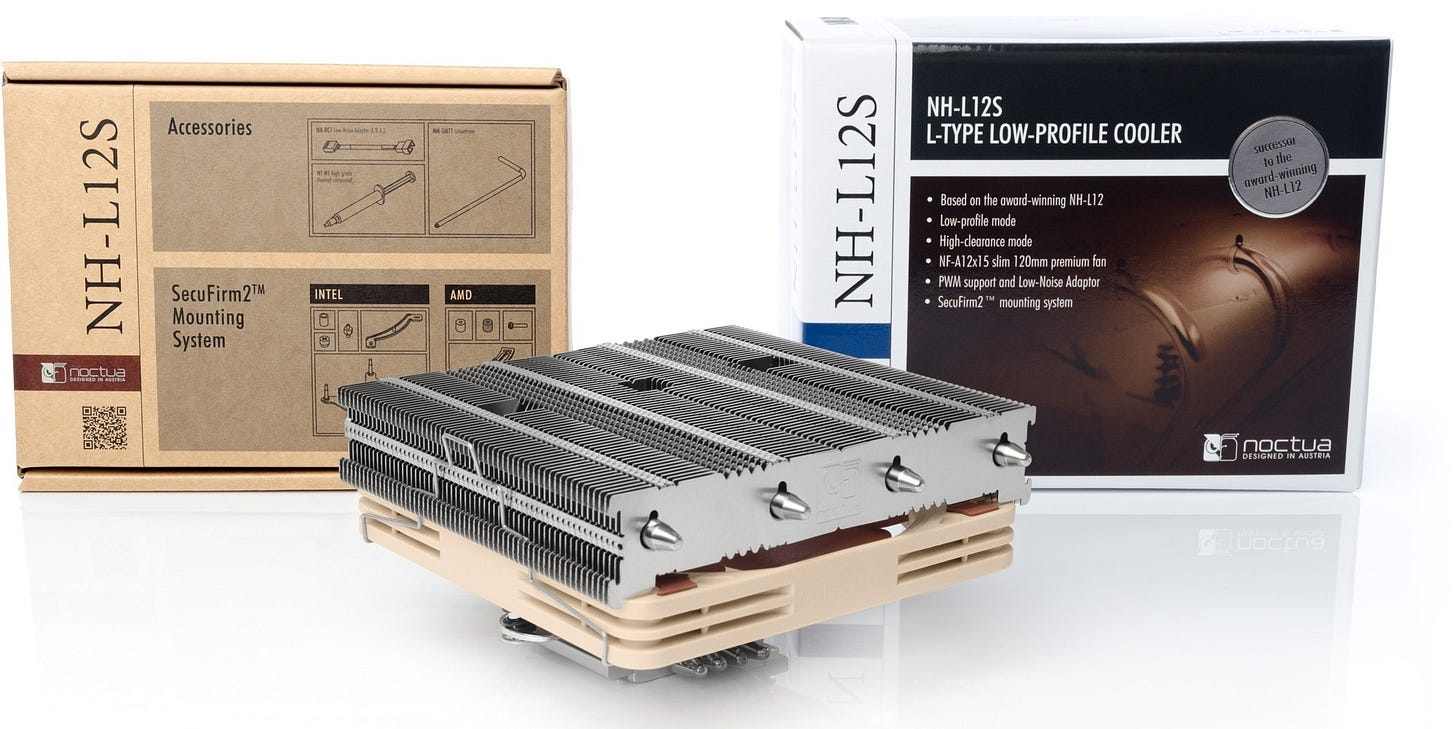
Quiet matters when you are building a machine that may live in an office, study, or shared room. The Noctua NH-L12S is here because low-profile clearance is a hard constraint in compact cases, and this cooler keeps the build practical without turning acoustics into a science project.
RAM: G.Skill Ripjaws S5 64GB DDR5-5600
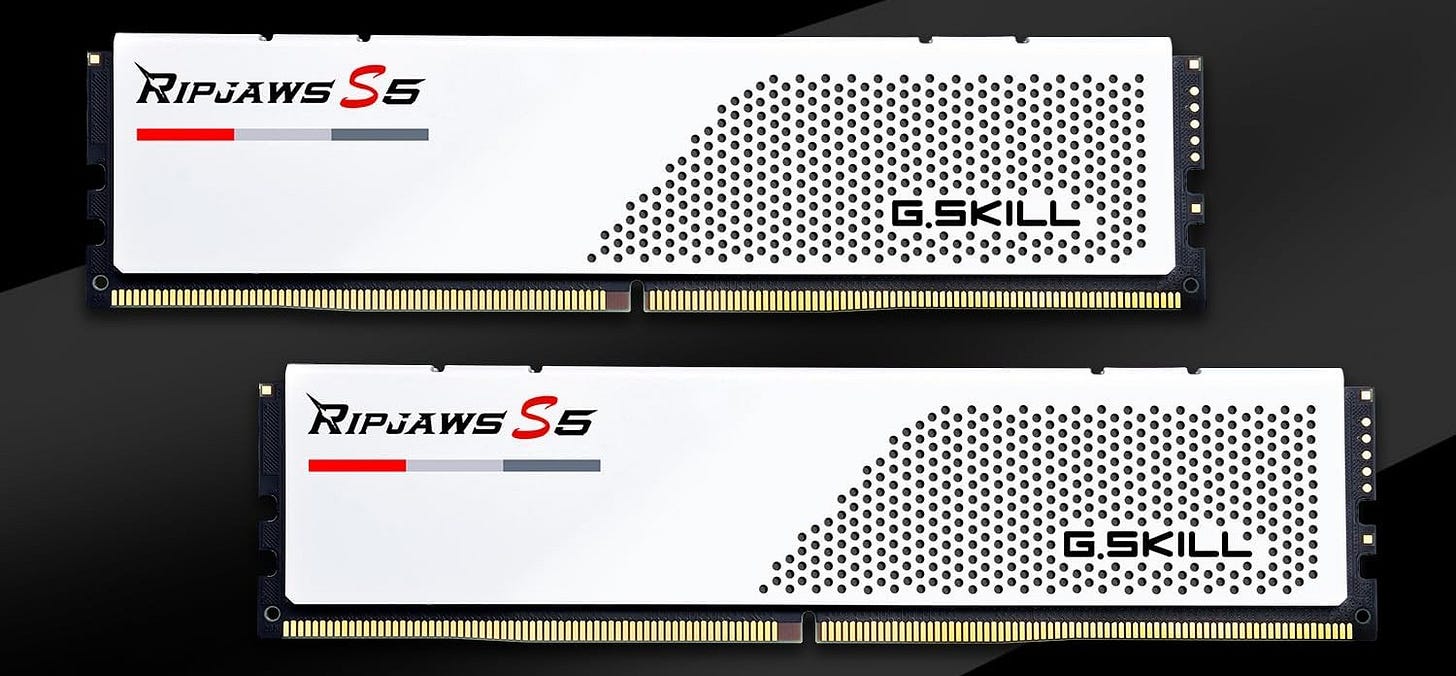
A local transcription appliance is one of those builds where 64GB of RAM stops feeling extravagant very quickly. Diarization, multiple containers, large transcript jobs, vector indexing, and local note workflows all compete for memory. The case for this particular kit is simple. It gives you 64GB in a compact 2x32GB layout, and Amazon’s Ripjaws S5 product page highlights the low-profile 33mm design that matters in a cramped small-form-factor system.
Storage: Samsung 990 PRO 2TB
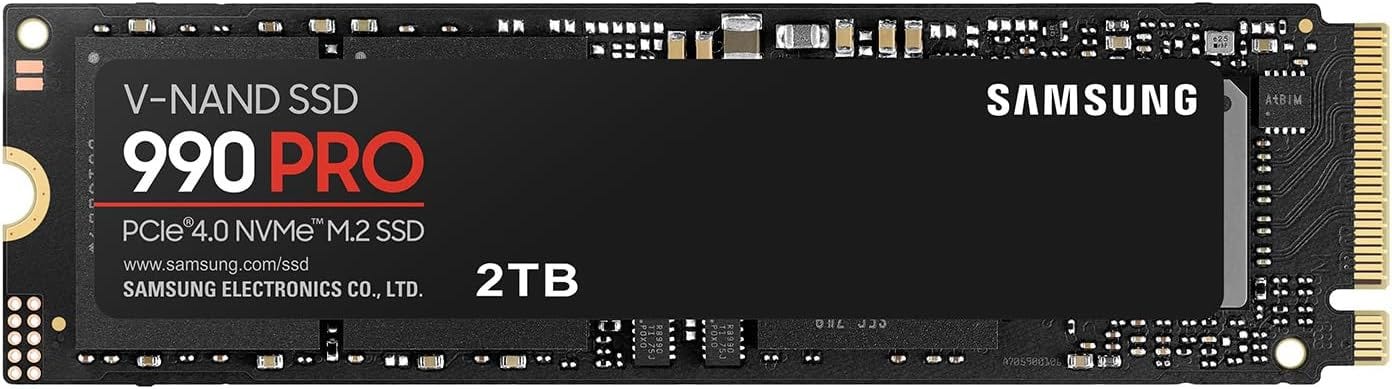
Fast local storage is easy to underrate until you start dealing with large audio uploads, temporary files, container volumes, model downloads, and a growing archive of transcripts. The Samsung 990 PRO 2TB is a strong fit because it gives this build enough capacity to stay useful without forcing you to play storage Tetris on day one. Samsung’s Amazon 990 PRO listing also matches this project’s demand for high sequential read performance, which is exactly what you want when this box is doing constant file movement behind the scenes.
Case: Fractal Design Ridge
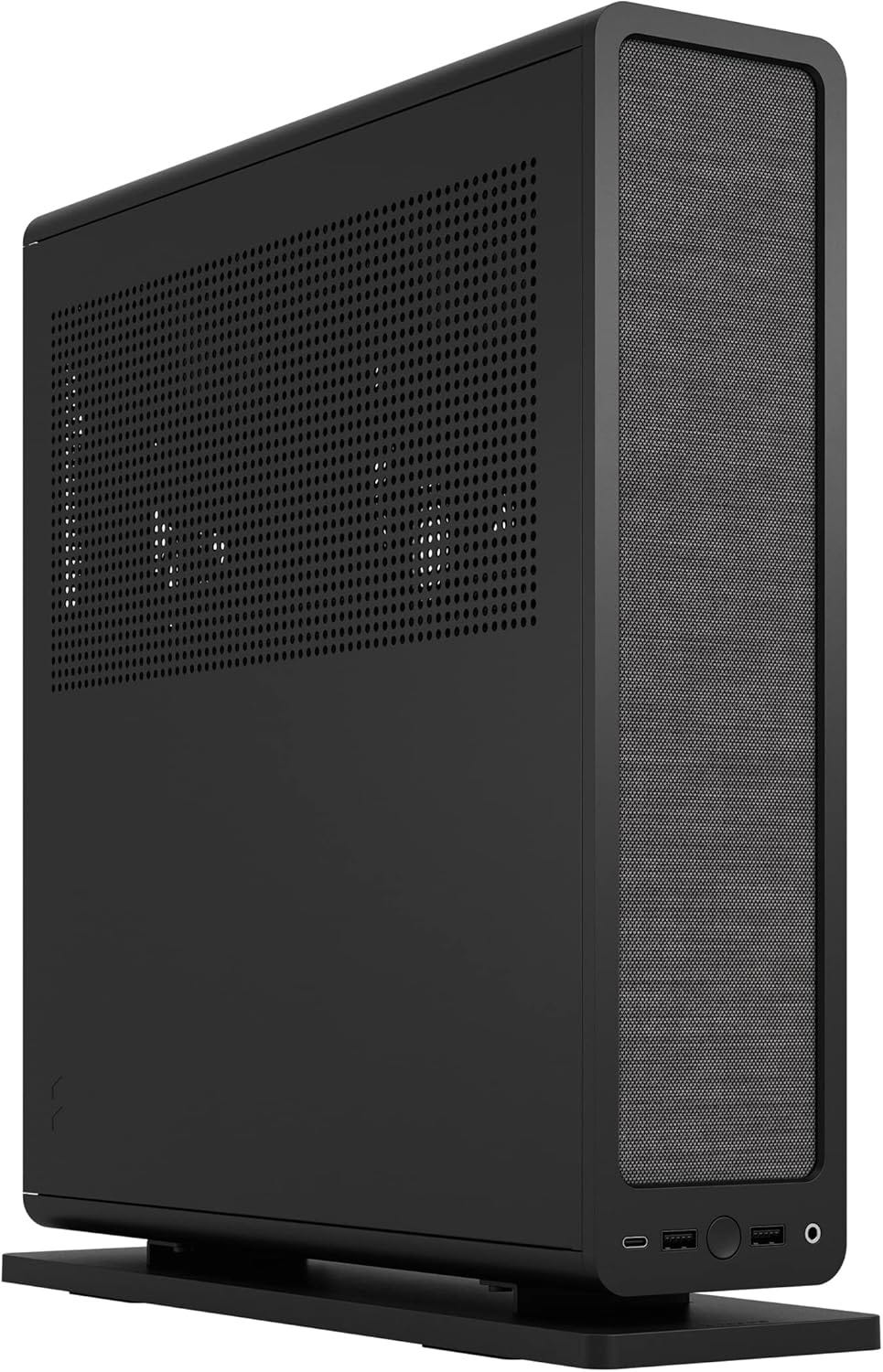
The Fractal Ridge is the case that turns this from a pile of parts into something you can actually keep in view. It looks clean, it stays compact, and it is purpose-built for the kind of small-form-factor GPU build this article recommends. Fractal’s Amazon Ridge product page notes an included PCIe 4.0 riser and bundled fans. This is how you build a transcription server that feels like an appliance rather than a hobbyist lab experiment.
Power supply: Corsair SF750 (2024)
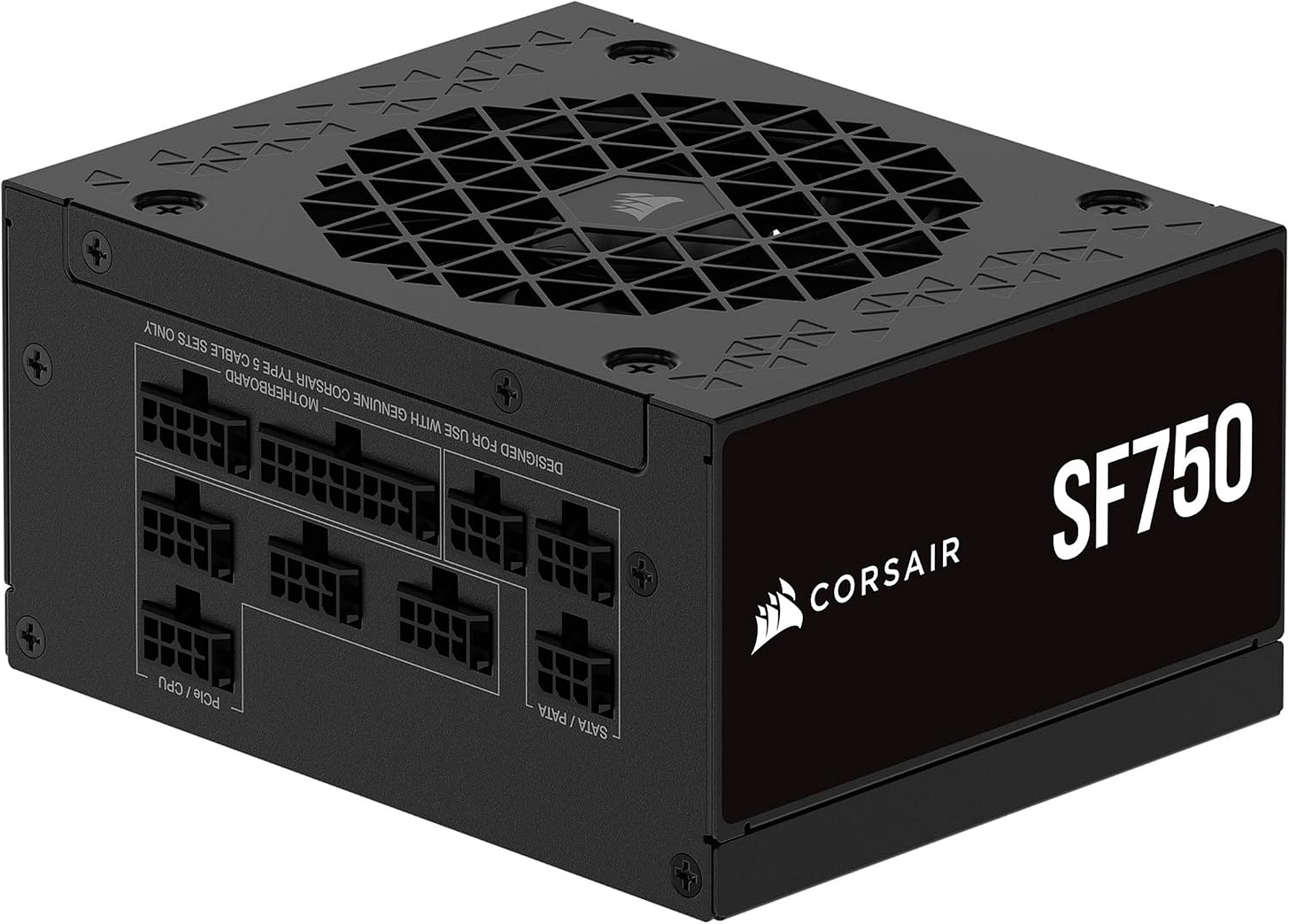
The Corsair SF750 is more power supply than this exact build strictly requires, and that is a feature, not a problem. Small-form-factor builds become miserable when the PSU is loud, cramped, or built around wishful thinking. The Amazon SF750 product page shows its SFX design, 80 Plus Platinum efficiency, and modern compliance for newer GPU cabling standards. It gives the system clean power today and enough room for future changes without a rebuild.
GPU: ASUS Dual GeForce RTX 4060 EVO OC 8GB
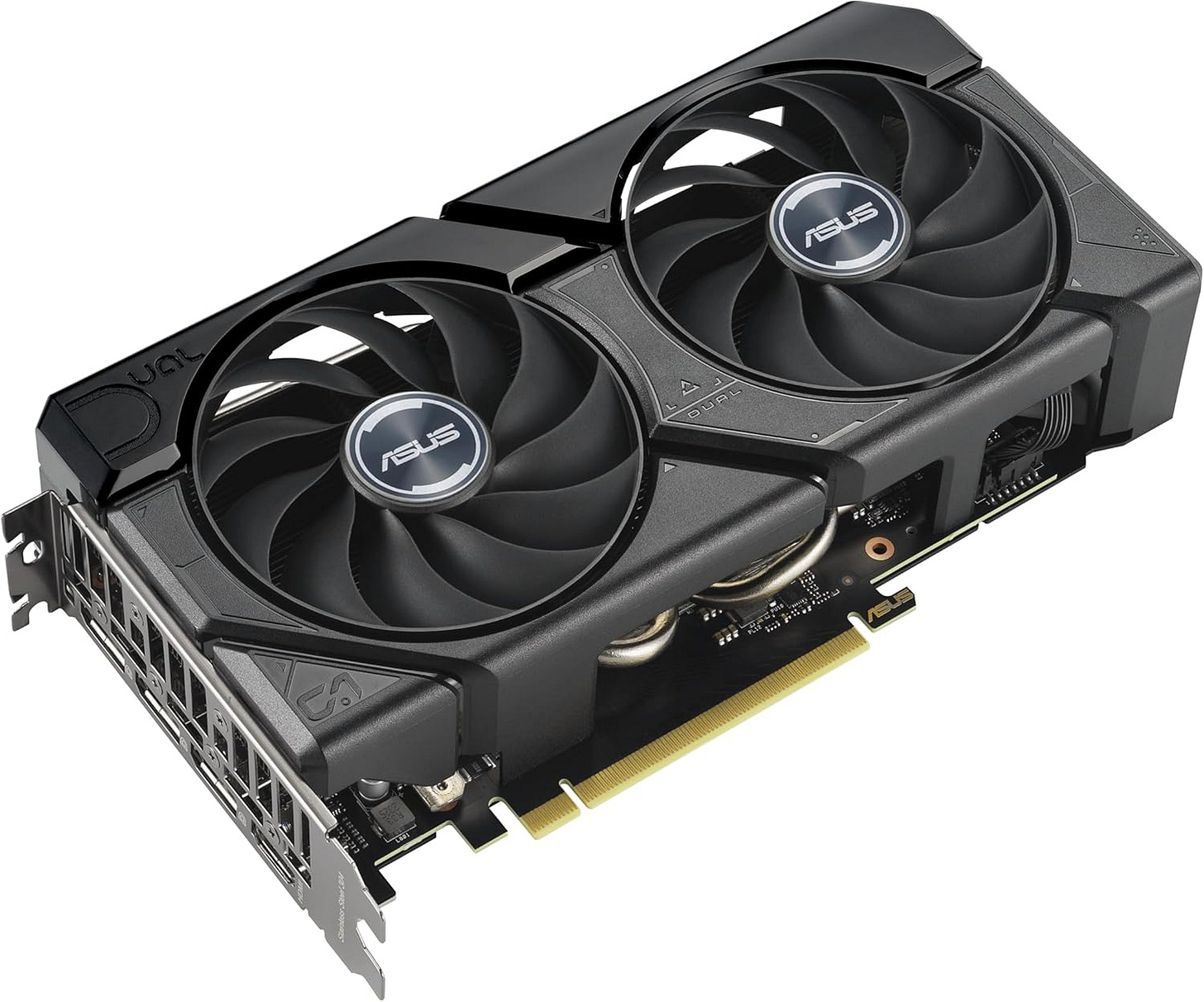
This is the part that makes the whole private transcription server recommendation click. The RTX 4060 is the practical entry point where faster-whisper feels quick and WhisperX-class diarization becomes far more realistic for everyday use. In the WhisperX project documentation, the maintainers note GPU memory expectations that make an 8GB NVIDIA card a sensible floor for serious local use. ASUS’ compact dual-fan version fits the quiet-appliance goal better than a bulky triple-fan card that turns a small build into a thermal puzzle.


Why this build beats a cheap mini PC
A cheap mini PC can absolutely run local transcription. That is true, and for some readers it may be good enough. It is also how many people end up rebuilding a few months later after they realize their “starter” box struggles under real workloads.
The difference comes down to headroom. This build gives you enough CPU for background services, enough RAM for transcription plus everything around transcription, enough SSD performance for local archives and model caching, and an NVIDIA GPU that can keep local speech jobs moving at a pace that feels pleasant instead of punishing. When you are processing client calls, research interviews, podcast recordings, or long meetings every week, that difference compounds fast.
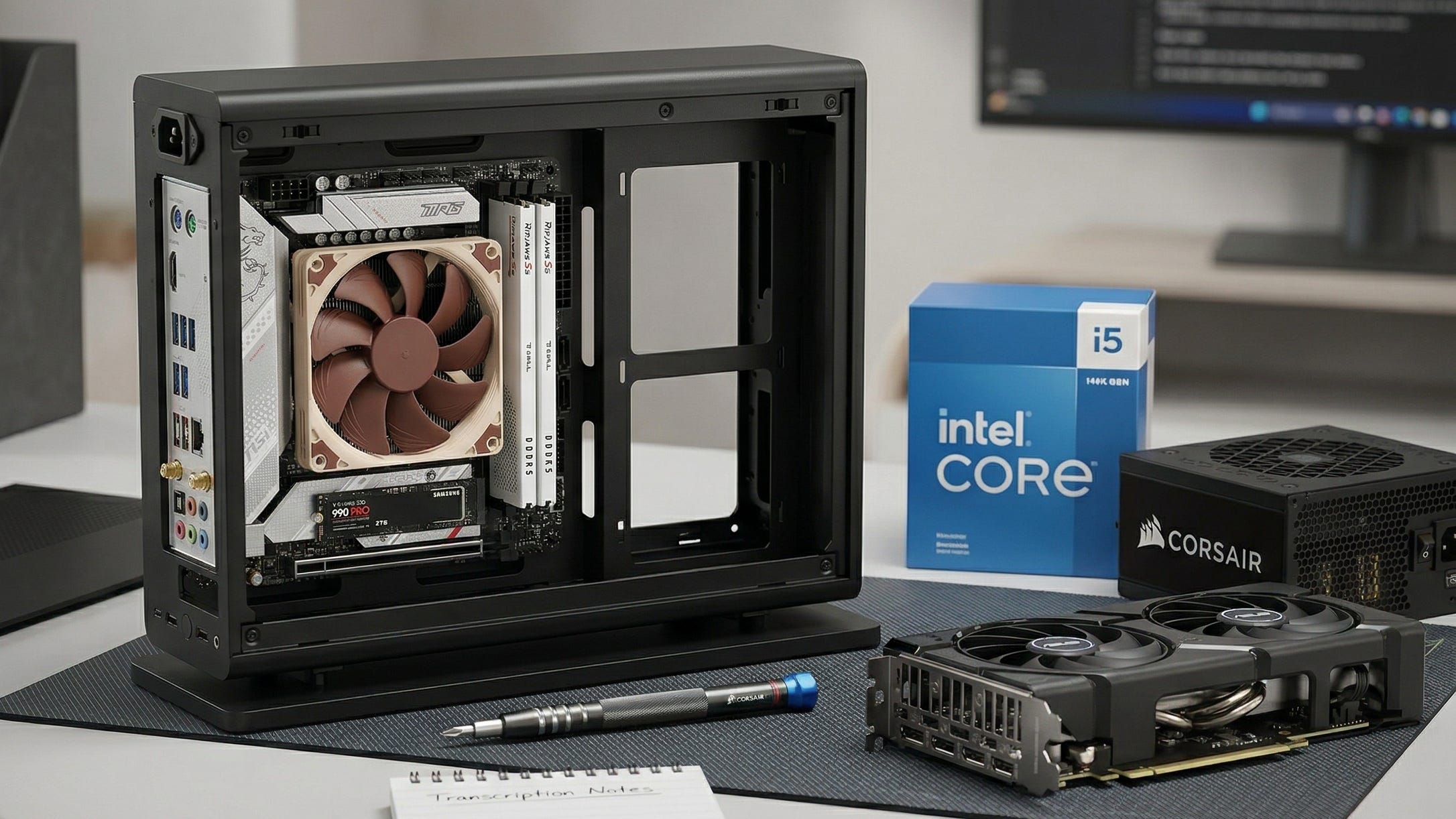
There is also a practical quality-of-life win. A compact mini-ITX system built around the Fractal Ridge, the Noctua NH-L12S, and the ASUS Dual RTX 4060 EVO OC 8GB can live in normal human spaces. That matters more than spec-sheet purists like to admit. A self-hosted transcription server only becomes a habit-forming tool if you are willing to keep it running.
How to turn this hardware into a real local meeting-notes appliance
The hardware is the easy part. The workflow is what makes this worth building.
Start with an OpenAI-compatible endpoint so your scripts, tools, and automations can talk to the box without special handling. Speaches is the cleanest starting point for many readers, and older documentation that points to faster-whisper-server now effectively lands you in the same place. That compatibility layer is what lets a self-hosted server feel like a drop-in replacement for cloud transcription APIs.
For transcription itself, faster-whisper should be the default path. It is fast, mature, and easier to live with than the original reference implementation if your goal is frequent local jobs rather than research curiosity. Use WhisperX when diarization and word-level timestamps materially improve the result. If you record your own meetings, interviews, or calls, the aside workflow is worth studying because separate mic and system audio often produce cleaner downstream speaker separation than trying to rescue everything from a single mixed track.
Once you have transcription and diarization in place, route the output into a local note system you actually trust. That can be Obsidian, a synced folder, a document database, or something homegrown. The point is that the transcript should become part of a private workflow, not another export that sits forgotten in a vendor dashboard.
The tradeoffs you need to know before buying
A self-hosted transcription server is powerful, but it is still infrastructure. It is not magic.
Speaker labeling is the big example. WhisperX can do diarization, but it still needs setup, a Hugging Face token for some diarization workflows, and audio that is clean enough to separate speakers reliably. If your benchmark is a cloud meeting platform with direct access to participant metadata and separate audio streams, local diarization is improving fast but it is still working harder.
Whisper itself also comes with well-documented caveats. OpenAI’s Whisper model card explicitly warns about hallucinated text and uneven performance across languages, accents, and contexts. That should not scare you away from building a private transcription appliance. It should shape your expectations. The right mental model is “highly capable local infrastructure that still benefits from review,” especially on messy audio, multilingual conversations, or anything with legal or financial sensitivity.
The Popular AI verdict
The best mini server for self-hosted transcription in 2026 is a quiet, GPU-backed small-form-factor build that treats privacy, speed, and everyday usability as first-order requirements. That is why the combination of the Intel Core i5-14500, MSI MPG B760I Edge WiFi, 64GB of G.Skill Ripjaws S5 DDR5-5600, Samsung 990 PRO 2TB, and ASUS Dual RTX 4060 EVO OC 8GB is the sweet spot for most readers.
You end up with a box that can keep private calls private, turn recordings into searchable local assets, and support the kind of transcription-plus-notes workflow that now feels genuinely useful instead of aspirational. That is the whole thesis. Own the hardware, own the pipeline, and turn speech into something you control.
Further reading
Readers who want to inspect the core project pages directly can reference the base Whisper repo, the alternate WhisperX URL casing used in some docs, and the standard Amazon product pages for the Noctua NH-L12S, G.Skill Ripjaws S5 64GB kit, Samsung 990 PRO 2TB, Fractal Design Ridge, and Corsair SF750 that informed the hardware recommendations above.
Explore more from Popular AI:
Start here | Local AI | Fixes & guides | Builds & gear | Popular AI podcast
This guide shows a practical self-hosted Whisper server setup for 2026 using faster-whisper and WhisperX on quiet hardware you can actually live with. Are you using cloud transcription right now, or are you moving your workflow local?