


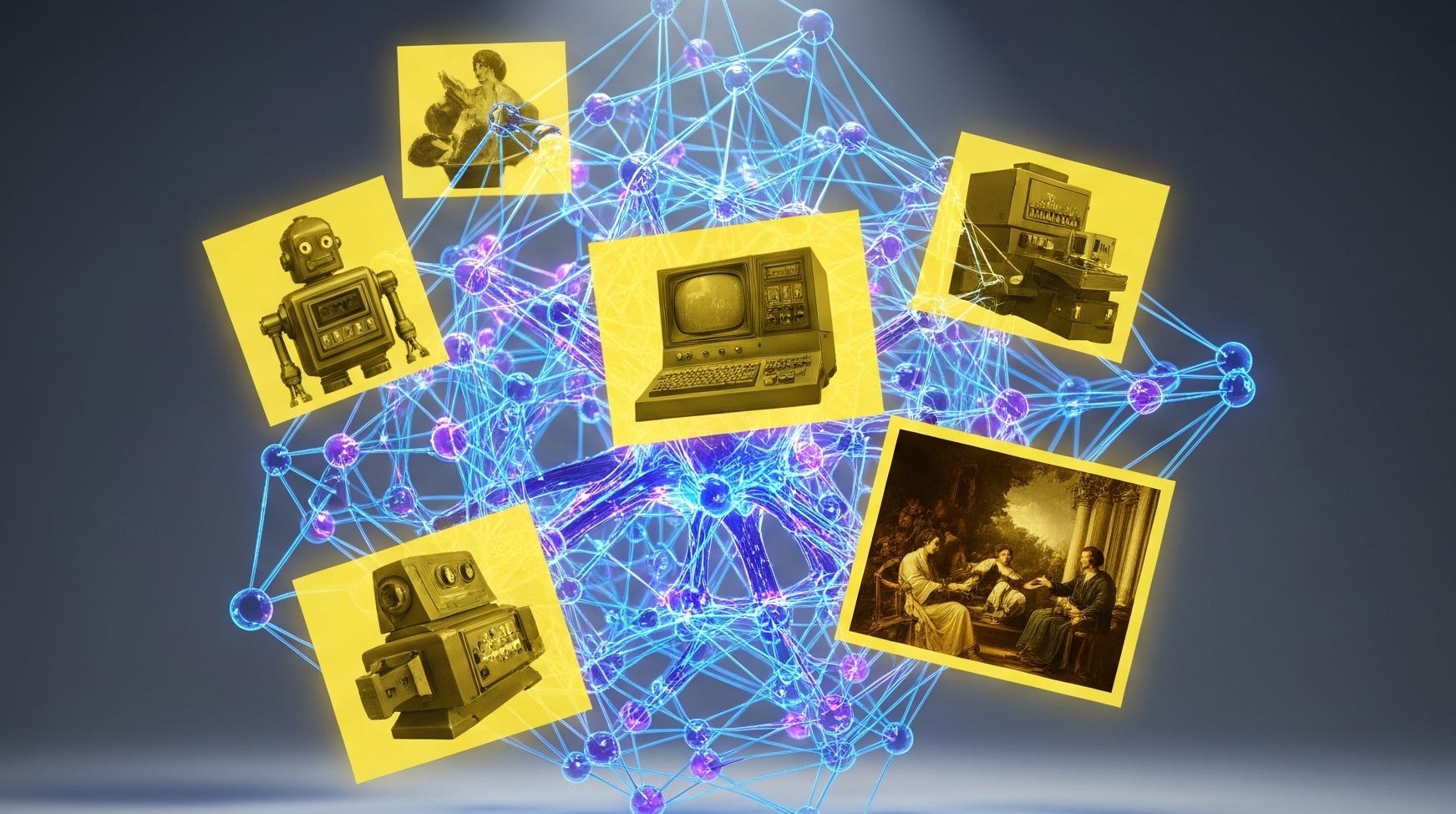
Scroll long enough through AI images on social media and you will run into it: a faint yellow brown wash that makes a brand new render look like it has been living in a smoker’s living room since 2007. People started calling it the “piss filter” because the nickname is crude, memorable, and usually on target.
The meme is not the main point. What matters is what it reveals about how modern image generation actually works inside consumer products. You are rarely talking to a single model with a single prompt. You are talking to a pipeline that can rewrite what you asked for, apply safety and policy transforms, tune for taste after training, and make decoding choices that quietly stamp a house style onto everything.
If you care about creative control, that is the story. The tint is just the tell.
More on ChatGPT for power users:

What the “piss filter” looks like in practice
When people complain about the tint, they are usually describing the same cluster of symptoms: whites that drift toward cream, shadows that pick up a muddy brown, and skin tones that get a slightly jaundiced push. You see it most clearly on clean surfaces that should read neutral, like a white wall, a gray T-shirt, or a sheet of paper on a desk.
That consistency is part of why the debate gets heated. A one-off warm photo is just a choice. A warm cast that keeps showing up across unrelated prompts feels like something upstream is nudging the whole system.
Why the yellow cast gets framed as “model collapse”
In anti-AI circles, the warm cast has become a cultural signal. The argument often runs like this: the tint is a scar, the scar means the models are deteriorating, and the deterioration is “model collapse,” where systems train on their own synthetic output and lose contact with reality.
You can see the vibe in comment threads like this r/aiwars discussion on Reddit, where people toss around phrases like “good ol’ model collapse” and “AI image incest” and treat the warm grade as proof the system is eating itself.
There is also a second claim that often travels alongside the first: the tint is intentional, a deliberate mark that makes AI images easier to spot. It is usually presented as intuition rather than a testable hypothesis, but it spreads because it fits the politics of the moment.
A steelman version of the critique exists. Feedback loops with synthetic data really can degrade models over generations. The problem is the leap from “collapse is possible” to “this particular color cast proves collapse is already here.”
What “model collapse” means in the research literature
“Model collapse” is not an insult activists invented. It has a technical meaning, and the core idea is about training dynamics across generations, not about one persistent stylistic quirk.
One widely discussed paper in Nature describes a degenerative process where generated data pollutes later training sets, models lose the tails of the original distribution, and outputs converge toward something with reduced variance and weaker resemblance to the original data distribution.
If you were hunting for visual symptoms, you would expect distributional narrowing, repetition, or loss of rare details that gets worse with each training generation. A stable warm grade across many prompts can happen in a collapse world, but it also has much simpler explanations.
That is why even design outlets that take model collapse seriously, like this overview from Creative Bloq, do not treat “yellow tint” as a smoking gun.

The under discussed lever: your prompt often is not the prompt
If there is one mechanism that can paint a consistent aesthetic across wildly different user requests, it is upstream prompt rewriting.
OpenAI documents that the DALL·E 3 API uses built-in prompt rewriting, where GPT optimizes prompts before they are sent to the image model, and that this rewriting cannot currently be disabled. That detail is spelled out in the OpenAI developer cookbook article, What’s new with DALL·E 3?
This is a big deal for color. If a prompt optimizer repeatedly expands vague requests with fashionable photography language like “warm cinematic lighting,” “golden hour,” “soft warm tones,” or “vintage film look,” you get a systematic warm cast even when users never asked for it.
A static copy of the DALL·E 3 system card, hosted at dalle-3.pages.dev, describes the ChatGPT integration as GPT interfacing with the user and synthesizing the prompt that actually gets sent to the image model, especially when the request is vague. It also describes prompt transformations for policy compliance, including rewriting or removing certain details.
Once your prompt is being transformed upstream, “model output” stops being a clean label. What you get is the combined result of model behavior plus a centralized product layer deciding what your request really means, and what it is allowed to become.
GPT-4o image generation adds taste tuning on top of rewriting
DALL·E 3 prompt rewriting explains a lot, but it is not the only place a house style can get baked in.
OpenAI later shipped native image generation inside GPT-4o, described in its announcement post Introducing 4o image generation. In OpenAI’s framing, multimodal generation sits inside a unified post-training stack, which is exactly where “taste” gets shaped.
Even if a base model can produce a broad range of color temperatures, preference tuning tends to push outputs toward what raters consider pleasing or professional. Warmth often reads as cinematic and flattering, especially in portraits and lifestyle scenes. Over time, that preference can become a default prior.
You can also see how DALL·E 3 is positioned as a product in OpenAI’s own overview page for DALL·E 3. That page does not explain the tint. What it does do is reinforce the bigger point: the public documentation consistently describes a system, not a raw model call.
So why does the output skew warm, technically?
OpenAI has not published a clean root cause analysis that says, “here is why our outputs skew warm.” So the honest way to talk about the tint is to separate what we can point to from what we can only infer.
A lot of the yellow comes from defaults. If you do not specify lighting or white balance, the system still has to pick something. In photography, white balance is the adjustment that makes neutral objects look neutral under different illuminants. A model that is asked for “a photo of a cat” without any lighting details needs an internal prior about the light source, the camera response, and the overall grade.
There are a few plausible ways a warm default prior can emerge without any collapse story at all. Training data can overweight warm indoor lighting, golden hour scenes, film scans, or images edited for social media. Preference tuning can reward warmth because it reads as coherent, cinematic, and less harsh. Decoding choices can introduce consistent bias. If an internal representation gets mapped to a display space like sRGB through tone mapping, channel scaling, gamma handling, and compression, small decisions can add up to a persistent shift toward yellow.
None of that requires the model to be “eating itself.” It mostly requires defaults, plus a product that optimizes for mass appeal.
The “watermark” theory: understandable, but still speculation
People suspect intention because OpenAI has publicly discussed provenance and detection. Reuters reported on OpenAI’s plan to launch a tool to detect images created by DALL·E 3 in this piece: OpenAI to launch tool to detect images created by DALL-E 3. The same report also circulates with tracking parameters, for example this Reuters URL variant.
Those statements help explain why people reach for “they added a filter.” But they do not prove a sepia cast is being used as a watermark. A visible tint would be a fragile marker, since it is easy to correct with a single color adjustment. If OpenAI wants provenance signals that survive everyday edits, it would need something more robust than a warm grade.
So treat “the piss filter is a watermark” as a claim that still needs evidence, not as an established mechanism.
The real lesson is about power and product design
Whether the tint comes from prompt expansion, post-training taste tuning, or decoding defaults, the structural point is the same. You are interacting with a centralized stack that can rewrite intent, enforce policy, and steer output aesthetics.
That reality shows up not only in official documentation, but in user communities. When people argue about what tools should be supported or deprecated, they are also arguing about what defaults and behaviors they get locked into. You can see that kind of friction in threads like this one on the OpenAI Developer Community.
If you want maximum control over style, color, and reproducibility, local and modular pipelines have an obvious advantage. You control the model, the sampler, the decoder, and the post-processing. In a centralized product, those knobs are decided upstream.
What you can do right now to reduce the tint
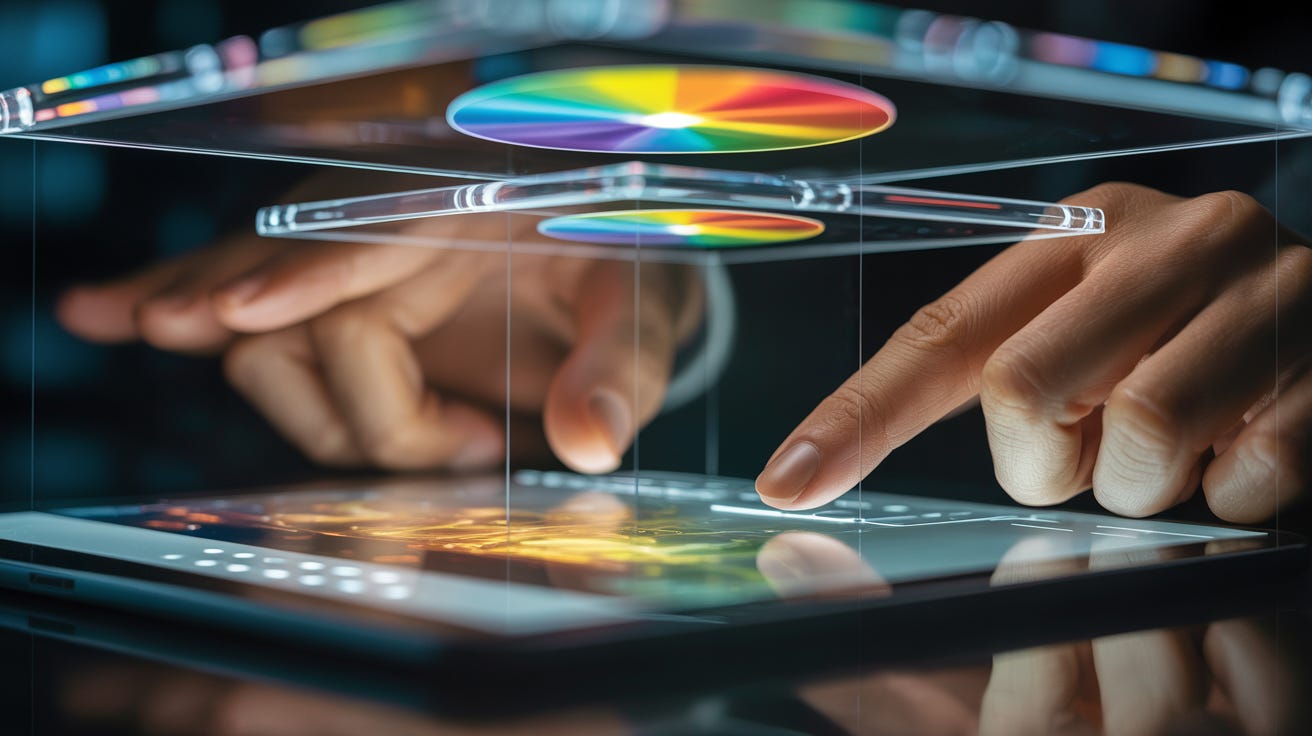
Start by being explicit in the prompt. If the warm cast is coming from a default lighting prior, your best counterweight is specificity. Ask for neutral white balance, daylight lighting, or a cooler color temperature. Say you want no warm cast. Describe the scene as “bright midday light” rather than “cinematic.” If you want numbers, ask for a white balance in the 6000K to 7000K range and see what happens.
A lot of practical advice has converged around that approach, including TechRadar’s walkthrough, Tired of that yellow tint in ChatGPT images? Here’s how to fix it.
If you want to keep the composition and only fix color, simple correction workflows work well. You can neutralize the blue to yellow channel in LAB space, tweak white balance, or apply a gentle curve adjustment that pulls highlights back toward neutral. The “best” fix depends on the image, but the key point is that you usually do not need to regenerate from scratch.
Some people use third-party “de yellow” tools. That can be convenient, but it also introduces a privacy tradeoff unless you run the correction locally.
TL;DR
The yellow cast is real enough that it has become a meme, and real enough that people have built workflows to remove it. But the tint is weak evidence for the strongest activist claim, which is that frontier models are collapsing in real time.
A more grounded interpretation fits the everyday reality of consumer AI products. Modern systems are tuned for pleasant outputs, they add missing details when prompts are vague, and they wrap generation inside layers of policy, safety, and product taste.
If you want images that look like you made the decisions, you have two options. You can wrestle the prompt until the system behaves the way you want, or you can run a stack where the defaults answer to you.
Explore more from Popular AI:
Start here | Local AI | Fixes & guides | Builds & gear | Popular AI podcast