


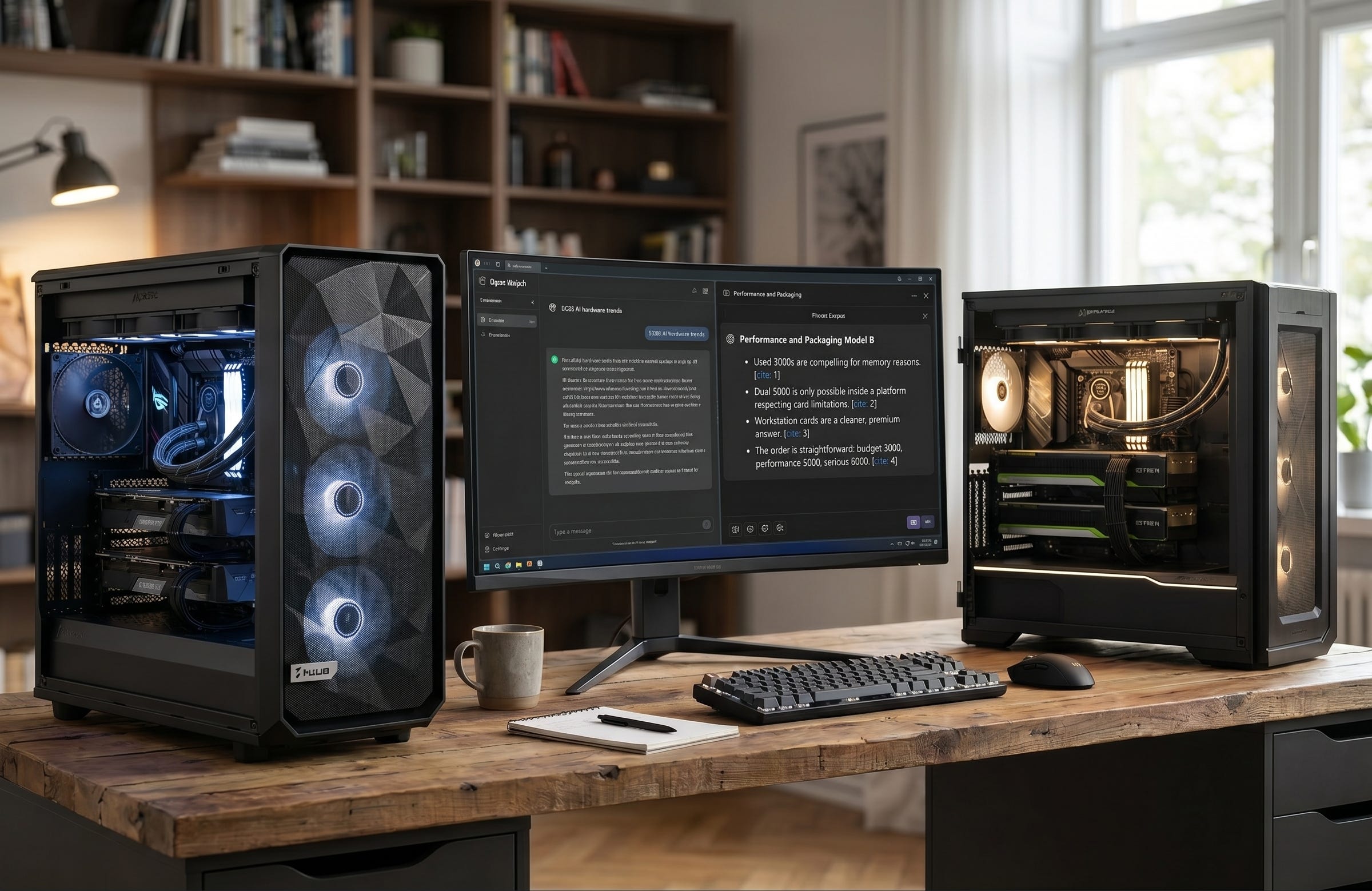
Running larger local language models at home in 2026 is easier than it was a year ago, but building the right machine has become a lot less forgiving. Software has improved. vLLM’s parallelism and scaling docs make single-node multi-GPU inference far more practical, and llama.cpp gives home users real control over how models get split across cards. The bottleneck now is the hardware. Slot width, motherboard spacing, PCIe lane layout, airflow, and power delivery decide whether a dual-GPU LLM box feels reliable or feels like a science project.
That is why the best dual GPU setup for local LLM home use in 2026 depends less on benchmark bragging rights and more on which pain you can live with. If you want the cheapest serious path into high-VRAM local inference, dual 3090 still wins. If you want the fastest GeForce route, dual 5090 is real, but only inside a platform that respects just how punishing those cards are. If you want the cleanest premium tower, dual workstation cards are finally the answer that behaves like an adult machine instead of a stunt build.
The official specs tell the story. NVIDIA’s RTX 5090 page lays out a 32GB card rated at 575W with no NVLink, while NVIDIA’s RTX 3090 page still reminds you why used 24GB cards remain so attractive for budget local AI. At the top end, NVIDIA’s RTX PRO 6000 Blackwell Workstation Edition page is the reason the premium recommendation has shifted so hard toward workstation GPUs. Dual-slot density and 96GB of ECC GDDR7 per card change the whole conversation.
More on RTX 3090 AI PC builds:

Why these are the best dual GPU LLM builds in 2026
The goal here is not to build the most theatrical PC. It is to build the best dual GPU workstation for local LLM use at home, with enough VRAM to run serious models, enough PCIe and physical room to keep both cards happy, and enough cooling and PSU margin that the box still makes sense after the first week of excitement wears off.
I optimized for usable VRAM, realistic U.S. sourcing, motherboard layouts that support two serious GPUs without nonsense, and parts that fit the role of each build tier. For AM5, that means leaning on the lane budget and platform support AMD outlines in its Ryzen 9000 series overview. For the budget build, it also means accepting that old flagship GPUs are still the best value move when your priority is dollars per GB of VRAM. For the high-end GeForce route, the decision shifts toward Threadripper because the platform has enough lanes and board real estate to keep the whole machine from turning into a compromise.
Budget build: the best value dual GPU LLM PC with used RTX 3090
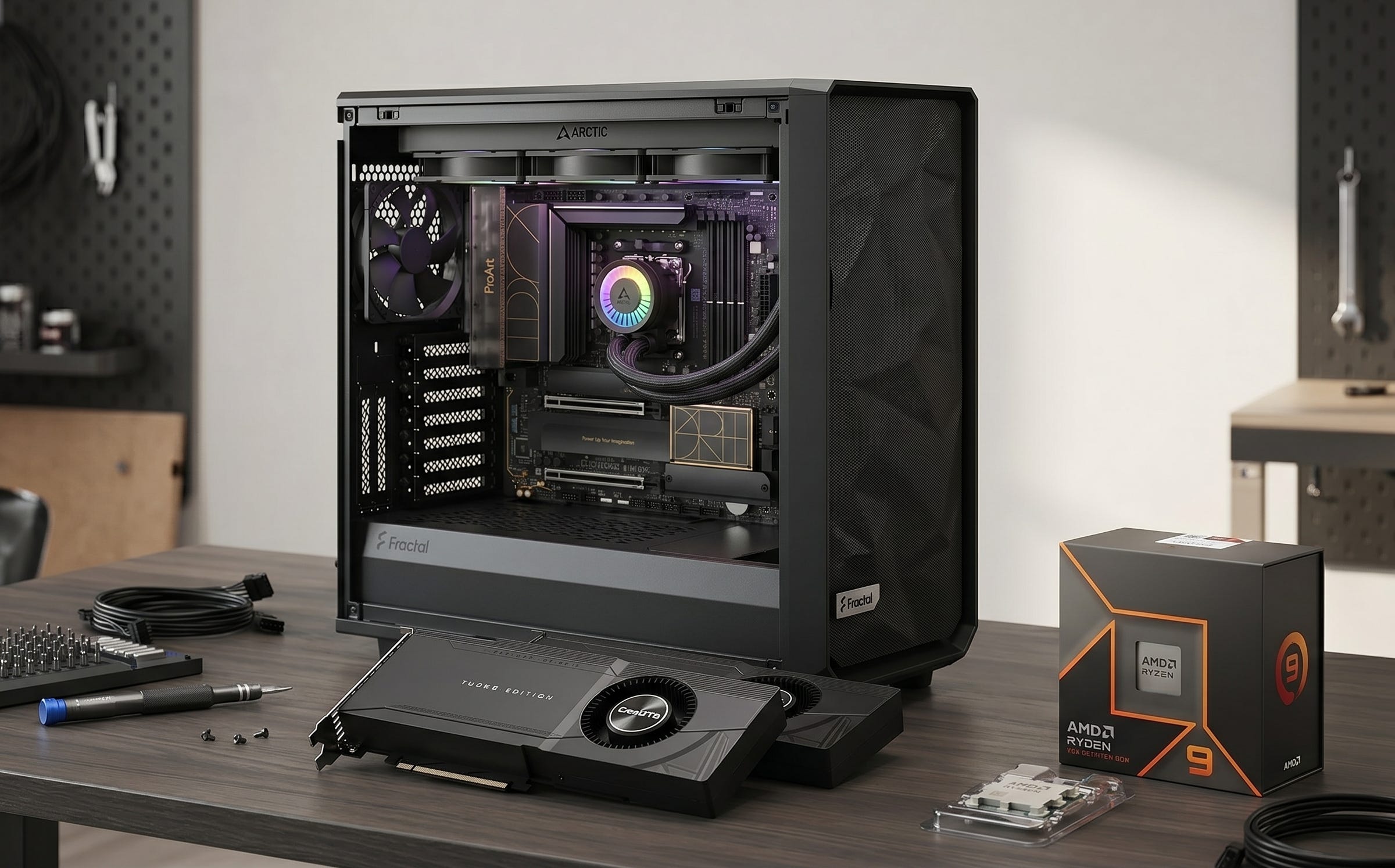
This is still the smartest build for most people who want a real dual GPU local LLM machine without burning money for the sake of novelty. Two 24GB cards give you 48GB total VRAM. That is still a meaningful threshold for home inference in 2026, especially if you are comfortable splitting workloads and living with the realities of older hardware. The 3090 remains compelling because it solves the single biggest constraint in local AI, which is memory, at a price that modern flagship cards no longer touch.
The trick is avoiding oversized gaming cards that turn the whole build into a spacing problem. That is why blower-style or denser 3090 listings still matter so much in a two-card machine.
GPU: Gigabyte RTX 3090 Turbo 24GB (2x)
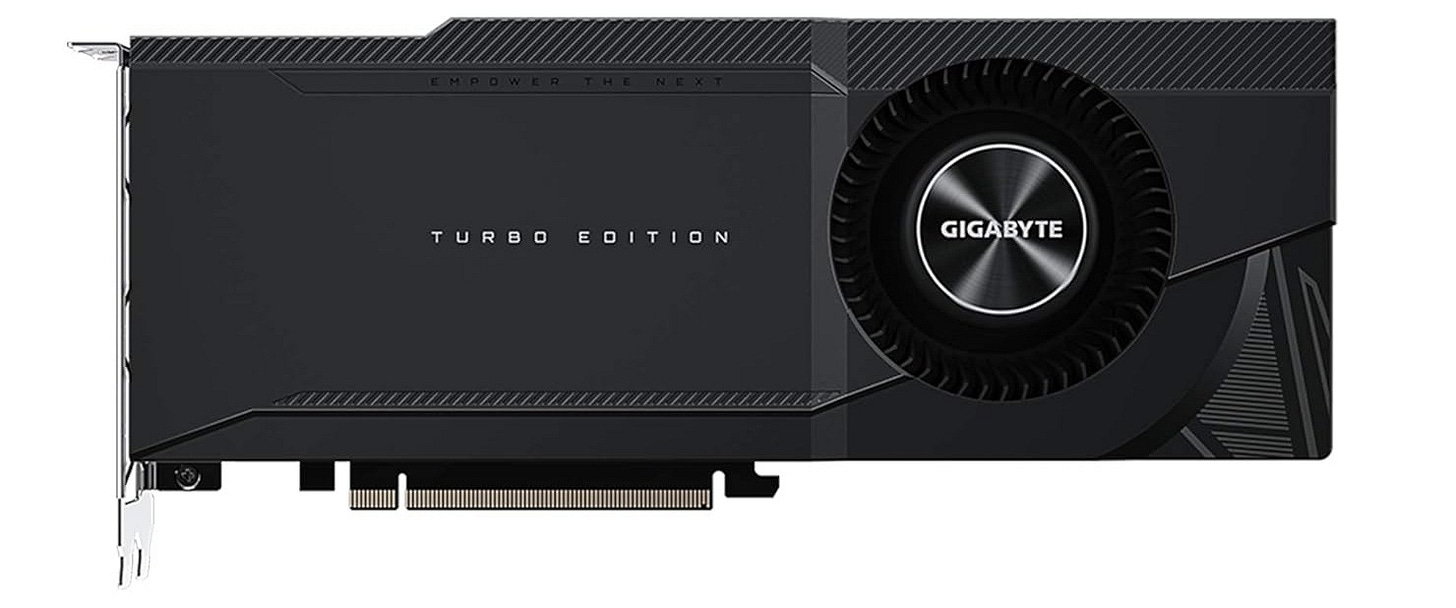
The Gigabyte RTX 3090 Turbo 24GB is the kind of listing that makes this budget build viable, because a denser 3090 is far easier to live with than two giant triple-fan cards. Two RTX 3090s still make sense in a value-first local LLM machine because each card brings 24GB of GDDR6X, which gives you 48GB of aggregate VRAM to work with when you split inference across both GPUs. The Turbo model is the important detail here, because its blower-style, roughly 40mm-thick layout is much easier to stack in a dual-GPU tower than oversized open-air cards, and it pushes a larger share of the heat straight out the back of the case.
CPU: AMD Ryzen 9 9950X
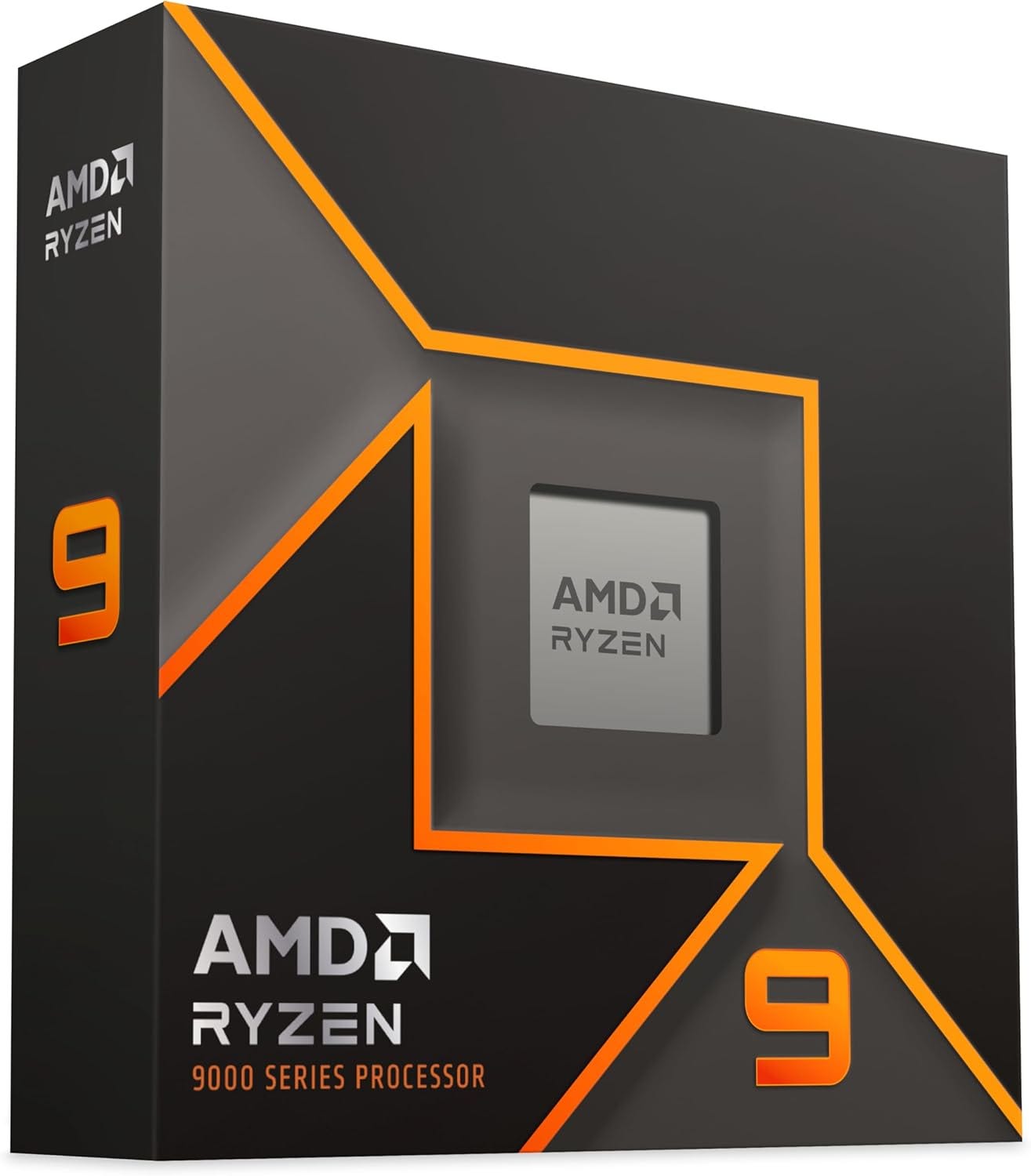
The AMD Ryzen 9 9950X retail listing is the right center of gravity for this class of build. It gives you strong all-around CPU headroom for local inference, batching, background services, and everyday desktop use without pushing you into workstation pricing. The Ryzen 9 9950X is a strong fit for the budget build because it gives you 16 cores, 32 threads, PCIe 5.0 support, and 24 usable CPU lanes on AM5 without forcing the whole machine into Threadripper pricing. That is enough CPU for preprocessing, quantization, indexing, and normal workstation use around two older GPUs, and AMD itself recommends liquid cooling to let the chip hold its performance properly under load.
Motherboard: ASUS ProArt X870E-CREATOR WiFi
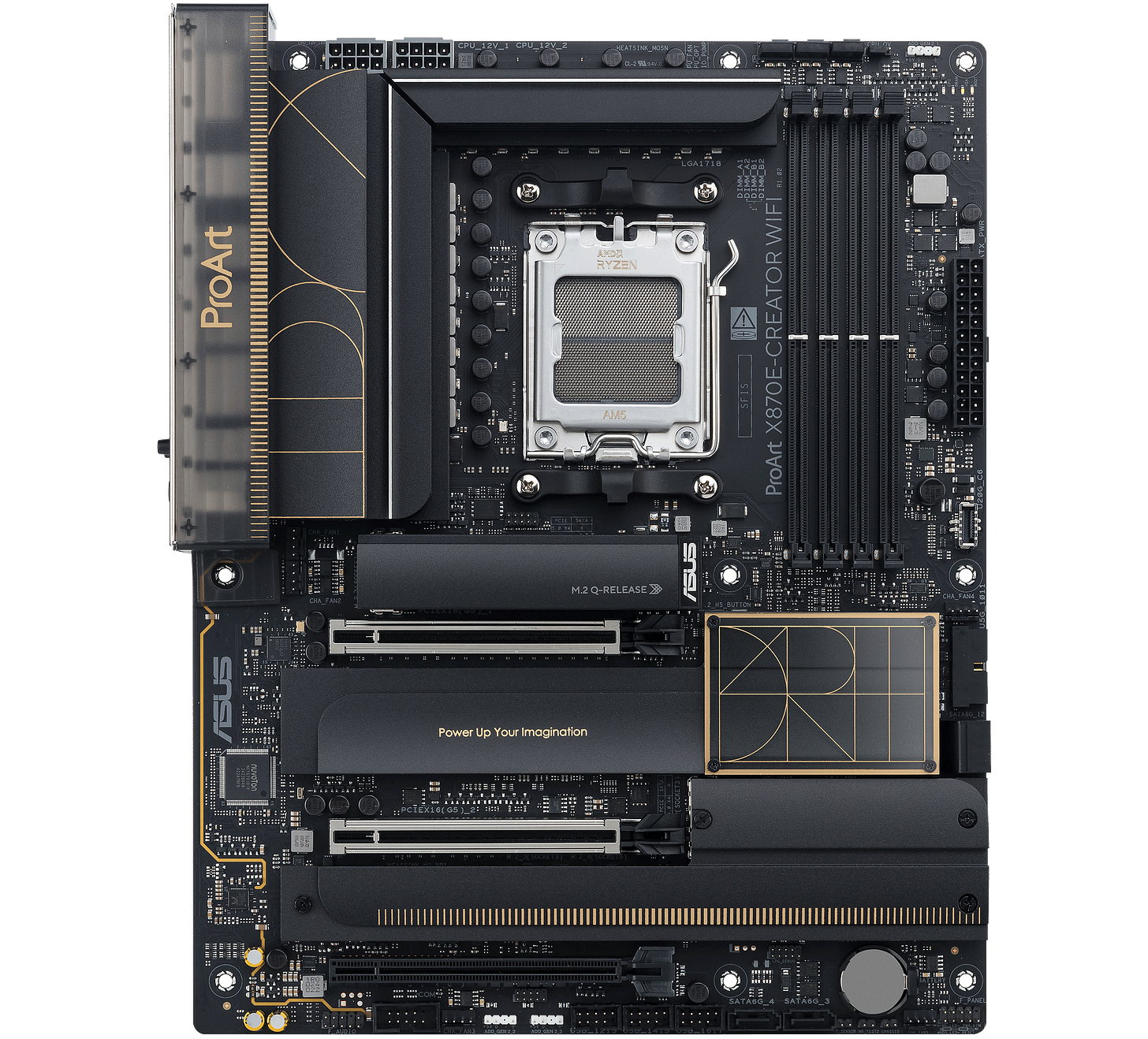
The ASUS ProArt X870E-CREATOR WiFi Amazon listing fits because it is a creator board with the slot layout this kind of system actually needs. This board is a good fit because it behaves like a creator workstation board, not a decorative gaming board. ASUS gives you two PCIe 5.0 x16 expansion slots, four onboard M.2 slots, robust power delivery, and creator-class I/O, which makes it one of the cleaner AM5 options for a dual-GPU AI build that still needs fast storage and reliable connectivity.
CPU cooler: ARCTIC Liquid Freezer III 360
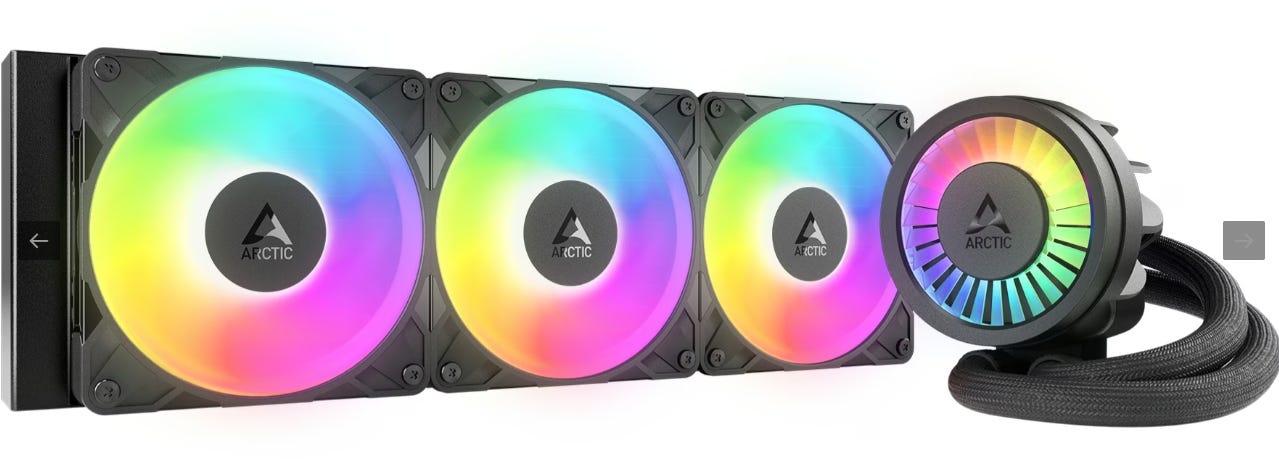
The Liquid Freezer III 360 fits this build because the 9950X is a 170W part and AMD recommends liquid cooling, while a dual-GPU tower also benefits from moving CPU heat to a radiator instead of piling more bulk around the socket. ARCTIC also adds practical details that matter in a crowded build, including integrated cable management, a small VRM fan for the socket area, and separate control for pump, radiator fans, and VRM fan when you want to tune noise and thermals.
RAM: Corsair Vengeance 96GB DDR5-6000 EXPO
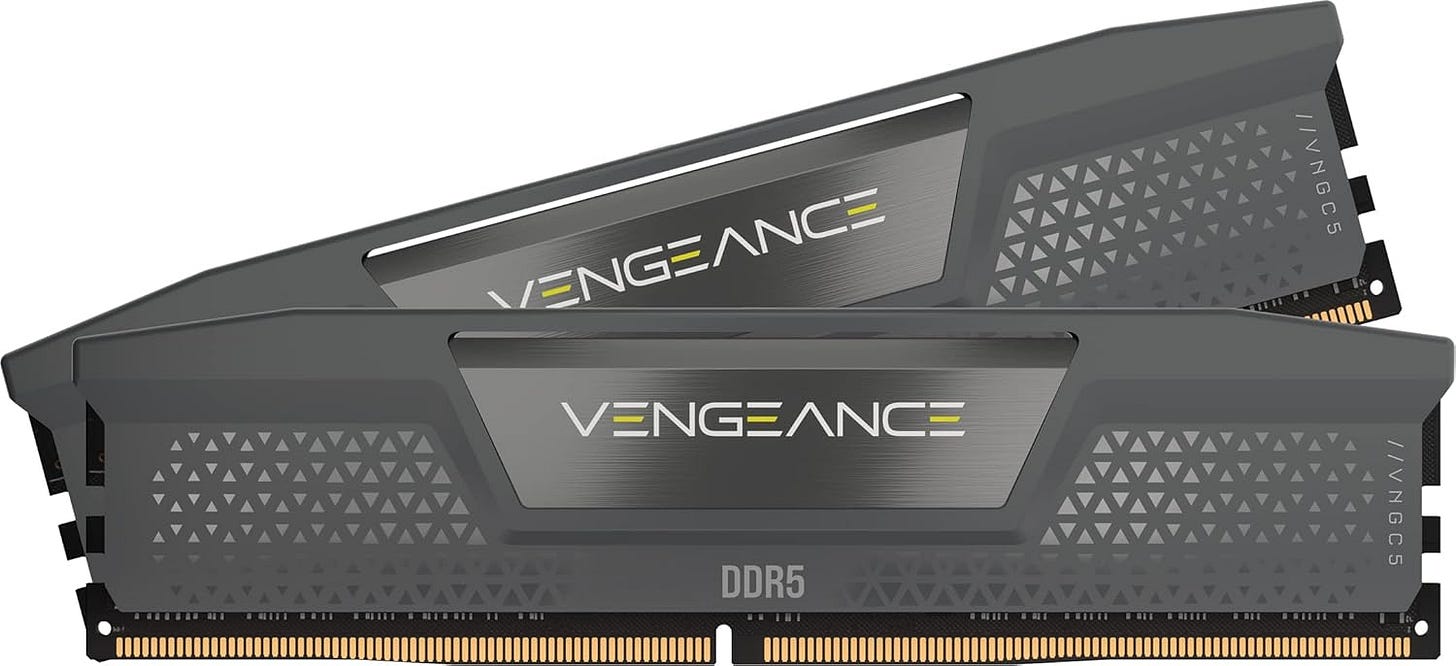
The Corsair Vengeance 96GB DDR5-6000 EXPO kit hits a sweet spot for a serious home local AI machine. A 96GB 2x48GB kit is a smart match for this build because local AI work can outgrow 64GB quickly once you start juggling model loaders, vector databases, long contexts, and regular desktop tasks at the same time. Corsair’s kit also gives you a simple two-DIMM setup at 6000 MT/s CL30 with AMD EXPO support, which is a clean way to get high capacity on AM5 without occupying every memory slot on day one.
Primary storage: Samsung 990 PRO 4TB
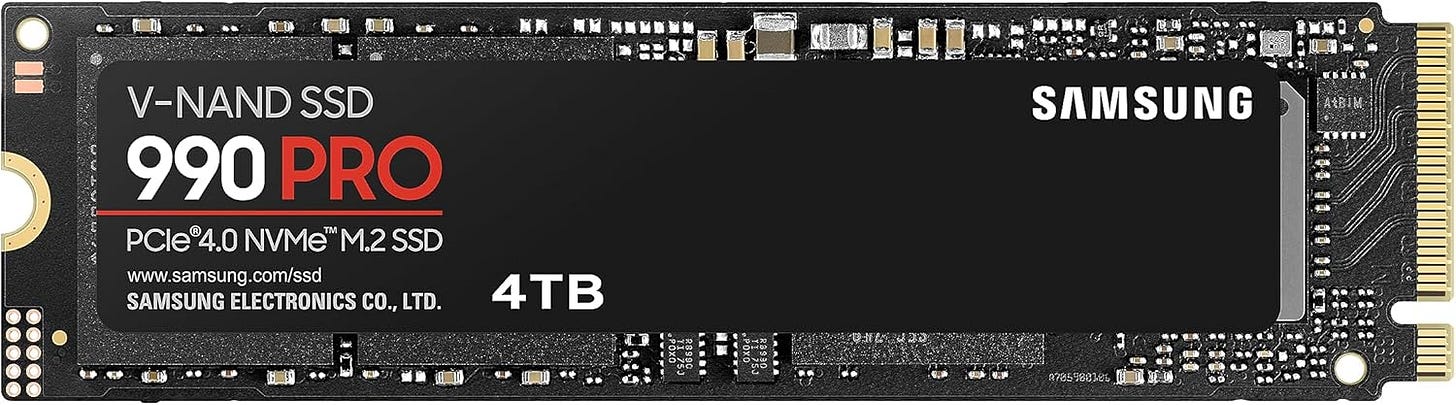
The Samsung 990 PRO 4TB drive belongs in this build because local model libraries grow fast and get annoying even faster on cramped boot drives. The 990 PRO 4TB is a good fit because local AI storage fills up fast with model weights, quantized variants, caches, checkpoints, and project files, so 4TB stops the machine from feeling cramped almost immediately. Samsung rates the drive for up to 7,450 MB/s reads and 6,900 MB/s writes, and reviewers found the 4TB version especially appealing because it combines flagship PCIe 4.0 speed with useful real-world capacity.
Case: Fractal Meshify 2 XL
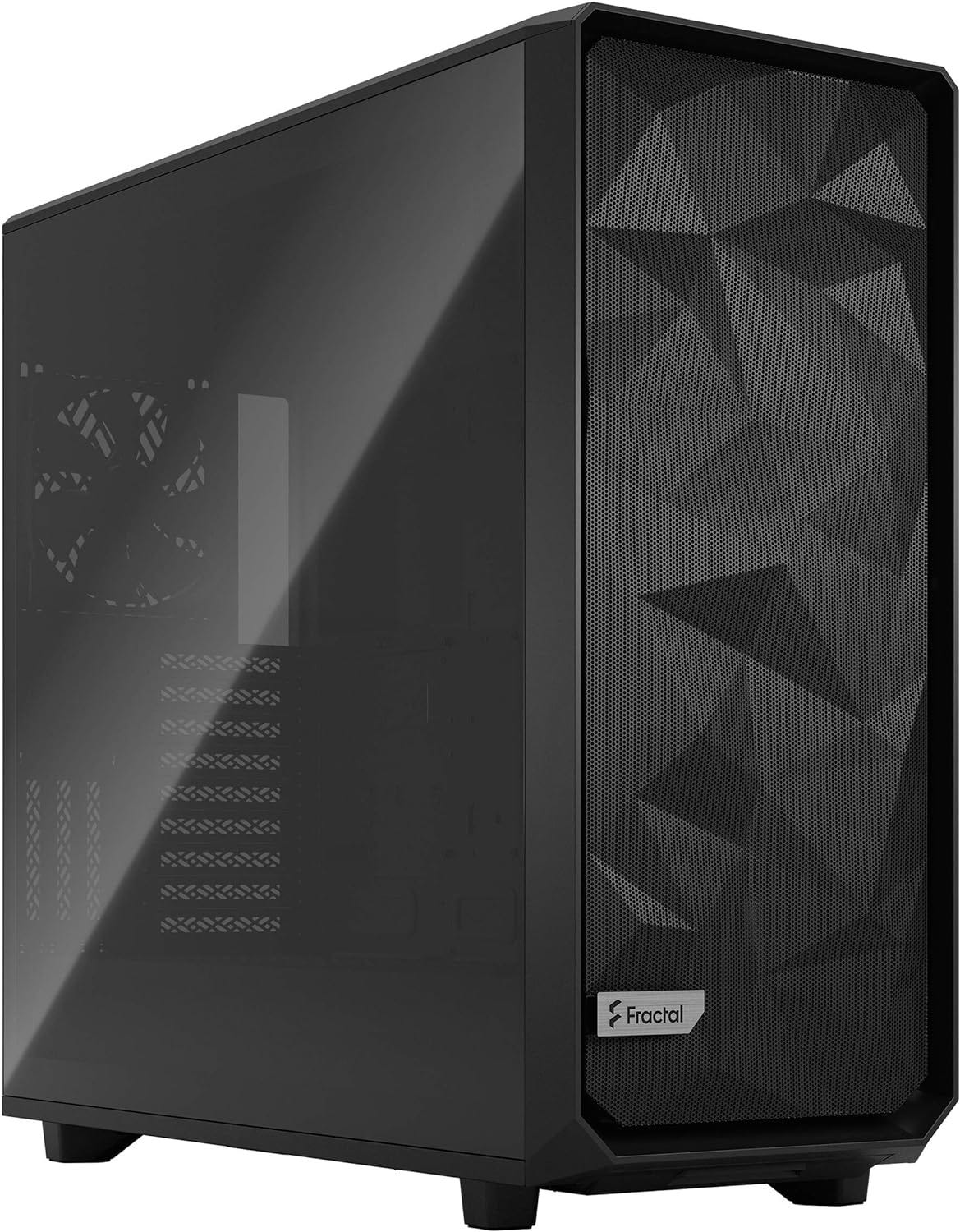
The Meshify 2 XL belongs here because this build needs room more than it needs flair. Fractal gives you support for large boards up to SSI-EEB, huge radiator clearance, very long GPU clearance in open layout, and a mesh front built around airflow, which is exactly what a dual-3090 system needs to stay serviceable and cool. Large-board support, generous GPU clearance, and strong fan support are exactly what a dual-GPU tower needs.
Power supply: Corsair HX1500i
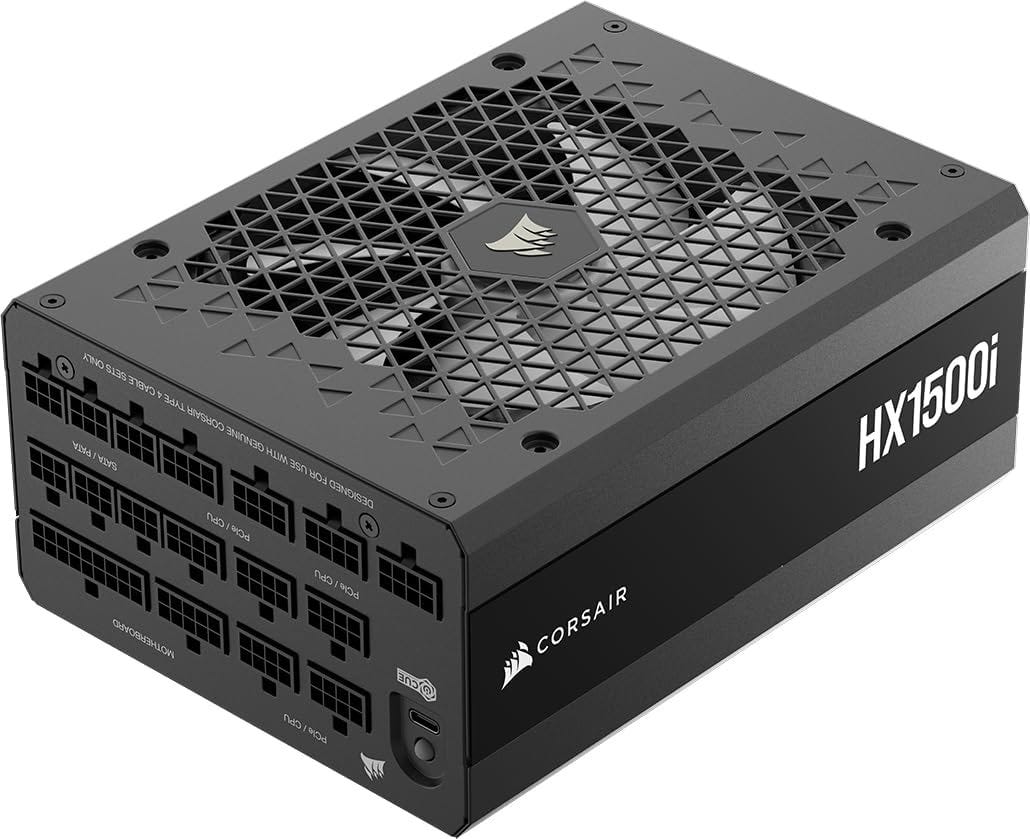
The HX1500i is the right PSU for this build because dual 3090s and a 170W Ryzen can still create ugly transient spikes even if the rest of the platform is relatively cost-conscious. Corsair’s current HX1500i is ATX 3.1, includes dual 12V-2x6 cables, and is explicitly aimed at multi-GPU, flagship-class systems, so it gives the build the electrical margin that cheap high-wattage units often fail to deliver.
Fans: Noctua NF-A14x25 G2 chromax.black
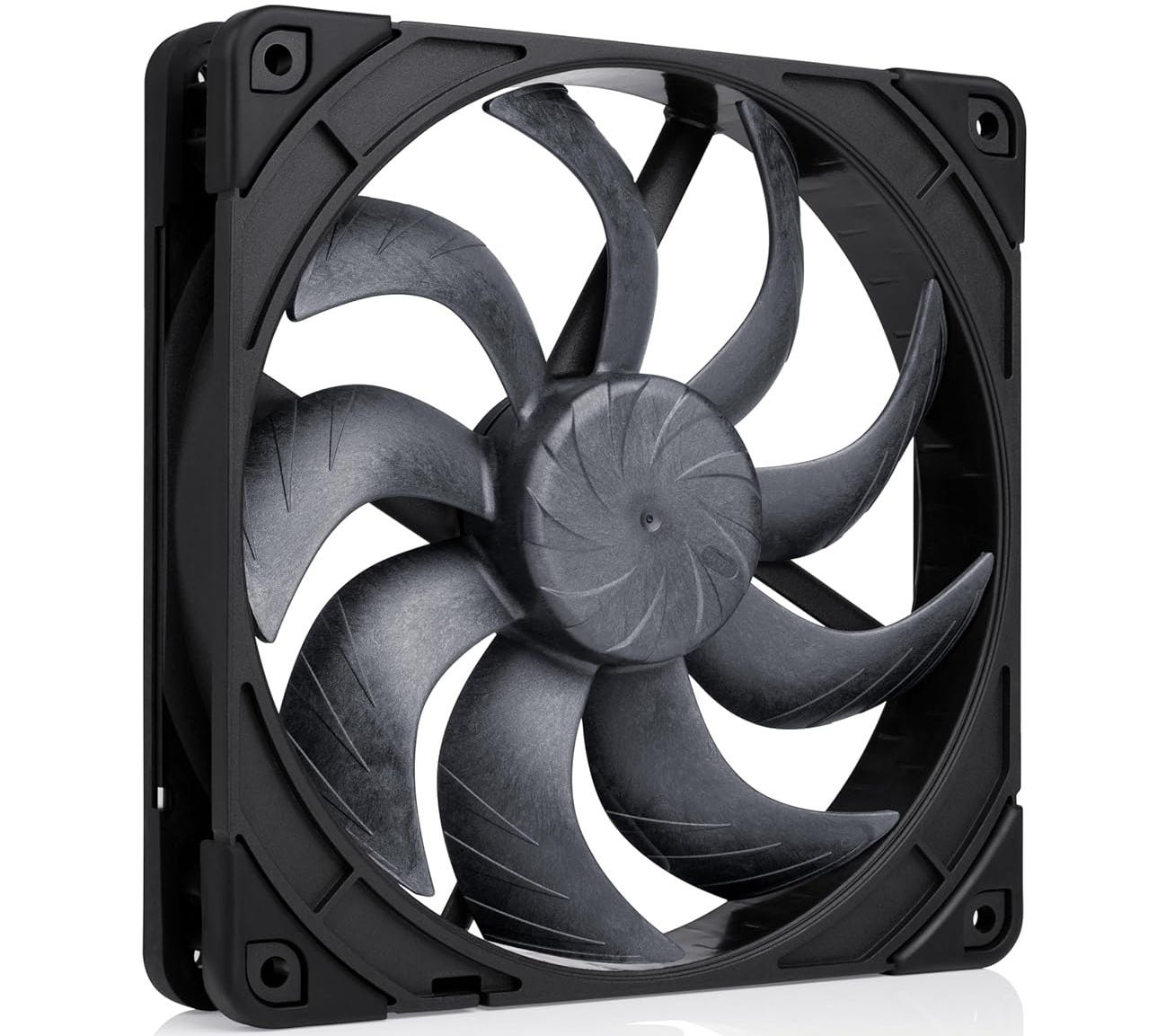
These Noctua NF-A14x25 G2 case fans are a strong fit because large 140mm fans can move a lot of air without resorting to the high RPM noise profile that makes dense towers unpleasant to live with. Noctua’s G2 design is built to work well both as a case fan and against radiator back pressure, and it combines strong performance-to-noise efficiency with premium bearings, a 150,000-hour MTTF, and a six-year warranty.


For buyers chasing the best cheap dual GPU LLM build in 2026, this remains the recommendation that makes the most sense. It is not glamorous, but it’s effective. That is why it keeps winning the value argument.
Mid-range build: the best dual RTX 5090 setup for local LLM home use
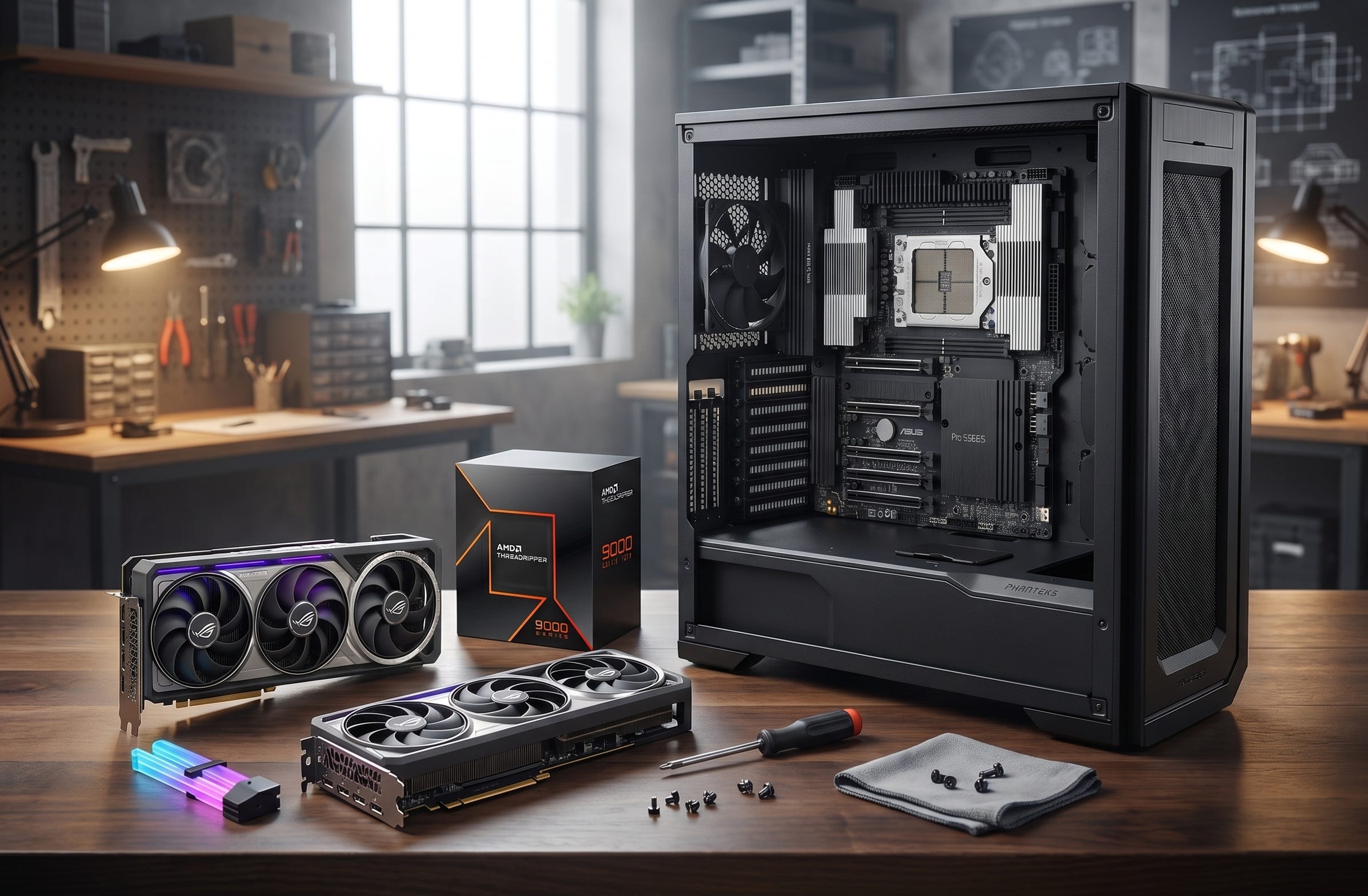
This is the build people want to talk about because it sounds like the obvious answer. Two current flagship GeForce cards, 64GB total VRAM, huge throughput, and bragging rights. The problem is that dual 5090 is only a good build when the rest of the system is designed around the card’s size, heat, and power draw. This is why so many theoretical dual 5090 builds look better on paper than they do in a real room.
A serious dual RTX 5090 local AI PC needs workstation-grade board spacing, a big chassis, and PSU overhead that stops feeling normal the moment you price it out. The result can be spectacular. It can also feel absurd in ways that budget shoppers should not underestimate.
GPU: Liquid-cooled RTX 5090 cards (2x)
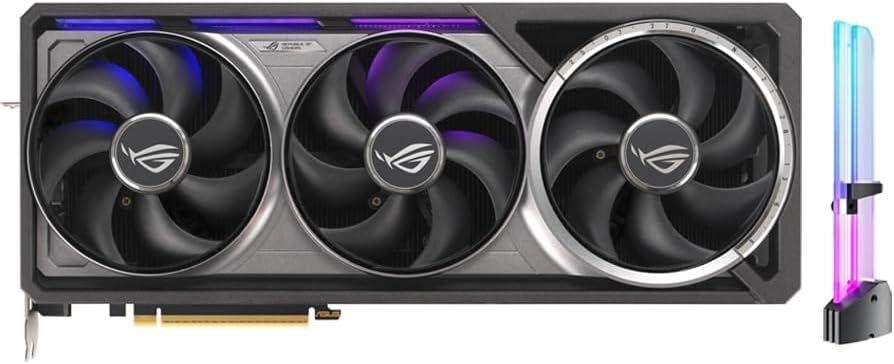
Dual RTX 5090 only makes sense when the cards are liquid-cooled, because the 5090 is a 32GB flagship with extreme power draw and air-cooled versions are brutal on slot space and case thermals in a two-card tower. A liquid-cooled model like the ROG Astral LC moves a large share of that heat to a 360mm radiator instead of depending only on a massive in-case heatsink, which makes dual-card packaging more realistic and preserves more thermal headroom under long AI runs. The safest way to approach this tier is to shop RTX 5090 liquid-cooled Amazon listings and avoid oversized air-cooled monsters.
CPU: AMD Ryzen Threadripper 9970X
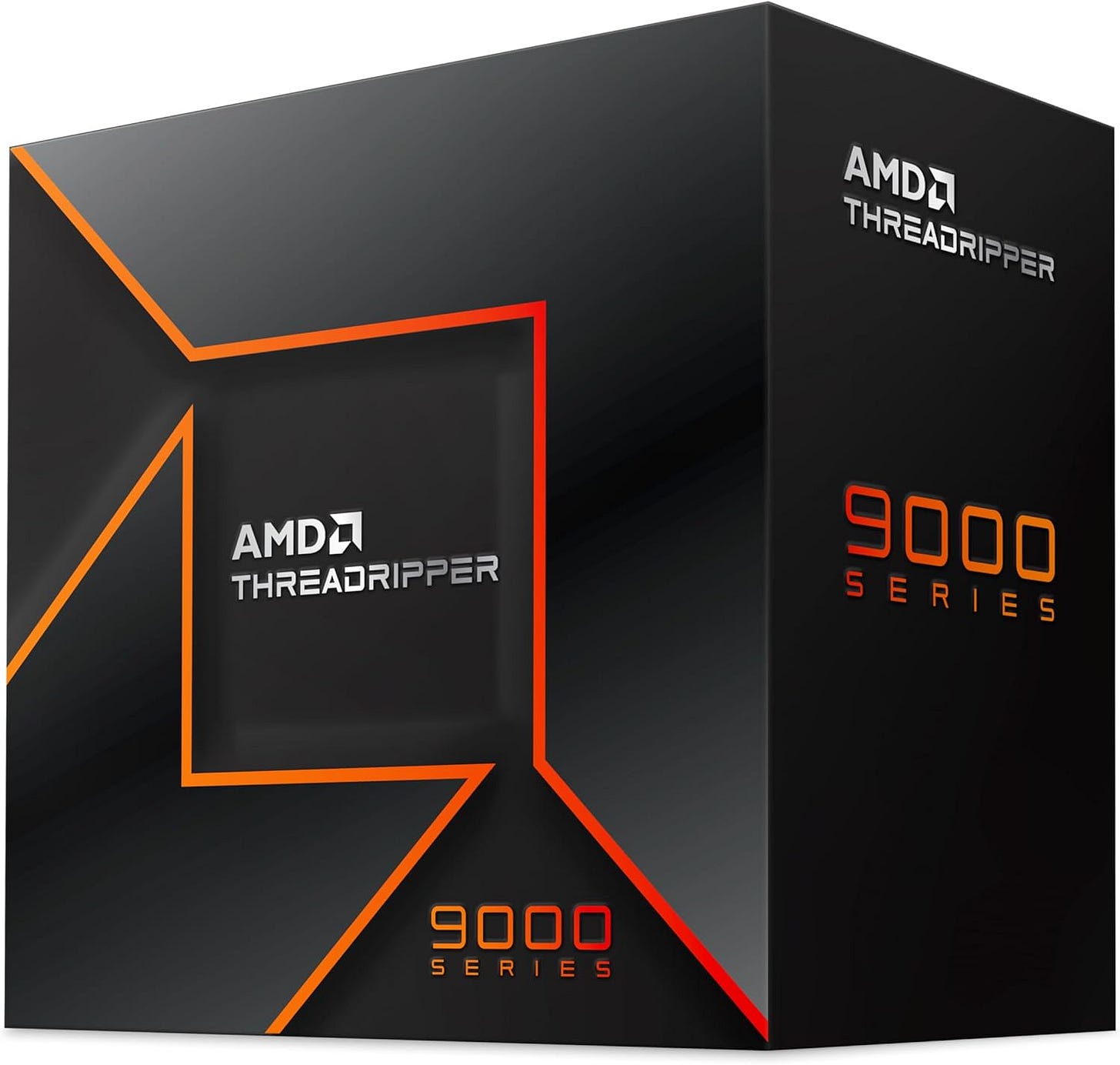
The AMD Ryzen Threadripper 9970X retail listing makes sense here because this build needs a platform with lane budget and physical scale. The Threadripper 9970X is the right jump in this build because it gives you 32 cores, 64 threads, 88 usable PCIe 5.0 lanes, four memory channels, and RDIMM support on sTR5. In a dual-5090 machine, that platform headroom matters more than shaving CPU cost, because the whole point is to feed two flagship GPUs cleanly and avoid the lane and expansion compromises you run into on consumer sockets. Once you are spending this much on GPUs, cheaping out on platform I/O is how you ruin the whole machine.
Motherboard: ASUS Pro WS TRX50-SAGE WIFI
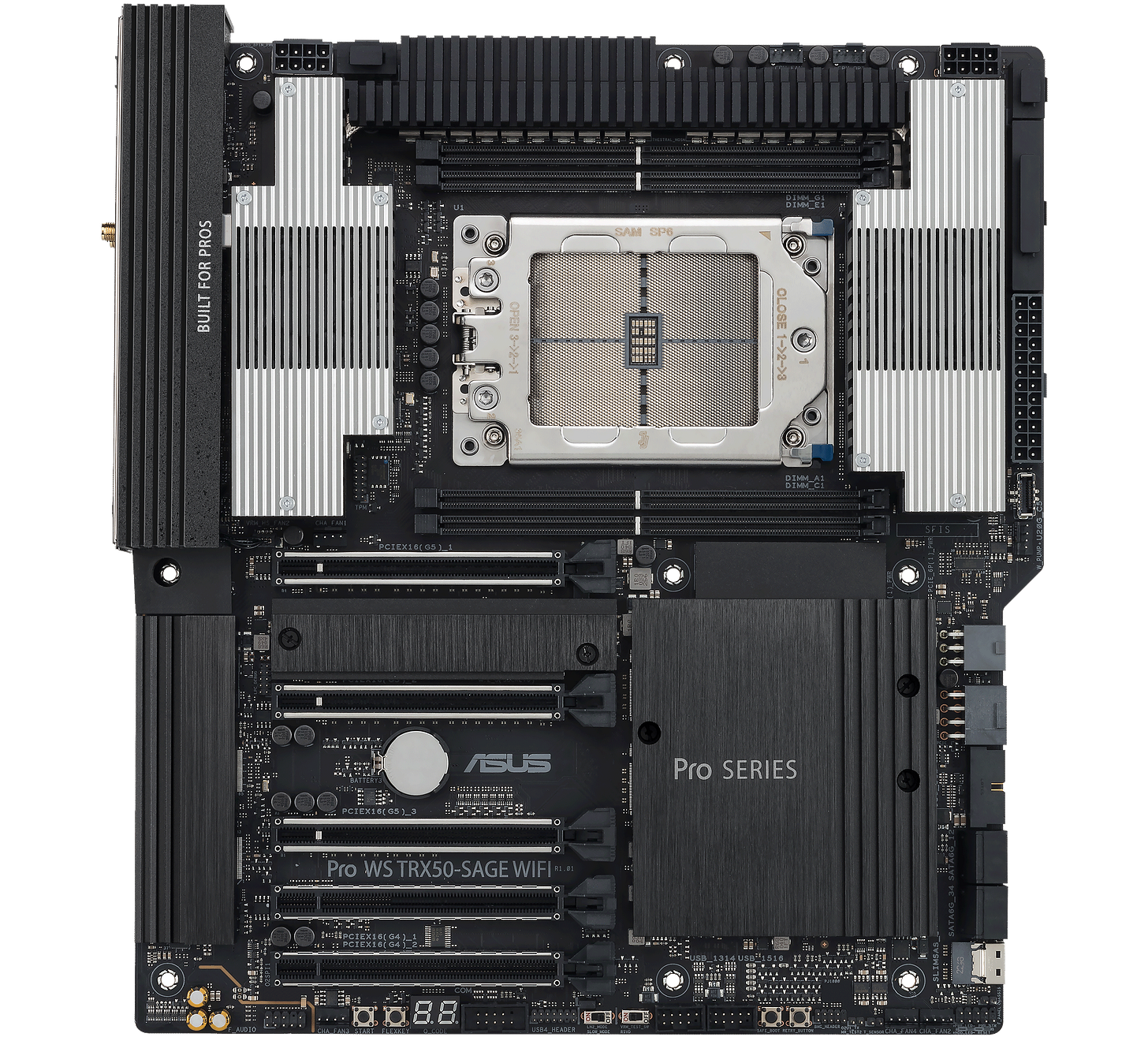
The ASUS Pro WS TRX50-SAGE WIFI fits because it is built for exactly this class of system. ASUS gives you three PCIe 5.0 x16 slots, additional PCIe slots for expansion, onboard PCIe power connectors for multi-GPU stability, active VRM cooling, and four-channel ECC RDIMM support, which is the kind of real workstation plumbing a dual-5090 tower actually needs. Multiple full-size PCIe slots, workstation-first layout, and ECC RDIMM support matter a lot more here than gamer aesthetics.
CPU cooler: SilverStone XE360-TR5
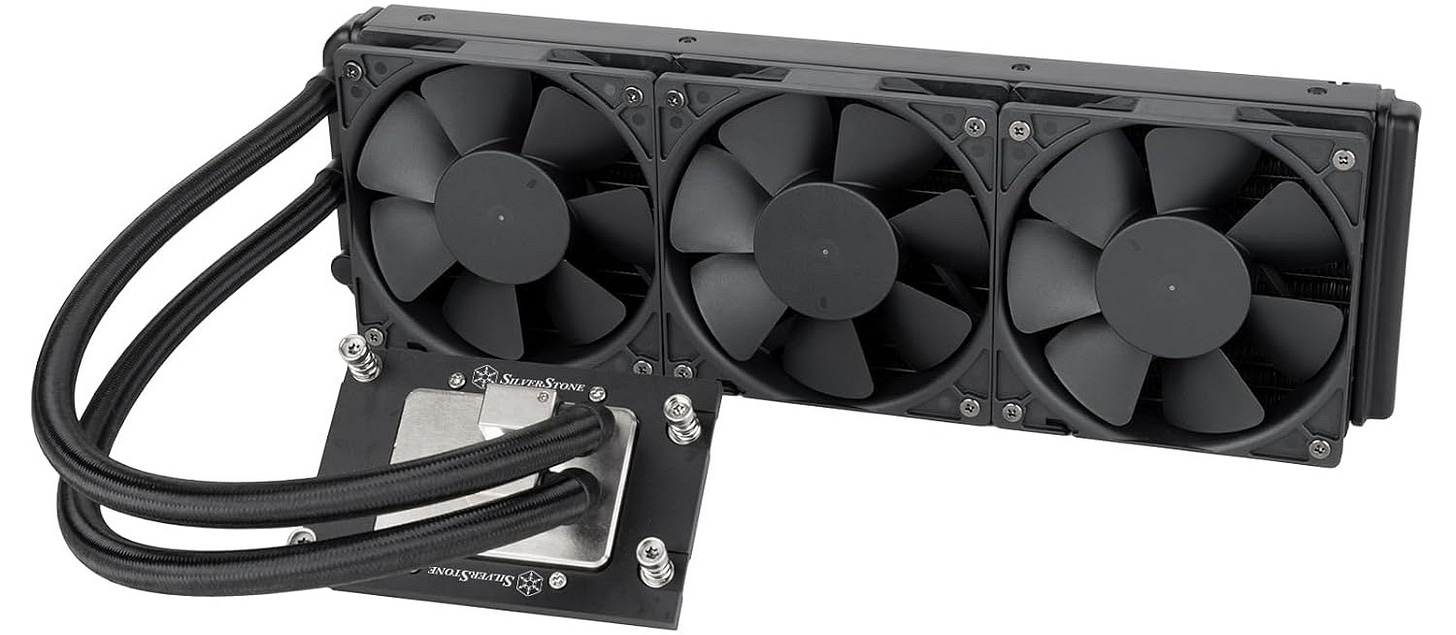
The SilverStone XE360-TR5 Amazon is a good fit because Threadripper’s large integrated heat spreader punishes coolers that were never designed around sTR5. SilverStone built this AIO specifically for sTR5 and SP6 with a large cold plate, a radiator-integrated pump, and fans tuned for radiator duty, so it is much better suited to a 350W workstation CPU than repurposed mainstream coolers. Threadripper likes real cooling, and this cooler is purpose-built for the socket instead of forcing you to improvise on an expensive platform.
RAM: 256GB DDR5 ECC RDIMM TRX50 kit
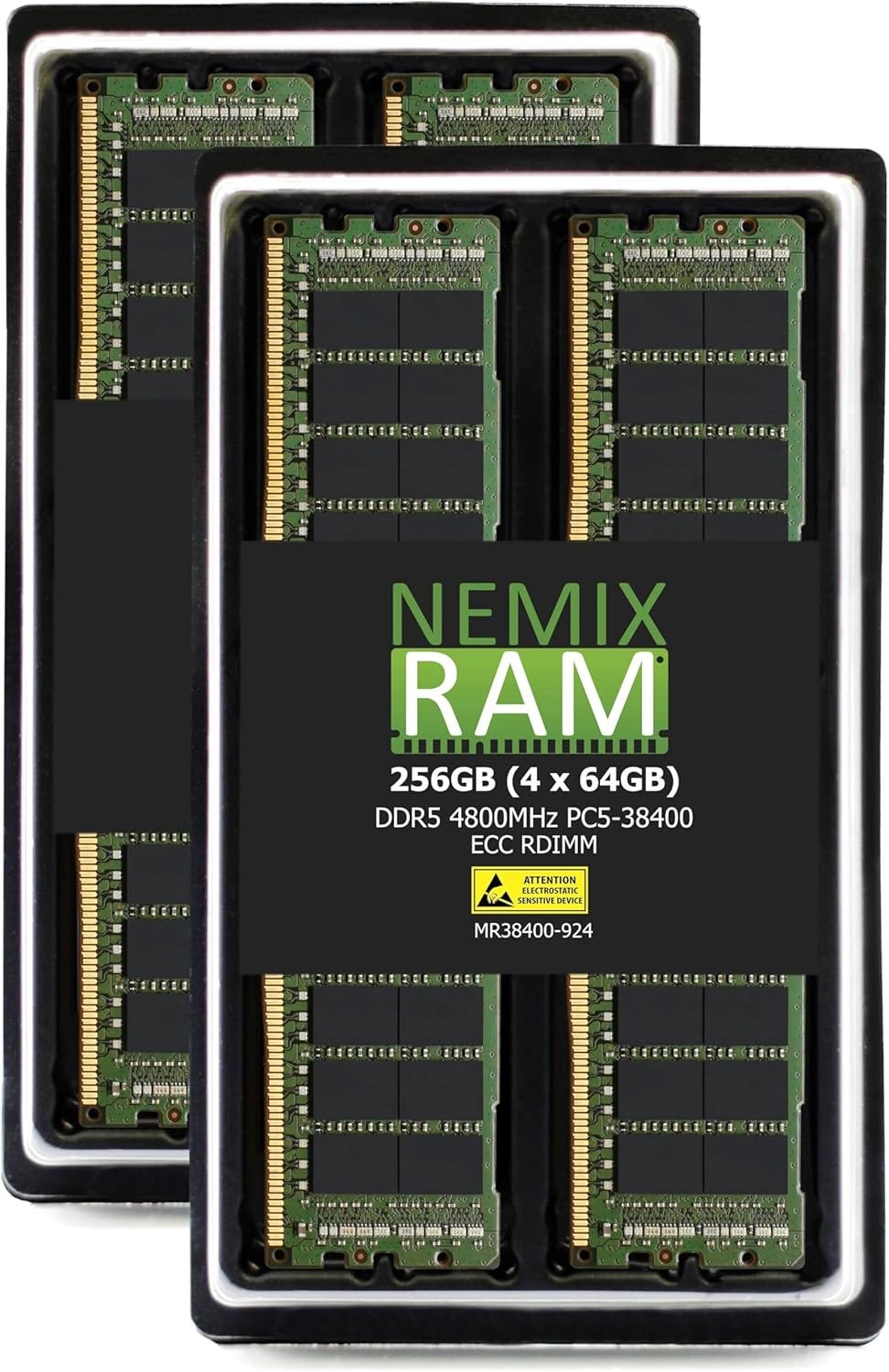
A 256GB 4x64GB ECC RDIMM kit is the right fit because it fully populates the TRX50 board’s four memory channels and matches the platform’s native RDIMM design instead of fighting it with consumer-style memory. It also gives the build enough system RAM to keep big model loads, multi-user inference, caching, and supporting workloads from turning the GPUs into the only strong part of the machine. For a dual 5090 box, 256GB is not luxury padding. It is the memory capacity that keeps the rest of the machine from becoming the bottleneck once your model workflow gets heavier.
Storage: Samsung 990 PRO 4TB drives (2x)
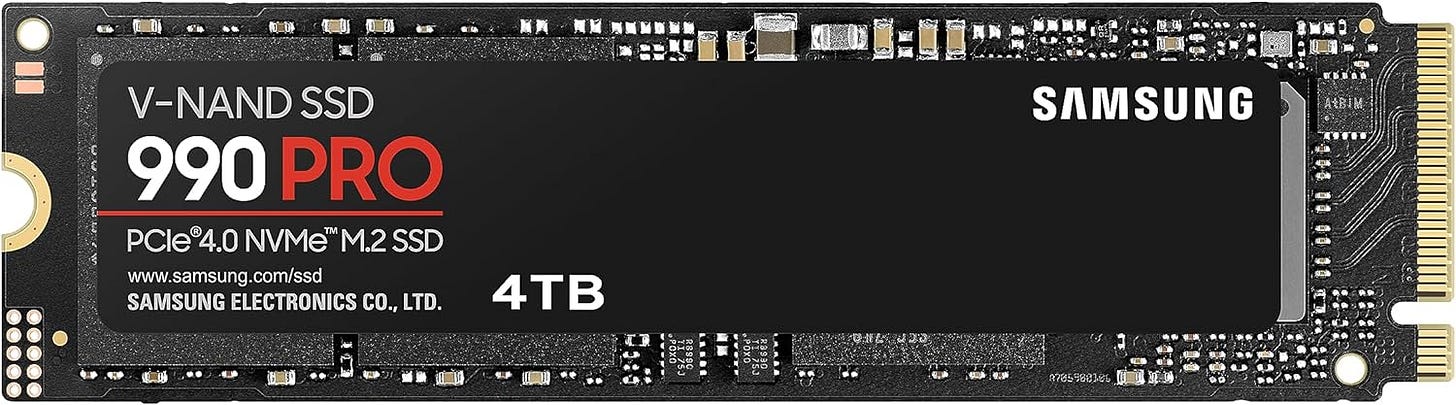
Two Samsung 4TB 990 PRO drives make sense here because this build has enough GPU horsepower that storage bottlenecks become annoying fast. Splitting OS and applications from active model libraries, scratch data, and caches is a simple way to keep the workstation feeling fast, and the 990 PRO remains one of the stronger PCIe 4.0 choices for that role. Large local model libraries tend to punish one-drive builds. Keeping OS, apps, active projects, model weights, and cache data from fighting each other is worth the extra drive.
Case: Phanteks Enthoo Pro 2 Server Edition
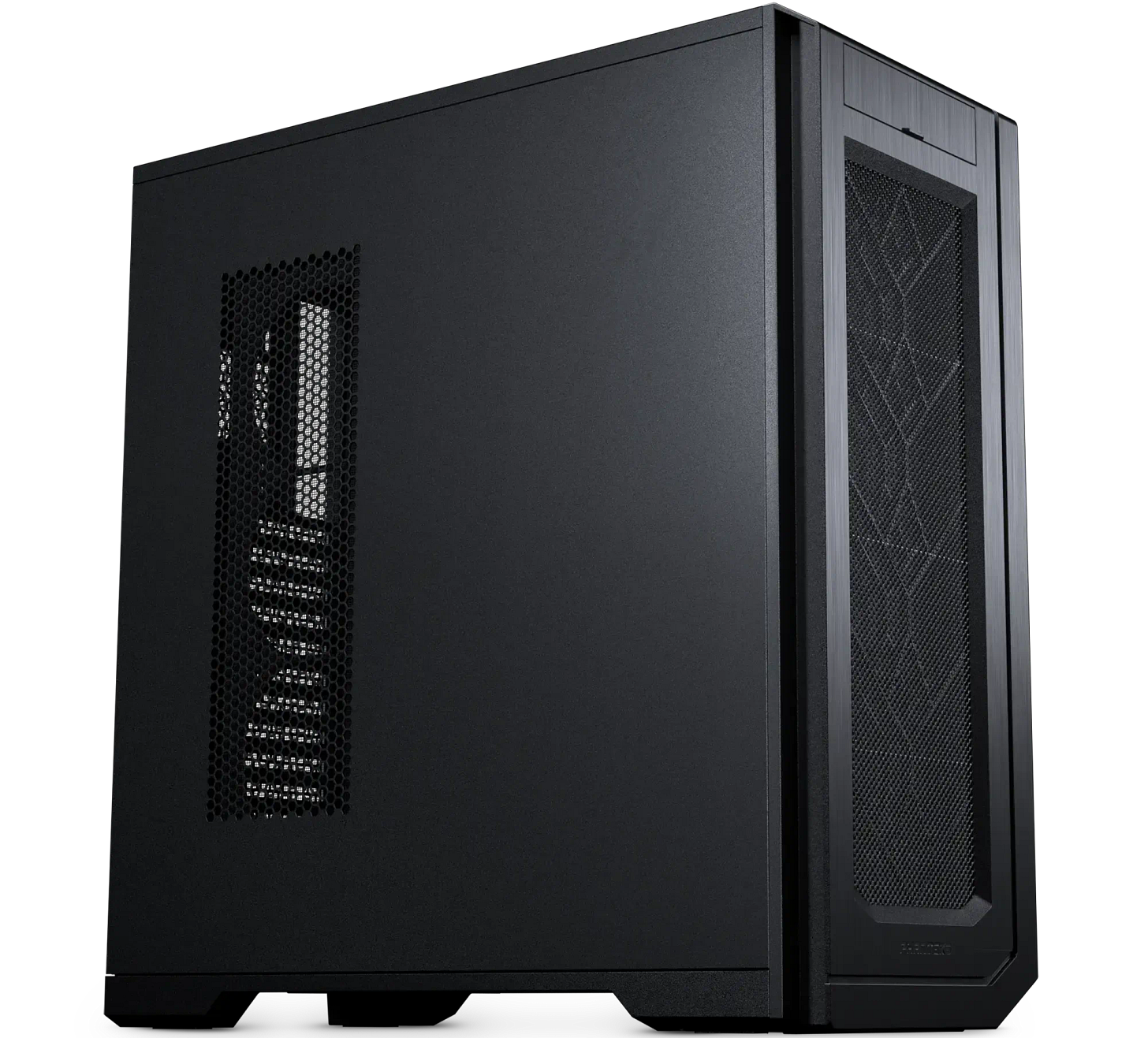
The Phanteks Enthoo Pro 2 Server Edition fits because it is one of the few big towers that openly prioritizes server-grade and multi-accelerator layouts instead of pretending every build is just a gaming PC with prettier glass. Phanteks gives you support for SSI-EEB hardware, an extra side fan bracket for direct GPU cooling, up to 15 fans, and 11 PCI slots, while reviewers have long noted that the platform offers huge radiator and hardware capacity for unusually little money. Large board support, massive radiator room, and enough fan capacity to manage high-end thermals make it one of the few consumer-accessible chassis that still feels rational for dual 5090.
PSU: Seasonic PRIME PX-2200
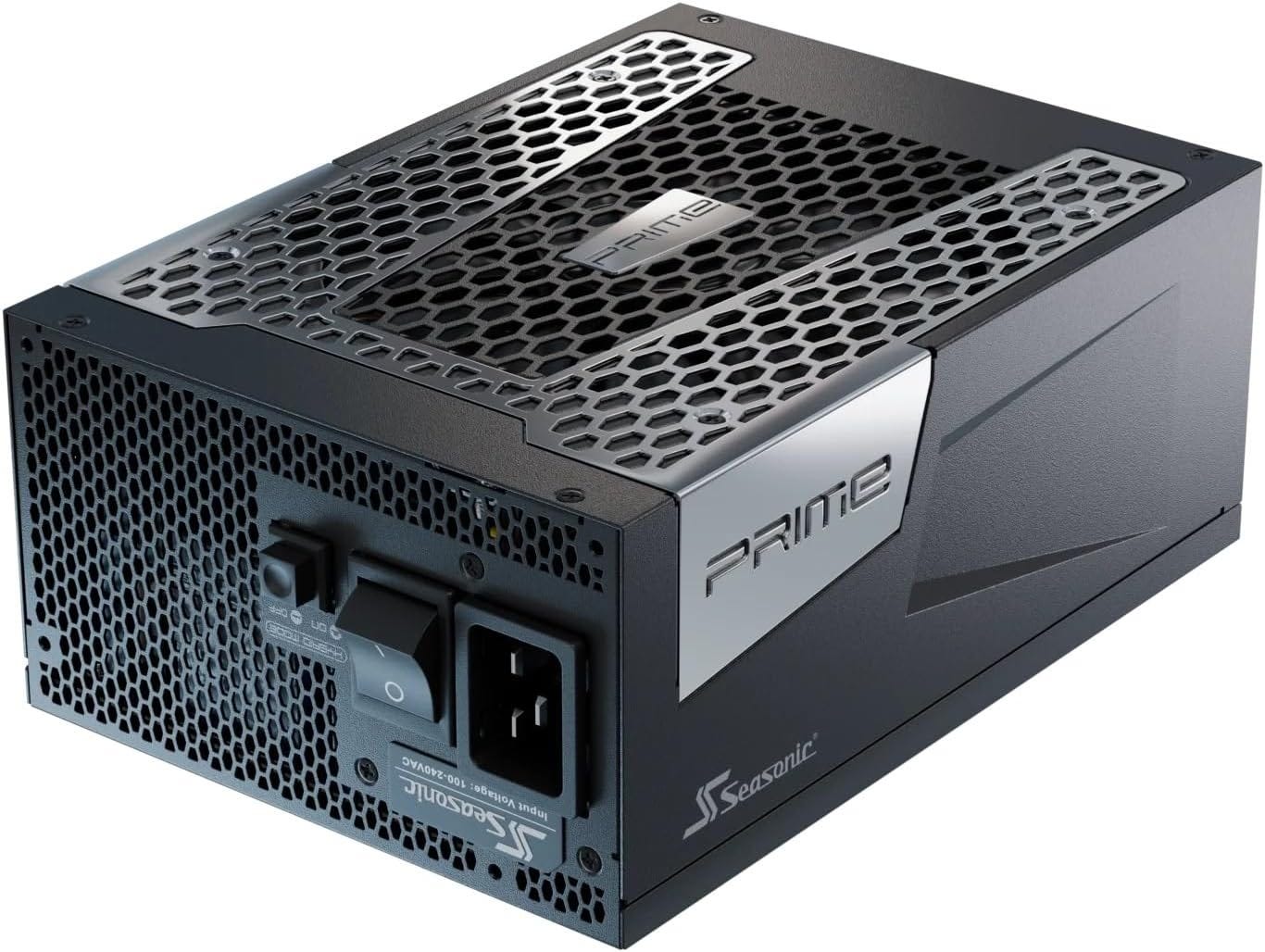
The Seasonic PRIME PX-2200 is a good fit here because dual 5090s plus Threadripper push this system into genuinely extreme power territory, so the PSU has to be treated like a core platform component, not an accessory. Seasonic’s unit is ATX 3.1 and PCIe 5.1 compliant, fully modular, backed by a 12-year warranty, and independently tested by Cybenetics, which is the right combination of capacity and quality for a build that can pull hard for long periods. This class of power supply definitely belongs in a build that pushes so much load through a single tower.


This is the fastest GeForce-based dual GPU LLM build here. It is also the most temperamental. If you want the best performance-per-card consumer build and you are ready for the heat, power, size, and cost that come with it, this is the one. If any of those constraints sound annoying, they will become more annoying after you buy the parts.
Premium build: the best workstation dual GPU setup for serious local AI in 2026
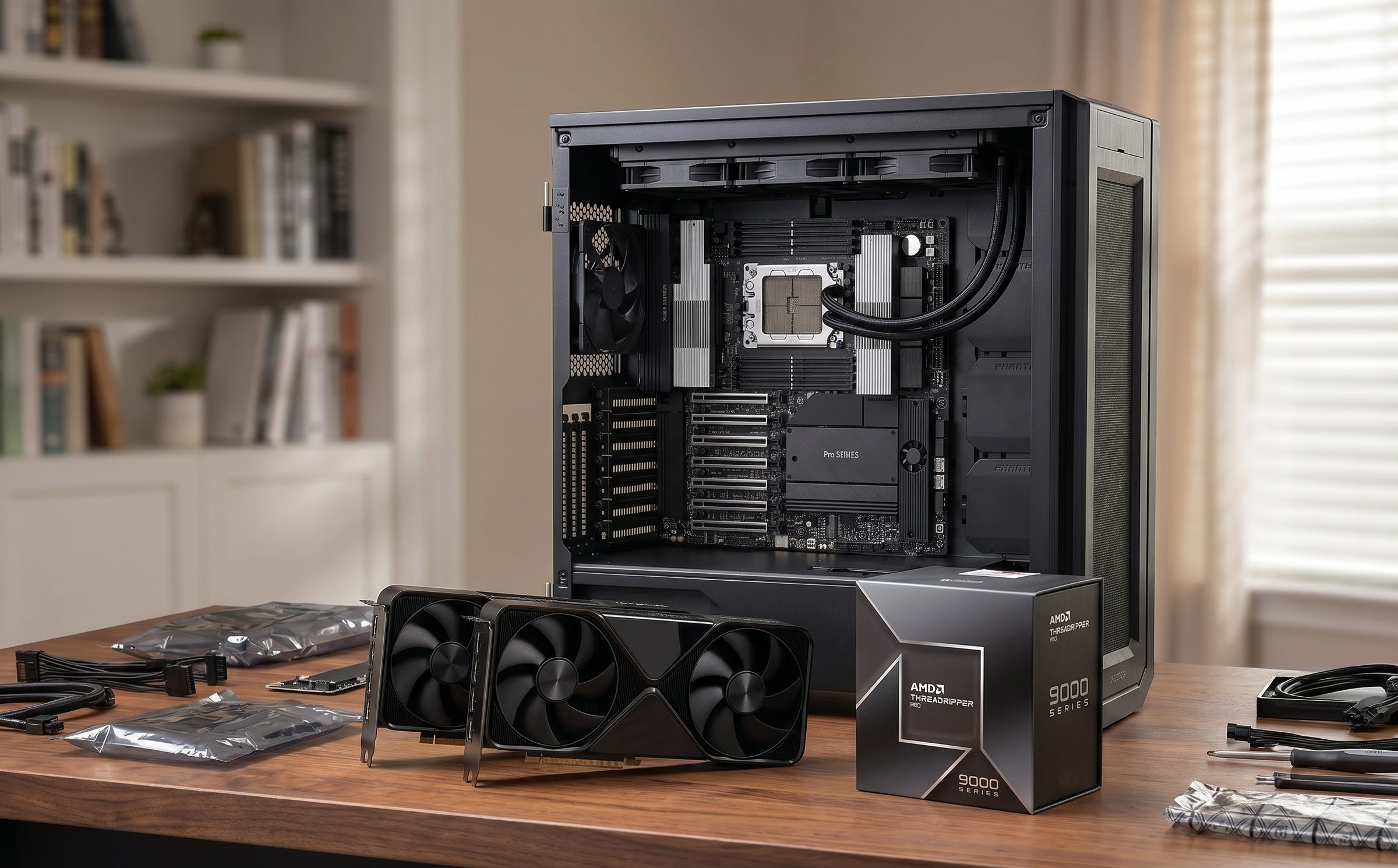
This is the practical winner. It is also the expensive one. The reason it stands out is simple. Workstation GPUs fix the physical problem that now dominates high-end dual-GPU home builds. You can fit two dense, serious cards into a workstation platform without resorting to the kind of compromises that make the GeForce alternative feel precarious.
For people who do real local AI work at home, that matters more than it used to. The premium tower is not just about speed. It is about making two huge accelerators coexist cleanly inside one machine that you can actually trust for daily use.
GPU: RTX PRO 6000 Blackwell Workstation Edition (2x)
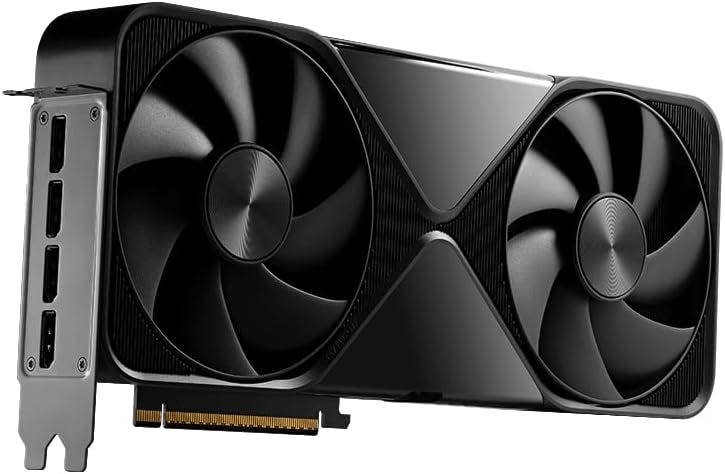
The RTX PRO 6000 Blackwell Workstation Edition is the premium recommendation because it solves the exact problem that makes dual high-end GeForce builds awkward: density. Each card gives you 96GB of ECC GDDR7 in a dual-slot form factor, and reviewers have already highlighted that the huge VRAM pool and almost 1.8 TB/s of bandwidth make it unusually attractive for AI and other memory-hungry professional workloads. This is the whole point of the build. Dual-slot packaging and 96GB of ECC GDDR7 per card give you 192GB total VRAM in a form factor that behaves like a workstation.
CPU: AMD Threadripper PRO 9985WX
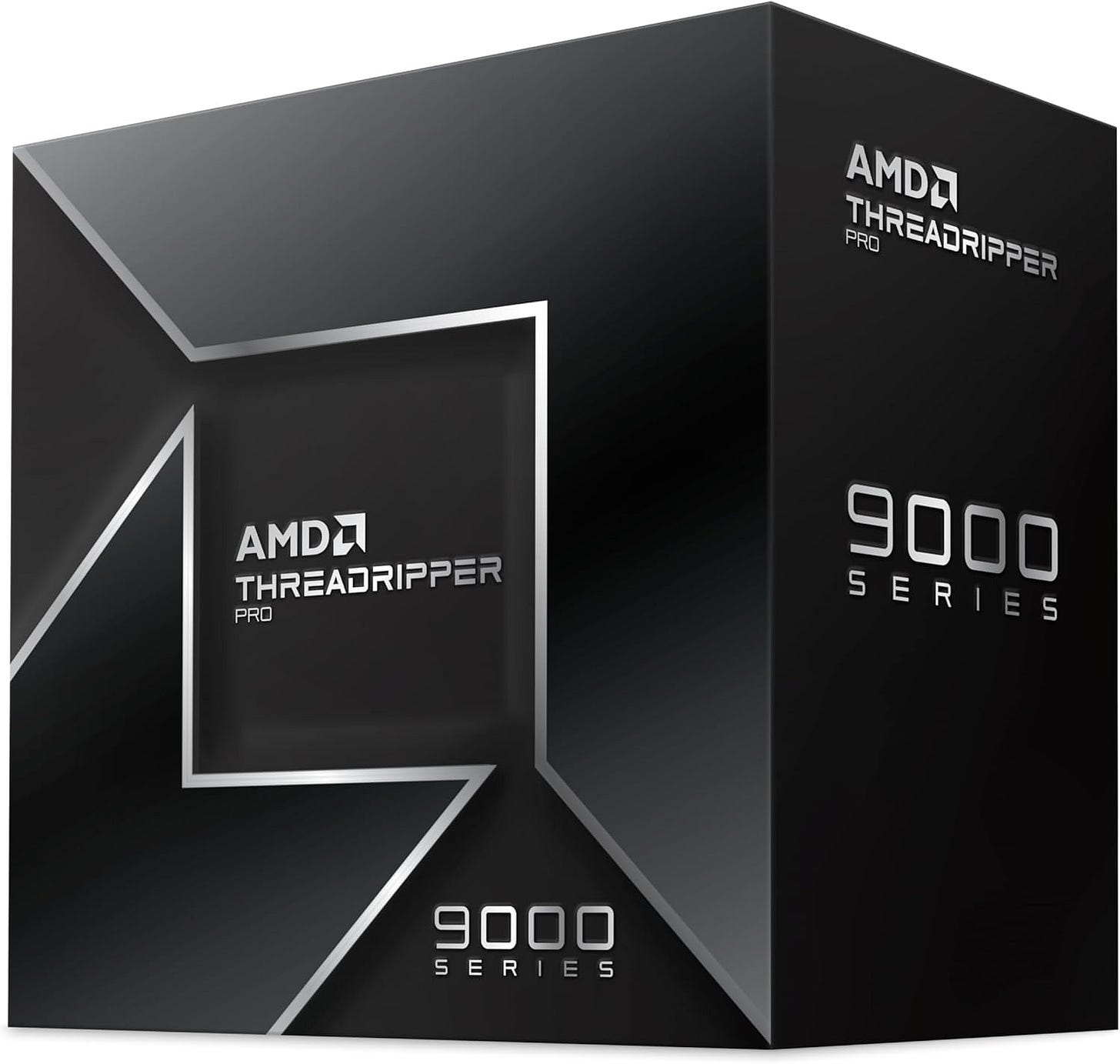
The AMD Threadripper PRO 9985WX is a strong fit because it gives you 64 cores, 128 threads, eight memory channels, and 128 usable PCIe 5.0 lanes, which is the kind of platform muscle a 192GB dual-GPU workstation deserves. It also lands at a saner point in the stack than the 96-core flagship for most local AI users, because it still unlocks the full PRO memory and I/O platform without pushing even more budget into CPU cores that many readers will not fully use. This chip is the rational point in the stack for a serious local AI tower because it gives you the workstation platform advantages without forcing you to pay for excess fluff.
Motherboard: ASUS Pro WS WRX90E-SAGE SE
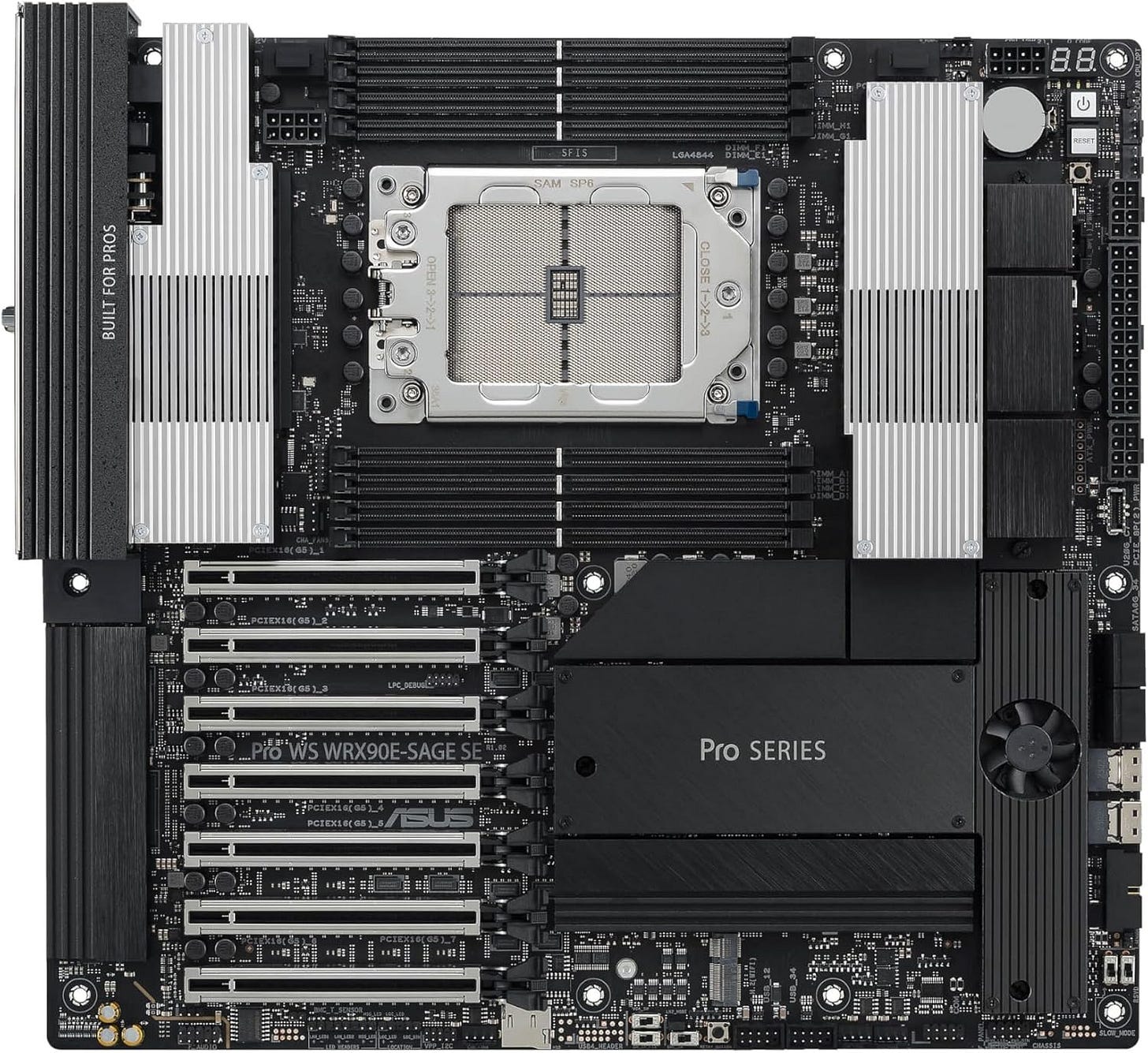
The ASUS Pro WS WRX90E-SAGE SE board fits this build because WRX90 is where the platform finally starts looking purpose-built for multi-GPU AI work instead of merely tolerant of it. ASUS gives you seven PCIe 5.0 x16 slots, support for up to 2TB of ECC RDIMM memory, onboard BMC and IPMI-style management, dual 10GbE, onboard PCIe power connectors for multi-GPU stability, and explicit positioning as an advanced AI workstation board. This board was built for dense accelerator systems. If you are spending this much, the machine should look like it was designed for the workload.
CPU cooler: SilverStone XE360-TR5
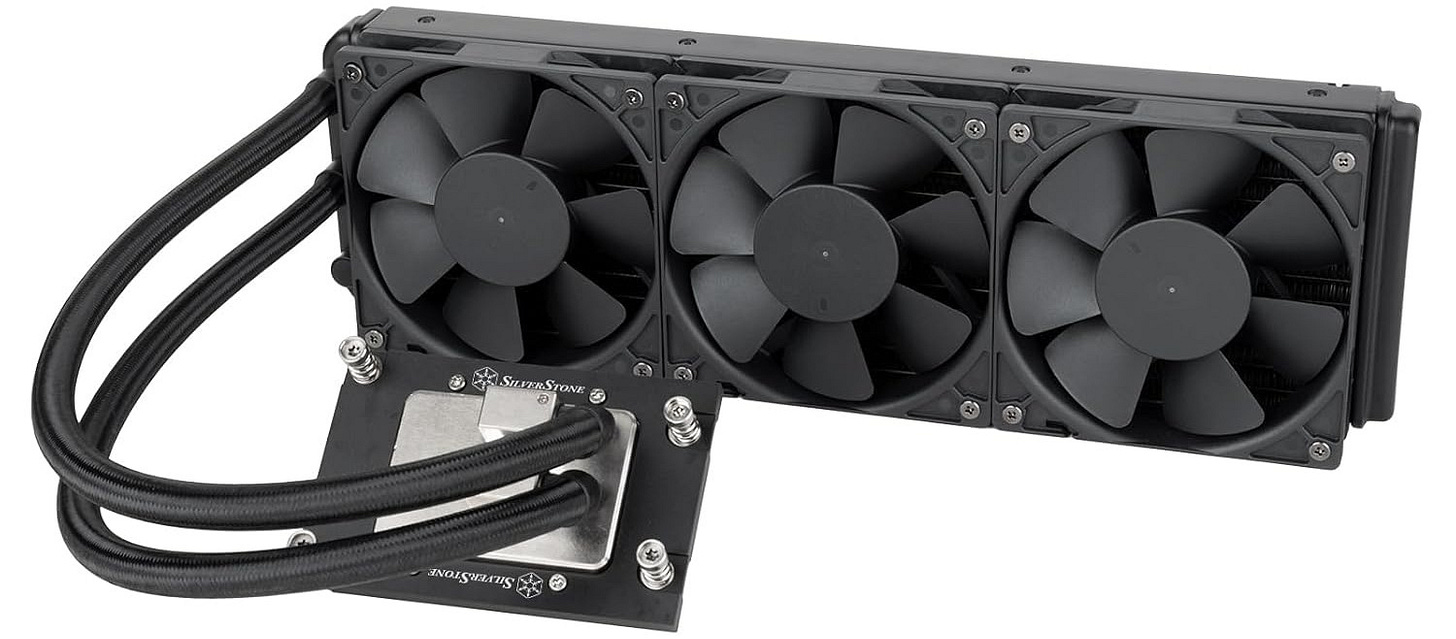
The same SilverStone XE360-TR5 cooler still fits here because the 9985WX is a 350W Threadripper PRO part and needs a cooler that properly covers the socket and heat spreader area. A purpose-built sTR5/SP6 AIO is simply the safer choice on an expensive workstation platform where stable sustained performance matters more than saving a little money on cooling. Big socket, expensive CPU, workstation platform, no reason to get cute.
RAM: 512GB DDR5 ECC RDIMM WRX90 kit
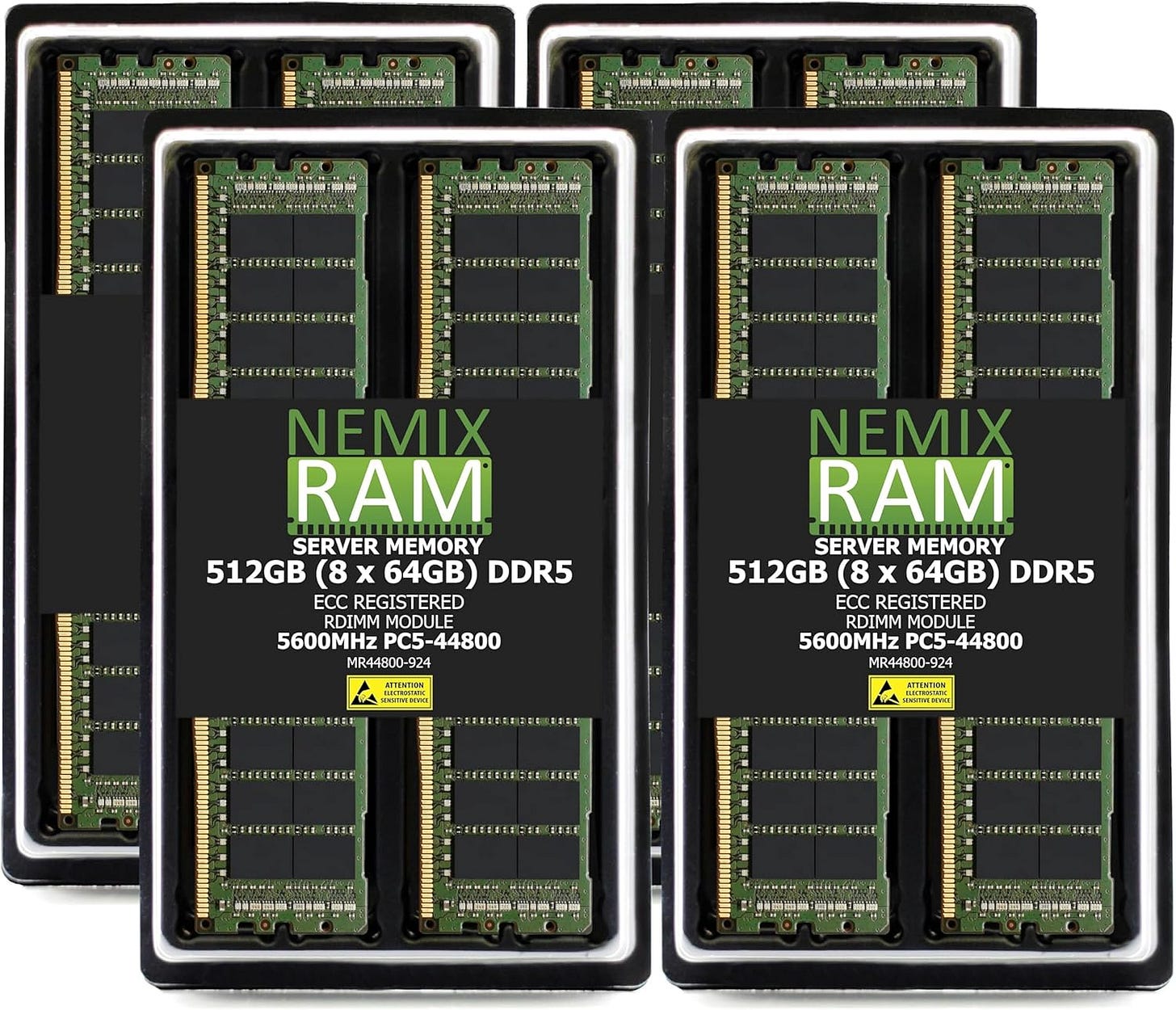
A 512GB 8x64GB ECC RDIMM kit is exactly what WRX90 is for, because the platform gives you eight memory channels and eight RDIMM slots. Populating all channels with ECC memory plays to the strengths of Threadripper PRO, and it gives the workstation the kind of capacity that makes giant contexts, large supporting datasets, parallel jobs, and heavy caching feel normal instead of cramped. Massive memory capacity with ECC RDIMMs is one of the main reasons to choose the platform in the first place.
Storage: Samsung 990 PRO 4TB drives (2x)
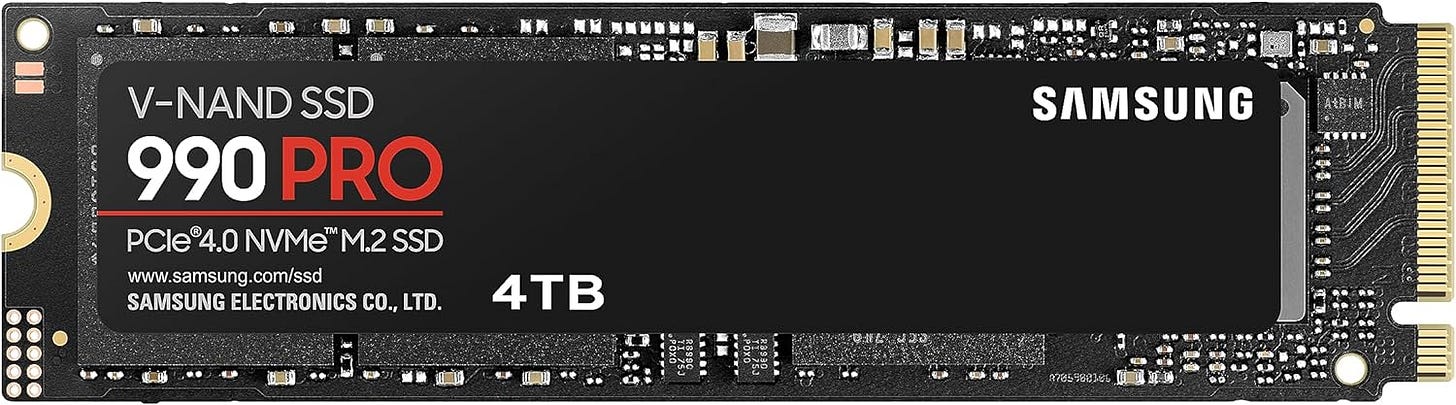
Two Samsung 990 PRO 4TB drives are a good fit here because premium GPU capacity is wasted if the storage layer is constantly shuffling giant files through a single crowded volume. Fast PCIe 4.0 performance and 8TB total solid-state space give the system a practical base for active model libraries, scratch data, media, and project work before you add slower bulk storage later. You can always add more scratch storage later, but fast NVMe capacity matters on a machine that will constantly move large models, checkpoints, and cache data.
Case: Phanteks Enthoo Pro 2 Server Edition
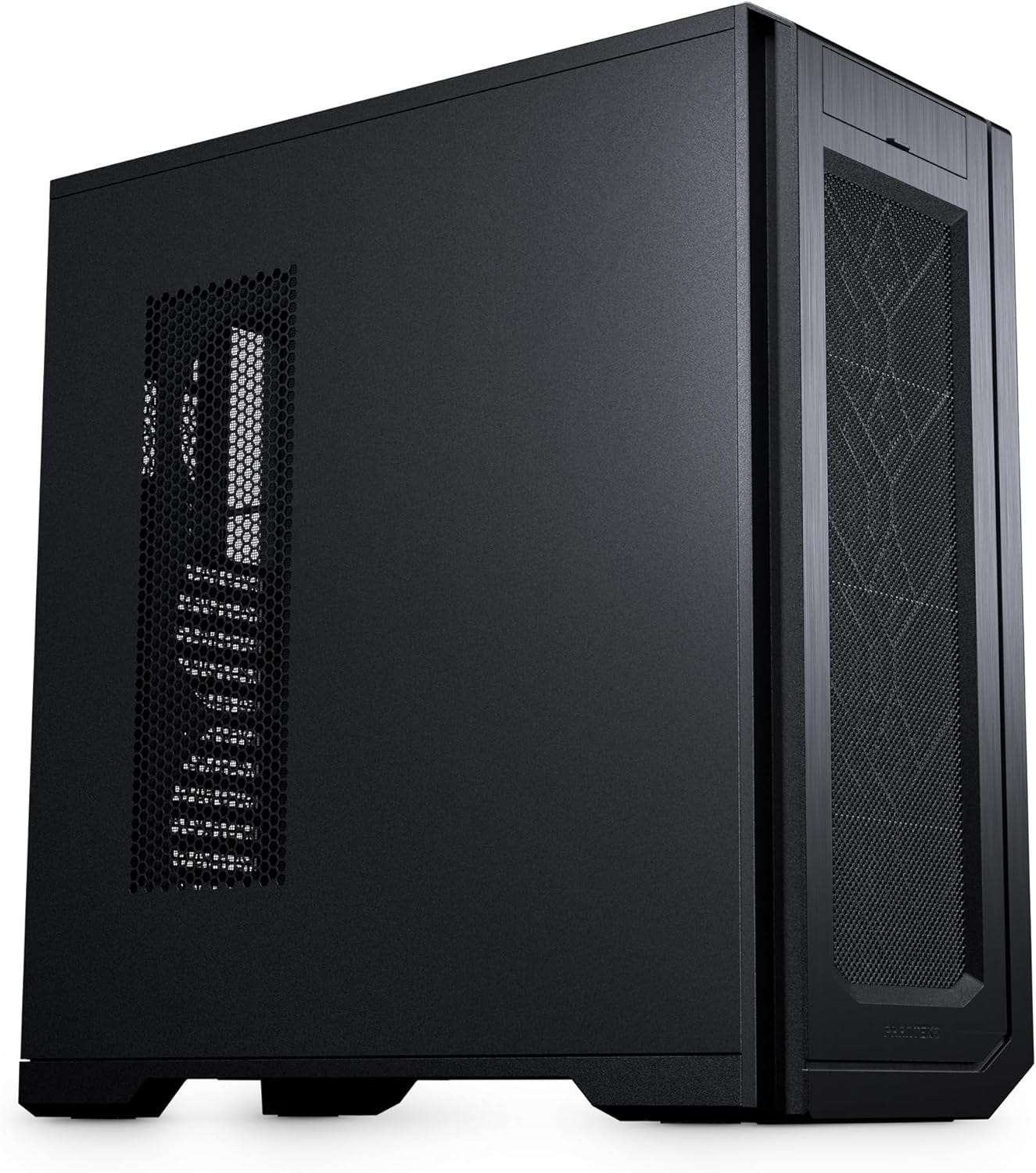
The same Phanteks Enthoo Pro 2 Server Edition case still fits at the top end because premium workstation parts are physically large, thermally demanding, and much easier to live with in a chassis that was designed around server-grade hardware from the start. The Server Edition adds the side fan bracket, massive fan capacity, broad motherboard support, and 11-slot expansion layout that help a dense dual-GPU tower stay practical instead of fragile. Large workstation boards and dense GPU layouts reward boring competence. This case solves the boring problems.
PSU: Seasonic PRIME PX-2200
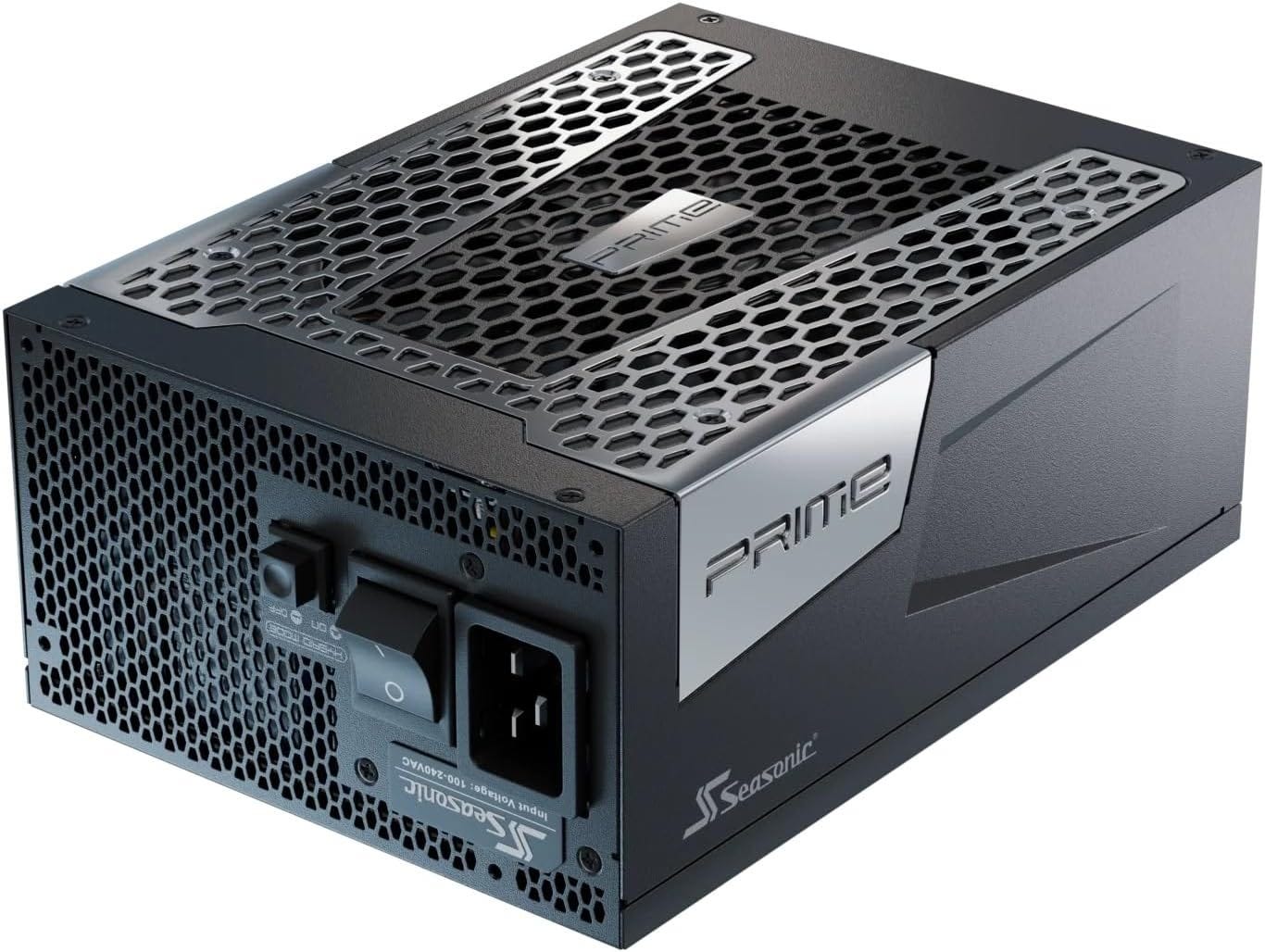
The Seasonic PRIME PX-2200 is the right PSU here for the same reason it is right in the dual-5090 build, only more so: two 600W workstation GPUs plus a 350W CPU leave no room for optimistic PSU sizing. Seasonic built this unit for high-power workloads with ATX 3.1 and PCIe 5.1 support, under-1% load regulation claims, full modular cabling, and independently verified performance data, which is what you want under a machine this expensive. Pair it with quality case fans because expensive workstation hardware still obeys airflow.
Case fans: High-airflow 140mm case fans
Extra 140mm airflow matters in this build because the standard RTX PRO 6000 Workstation Edition uses a double flow-through cooler that can raise internal chassis temperature even while keeping the card itself extremely capable under sustained load. The Enthoo Pro 2 Server Edition has the space and mounting options to take advantage of big, slower-spinning fans, so adding strong 140mm intake and exhaust is one of the easiest ways to keep the whole workstation stable and civilized.


This is the best dual GPU setup for local LLM home use in 2026 if money is not the first constraint. It is the least compromised, the easiest to justify for serious usage, and the build most likely to feel sane six months after purchase.
Which dual GPU LLM build should most people buy?
Most readers should end up in one of two camps.
If price matters most, the budget dual 3090 tower is still the answer. It gives you real multi-GPU local AI capability, enough VRAM to matter, and a total platform cost that does not drift into fantasy territory.
If your time matters most, the premium workstation tower is the answer. Dual RTX PRO 6000 Blackwell cards solve the slot-density problem that now makes high-end GeForce builds so awkward. That matters more than enthusiasts sometimes want to admit.
The dual 5090 build is real and it is fast. It also lives in the awkward middle. It has the excitement of current flagship GeForce hardware, with a large share of the cost and much of the operational annoyance of a workstation-class system. For some buyers that will still be worth it. For many home users, it will not.
Final verdict
If the goal is to rank the best dual GPU setup for local LLM home use in 2026 in plain English, the order is straightforward.
The best budget dual GPU LLM PC is dual RTX 3090 on AM5.
The best GeForce performance build is dual RTX 5090 on TRX50.
The best overall serious local AI workstation is dual RTX PRO 6000 Blackwell on WRX90.
That is the real market in 2026. Local AI software got better. Multi-GPU inference has become more usable. Hardware has become more demanding, not less. Anyone shopping for a dual GPU home LLM machine should stop treating raw speed as the only metric and start treating case geometry, board spacing, and PSU headroom as first-class buying criteria.
Explore more from Popular AI:
Start here | Local AI | Fixes & guides | Builds & gear | Popular AI podcast
If you were building a local LLM workstation in 2026, what would you prioritize most: maximum VRAM, raw speed, lower cost, or a quiet and reliable daily-use machine?