


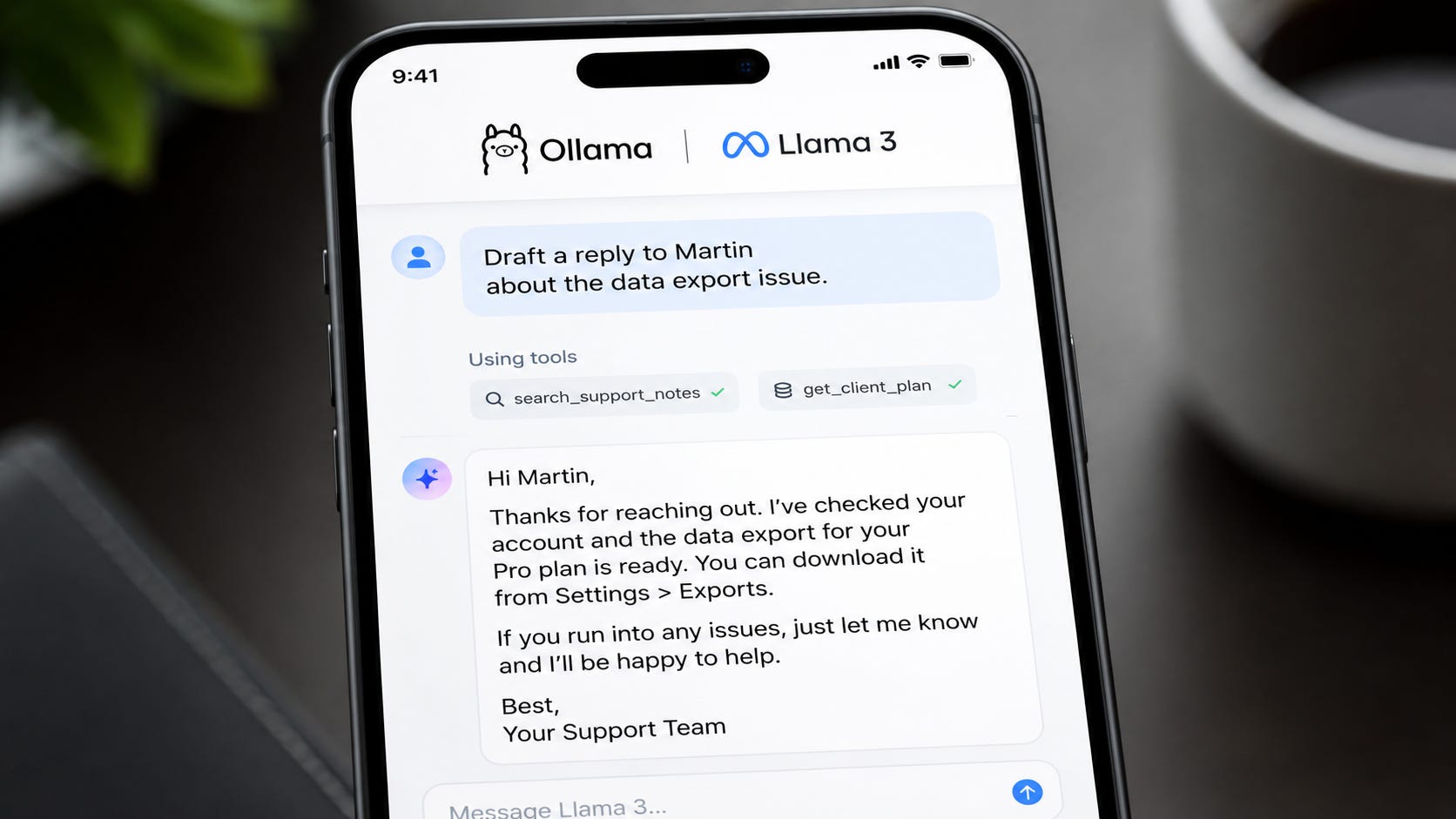
The easiest way to misunderstand AI agents is to think of them as chatbots with a few extra controls.
A real agent can decide when to call a tool, pass arguments to that tool, read the result, and continue the task. That might mean checking a database, writing to a file, searching a private knowledge base, drafting a customer reply, or triggering an internal automation.
That extra power creates a tradeoff. The more useful an AI agent becomes, the more sensitive the data around it usually gets.
If your workflow involves client notes, internal documents, private code, customer records, financial data, or business strategy, sending every prompt and tool result to a cloud model can become the central risk in the system.
That is why local tool-use models matter. With Ollama and Llama-3-Groq-8B-Tool-Use, you can run a function-calling model on your own machine and build private agent workflows without sending prompts, documents, or tool outputs to an external model provider. Ollama lists the model series as focused on tool use and function calling, with an 8B variant at about 4.7GB and an 8K context window. The same model page says the 8B model reached 89.06% overall accuracy on BFCL at the time of publication in July 2024.
More on local agentic AI:

Why local tool calling is useful
A normal local chatbot is already helpful. It can summarize notes, rewrite text, answer questions about pasted material, and help with coding.
Tool calling adds a more practical layer. Instead of only producing text, the model can return a structured request such as:
{
  "name": "search_invoices",
  "arguments": {
    "client": "Acme Ltd",
    "month": "April"
  }
}
Your application runs the real function, gives the result back to the model, and asks it to continue. This is the pattern that turns a local model into the decision-making layer of a private workflow.
Ollama’s API documentation explains the same flow directly: you provide tools through the tools parameter, the model can generate a response containing tool calls, and the model can then explain the tool result in its response.
That makes local agents useful for searching private documents, querying internal databases, creating draft emails, summarizing local meeting notes, reading project files, running safe internal scripts, building small business automations, and creating private research assistants.
The model does not need direct access to everything. You expose only the tools you want it to use, which makes the application design much easier to control.
Install Ollama and pull the model
First, install Ollama from the official Ollama download page for your operating system.
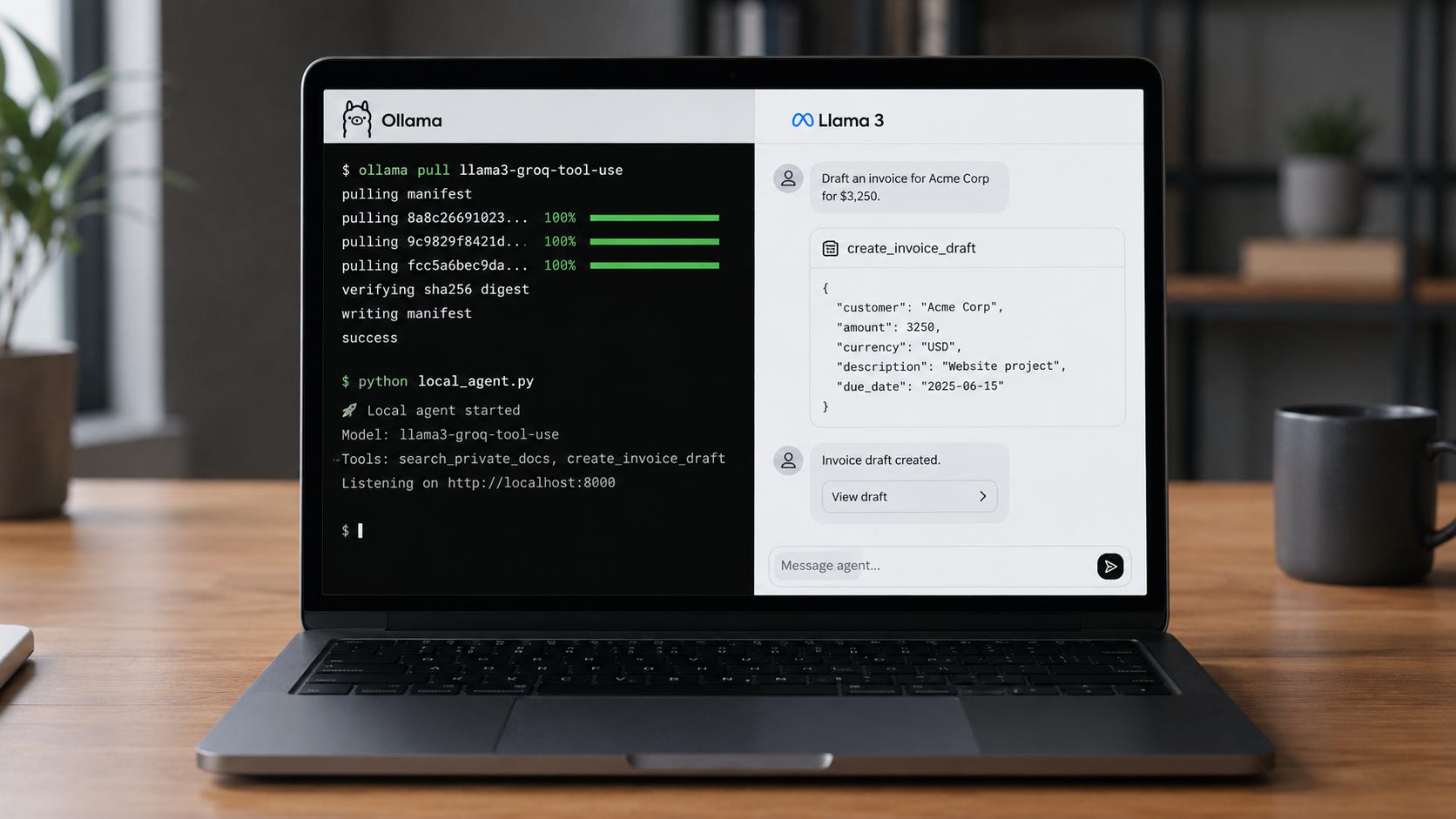
Once installed, open a terminal and pull the model:
ollama pull llama3-groq-tool-use
Then run it interactively:
ollama run llama3-groq-tool-use
You can also call it through Ollama’s local API. The Llama-3-Groq-Tool-Use model page shows the basic API pattern using the local Ollama server at localhost:11434.
curl http://localhost:11434/api/chat \
  -d '{
    "model": "llama3-groq-tool-use",
    "messages": [
      {
        "role": "user",
        "content": "Hello!"
      }
    ]
  }'
At this point, you have the model running locally and can start building a private agent loop around it.
Build a simple local tool
Here is a minimal Python example. This creates a fake private function called get_project_status, lets the model decide whether to call it, then returns the tool result to the model.
Install the Python client:
pip install ollama -U
Then create local_agent.py:
from ollama import chat


def get_project_status(project_name: str) -> str:
    """Get the current status of a private internal project.

    Args:
        project_name: Name of the project to look up.

    Returns:
        A short project status summary.
    """
    private_projects = {
        "atlas": "Atlas is on track. Final review is due Friday.",
        "mercury": "Mercury is delayed because the client has not approved the data import.",
        "nova": "Nova is complete and ready for invoicing."
    }

    return private_projects.get(
        project_name.lower(),
        "No matching project was found."
    )


messages = [
    {
        "role": "user",
        "content": "What is the status of the Atlas project?"
    }
]

response = chat(
    model="llama3-groq-tool-use",
    messages=messages,
    tools=[get_project_status]
)

messages.append(response.message)

if response.message.tool_calls:
    for call in response.message.tool_calls:
        if call.function.name == "get_project_status":
            result = get_project_status(**call.function.arguments)

            messages.append({
                "role": "tool",
                "tool_name": call.function.name,
                "content": result
            })

    final_response = chat(
        model="llama3-groq-tool-use",
        messages=messages,
        tools=[get_project_status]
    )

    print(final_response.message.content)
else:
    print(response.message.content)
Run it:
python local_agent.py
This is the core loop of a local agent:
User asks a question.
Model chooses a tool.
Your code executes the tool.
Tool result goes back to the model.
Model writes the final answer.
The privacy point is simple: the project data stays inside your machine or network.
Use JSON schemas for stricter tools
For production workflows, Python function signatures are often too loose. A stricter tool definition gives the model a clearer contract and gives your application a better chance of catching bad arguments before anything important happens.
Example:
tools = [
    {
        "type": "function",
        "function": {
            "name": "create_invoice_draft",
            "description": "Create a draft invoice for a client.",
            "parameters": {
                "type": "object",
                "required": ["client_name", "amount", "currency"],
                "properties": {
                    "client_name": {
                        "type": "string",
                        "description": "The client name."
                    },
                    "amount": {
                        "type": "number",
                        "description": "The invoice amount."
                    },
                    "currency": {
                        "type": "string",
                        "description": "The currency code, such as USD or EUR."
                    }
                }
            }
        }
    }
]
This makes the tool contract easier to understand. The model knows which fields are required, what each field means, and how to format the call.
Ollama’s tool-calling documentation shows this same general structure for tool definitions, including the function name, description, parameters, properties, and required fields. The related Ollama Python library update also highlights support for passing functions as tools in the Python client.
Keep the model away from dangerous tools
Local does not automatically mean safe.
If you give a model access to a shell command tool, file deletion tool, email sending tool, or payment tool, you have created a risk. The model may call the wrong function, pass bad arguments, or misunderstand the user’s intent.
A safer pattern is to start with read-only tools:
def search_docs(query: str) -> str:
    ...

def get_customer_record(customer_id: str) -> str:
    ...

def list_open_tasks(project: str) -> str:
    ...
Then add write actions only when you have guardrails:
def create_draft_email(recipient: str, subject: str, body: str) -> str:
    ...

def create_invoice_draft(client: str, amount: float) -> str:
    ...
Notice the word “draft.” For many business workflows, the best first step is to let the agent prepare work for review rather than execute irreversible actions.
A practical local-agent permission model looks like this:
Safe:
- Search documents
- Read project data
- Summarize notes
- Draft replies
- Draft invoices
- Generate reports

Needs approval:
- Send emails
- Delete files
- Modify records
- Run shell commands
- Charge payments
- Publish content
This keeps the model useful while limiting the damage of a bad tool call. In business settings, that distinction matters more than model cleverness.
Connect the agent to private documents
A common local agent workflow is retrieval-augmented generation, often called RAG.
The basic architecture is:
Private documents
        ↓
Local embedding model
        ↓
Local vector database
        ↓
Search tool
        ↓
Local Llama-3-Groq-8B-Tool-Use agent
        ↓
Answer with cited internal context
The agent does not need to ingest every document into the prompt. It can call a search tool, retrieve only the most relevant passages, and then write an answer using that context.
For example:
def search_private_docs(query: str) -> str:
    """Search local private documents for relevant passages."""
    # Connect this to Chroma, SQLite, LanceDB, or another local store.
    return "Relevant internal passage goes here."
Then ask:
What does our onboarding policy say about contractor access?
The model can call search_private_docs, receive the relevant internal text, and answer without exposing the document set to a cloud model.
This is where local tool calling becomes especially useful. The model becomes the reasoning layer, while your tools decide exactly which private data can be accessed and how much context should be returned.
Understand the hardware expectations
The 8B model is the practical starting point because it is much easier to run than a 70B model. Ollama lists the llama3-groq-tool-use:8b variant at about 4.7GB, while the 70B variant is listed at about 40GB.
For casual local use, a modern laptop with enough RAM can run the 8B model. For smoother performance, use a machine with a capable GPU or Apple Silicon with unified memory.
More on hardware for local agentic AI:

For heavier agent workflows, prioritize more RAM or unified memory, fast SSD storage, a GPU with enough VRAM, smaller prompts, focused tools, and short tool outputs.
Agents become slow when you stuff too much into the context. Keep tool results compact, and resist the temptation to pass entire documents back into the conversation when a few relevant excerpts will do.
Build a realistic private agent workflow
Here is a useful small-business example.
Goal: a local client-support assistant that can answer questions using private support notes.
Tools:
def search_support_notes(query: str) -> str:
    """Search local support notes."""

def get_client_plan(client_name: str) -> str:
    """Retrieve the client's current service plan."""

def draft_support_reply(client_name: str, issue: str, answer: str) -> str:
    """Create a draft support reply for review."""
User prompt:
Draft a reply to Martin about the data export issue. Check the support notes first.
The agent can:
Search the support notes.
Check the client’s plan.
Draft a reply.
Leave the final send action to a human.
That workflow can replace a lot of manual searching and writing, while keeping sensitive client data local.
The same pattern works for internal operations, legal intake, account management, customer support, project reporting, and research workflows. Start with one narrow task, expose only the tools required for that task, then expand once the agent behaves predictably.
Fix common local agent problems
Problem: The model answers without calling the tool.
Make the instruction clearer. Tell it that it must use a specific tool before answering.
Use the search_private_docs tool before answering. Do not answer from memory.
Problem: The model calls the wrong tool.
Use clearer tool names and descriptions. Avoid overlapping tools such as get_data, search_data, and lookup_data.
Problem: The tool arguments are messy.
Use a strict JSON schema and keep fields simple.
Problem: The response is too slow.
Reduce context size, shorten tool outputs, use the 8B model, or move to faster hardware.
Problem: The model tries to do too much.
Split the workflow into smaller tools and require approval before write actions.
Most local agent problems come from vague tool names, overloaded tools, oversized context, or weak approval boundaries. The model is only one part of the system. The tool layer matters just as much.
Follow local agent design best practices
Start small. A local agent with three reliable tools is more useful than a sprawling system with twenty vague ones.
Use descriptive names:
Good:
- search_client_notes
- get_invoice_status
- draft_email_reply

Bad:
- run_task
- lookup
- process
Return short, structured tool results:
{
  "client": "Acme Ltd",
  "invoice_status": "overdue",
  "amount": "€2,400",
  "due_date": "2026-05-15"
}
Log every tool call:
timestamp
user request
tool name
tool arguments
tool result
final response
For sensitive workflows, logs are not optional. They are how you debug mistakes, review unexpected behavior, and prove what happened after the fact.
Good logs also help you improve the tools themselves. If the model keeps passing messy arguments, the schema may need to be stricter. If it keeps choosing the wrong tool, the descriptions may be too similar. If responses are slow, the logs will show whether the model, the retrieval step, or the tool output size is the real bottleneck.
Local agents are about control
Cloud AI tools are convenient, but convenience has a cost. The most useful agent workflows often need access to information that should stay under your control.
Running Llama-3-Groq-8B-Tool-Use locally with Ollama gives you a practical middle ground. You get structured tool calling, useful automation, and private execution without building an entire model stack from scratch.
It will not replace every cloud model. Larger hosted models may still perform better on complex reasoning tasks. For private internal workflows, though, local function calling is already good enough to build useful systems.
The best place to start is simple:
ollama pull llama3-groq-tool-use
Then expose one safe tool.
Make it reliable.
Add another.
That is how a local chatbot becomes a private agent.
Explore more from Popular AI:
Start here | Local AI | Fixes & guides | Builds & gear | Popular AI podcast
Would you trust a local AI agent with private business documents if it only had access to read-only tools, or would you still want every action reviewed by a human first?