



Realtime is turning into the new choke point in AI. Not because it is flashy, although it is, but because realtime systems decide who owns the pipeline. They decide what is permitted, what is logged, what gets rate-limited, and what quietly stops working when policies shift.
That is why LocalAI v3.12.0, released on February 20, 2026, is worth paying attention to. It pushes LocalAI deeper into live, multimodal interaction, while also doing the less glamorous work that separates a “cool demo” from something you can run as real infrastructure.
If you have been waiting for a practical path to a local-first assistant that can speak, listen, and handle images without shipping your life to an API vendor, this release moves the needle.
What actually shipped in v3.12.0
The headline is realtime multimodal conversations that can include text, images, and audio. Underneath that headline, the release is packed with the kinds of changes you only see after real people start building real things on top of the system.
A lot of the tightening is around realtime transport and robustness. WebSocket handling, sampling behavior, and locking are the sorts of details that determine whether a voice session feels smooth or glitchy. Image payload handling matters too, because sending the wrong data shape turns “multimodal” into “sometimes it works, sometimes it doesn’t.”
One change is especially telling in terms of maturity. The release notes include guardrails like limiting buffer sizes to reduce denial-of-service risk, plus a security hardening change to validate URLs in content-fetching endpoints to reduce SSRF exposure. That is not hype. That is the boring work you want when you expose an API on a LAN.
You can scan the full release thread in the LocalAI releases page on GitHub. (GitHub)
The strategic move: realtime protocol compatibility, but local
The most important part of “realtime” is not that it feels magical to talk to a machine. It is that realtime tends to lock you into whoever owns the protocol and the hosting.
LocalAI’s broader positioning has always been about avoiding that trap. The project describes itself as an open source, self-hosted alternative that is compatible with OpenAI-style APIs, designed to run on consumer hardware. You can see that framing directly in the LocalAI GitHub repository. (GitHub)
In practice, that means your client app can be built around a familiar API shape while you keep the pipeline on your own machine. That distinction matters if you care about autonomy, privacy, or simply not having your product roadmap depend on someone else’s policy team.
Voxtral is landing, and it is still maturing
v3.12.0 also introduces a Voxtral backend. The important nuance is that “added” does not always mean “fully baked.”
In the pull request that brought Voxtral in, it is described as an early pass and it notes streaming limitations. That is normal in open tooling. The value is that the pieces are arriving in public, in the open, and you can track the progress.
If you want the most direct primary-source view, start with the Voxtral backend pull request. (GitHub)
Short walkthrough: first success in under 20 minutes
This is the simplest path that works today, based on LocalAI’s docs and the realtime API page.
1) Run LocalAI (Docker, CPU image)
LocalAI recommends Docker as the easiest install path, and the quick start is one command.
docker run -p 8080:8080 --name local-ai -ti localai/localai:latestOnce it is up, your API and WebUI are reachable at http://localhost:8080.
2) Install models via the built-in Model Gallery
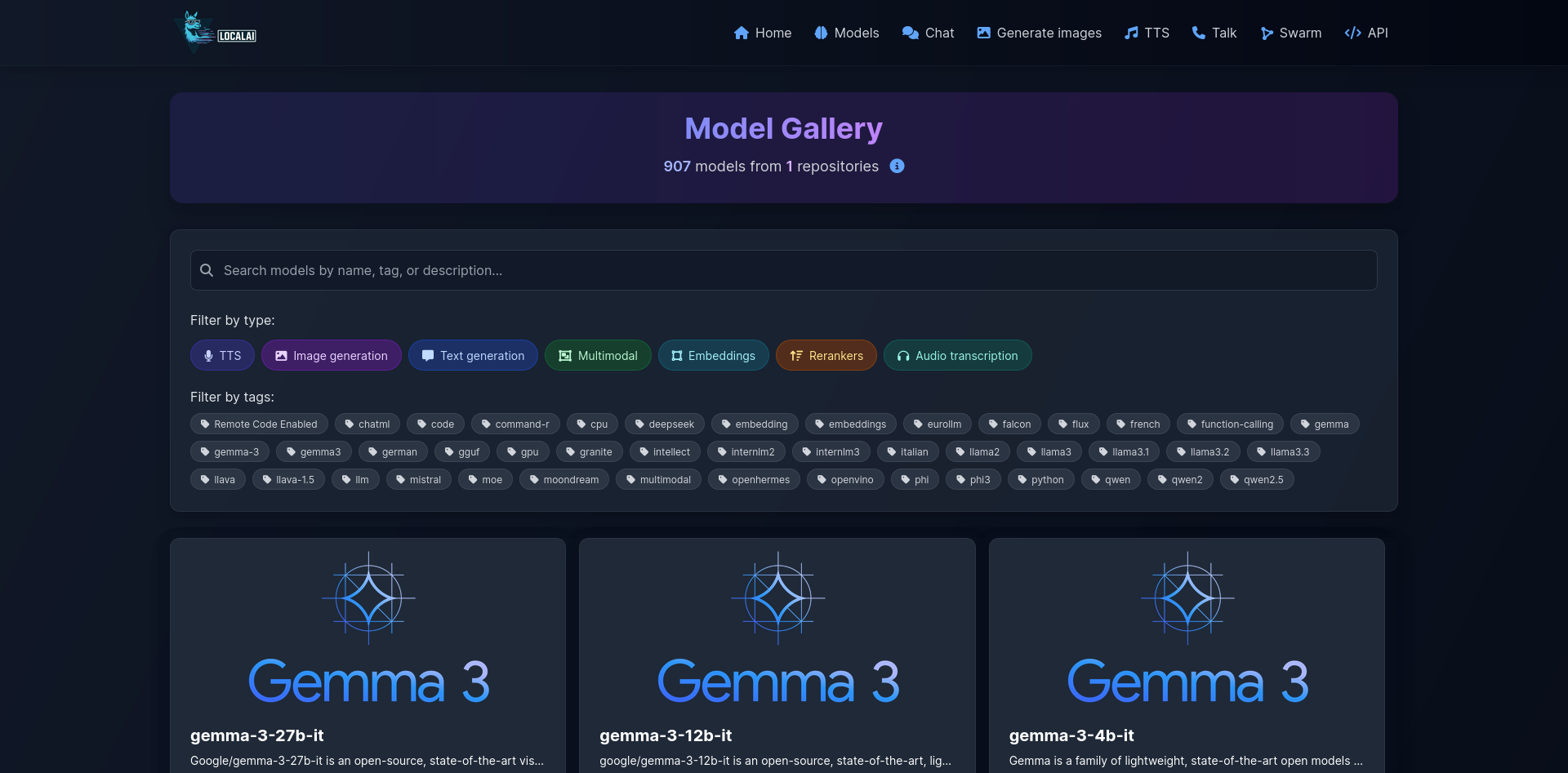
Open the WebUI, go to Models, and install what you need. The docs call the gallery the easiest option and outline both WebUI and CLI methods.
For realtime voice, you need a pipeline of components (VAD, STT, LLM, TTS).
3) Create a realtime pipeline model YAML
LocalAI’s realtime docs give a concrete example of a pipeline model:
name: gpt-realtime
pipeline:
 vad: silero-vad-ggml
 transcription: whisper-large-turbo
 llm: qwen3-4b
 tts: tts-1
That pipeline concept is the whole game: each stage can be swapped for another local model as your hardware and preferences change.
4) Connect over WebSocket
LocalAI exposes a realtime WebSocket endpoint like this:
ws://localhost:8080/v1/realtime?model=gpt-realtimeFrom there, you can use a client that speaks the OpenAI Realtime protocol to manage sessions, audio buffers, and conversation items.
5) Verify text-to-speech (optional quick test)
Even outside realtime, LocalAI supports TTS endpoints. Their TTS docs show a simple curl pattern for generating audio output.
The win here is modularity: you can start with basic TTS, then upgrade into realtime voice conversations when your pipeline and hardware are ready.
Hardware recommendations (with Popular AI’s affiliate tag)
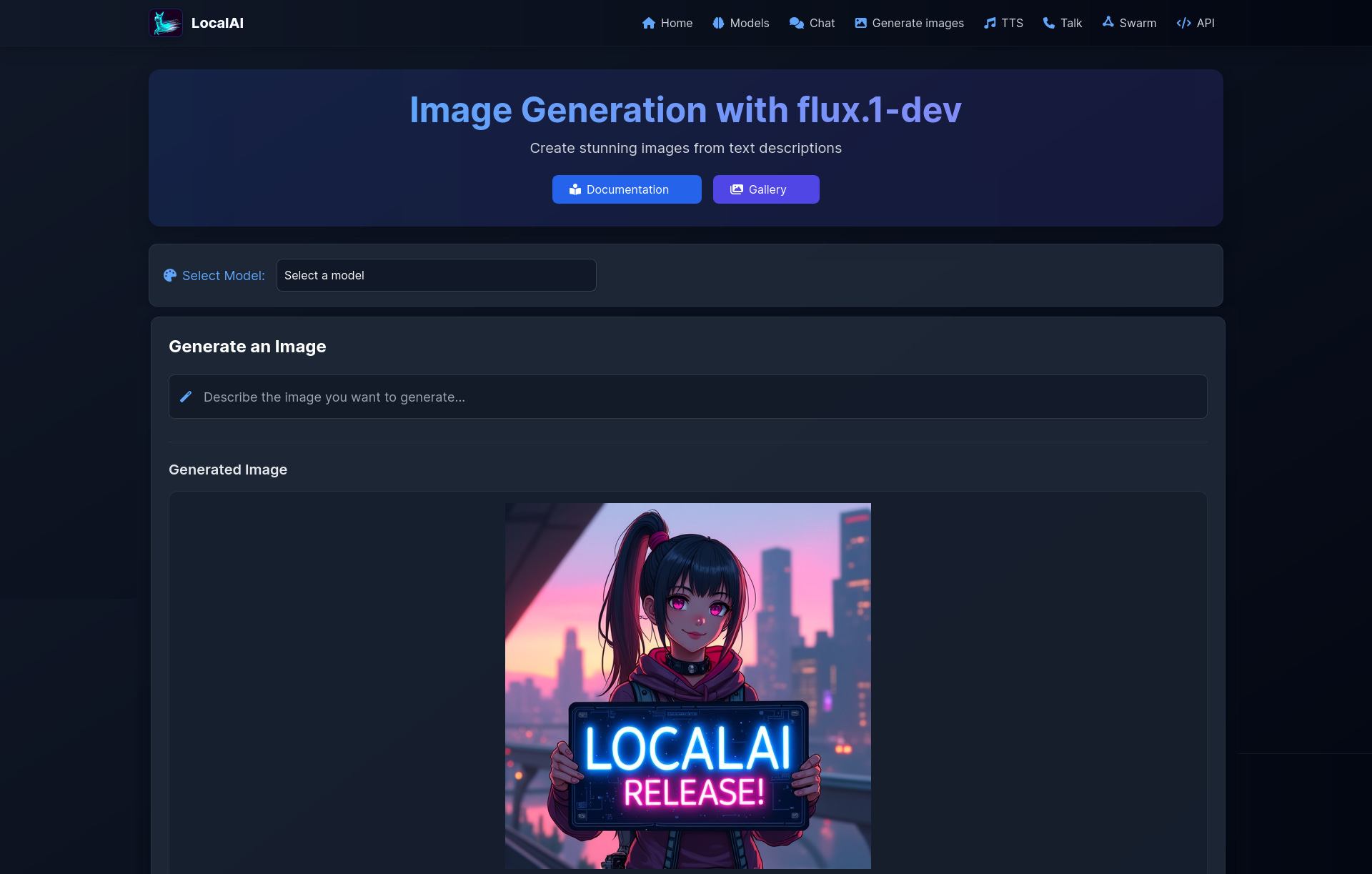
LocalAI can run on CPU-only machines, but realtime + multimodal gets dramatically better with a GPU, more RAM, and fast storage, especially if you want image generation alongside voice. LocalAI also supports automatic backend detection for CPU vs NVIDIA vs AMD vs Intel, which reduces setup pain.
Below are practical tiers. These are not the only good parts, but they are reliable baselines.
Tier 1: Budget box for voice plus light images
Good for experimenting with realtime and running smaller local models.
CPU: AMD Ryzen 5 7600
RAM: 32GB DDR5 RAM
Storage: 2TB NVMe SSD
Tier 2: Daily-driver multimodal workstation
The “sweet spot” if you want voice to feel snappy and images to be routine.
CPU: AMD Ryzen 9 7900X
RAM: 64GB DDR5 RAM
Storage: 2TB NVMe SSD
GPU option A: NVIDIA RTX 4070 Super
GPU option B: NVIDIA RTX 4080 Super
Tier 3: No-compromises local lab
For heavier image generation, larger models, and fewer trade-offs.
CPU: AMD Ryzen 9 7950X
RAM: 128GB DDR5 RAM
Storage: 4TB NVMe SSD
GPU: NVIDIA RTX 4090
Two small peripherals that matter more than you think
Realtime UX is often limited by the worst link in the chain. Audio input quality and camera stability can matter as much as model choice.
Microphone: Samson Q2U USB/XLR for clean, reliable voice input
Webcam: Logitech C920 if you want camera-to-vision workflows
A quiet Apple Silicon option
If you want “local-first” with low noise and low fuss, Apple Silicon can be appealing, especially for a desk setup where power draw and fan noise matter.
Entry: Apple Mac mini M2
Stronger: Apple Mac Studio M2 Max
Why this matters for power and control
Cloud realtime assistants are not just convenient. They are also a governance layer. Accounts get limited. Prompts get policed. Features get paywalled. Data gets retained “for safety,” and the line between safety, training, and compliance is not always comforting.
LocalAI v3.12.0 does not solve every problem, but it moves the frontier in the direction that matters. You can run the full multimodal loop yourself, and the project is actively hardening the realtime path with changes that reduce fragility and obvious abuse surfaces.
In 2026, the question is less “can I build a local-first multimodal assistant” and more “how much latency can I tolerate, and how much hardware do I want to dedicate.”
LocalAI 3.12.0 makes that trade-off more favorable.
Explore more from Popular AI:
Start here | Local AI | Fixes & guides | Builds & gear | AI briefing