


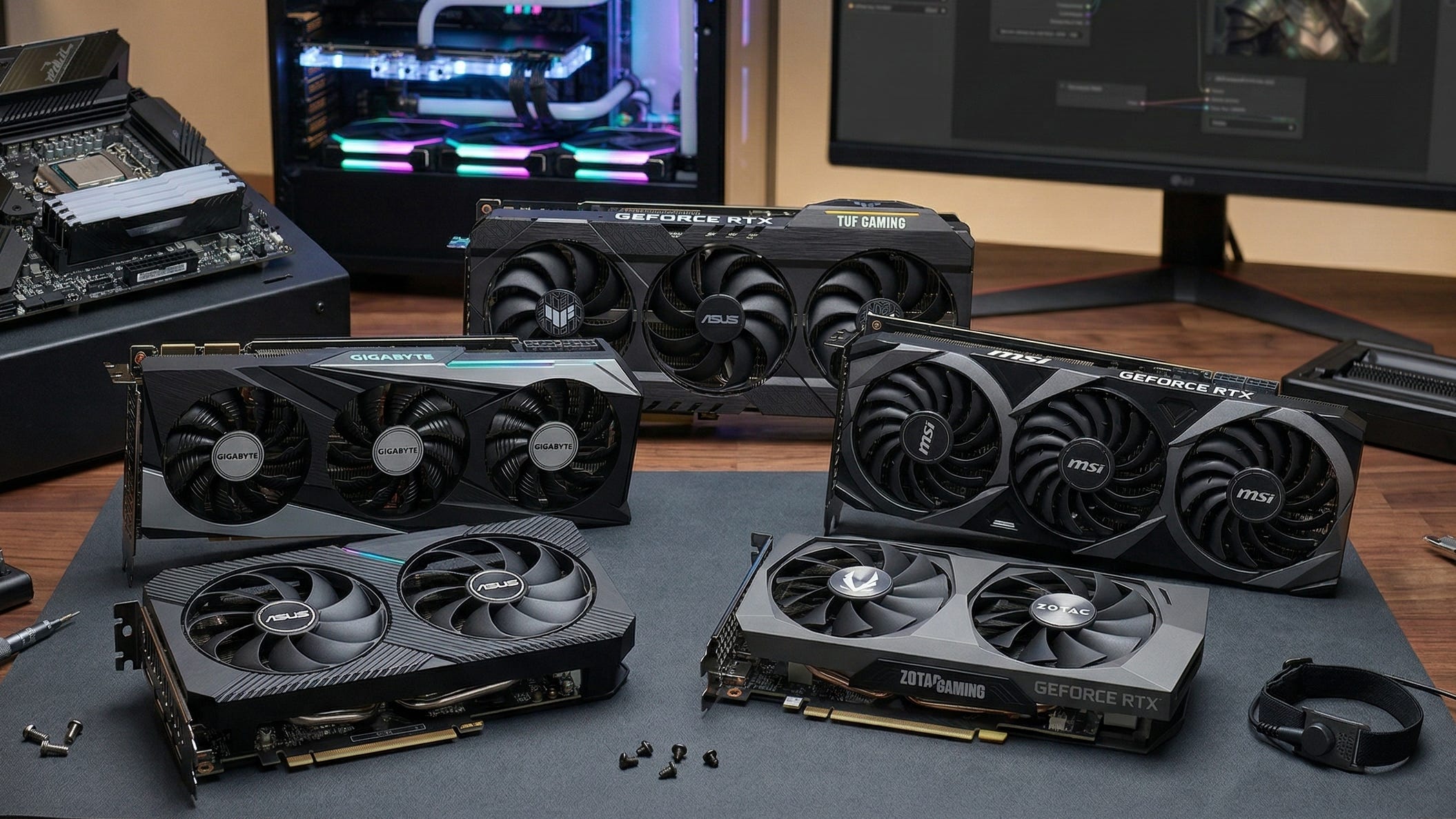
The RTX 3060 12GB refuses to fade away for local AI work because VRAM still decides what kind of ComfyUI workflow you can run before raw speed becomes the real bottleneck. NVIDIA’s own specs still show why this card keeps hanging around in recommendation lists: the GeForce RTX 3060 has 3,584 CUDA cores, 12GB of GDDR6 on a 192-bit bus, second-generation RT cores, third-generation Tensor cores, and PCIe Gen 4 support. More importantly for ComfyUI, NVIDIA’s product page also confirms there is an 8GB version of the 3060, which is exactly the version most buyers should avoid for diffusion work. NVIDIA’s GeForce RTX 3060 family page makes that difference plain.
For Popular AI readers, the clean verdict is this: the RTX 3060 12GB is still a good ComfyUI GPU in 2026 when your goal is affordable local image generation, private workflows, and enough memory headroom to run SD 1.5, SDXL, LoRAs, inpainting, outpainting, image-to-image jobs, and light ControlNet work without jumping to far more expensive cards. It is a much weaker pick when your main goal is full-precision FLUX, heavy multi-model SDXL pipelines, or serious local AI video generation. That difference matters because many buyers still shop for shader speed first, when ComfyUI often cares more about whether the model fits comfortably in memory. Stability AI’s SDXL 1.0 announcement, Black Forest Labs’ FLUX.1-dev model card, and ComfyUI’s own NVIDIA optimization post all point in that same direction.
More on RTX 3060 local AI builds:

How RTX 3060 12GB ComfyUI performance looks in 2026
For classic Stable Diffusion 1.5 work, the RTX 3060 12GB is still comfortable. That is the part many people forget. SD 1.5 is much lighter than today’s biggest image models, so prompt iteration, LoRA testing, face fixes, masked edits, and fast idea generation still feel pretty reasonable on this card. Community roundups such as SynpixCloud’s 12GB VRAM GPU guide continue to place the 3060 in practical territory for SD 1.5 class work, which matches what most hobbyist and freelance users actually care about day to day.
SDXL is where the 3060 12GB earns its reputation. When Stability AI launched SDXL 1.0, it said the full model should work effectively on consumer GPUs with 8GB VRAM. In practice, that means a 12GB card gives you useful extra breathing room for higher-resolution image generation, LoRAs, inpainting, and moderate workflow complexity inside ComfyUI. You are still not getting blazing-fast output, and refiner passes or stacked extras can slow things down quickly, but a 3060 12GB can still run real SDXL workflows locally in a way that many 8GB cards handle less gracefully. Stability AI’s SDXL 1.0 post remains the key reference point here.
FLUX is where expectations need to stay grounded. The FLUX.1-dev model card describes it as a 12 billion parameter model, which explains why 12GB GPUs usually lean on quantization, offloading, or lower-memory workflow tricks instead of brute-force full-precision inference. ComfyUI has made that less painful over time. In January 2026, its NVIDIA optimization update said async offloading and pinned memory were enabled by default for NVIDIA GPUs, with 10 to 50 percent sampling-speed improvements in relevant offloaded workflows. Then on March 25, 2026, ComfyUI published its Dynamic VRAM post, saying the new memory system was already in stable for Nvidia hardware on Windows and Linux and was designed to reduce RAM usage while smoothing out large-model execution on constrained systems. That does not make the 3060 fast for FLUX. It does make the card more usable than it would have been with 2024-era memory handling.
Video is still possible on the 3060 12GB, but it remains a testing-and-experimentation story more than a production story. ComfyUI’s own low-VRAM workflow guide shows that low-memory devices can run quantized and tiled workflows, and it explicitly describes a video setup optimized for 6GB-and-up hardware with conservative defaults like 512x512 output. That is encouraging. It also tells you what kind of compromises are still on the table. If your primary goal is smooth local image generation with the occasional video experiment, the 3060 can still make sense. If you are building around AI video first, you should aim higher.
Where the RTX 3060 12GB still shines in ComfyUI
The 3060 12GB is still a smart buy for the person who wants a private, local AI box that handles real work without feeling like a science project every time a model grows larger. Good fits include local portrait generation, anime and illustration workflows, product concept shots, YouTube thumbnails, idea boards, poster comps, image-to-image edits, masked inpainting, and SDXL art pipelines that finish with upscale or detail passes after generating at more modest base sizes. Those are exactly the jobs where extra VRAM matters more than bragging-rights frame rates. Stability AI’s SDXL guidance and NVIDIA’s own memory specs for the RTX 3060 family and RTX 4060 family help explain why the old 12GB card still has a niche.
That niche gets even more obvious when you compare it with newer mainstream cards. NVIDIA’s current 4060 family still centers on 8GB for the base RTX 4060, while the 4060 Ti comes in 8GB or 16GB variants. For gaming, the newer cards often win easily. For ComfyUI, an older 12GB card can still be the more practical tool when the alternative is falling back to 8GB and running into tighter limits the moment you start layering models, ControlNet, or larger SDXL jobs. The 3060 12GB is not exciting anymore, but it remains useful in a way many budget GPUs still are not.
Why the RTX 3060 12GB still works as a budget AI GPU
The card’s staying power comes down to a simple combination: enough VRAM, a wider memory interface than the cut-down 8GB variant, mature CUDA support, and Tensor hardware that ComfyUI continues to benefit from. For this kind of workload, ray tracing barely matters. Memory capacity, bandwidth, software maturity, and driver support matter a lot more. That is why a card that feels old in gaming conversations can still feel surprisingly rational in local AI conversations. NVIDIA’s own product pages still make that hardware profile clear.
ComfyUI also got better around the card. In its January 2026 optimization post for NVIDIA GPUs, the project said pinned memory and async offloading could improve sampling speed by 10 to 50 percent when workflows had to spill beyond VRAM. The same post also stressed that PCIe generation and lane count directly affect those gains, because model weights are streamed from system RAM to GPU memory when offloading kicks in. ComfyUI’s benchmarks were run on PCIe 4.0 x16, and it said PCIe 4.0 x8 produced smaller gains. Pair that with the March 25, 2026 Dynamic VRAM update, which said stable ComfyUI for Nvidia hardware could reduce RAM pressure and avoid ugly page-file behavior, and the experience on a 3060 looks better than it did a year earlier.
That is also why the rest of the system still matters. A proper desktop PCIe slot, 32GB of system RAM, and fast SSD storage can make a bigger difference than people expect once you start leaning on offloading. The RTX 3060 12GB can still be the centerpiece of a very solid local AI rig, but it should be treated like part of a balanced setup rather than a magic fix.
The biggest trap for buyers in 2026
The trap is easy to describe and still surprisingly easy to fall into: buying the wrong RTX 3060. NVIDIA’s own RTX 3060 family page shows that the RTX 3060 exists in both 12GB and 8GB versions, with the 12GB model on a 192-bit interface and the 8GB variant on a narrower 128-bit interface. For ComfyUI, that is the wrong direction. The 12GB model is the whole point. If you are shopping for local Stable Diffusion, SDXL, or budget FLUX experimentation, the 8GB 3060 is the version to skip.
For American buyers, pricing discipline matters just as much. Current U.S. marketplace pages show why. eBay listings for RTX 3060 12GB cards commonly cluster in the upper-$200s to low-$300s for used cards, while Best Buy’s RTX 3060 category page still shows some listings around $354.99 and Newegg’s RTX 3060 marketplace pages can run much higher depending on seller and condition. That spread tells you everything. Buy it like an older budget AI card. Do not pay collector pricing for stale stock.
You also need to read listings carefully. Amazon pages can blur the lines between exact 12GB cards, adjacent variants, renewed stock, and older product pages. Even a broad page like this MSI Gaming X 12GB Amazon listing is a useful reminder to check the exact memory amount, model name, seller, and condition before paying. With an older Ampere card, that thirty-second sanity check is worth it.
The top 5 RTX 3060 12GB versions for ComfyUI in 2026
These picks are ranked for ComfyUI value, cooling practicality, and how sensible they are for a local AI workstation on a budget.
Disclosure: This post includes Amazon affiliate links. If you buy through them, Popular AI may earn a small commission at no extra cost to you.
ASUS Dual GeForce RTX 3060 V2 OC Edition
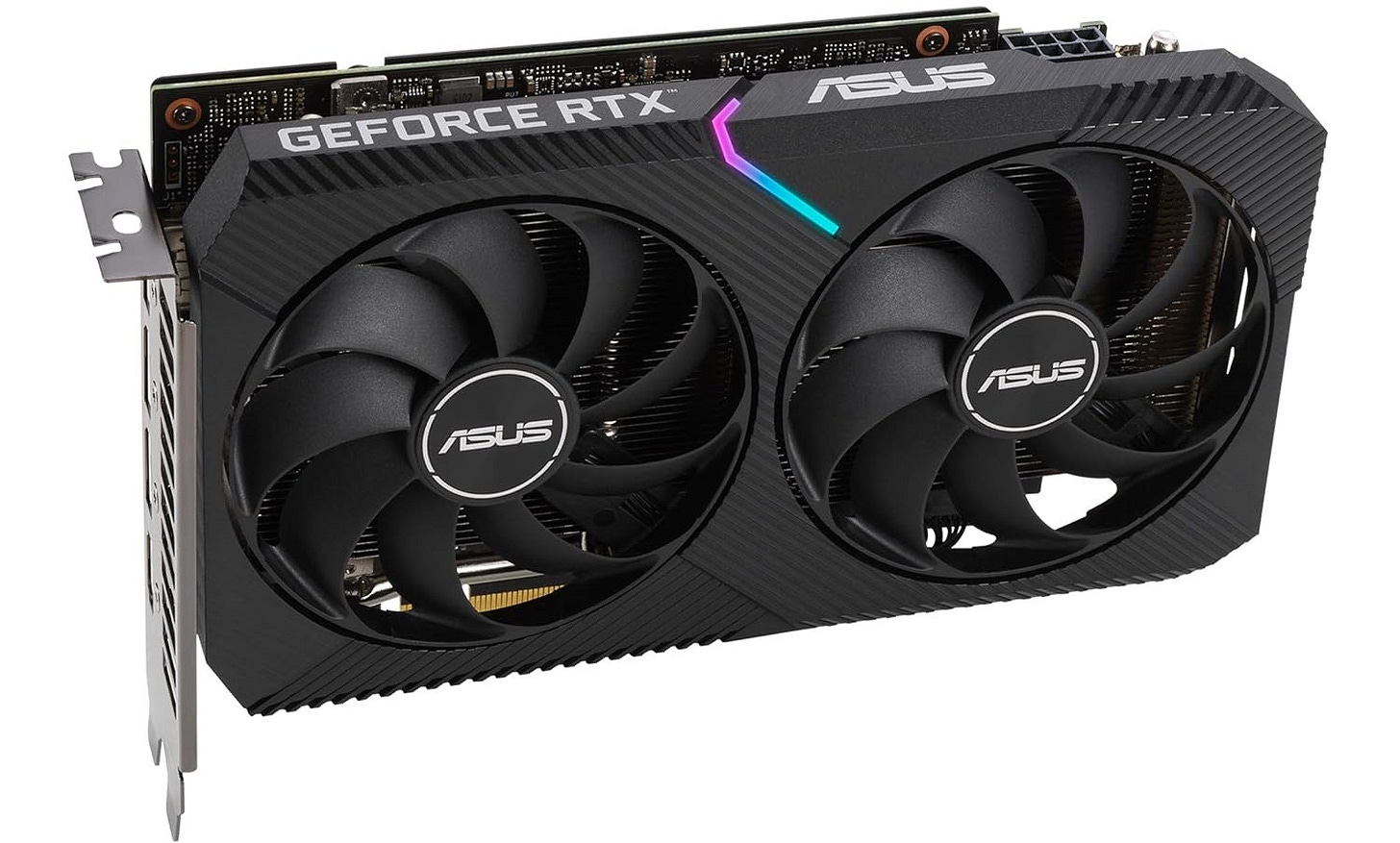
For most readers, this is still the cleanest all-around recommendation. ASUS describes the card on its official product page as a 2-slot design with two Axial-tech fans and broad compatibility, while the official tech specs page lists an OC boost clock up to 1867 MHz. That mix makes it a very easy fit for mid-tower systems, used workstation refreshes, and buyers who want the full 12GB card without chasing an oversized cooler. For SDXL, LoRAs, inpainting, and one-ControlNet workflows, it is still the safest default pick in this group.
GIGABYTE GeForce RTX 3060 Gaming OC 12G
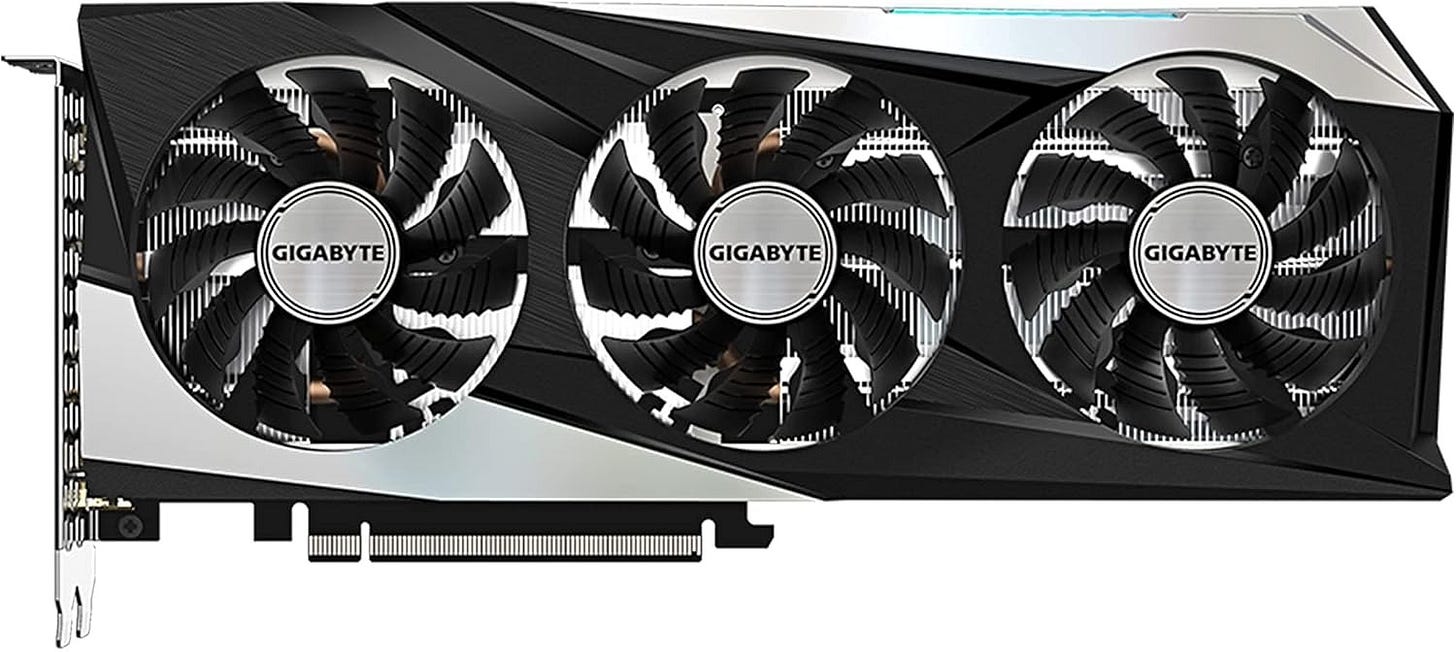
The GIGABYTE Gaming OC remains the balanced triple-fan choice. On its official product page, GIGABYTE lists 12GB of GDDR6 on a 192-bit memory interface, a WINDFORCE 3X cooling system, and an 1837 MHz core clock. For ComfyUI buyers who plan to run longer SDXL sessions, more detail passes, or repeated upscale jobs, that extra cooling headroom still makes sense. It is a strong pick when you want something quieter and cooler than the compact dual-fan options without getting silly about price.
MSI GeForce RTX 3060 Ventus 3X 12G OC
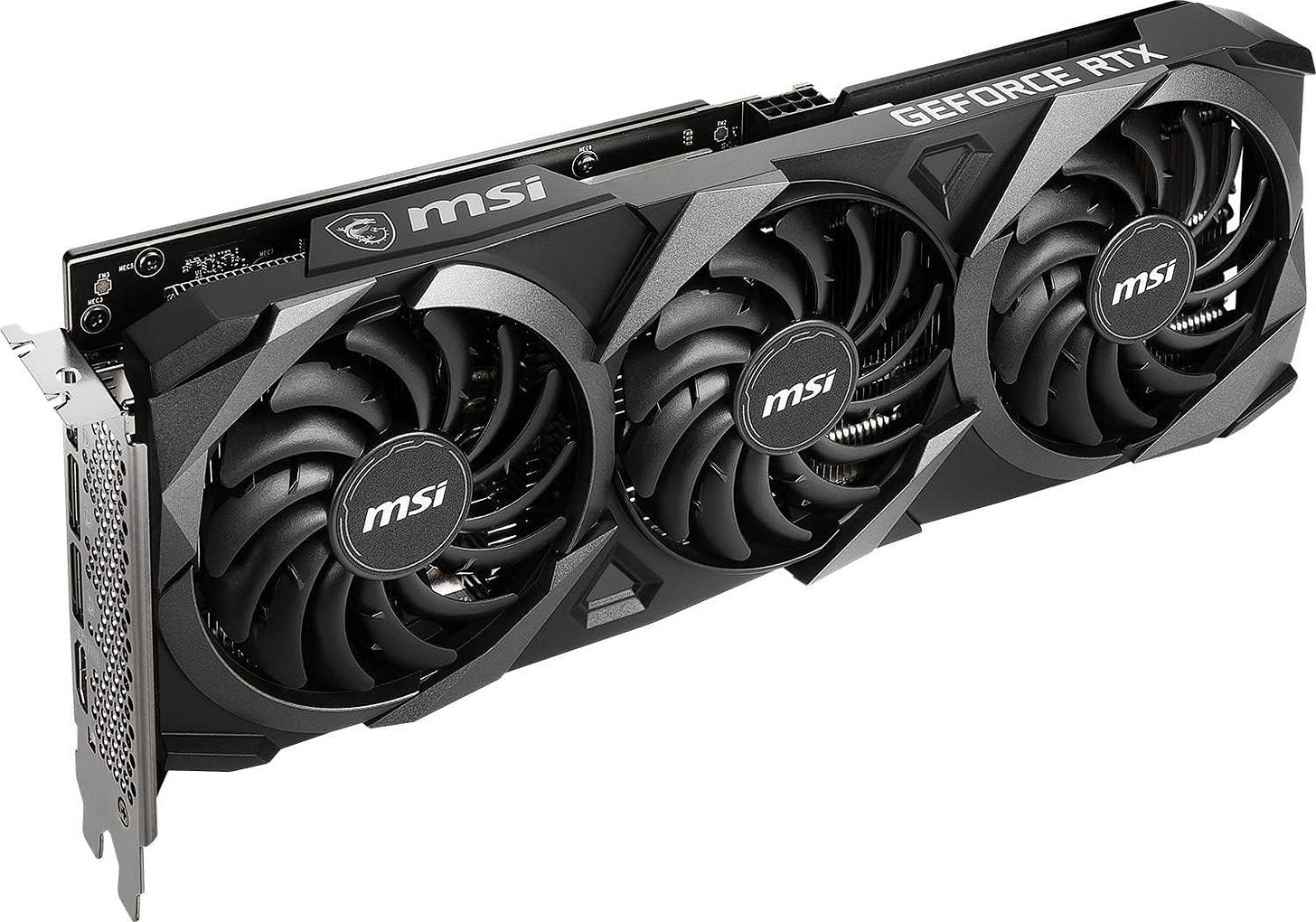
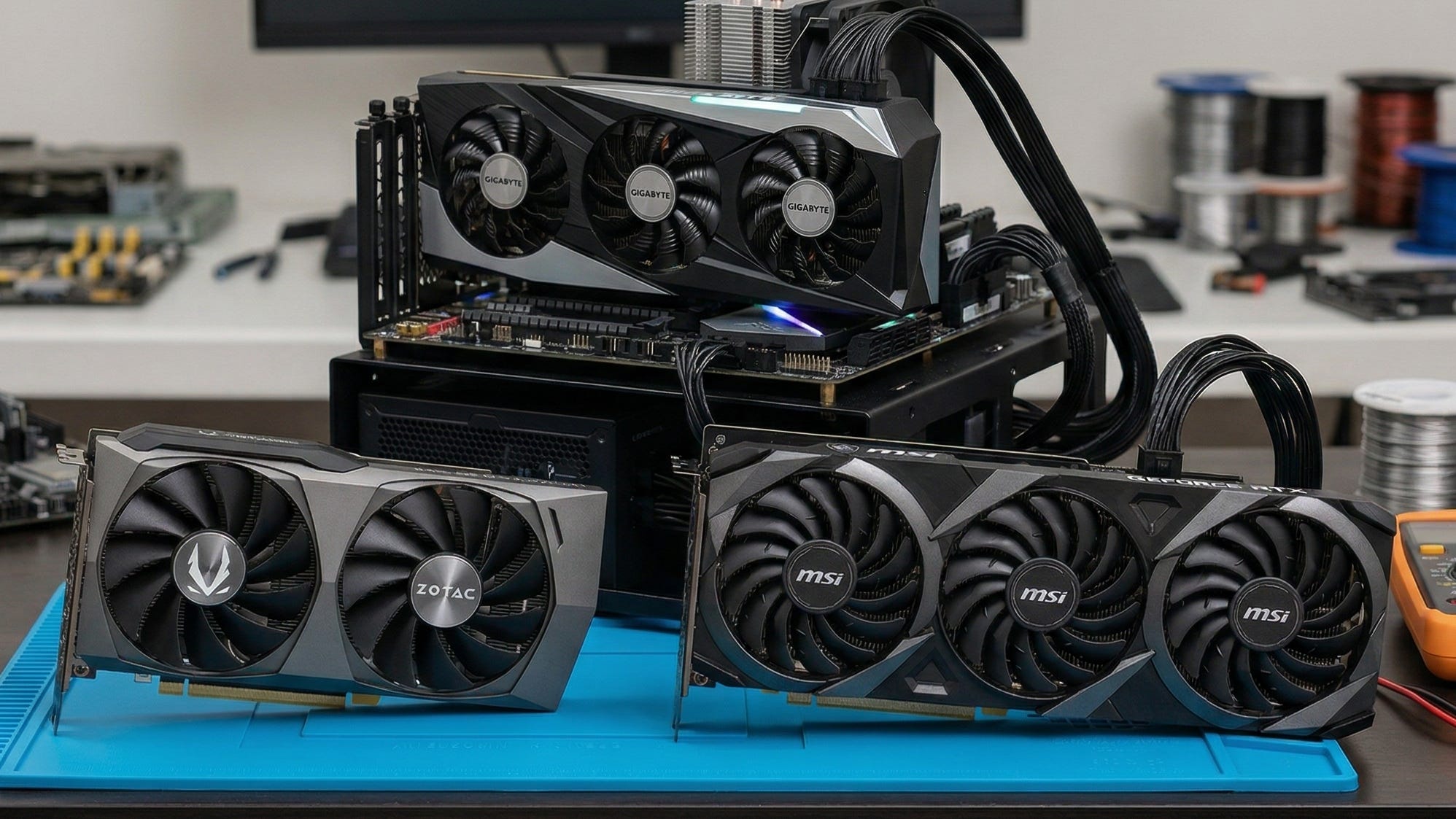
The MSI Ventus 3X is the roomy-case option for buyers who expect sustained local AI use. MSI’s official Ventus 3X page leans hard into the triple-fan thermal design, TORX Fan 3.0 cooling, Zero Frozr behavior, and a rigid industrial layout. That is exactly what you want from an older 3060 that may spend hours chewing through SDXL or image batches. This is not the small-build choice, but it is a very sensible card for a dedicated home ComfyUI box where thermals and steady clocks matter more than compact dimensions.
ZOTAC Gaming GeForce RTX 3060 Twin Edge OC
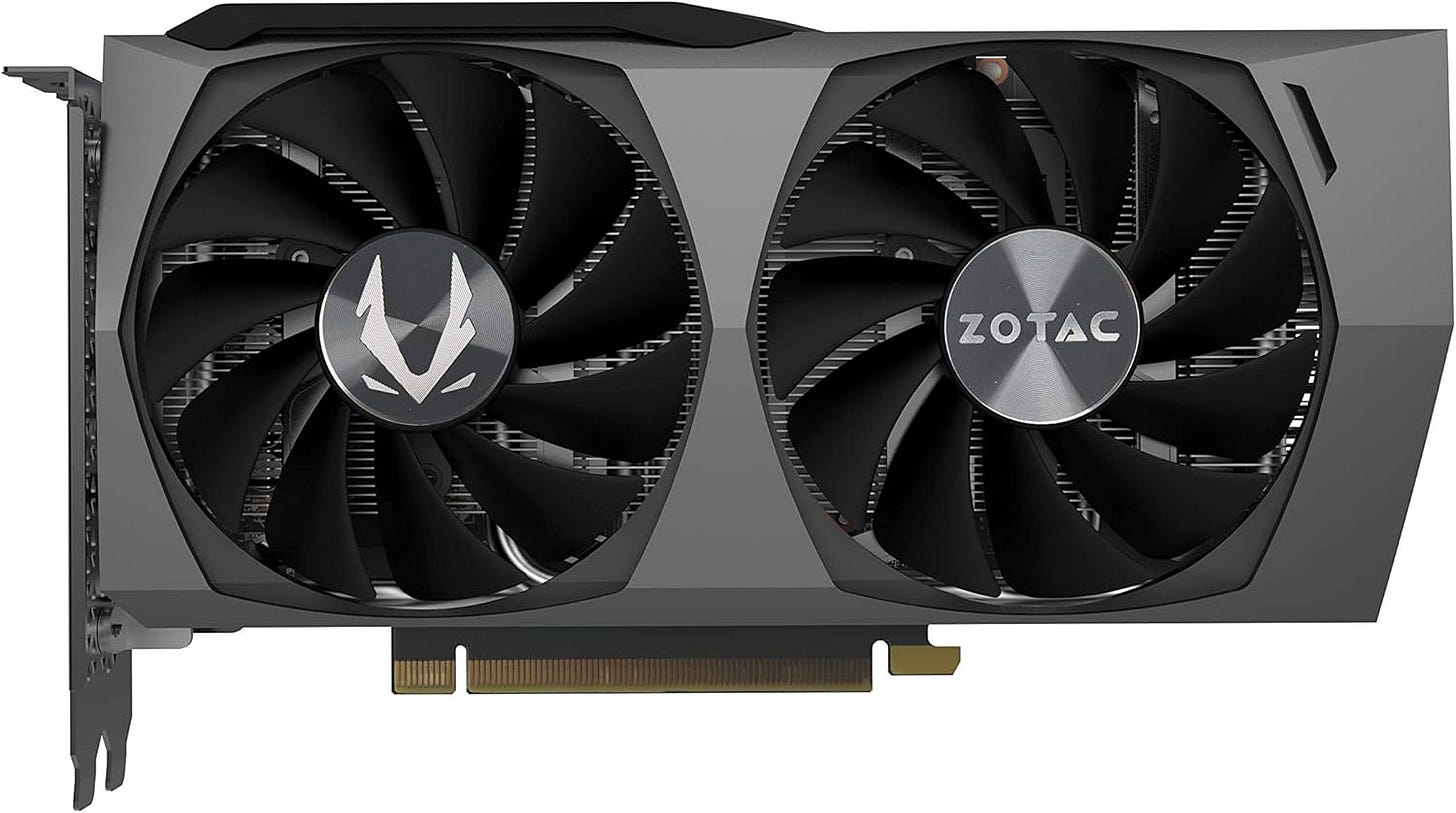
The compact-build favorite still belongs to ZOTAC. Its official Twin Edge OC page lists the specs local AI buyers care about most: 12GB GDDR6, a 192-bit bus, an 1807 MHz boost clock, and a short 224.1mm card length. That makes it the best recommendation here for smaller desktops and tighter repurposed systems, especially when the goal is local image generation in a box that was never meant to swallow a huge triple-fan GPU. The tradeoff is obvious. You are choosing compact practicality over maximum cooling overhead.
ASUS TUF Gaming GeForce RTX 3060 V2 OC Edition
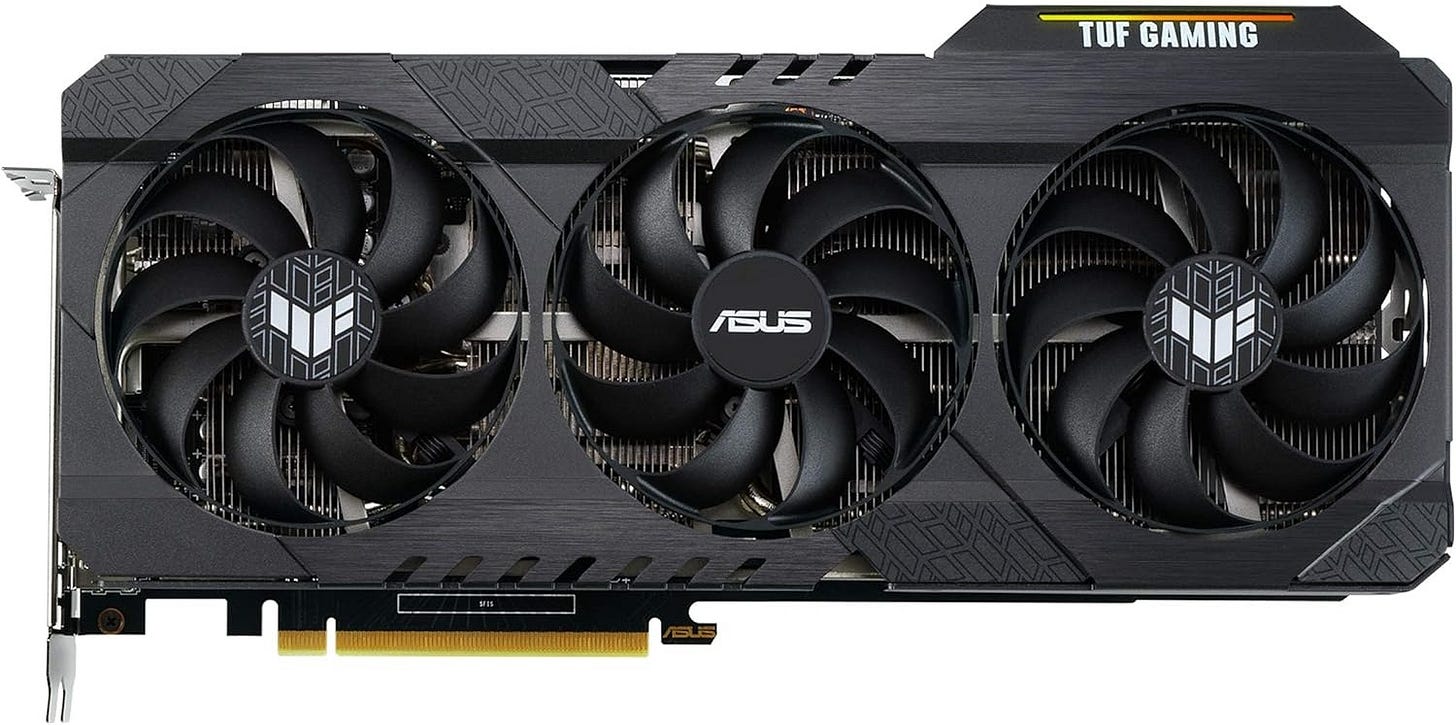
This is the premium-feeling 3060 that only makes sense when the price stays grounded. ASUS says on the official TUF Gaming page that the card reaches up to 1882 MHz in OC mode and uses three Axial-tech fans with dual ball fan bearings. The company also highlights military-grade certified components and a more robust cooling build. That makes it attractive for long workstation sessions, hotter rooms, and buyers who care about cooler quality. It lands fifth because the extra polish is only worth paying for when it is priced like a normal 3060 and not like a premium nostalgia piece.


Should you still buy the RTX 3060 12GB for ComfyUI in 2026?
Yes, with the right expectations.
If you want a budget GPU for ComfyUI that can keep SDXL, LoRAs, inpainting, and plenty of day-to-day image generation local, the RTX 3060 12GB is still one of the easiest cards to recommend. It remains one of the cheaper practical ways to avoid the 8GB ceiling, and that still matters for American buyers who want to run models on their own machine without paying recurring cloud fees or depending on a hosted queue. NVIDIA’s official spec pages for the RTX 3060 family and RTX 4060 family explain why the comparison still comes up so often. One card is older and slower. The other is newer and usually faster. But the older card still gives you 12GB in the version that matters.
The wrong way to buy it is also easy to define. Do not buy the 8GB version. Do not overpay just because a seller says “new old stock.” Do not expect it to feel fast for full-precision FLUX or ambitious local AI video. If your workflow is clearly heading toward high-throughput SDXL, heavy multi-ControlNet, or serious video generation, you should step up to a stronger card. If your goal is a budget-friendly local image machine that still handles real work, the RTX 3060 12GB remains a very respectable answer in 2026.
Explore more from Popular AI:
Start here | Local AI | Fixes & guides | Builds & gear | Popular AI podcast
For anyone building a useful home setup without overspending, the 3060 is still a card worth trying. Are you still using an RTX 3060 for ComfyUI, or have you moved on to something better?
I still use a 3060 for targeted local ComfyUI graphs, but the main constraint is not only VRAM—it is iteration time when testing motion outputs. For quick image-to-video experiments, cloud model comparison can be useful alongside local ComfyUI because it lets a team judge several motion models against the same source image before committing to a longer local run. ClipTrend.ai (https://cliptrend.ai/) is one workspace built around that comparison.