

The 5 best desktop PCs for local image generation AI
Skip the AI PC hype. Here are the five best prebuilt desktop PCs for local image generation, ranked by VRAM, storage, and long-term value.

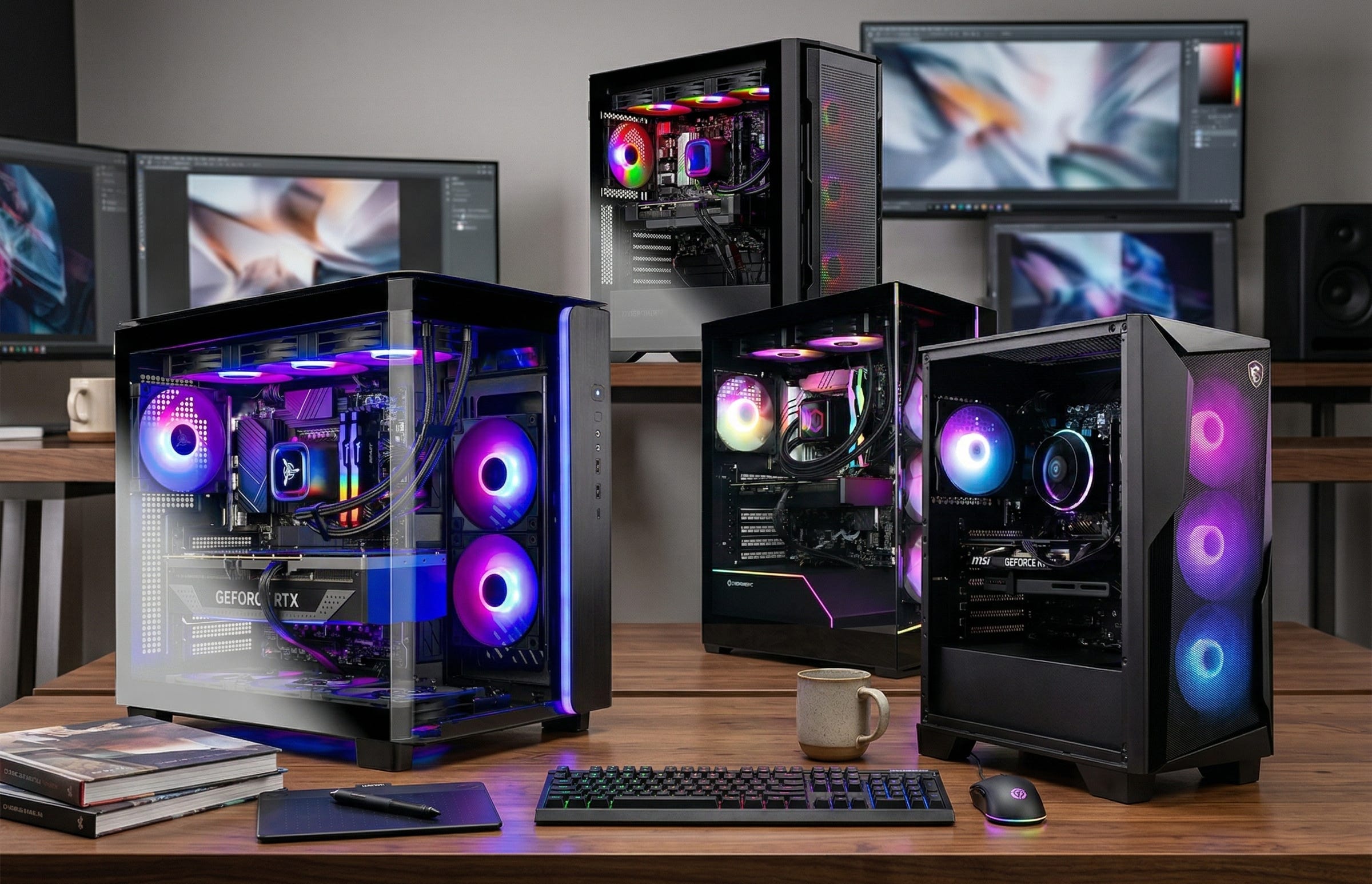
If you want a prebuilt desktop for local image generation, the biggest buying mistake is still spending on the wrong parts. Fancy CPU branding, vague “AI PC” marketing, and flashy gamer aesthetics matter far less than VRAM, system RAM, and enough SSD space to hold actual models, checkpoints, LoRAs, and output folders. The other bad move is drifting into the cloud by default, where every image can come with metering, moderation, or both. A local desktop gives you privacy, speed, and far more control over what you can run.
For Windows buyers, the practical path is clearer than it was a year ago. ComfyUI Desktop on Windows installs like normal software and handles the Python environment for you. On the hardware side, ComfyUI’s Windows desktop guide lists an NVIDIA GPU, while InvokeAI’s requirements say AMD GPU support is Linux-only. For anyone buying a Windows prebuilt tower, the simplest answer is still NVIDIA first, then shop for VRAM before anything else.
That recommendation gets stronger once you look at model requirements instead of marketing copy. InvokeAI’s guidance climbs from 8GB VRAM and 16GB RAM into 10GB+ VRAM with 32GB of system memory, then into 12GB+ VRAM for FLUX.1-class work, with 16GB+ needed for heavier Q8 or BF16 variants in one tier. In plain English, 12GB VRAM is the sensible floor for a fresh local image-generation box in 2026, and 16GB is where things start to feel comfortable for heavier workflows.
More on local AI image generation

What matters most before you buy
Most people do not need a hand-built monster with custom loop cooling and a weekend of BIOS tuning. They need a finished desktop that arrives ready to plug in, has enough headroom for ComfyUI or InvokeAI, and will not hit a wall the first time they try SDXL, FLUX Schnell, inpainting, outpainting, ControlNet-style workflows, batch generations, or high-resolution upscaling.
That is why this ranking favors a specific mix of parts. The GPU comes first. System RAM comes second. SSD space is third, because 1TB can vanish quickly once you start collecting checkpoints and saving upscaled outputs. Case quality, cooling, and PSU transparency also matter, because those are the areas where weak prebuilts usually cut corners.
The strongest value band in this roundup still sits around RTX 5070 systems with 12GB of VRAM and 32GB of RAM. The first genuinely more comfortable tier starts when you move to an RTX 5070 Ti with 16GB of VRAM, which lines up with NVIDIA’s own RTX 5070 family specs.
What the software requirements really mean in practice
Readers often get tripped up by official requirement pages because they look abstract until you try to run a real workflow. In practice, the jump from older Stable Diffusion pipelines to FLUX-class work means fewer compromises, fewer slowdowns, and fewer awkward workarounds when you buy enough VRAM up front. A 12GB card can get you into serious local generation. A 16GB card gives you more breathing room once the workflow gets heavier, especially when you start stacking extra steps like upscaling, inpainting, and larger batches.
System memory and storage matter for the same reason. InvokeAI’s requirements already point buyers toward 32GB RAM once model demands climb, and ComfyUI’s Windows installation guide also recommends installing on an SSD for better model access. That is why I would treat 32GB RAM and at least 1TB of SSD space as the minimum worth buying in a new tower, with 2TB as the more comfortable long-term target.
Who these PCs are actually for
This list is built for readers who want one local desktop that can handle real creative work. That can mean thumbnails, ad concepts, product mockups, book covers, social graphics, or hobby art. It can also mean private or sensitive image work where uploading source material to a cloud service is a bad idea. Local generation is also appealing for anyone who wants fewer restrictions around prompts, reference images, and workflow flexibility.
It is also for the buyer who does not want to spend two weeks learning motherboards, PSU tiers, and case clearance charts. The appeal of a prebuilt is simple. Buy the tower, install ComfyUI Desktop or InvokeAI, download the models you need, and get to work.
How I ranked these systems
I did not rank these desktops as gaming PCs that happen to run AI tools on the side. I ranked them as local image-generation machines first. That changes the order. A stronger CPU matters less than many buyers assume. A prettier case matters even less. Transparent cooling and power specs matter because they tell you whether the builder is cutting corners, but once a system clears that bar, VRAM and storage are what move the recommendation up or down.
That is also why the middle of this list is tight. The Skytech King 95, MSI Codex Z2, and CyberPowerPC Gamer Xtreme all make sense for buyers who want an RTX 5070-class machine with 32GB RAM. Their order comes down to confidence, storage, and how easy it is to recommend the listing without caveats. The CyberPowerPC Gamer Supreme and Skytech Rampage move into a different bracket because 16GB of VRAM changes what the box feels like in daily use.
1) Skytech King 95 Gaming PC Desktop

Ryzen 7 9700X • RTX 5070 12GB • 32GB DDR5 • 1TB Gen4 SSD • 850W Gold PSU • 360mm AIO
This remains the cleanest answer for most readers shopping below the 5070 Ti tier. The parts mix is strong, the configuration is unusually transparent for a mainstream prebuilt, and the combination of 32GB DDR5, an RTX 5070 12GB, an 850W Gold PSU, and a 360mm AIO makes this feel like a serious tower rather than a spec-sheet trap. The main weakness is easy to see. A 1TB SSD is workable, but it is not roomy once models, LoRAs, outputs, and upscale passes begin to pile up.
For actual use, this is the best “buy it, install your tools, and start generating” option in the roundup. It should handle SDXL, FLUX Schnell, optimized FLUX Dev workflows, inpainting, outpainting, and everyday client image work without much fuss. The fact that InvokeAI’s requirements already point buyers toward 12GB+ VRAM for FLUX-class work is exactly why this system lands in first place for value.
Amazon: Skytech King 95 RTX 5070
2) MSI Codex Z2

Ryzen 7 8700F • RTX 5070 • 32GB DDR5 • 2TB NVMe SSD
The MSI Codex Z2 takes second because it hits a very practical buying priority. It gives you the same class of GPU and 32GB of RAM, but with 2TB of storage from day one. That matters more than many people expect. Local image generation gets messy fast. Between checkpoints, LoRAs, control models, reference assets, and generated folders, storage pressure shows up early.
The reason it does not take the top spot is confidence. On paper, the Skytech looks like the cleaner build. This MSI listing leans on an air cooler and case-fan setup, and the seller setup is less reassuring than a straightforward Amazon-sold tower. Even so, this is still a very rational buy for the reader who knows they want more breathing room for models and outputs immediately, without paying up for 16GB of VRAM.
Amazon: MSI Codex Z2 RTX 5070
3) CyberPowerPC Gamer Xtreme VR

Core Ultra 7 265KF • RTX 5070 12GB • 32GB DDR5 • 2TB PCIe 4.0 SSD
On pure specs, this is one of the strongest RTX 5070 systems in the group. You get an Intel Core Ultra 7 265KF, 32GB DDR5, a 2TB PCIe 4.0 SSD, Wi-Fi 6, Bluetooth 5.3, liquid CPU cooling, and a healthy spread of rear and front I/O. For buyers who care about connectivity and want 2TB without moving into a higher GPU tier, that is a compelling mix.
It lands in third because price visibility is weaker than it should be for a value recommendation. When listings hide the current offer behind cart behavior, it becomes harder to call them the safest blind buy. Still, if you can get this model at a sensible street price, it is very competitive with the top two systems and a strong fit for readers who want more storage, more ports, and a fairly normal-looking tower.
Amazon: CyberPowerPC Gamer Xtreme RTX 5070
4) CyberPowerPC Gamer Supreme

Ryzen 7 9800X3D • RTX 5070 Ti 16GB • 32GB DDR5 • 2TB PCIe 4.0 SSD
This is where the list moves into the first genuinely more comfortable local-AI tier. The jump from an RTX 5070 to a 5070 Ti is not about gaming bragging rights here. It is about moving from 12GB of VRAM to 16GB. According to NVIDIA’s RTX 5070 family specs, that extra memory is the real reason to stretch your budget if you want heavier FLUX workflows, larger batches, and fewer compromises around quantization or offloading.
The Ryzen 7 9800X3D is more CPU than most local image-generation buyers truly need, but the overall package still makes sense. You get 2TB of storage, 32GB DDR5, liquid cooling, and the first GPU in this ranking that feels like a long-term workstation choice instead of a starting point. If your budget can absorb the jump, this is where local generation starts to feel roomier and less constrained.
Amazon: CyberPowerPC Gamer Supreme RTX 5070 Ti
5) Skytech Rampage

Ryzen 7 9700X • RTX 5070 Ti 16GB • 32GB DDR5 • 1TB Gen4 NVMe SSD • 850W Gold PSU • 360mm AIO
The Skytech Rampage is the cleaner “I want 16GB of VRAM now” option for buyers who care more about a straightforward parts list than a halo CPU. The case, PSU, and cooling specs are spelled out clearly, which matters in prebuilt shopping. A transparent 850W Gold PSU and a 360mm AIO tell you more about the system than a lot of vague marketing language ever will.
Its drawback is storage. At this level, I would rather see 2TB. Even so, the appeal is real. If you have already decided that 12GB of VRAM is a compromise you would rather skip, this is a defensible choice that gets you into the 16GB tier with less ambiguity than many competing listings.
Amazon: Skytech Rampage RTX 5070 Ti
Why I did not prioritize the usual “AI PC” fluff
This workload does not care about sticker language. It cares about whether setup is painless on Windows, whether your GPU has enough VRAM, and whether your SSD stops being annoying after the first weekend. That is why the best options here are finished NVIDIA towers with 32GB of RAM and usable storage, not thin-and-light “AI PC” branding exercises.
The software guidance points in the same direction. ComfyUI’s Windows desktop documentation pushes buyers toward NVIDIA hardware for the easiest setup, while InvokeAI’s hardware requirements make it clear how quickly model demands scale once you move beyond lightweight workflows. The GPU decision still drives the whole machine.
Bottom line
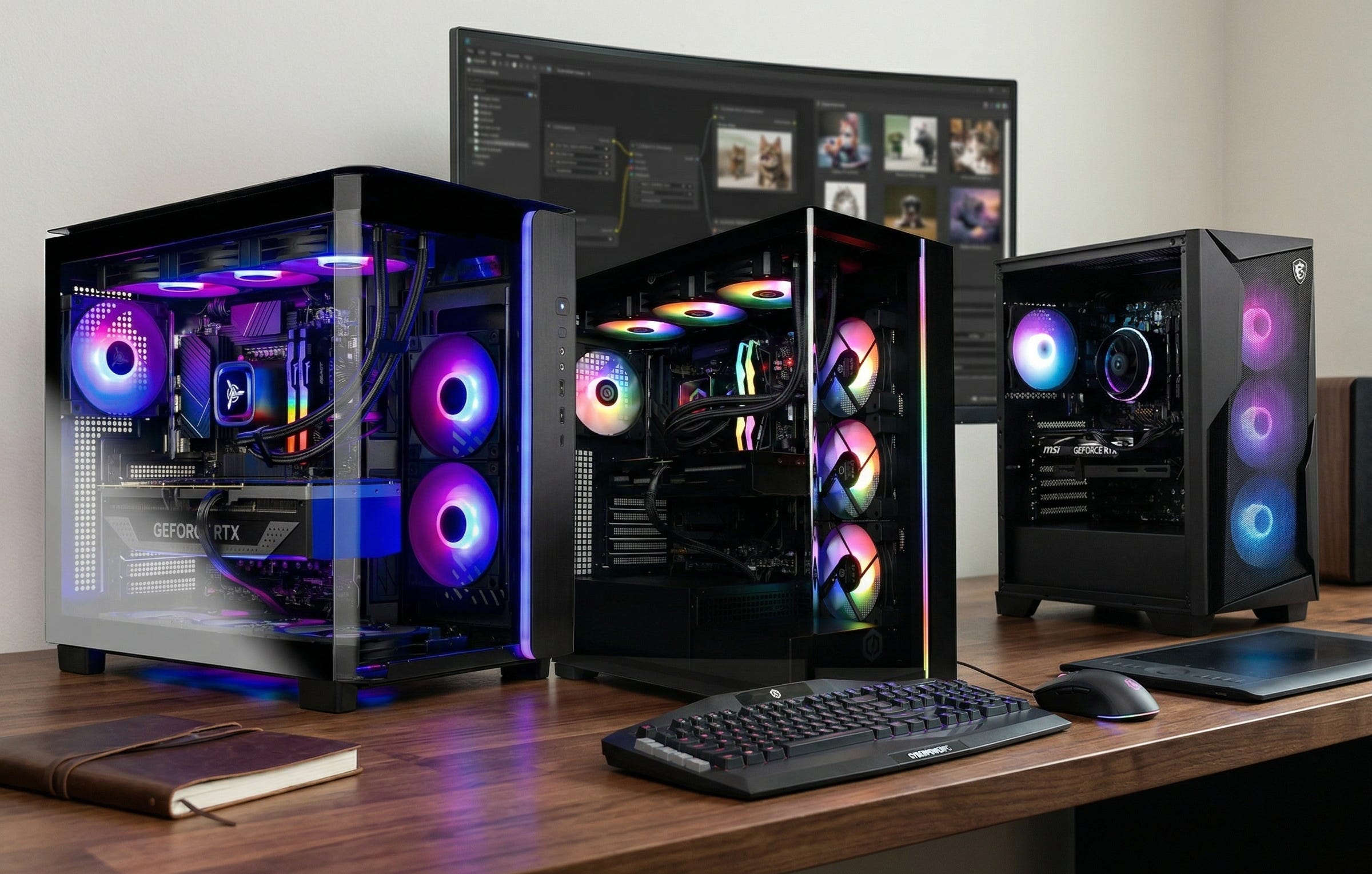
If you want the cleanest value pick for local image generation, the Skytech King 95 is the easiest recommendation. If you know 1TB will annoy you almost immediately, the MSI Codex Z2 earns its place because 2TB matters in real workflows. If your actual target is FLUX-heavy work and you want the first substantial jump in comfort, move up to a 5070 Ti system with 16GB of VRAM and do it intentionally.
That is the common thread across all five picks. Spend for VRAM, enough RAM, and enough SSD space. Spend less attention on CPU theater and “AI PC” language. For local image generation in 2026, the GPU is still the lever that changes the whole experience.
Explore more from Popular AI:
Start here | Local AI | Fixes & guides | Builds & gear | AI briefing