


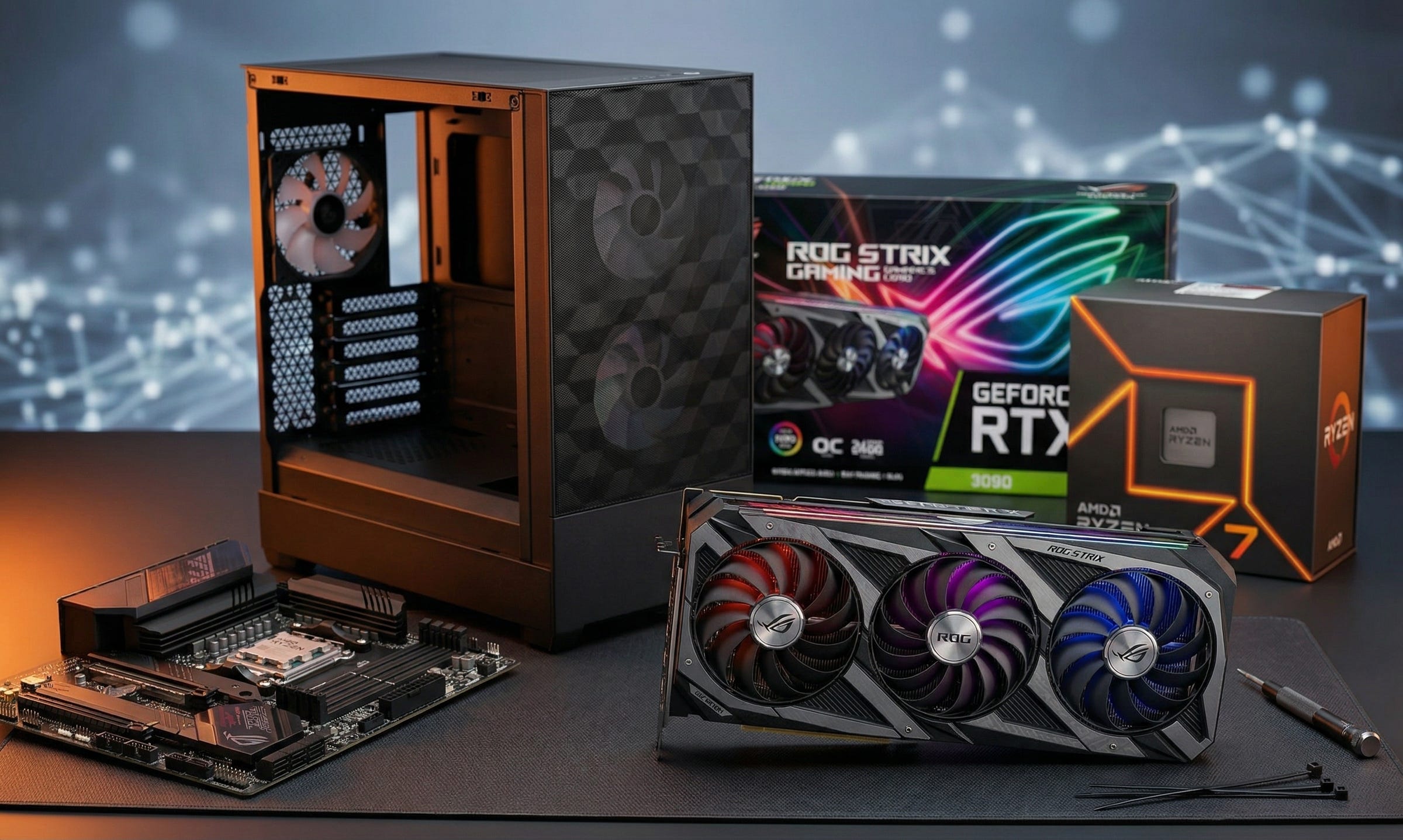
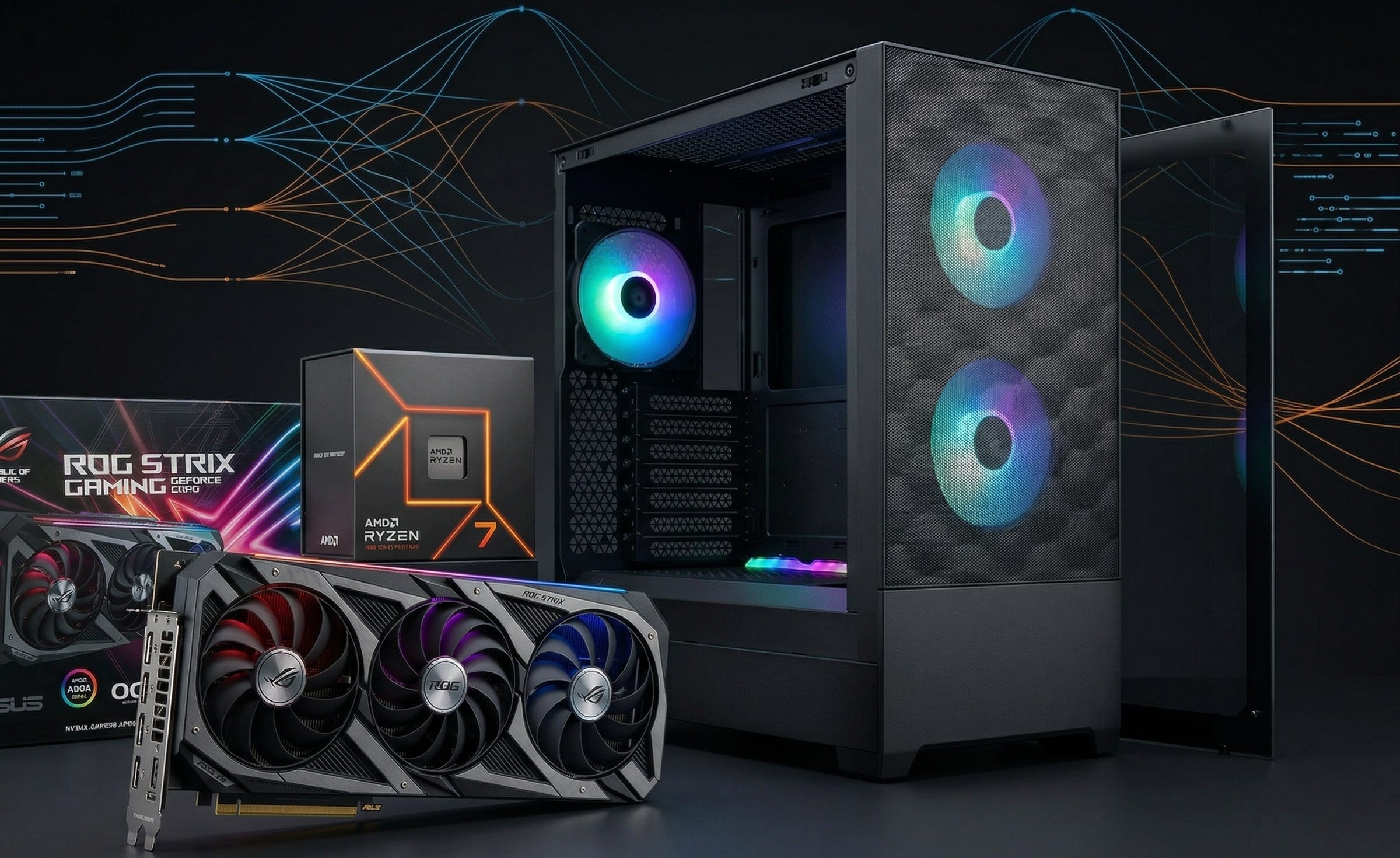
The best first local LLM PC build in 2026 is still refreshingly simple: buy a used RTX 3090 with 24GB of VRAM, pair it with 64GB of system RAM, and run the machine on one clean Linux install.
That answer keeps winning because it solves the real problem. A first serious local AI box needs enough GPU memory to run models that feel useful, enough system memory to keep the rest of the machine from choking, and enough sanity in the build that you actually use it every day. It should not turn into a rack server cosplay project. It should not force you into constant cloud spend. It should not become a dual-boot science fair.
A used 3090 still lands in the sweet spot. NVIDIA’s official RTX 3090 specs still show the key reason why: 24GB of GDDR6X. That capacity is what changes the experience. It is also why people are still asking in recent LocalLLaMA discussions whether a used 24GB card around the $699 mark is the right way into serious local inference.
For a first box, I still think the answer is yes.
Why the used RTX 3090 still makes sense
When people debate first local LLM builds, they often get distracted by release dates, gaming benchmarks, or whatever card happens to be new and shiny that month. Local inference does not care much about that. The first wall most people hit is memory.
That is why the RTX 3090 keeps surviving every new product cycle. According to NVIDIA’s spec page, the card still delivers 24GB of GDDR6X and 10,496 CUDA cores. That combination is old enough to be affordable on the used market and large enough in VRAM to matter in a way 12GB and 16GB cards often do not.
For a first build, that balance matters more than elegance. You are not buying a museum piece. You are buying room to run real models locally without instantly running into offloading pain, tiny context compromises, or the feeling that you built the wrong machine six weeks after finishing it.
The used 3090 is also the simplest way to avoid overcomplicating the rest of the project. One GPU, one motherboard, one consumer platform, one Linux install. That is what makes it a good first box. You can build it, understand it, maintain it, and expand it later without dragging enterprise hardware baggage into your life.
Why 24GB of VRAM changes the local AI experience
The jump from hobbyist local AI to genuinely useful local AI often looks smaller on paper than it feels in practice. That feeling mostly comes down to VRAM.
A Meta-Llama-3.1-8B-Instruct Q6_K GGUF comes in at 6.60GB. A Qwen2.5-14B-Instruct Q4_K_M GGUF lands at 8.99GB. And Ollama’s qwen2.5 library lists the 32b variant at about 20GB. That is the key threshold. Once you have 24GB to work with, the conversation changes. You are no longer asking what tiny model you can squeeze into the machine. You are asking how far you can stretch a serious one before context length, KV cache, and tooling overhead start eating the margin.
That does not mean a 24GB card makes limits disappear. It does not. Context still costs memory. Agent stacks still add overhead. Quant choice still matters. But 24GB is the point where a single consumer GPU starts to feel like a real local LLM box instead of a demo rig.
That is also why I would not call 12GB the default first local AI purchase anymore. You can absolutely do useful work on 12GB. Plenty of people do. But if the goal is to build one machine that will still feel capable after the honeymoon phase, 24GB is where the build starts breathing easier.
Why 64GB of RAM is the right starter target
The GPU gets the headlines, but 64GB of system memory is what keeps the rest of the machine from becoming annoying.
A first local LLM box is never doing only one thing for long. You start with one model, then add another. Then embeddings. Then a vector store. Then browser tabs, logs, Docker containers, downloads, code editors, and a vague promise to yourself that this will remain a tidy machine. It will not remain tidy. That is why 64GB is the sane starting point.
The CPU choice here should be boring in the best way. The Ryzen 7 7700 fits because it gives you 8 cores, 16 threads, a 65W TDP, and a current AM5 platform. AMD’s own support page also lists Ubuntu x86 64-bit support, PCIe 5.0, and the included Wraith Prism cooler. That is exactly the kind of low-drama platform a first build wants.
The best first local LLM PC build: complete numbered component list
The guiding idea here is simple. Spend where it counts, keep the rest stable, and do not buy parts that create extra heat, extra noise, or extra Linux pain for no meaningful gain.
This article contains affiliate links. As an Amazon Associate, we may earn from qualifying purchases at no extra cost to you.
Used RTX 3090 24GB
This is the whole point of the build. You are buying VRAM first. Everything else comes second. Start by searching current Amazon renewed RTX 3090 listings, then compare any card you find against NVIDIA’s official RTX 3090 specifications. The card still offers 24GB of GDDR6X, which is why it remains such a strong entry point for local LLM work. Buy the cleanest used example you can find, prioritize seller history, and ignore listings that try to inflate the price with “AI-ready” nonsense.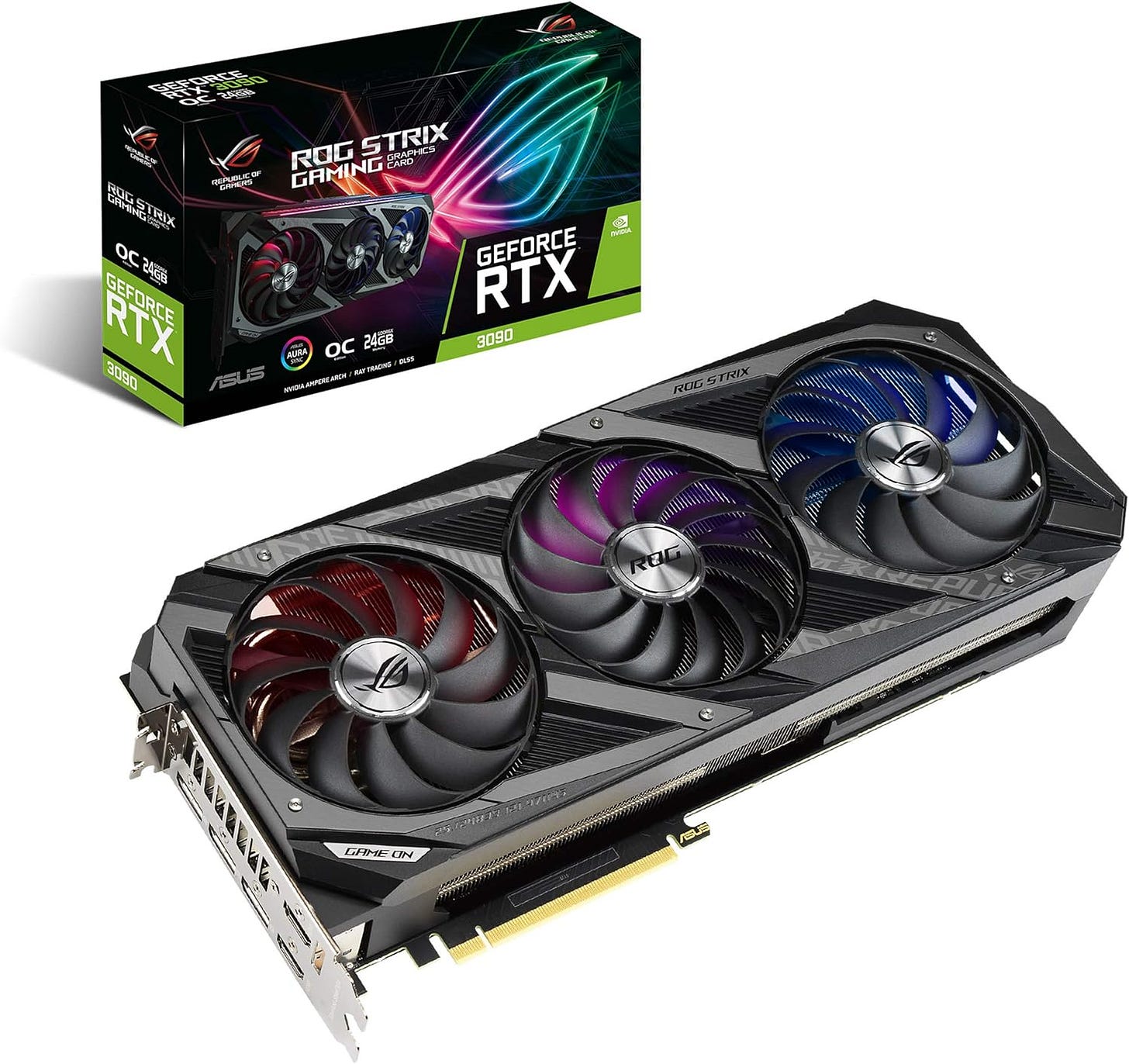
AMD Ryzen 7 7700
The Ryzen 7 7700 listing on Amazon is a good fit for this kind of machine, and AMD’s official support page explains why the chip still works so well here. You get 8 cores, 16 threads, a 65W TDP, PCIe 5.0 support, Ubuntu support, and the included Wraith Prism cooler. That gives you a modern platform without turning the CPU into the expensive part of a GPU-first build.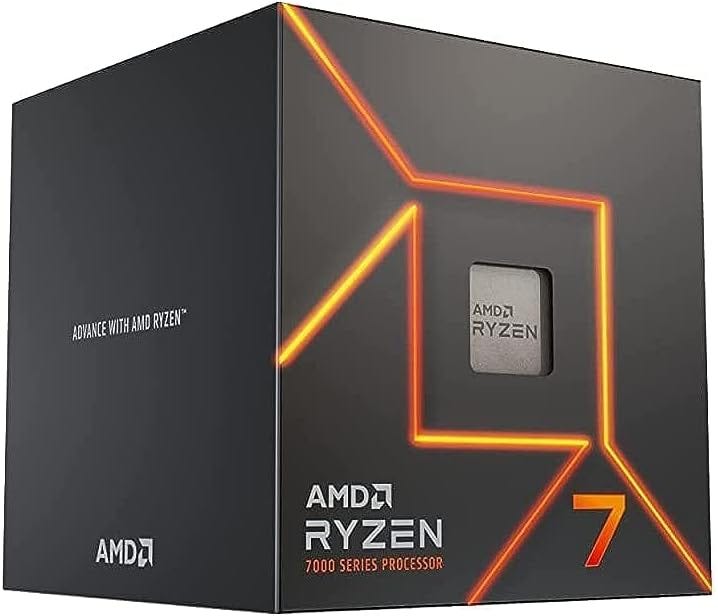
MSI PRO B650-S WIFI motherboard
The MSI PRO B650-S WIFI specification page checks the right boxes for a first local AI box. It supports Ryzen 7000, 8000, and 9000 series processors, gives you four DDR5 slots, supports AMD EXPO, includes two M.2 slots, and adds Wi-Fi 6E plus 2.5G LAN. This is what “current enough to grow with” looks like without paying for features most builders will never touch.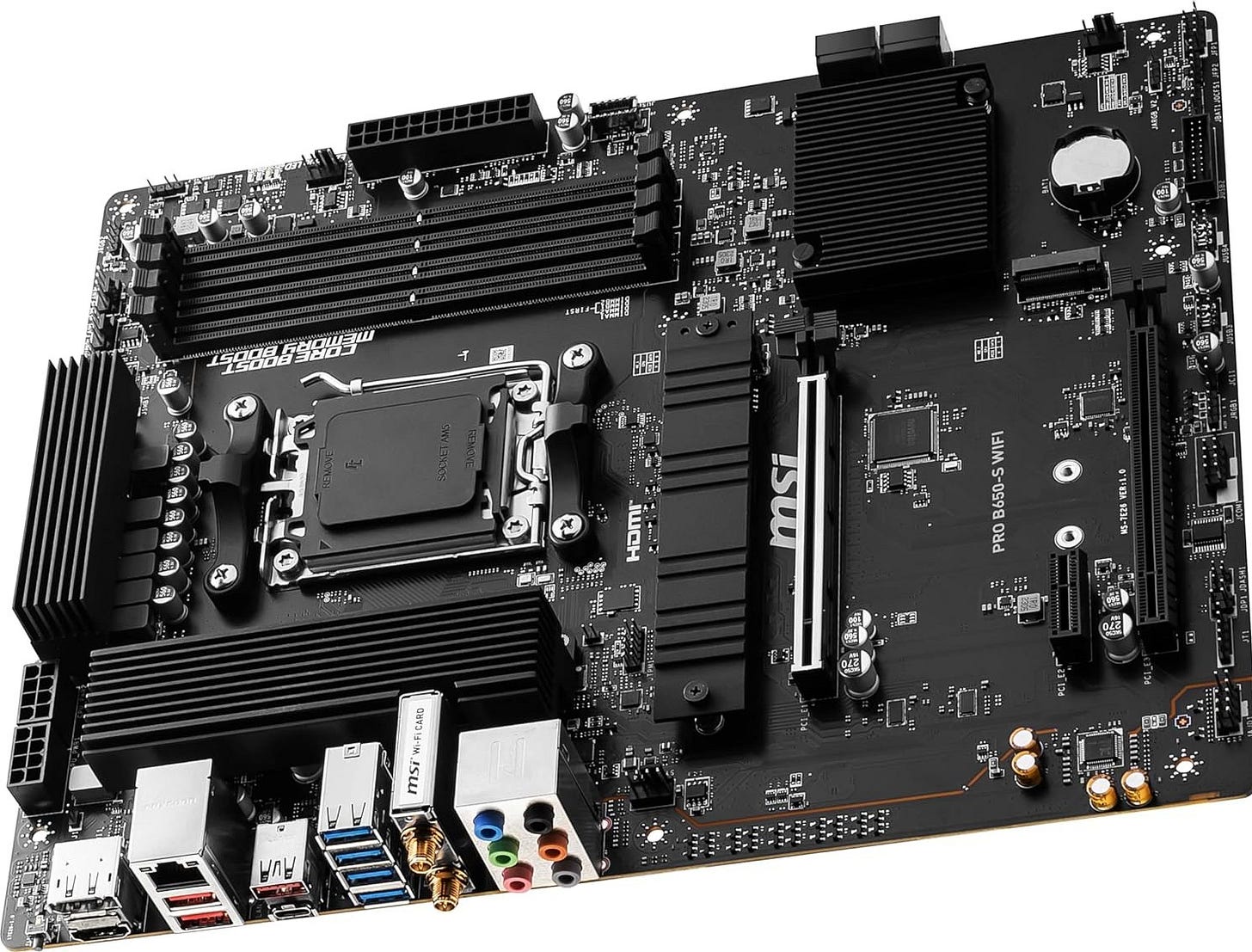
64GB DDR5-6000 CL30 kit
A 64GB Corsair Vengeance DDR5-6000 CL30 kit is the right shape of starter memory for this build. You want 2x32GB, not a cramped stopgap kit you will regret. The board’s memory support on MSI’s spec page lines up well with this target, and 64GB gives you breathing room for the OS, model files, embeddings, browser tabs, coding tools, and all the small background tasks that make a local box feel like a workstation instead of a benchmark screenshot.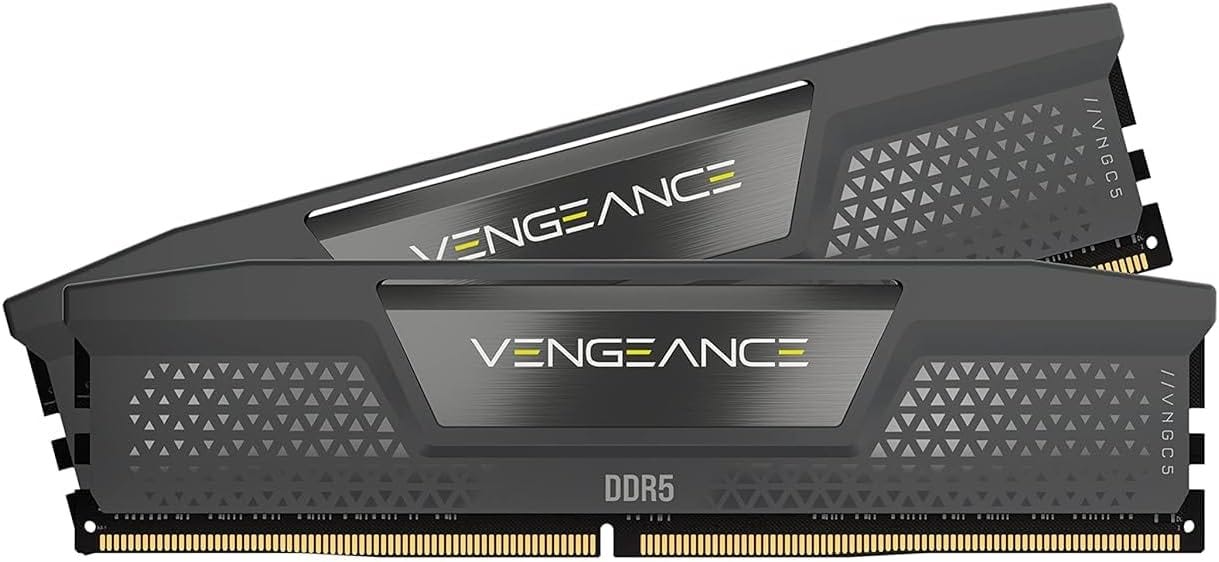
WD_BLACK SN850X 2TB NVMe SSD
Storage fills up fast once you start keeping multiple GGUFs around. The WD_BLACK SN850X 2TB listing is a strong starter drive because 2TB is large enough to avoid immediate regret, and the listed speeds are more than enough for a first serious local AI machine. I would not go smaller than 2TB unless you already know this box will stay very narrow in scope.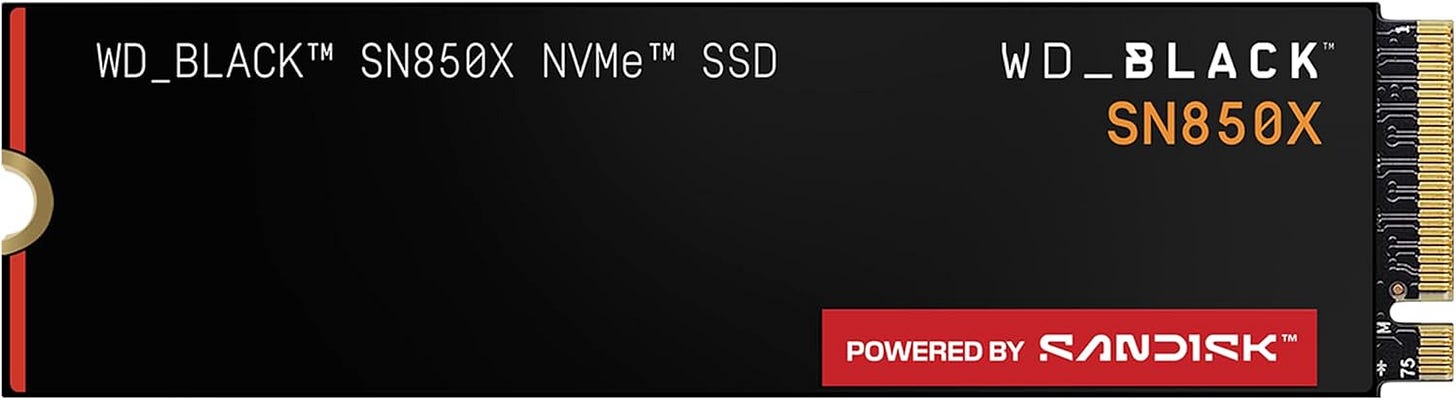
Seasonic Focus GX-850 power supply
NVIDIA recommends 750W for the RTX 3090, but I would still step up to a quality 850W unit and stop thinking about it. The Seasonic Focus GX-850 gives you that margin, along with a fully modular design and a 10-year warranty. A used 3090 build benefits from extra headroom. It is one of the easiest ways to make the machine feel calmer under load and easier to upgrade later.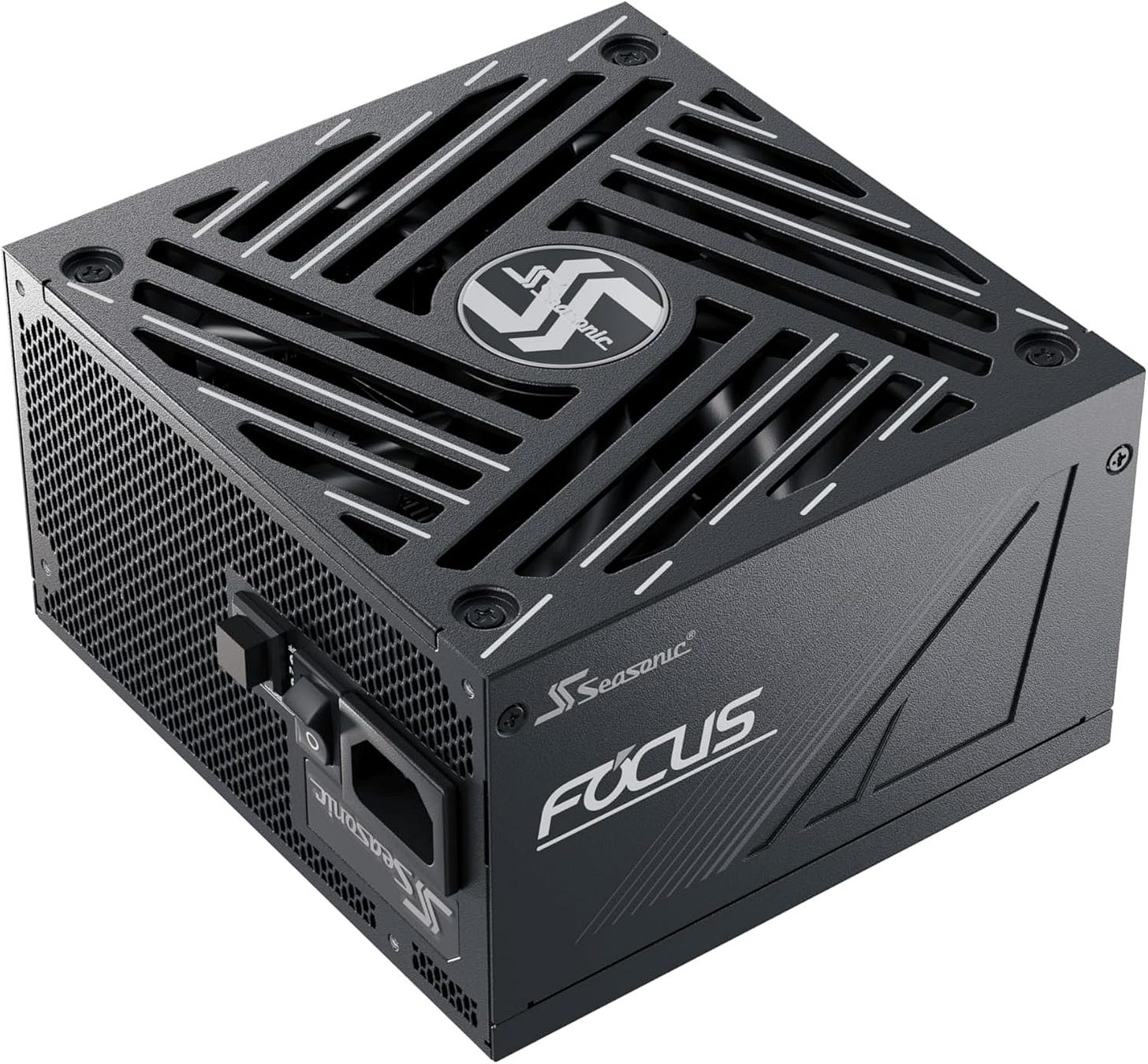
Thermalright Phantom Spirit 120 SE
Yes, the Ryzen 7 7700 ships with a stock cooler. No, that does not mean you should happily pair it with a hot used 3090 in a build that you want to live beside. The Thermalright Phantom Spirit 120 SE is one of the simplest quality-of-life upgrades in the entire build. It supports AM5, uses a dual-tower design, and the Amazon listing notes airflow up to 66.17 CFM. That is the kind of boring improvement you appreciate every day after the build is done.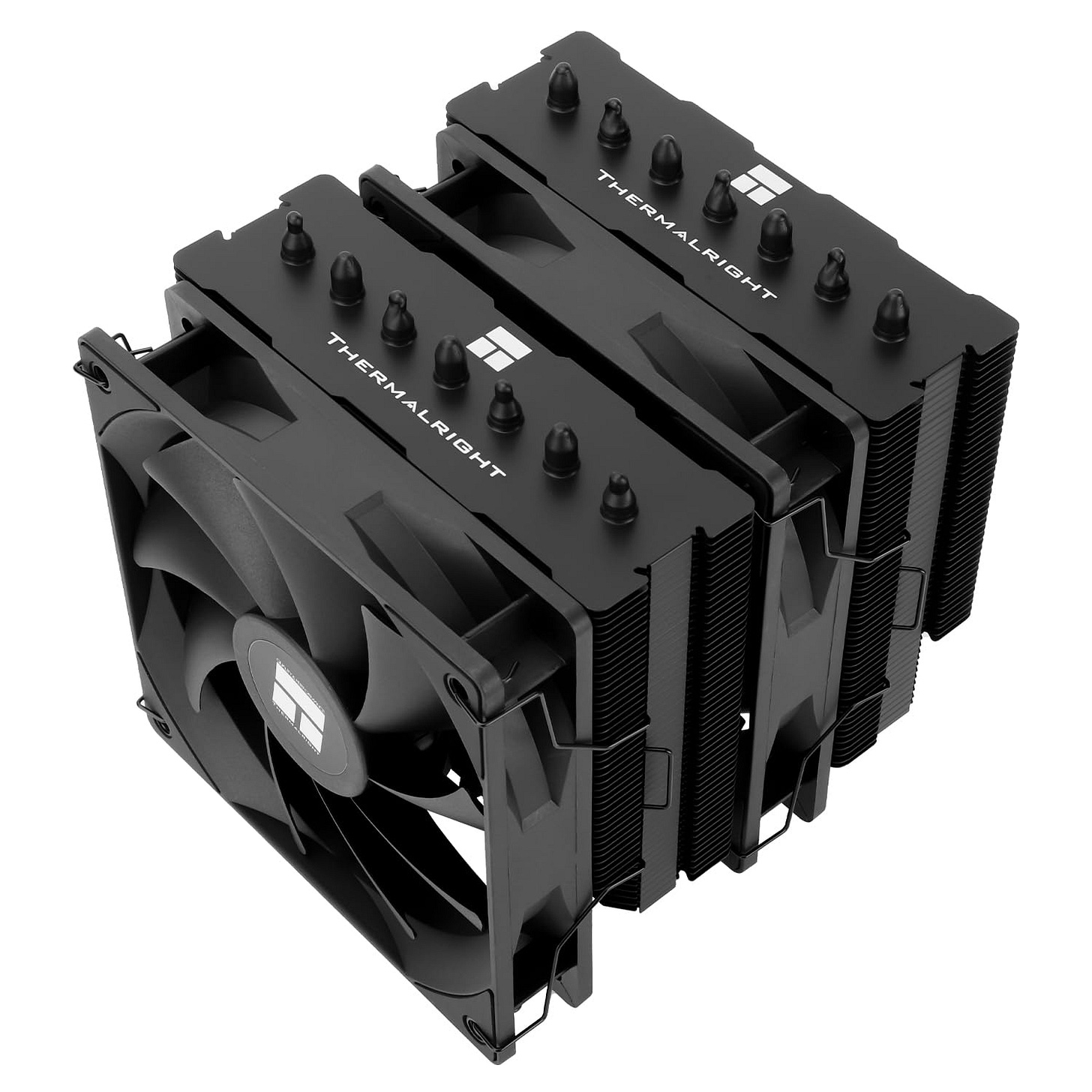
Fractal Design Pop Air case
The Fractal Design Pop Air on Amazon is the right kind of case for this project because airflow and clearance matter more than style points. The official Pop Air product page lists support for ATX motherboards, a 405 mm maximum GPU length with a front fan mounted, and 170 mm CPU cooler clearance. That matters because many 3090s are long, thick, and hot. Your first local LLM PC should not be a thermal experiment.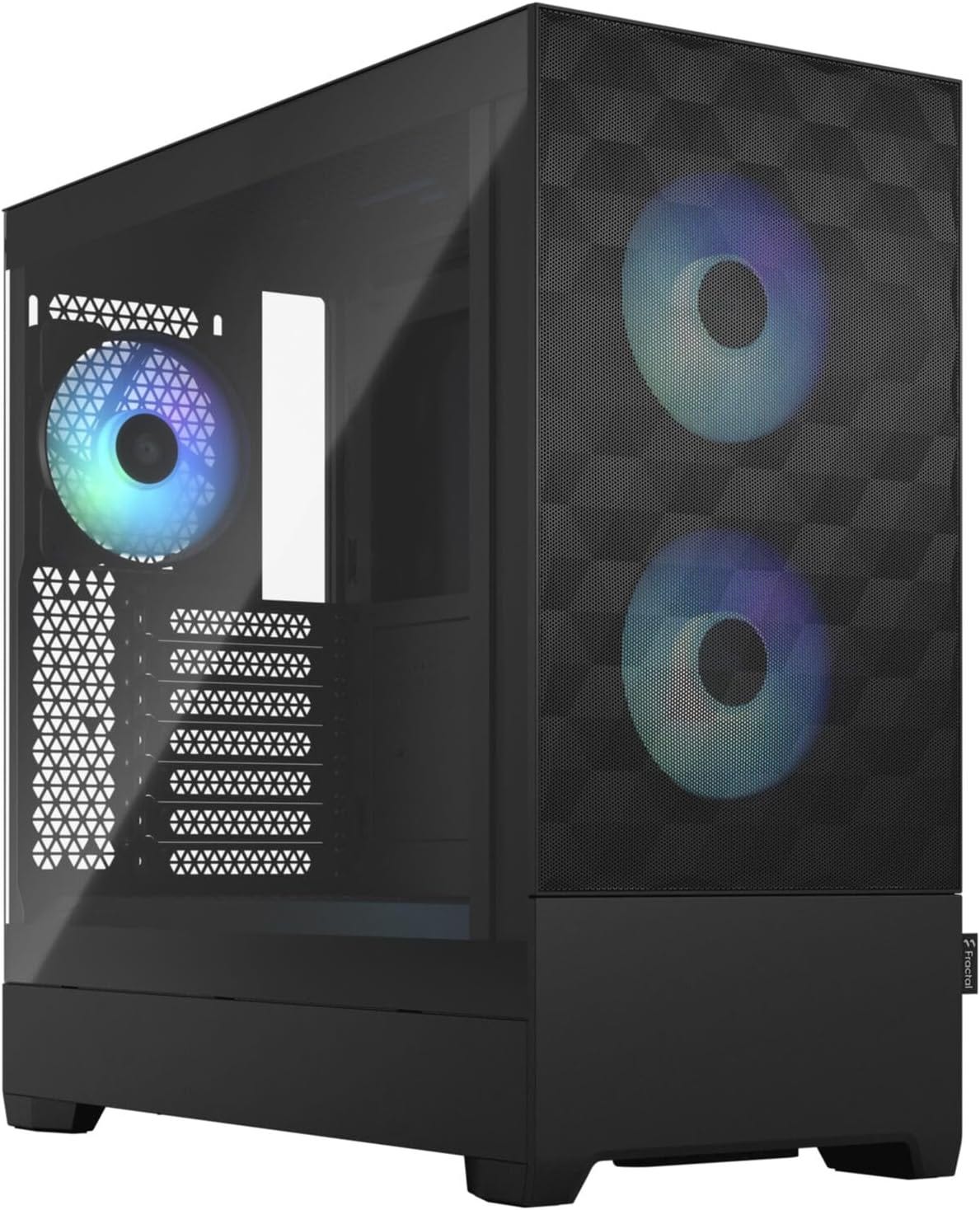


What this build can actually run
This box is a strong home for 8B and 14B models, and it can stretch into many 32B-class options if you stay sensible about quantization and context length.
That distinction matters. A lot of first-time local AI buyers still ask the wrong question, which is “Can it run a model?” The more useful question is “Can it run a model I actually want to use, at a quality level I can live with, without turning every session into a memory management problem?”
With a 24GB 3090, the answer becomes much more encouraging. The Llama 3.1 8B GGUF options on Hugging Face show how comfortable small-to-midweight models are on this kind of card. The Qwen2.5 14B GGUF page makes the same point from the next tier up. And Ollama’s qwen2.5 library shows why 24GB keeps coming up as the practical threshold for single-GPU builds that want to reach higher.
That still does not make the 3090 magical. Large contexts eat memory. Long conversations eat memory. Tool use eats memory. Trying to do everything at once eats memory. But this is the first consumer tier where local AI starts to feel flexible instead of cramped, and that is exactly what a first serious box should deliver.
Linux setup that stays sane
The software advice is the same as the hardware advice: keep it clean.
Use one Linux install. Install the NVIDIA driver properly. Verify the GPU works. Install your local inference stack. Then start with models that fit comfortably before you start pushing the limits.
The official CUDA Installation Guide for Linux is still the right place to handle the NVIDIA side of the setup, and Ollama’s Linux documentation keeps the local model side straightforward. Ollama also publishes the installer script, and its qwen2.5 model library makes it easy to test what your new 3090 can handle.
A sane starter flow still looks like this:
# verify the NVIDIA driver is working
nvidia-smi

# install Ollama
curl -fsSL https://ollama.com/install.sh | sh
That is enough to get moving. Your first local LLM machine does not need to become a Proxmox lab, a dual-boot headache, or a Windows-plus-WSL compromise project unless you already know exactly why you need that complexity. The first win is a machine that boots, stays stable, and runs models every day.
What to inspect before buying a used RTX 3090
A used 3090 is where the value lives. It is also where the risk lives.
So buy carefully. Check seller history. Look at the photos closely. Ask for the exact model number. Ask for proof that the card is detected properly and can run under load. If the seller can provide timestamped photos, a short video, or screenshots showing temperatures and clocks, that is a good sign. If the seller gets vague the moment you ask obvious questions, move on.
I would also strongly prefer a card that looks clean and intact over one with a heroic backstory about being repasted, modded, or “lightly mined on.” You are building a first local AI box, not signing up for a repair hobby.
The cheap AI build only stays cheap if the GPU actually works.
Is a $699 RTX 3090 still worth it in 2026?
In broad terms, yes.
The reason is simple. You are still buying 24GB of VRAM at a consumer-friendly price. The recent LocalLLaMA thread asking almost this exact question is useful because it shows this remains a live buying pattern, not a nostalgic answer from two years ago.
But the “yes” comes with conditions. The card has to be real. It has to be tested. It has to be priced like used hardware, not like a collector item. And the rest of the system has to support it with enough RAM, decent airflow, and a power supply that is not operating on hope.
If those conditions are met, a used 3090 still looks like one of the clearest first steps into serious local inference without jumping to absurd workstation pricing.
More on local AI rigs with an RTX 3090:

Why this build matters beyond benchmarks
This build matters because it buys leverage.
A local 3090 box will not beat every frontier cloud model on raw quality. That is not the point. The point is control. You choose the model. You choose the software stack. You decide when to update, what to keep offline, and how much recurring spend you are willing to tolerate.
That kind of independence matters more than people admit when they first start shopping for local AI hardware. Once you have a machine that can handle meaningful work at home, you stop thinking only in terms of tokens, subscriptions, and remote rate limits. You start thinking in terms of capability you own.
And for a first serious build, this is still the sweet spot: powerful enough to matter, affordable enough to justify, and simple enough to live with.
Conclusion
The best first local LLM PC build in 2026 is still a used RTX 3090, 64GB of RAM, and one clean Linux install.
That is the setup I would still point most readers toward first. It clears the real hurdle. It gets you into the 24GB VRAM tier without pushing the total build cost into workstation fantasy territory. It gives you enough system memory to use the machine like a real machine. And it keeps the software side simple enough that you can spend your time running models instead of babysitting a fragile setup.
For anyone ready to buy a first serious local AI box, that remains the smartest place to start.
Explore more from Popular AI:
Start here | Local AI | Fixes & guides | Builds & gear | Popular AI podcast
24GB VRAM threshold is accurate. Ran Qwen 32B locally on an M4 Mac Mini and it changes the conversation entirely. The M4 handles it better than expected without a dedicated GPU honestly. The interesting comparison is not local versus API anymore.
It is which tasks justify the latency tradeoff. Benchmarked a few current models including running 397B locally through SSD streaming. The gap between hosted and local has closed faster than I would have predicted even six months ago. Budget setups are suddenly viable for real work.