


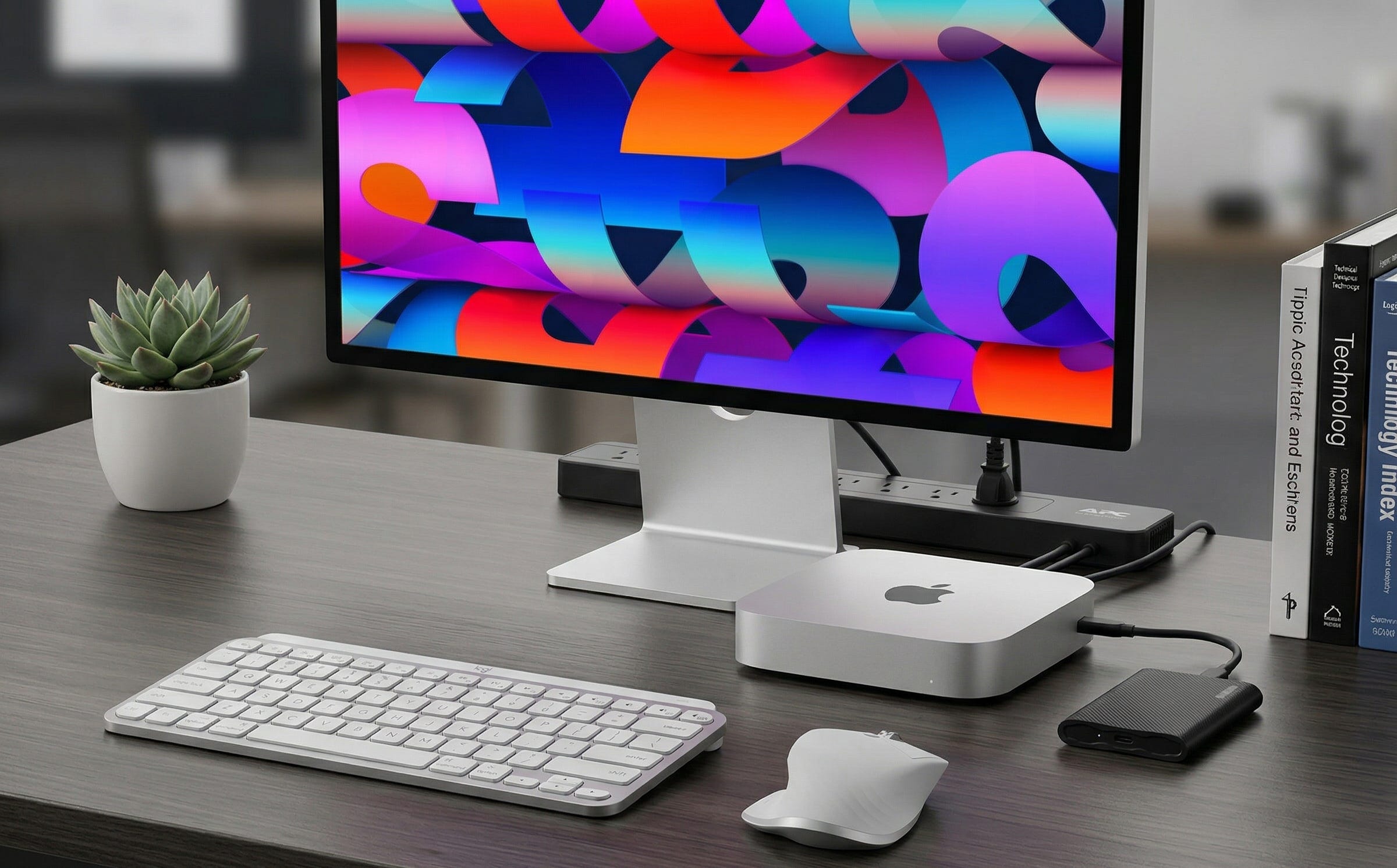
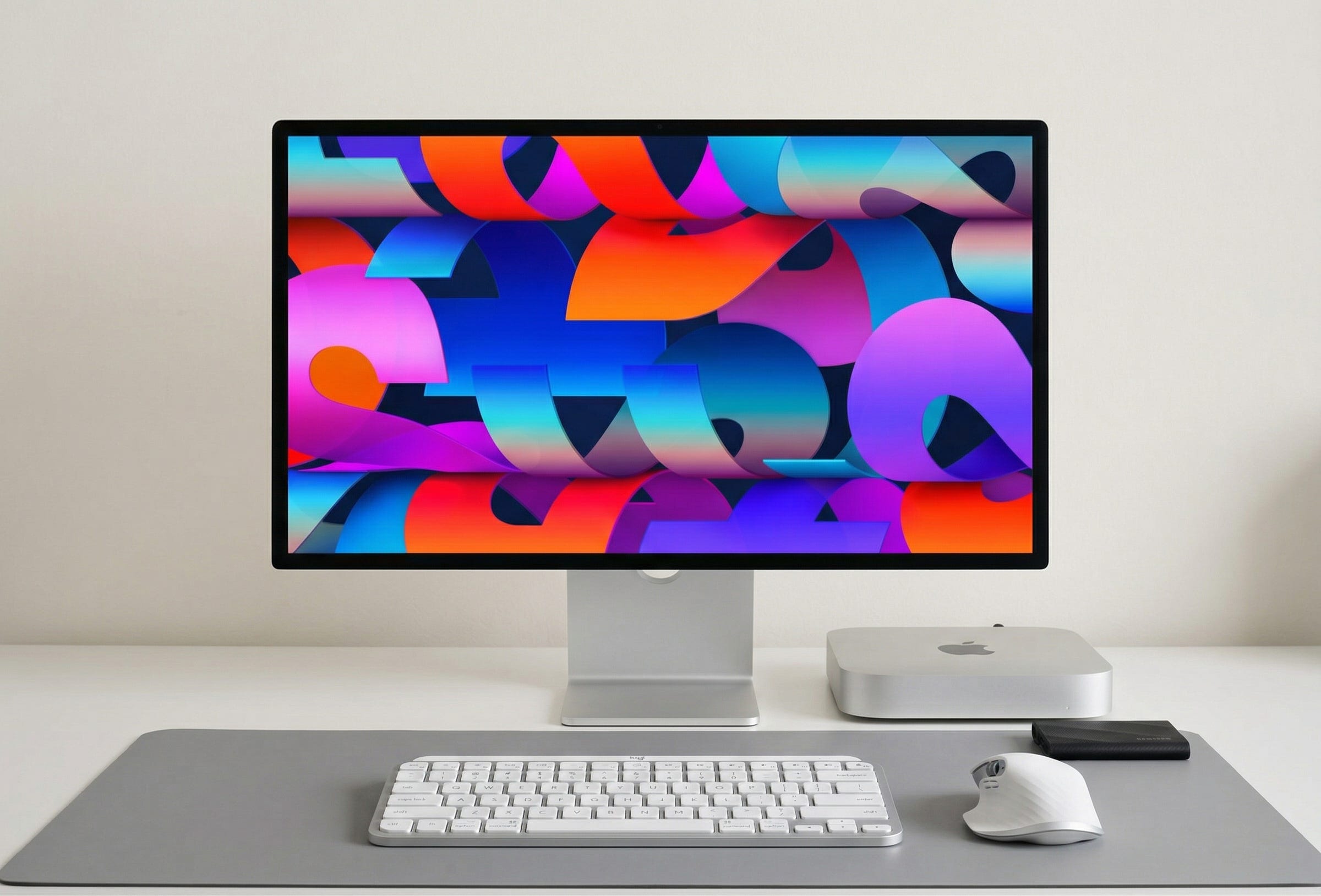
A lot of people who want to run local models do not want a loud gaming tower under the desk. They want a small machine that can sit beside a monitor, stay quiet, and handle private AI work without turning every useful task into an API bill. That is why the Mac mini keeps coming up. Apple’s own Mac mini technical specifications make the buying math unusually clear right now. The regular M4 mini tops out at 32GB of unified memory. The M4 Pro mini goes to 64GB. For local inference, that matters more than almost any marketing label.
The software story is part of the appeal too. Ollama’s macOS docs make setup on Apple silicon straightforward, and Apple’s MLX project page explains why the framework fits this hardware so well. MLX is built around the unified memory architecture of Apple silicon, which is exactly the kind of design local AI users care about. You can also see the buying interest in the wild in threads like this LocalLLaMA discussion about the Mac mini M4 Pro with 64GB.
The short version is simple. The regular M4 Mac mini with 32GB is the entry point that makes sense. The M4 Pro Mac mini with 64GB is the version to buy if local AI is the reason you are opening your wallet. On this machine, memory capacity decides what fits. Memory bandwidth decides how quickly it moves once it does.
More on the Mac mini for local AI:

Why the Mac mini is suddenly a serious local AI buy
Apple’s current Mac mini is tiny enough to disappear into a desk setup, but the important part is not the footprint. It is the way the current lineup splits into two practical local AI tiers. The regular M4 model offers 120GB/s memory bandwidth and up to 32GB of unified memory. The M4 Pro jumps to 273GB/s and up to 64GB, while also bringing Thunderbolt 5. That is a meaningful leap for anyone who wants larger quantized models, more context, or a little more breathing room before the machine starts to feel cramped.
This is the real Mac mini story for local LLMs. Unified memory is not a side spec. It is the ceiling on your local AI life. If you buy too little memory at checkout, you are not adding more later. You are replacing the box. Apple’s sealed hardware approach is convenient when you first configure the system, but it also means the wrong choice will follow you for years. External storage can save you on capacity. It cannot save you on RAM.
That is also why the Mac mini works so well for a certain kind of buyer. You get a small, quiet system that feels more like an appliance than a hobby project. It boots fast, stays tidy on a desk, and does not ask you to build a whole room around cooling, power draw, and GPU management. For a lot of readers, that simplicity is not a luxury. It is the entire point.
Disclosure: As an Amazon Associate, we may earn from qualifying purchases. It does not change our picks or the price you pay.
The exact Mac mini local AI build to buy
Apple Mac mini M4 Pro with 64GB unified memory and 1TB SSD

This is the version to buy if the machine is going to be a dedicated local AI box instead of a general desktop that happens to run a model now and then. Apple’s specs cap the M4 Pro mini at 64GB of unified memory and 273GB/s of bandwidth, which gives you far more room for larger quantized models, heavier context windows, and less frustration a few months from now. Apple’s store often shows stock M4 Pro configurations at lower memory tiers, so the cleanest way to shop the target build is this Mac mini M4 Pro 64GB / 1TB Amazon search. If local inference is the core use case, this is the sweet spot in the current Mac mini line.
Samsung Portable SSD T9 2TB
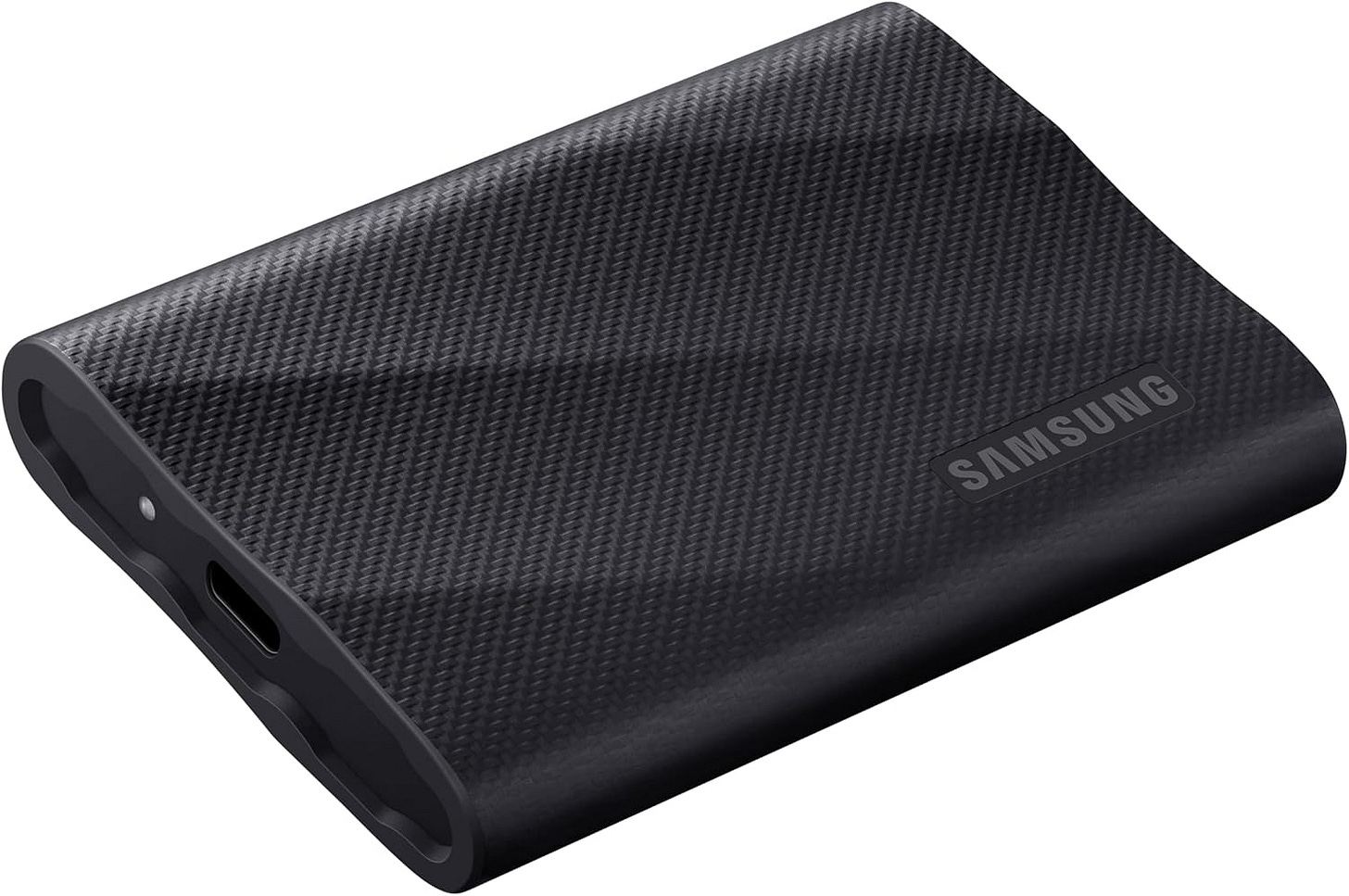
Model libraries add up fast. Ollama’s own documentation warns that local models can take tens to hundreds of gigabytes, which is why external storage stops being optional the minute you get serious about running more than a couple of models. The Samsung Portable SSD T9 2TB is a sensible companion drive for model files, archives, test directories, and project data. It is the easy way to avoid paying Apple’s internal SSD premiums while keeping your local setup comfortable to live with.
APC Back-UPS 650VA class UPS
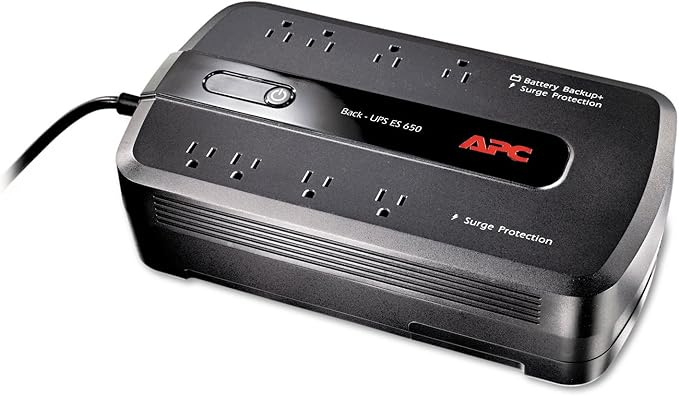
A local AI box that is downloading models, serving requests, indexing files, or running overnight jobs should not crash every time the power flickers. A small UPS is cheap insurance. It helps you avoid corrupted downloads, ugly shutdowns, and pointless rework after brief outages. The APC Back-UPS 650VA is not the glamorous part of this setup, but it is exactly the kind of accessory that separates a fragile hobby machine from one you actually trust.
Cable Matters USB-C to DisplayPort 1.4 cable
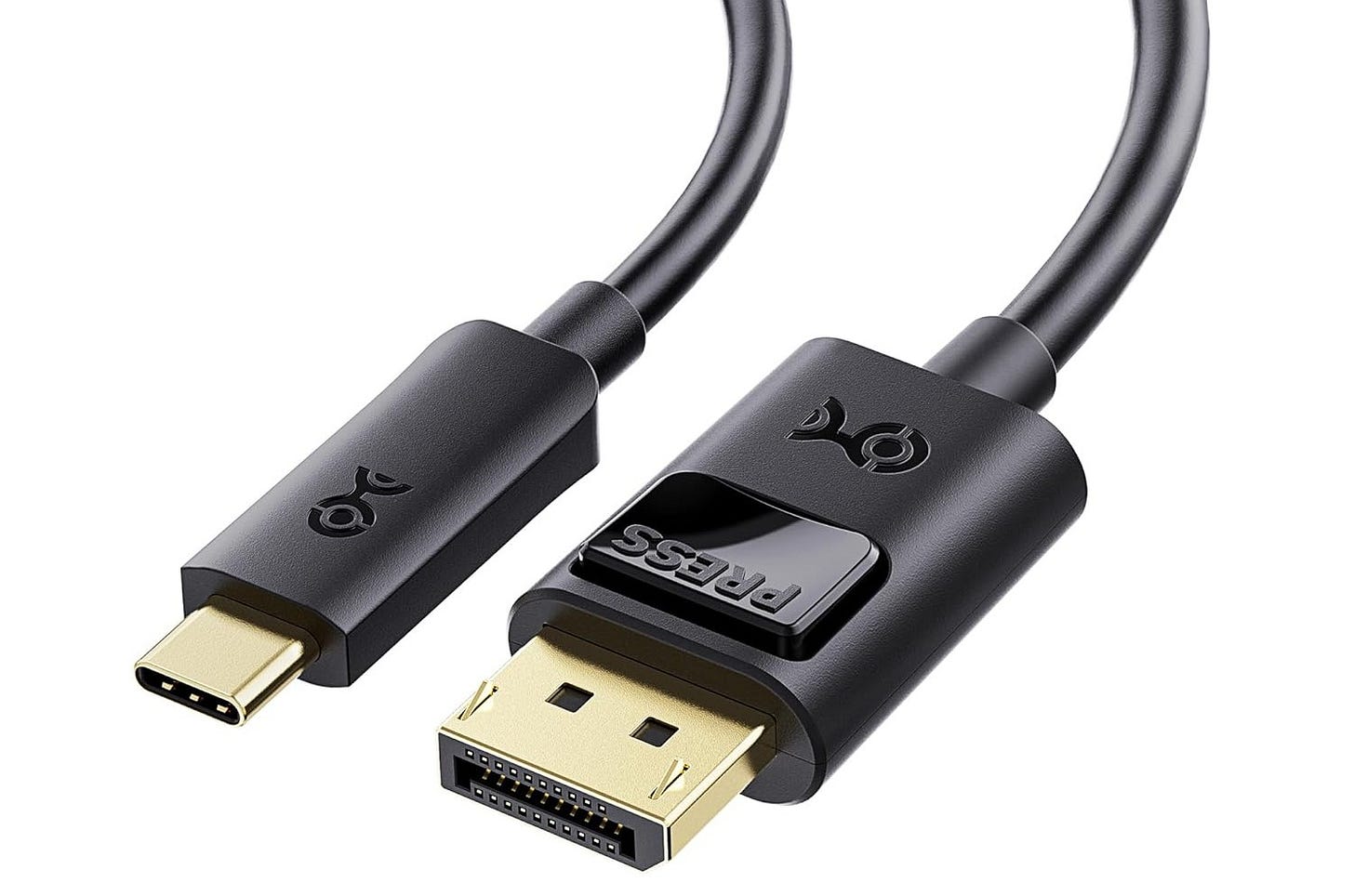
A compact AI desktop gets better when the display path stays simple. The Mac mini supports DisplayPort output over USB-C, so a direct cable is the clean way to hook up a sharp monitor without dragging a dock into the picture. The Cable Matters USB-C to DisplayPort 1.4 cable fits the job well and keeps the setup tidy.
Logitech MX Keys Mini for Mac
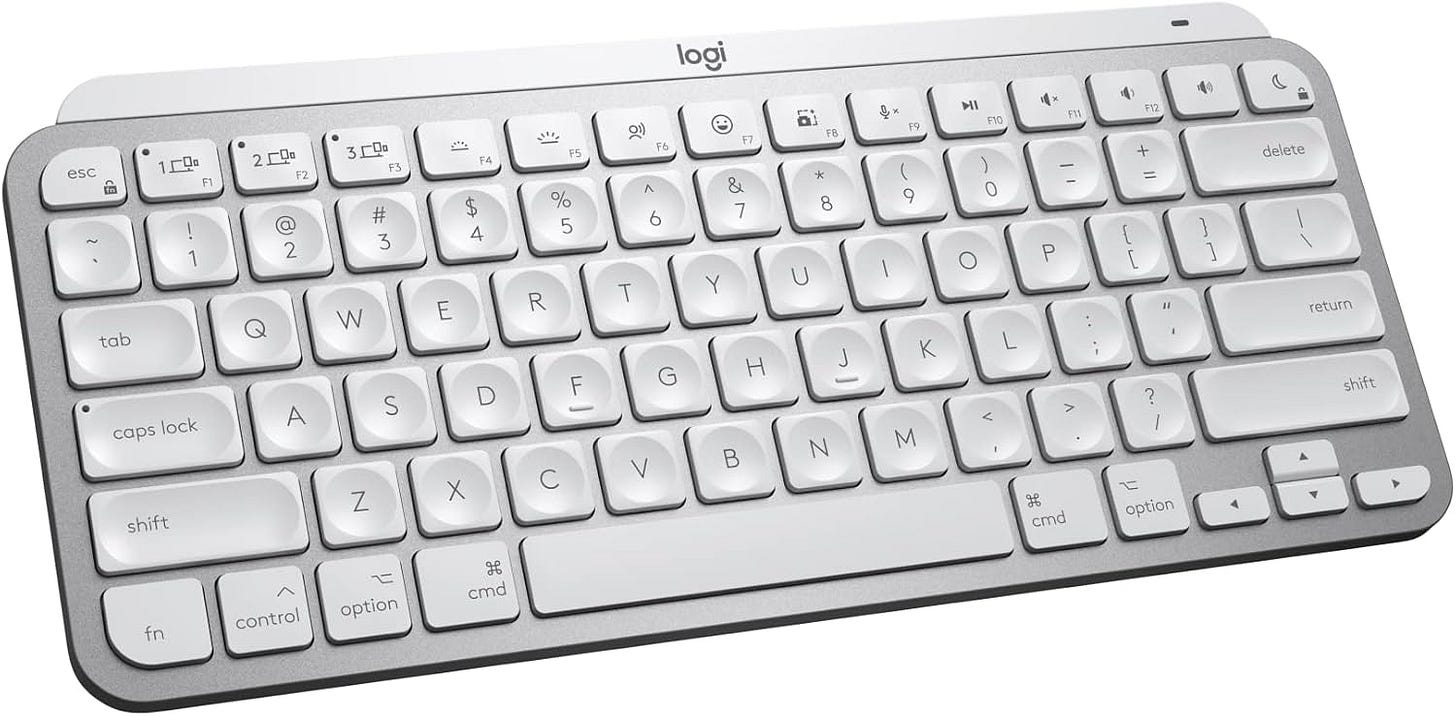
This one does not affect inference speed, but it does fit the whole logic of the build. The goal here is a compact, pleasant desk-side machine, not a sprawl of oversized peripherals. The Logitech MX Keys Mini for Mac keeps the footprint small, matches the Mac layout, and feels better than a throwaway keyboard you only tolerate because it came out of a drawer.
Logitech MX Master 3S for Mac
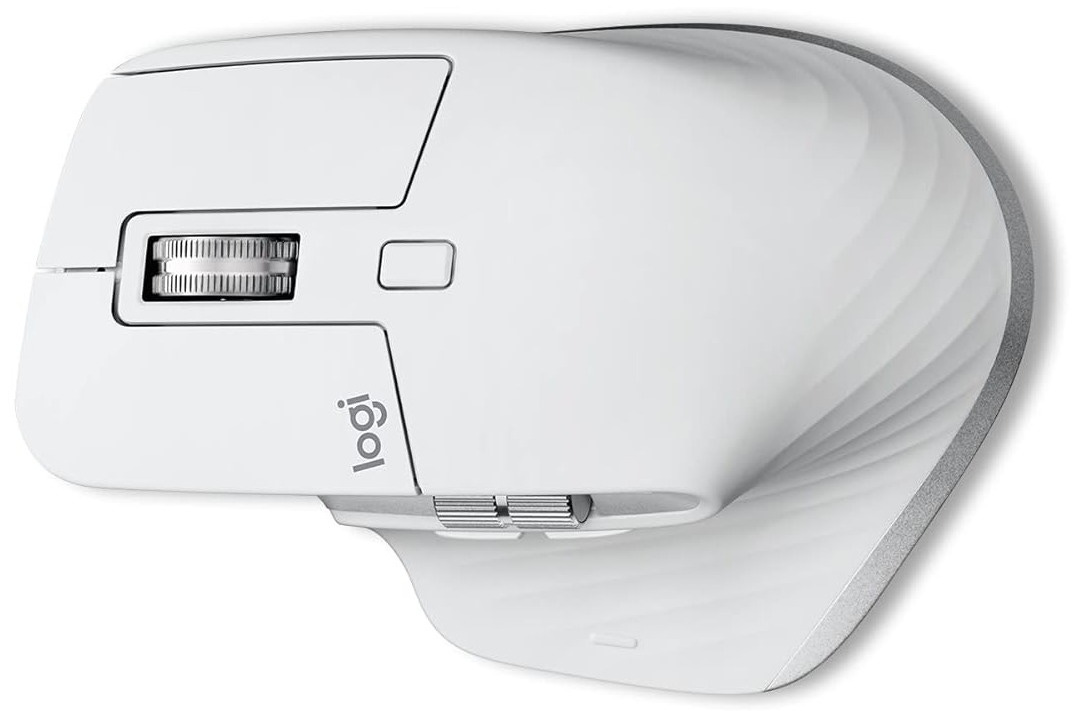
This is the easiest optional luxury in the list. A better mouse will not make your model faster, but it will make long local AI work sessions more comfortable, especially if the Mac mini is going to become a daily driver for chat, coding, browsing, and document work. The Logitech MX Master 3S for Mac rounds out the setup without breaking the compact-desktop idea.


The cheaper version that still makes sense
If you want the lower-cost entry point, buy the regular M4 Mac mini with 32GB of unified memory and 1TB of storage. That is the floor where this idea starts to make sense. Apple’s current specs top the regular M4 mini out at 32GB, which is why the base 16GB version is hard to recommend for a dedicated local AI box. You will hit the ceiling too quickly and spend the whole ownership cycle thinking about the machine you should have bought instead. For the budget-conscious version that still feels rational, use this Mac mini M4 32GB / 1TB Amazon search.
Mac mini M4 vs M4 Pro for Ollama and MLX
Here is the honest answer. If your workload is mostly small to mid-size local chat, coding help, lightweight private document work, and a bit of experimentation, the M4 Mac mini with 32GB is the first configuration that feels properly usable. It gives you a real amount of unified memory instead of the bare minimum, and that matters more than the chip badge when you are trying to fit models comfortably.
If you already know the machine is being bought for local AI, the M4 Pro with 64GB is the safer long-term choice. Apple’s M4 Pro announcement spells out the jump to 273GB/s of memory bandwidth, up to 64GB of unified memory, and Thunderbolt 5 support. That extra headroom is what gives the machine a longer runway. It is also why the popular question of 32GB on M4 versus 24GB on M4 Pro usually has a boring but correct answer. Take the higher memory tier unless your workloads are unusually small and speed sensitive.
That buying rule leads to one blunt conclusion. Skip the 24GB M4 Pro if the system is supposed to be a dedicated local LLM box. It pays for the faster chip while cutting back the spec that decides what fits in the first place. The regular M4 at 32GB is the better value floor. The M4 Pro at 64GB is the better buy for people who want this machine to stay useful.
Ollama or MLX on a Mac mini
For most readers, the easiest way in is Ollama. The Ollama macOS guide is simple, Apple M-series support is clearly documented, and the install path is about as painless as local AI gets. That matters because a machine that is easy to set up is a machine that actually gets used. If your goal is to get local chat, local coding help, or private document workflows running without a weekend of dependency cleanup, Ollama is the front door.
MLX is where the Mac mini starts to feel like a purpose-built AI machine. Apple’s MLX page describes the framework as being optimized for the unified memory architecture of Apple silicon, which is exactly why it belongs in this conversation. When you want a more Apple-native stack for experimentation and deeper control, MLX is the obvious place to look.
In practice, these tools play different roles. Ollama wins on convenience. MLX wins when you want to lean harder into the Mac itself as a machine learning platform. A lot of buyers will end up touching both, with Ollama as the easy runtime and MLX as the deeper rabbit hole.
Can you cluster two Mac minis for bigger local models?
Technically, yes. Practically, that should not drive your first purchase.
The MLX distributed communication documentation says the framework supports distributed communication operations that let the computational cost of training or inference be shared across many physical machines. That means the two-Mac-mini idea is real on the Apple-native side of the stack. If you are willing to experiment, there is genuine distributed groundwork here.
But that is not the same thing as saying the mainstream local AI workflow is ready for it. On the Ollama side, the demand shows up more as a request than as a polished feature. This Ollama GitHub issue requesting single-model multi-machine inference is a good snapshot of where things stand. People want it. They are asking for it. It is still easier to treat one larger Mac mini as the practical purchase than to build two smaller science projects and hope the software catches up on your timeline.
That is why the two-box dream should stay a second-step idea. Buy the largest single Mac mini you can justify first. Then explore distributed setups later if you still need them.
What this means for cost, control, and longevity
The Mac mini route is attractive because it gives you a small, quiet, low-friction local AI box that can live on a normal desk and stay out of your way. That has real value. A machine you keep powered on, keep updated, and actually enjoy using is more useful than a louder and hotter system that feels like a lab project every time you touch it.
Still, there is a trade-off hiding inside that convenience. Apple’s unified memory approach is excellent for local inference, but Apple also decides your memory path at checkout. Once you buy it, you live with it. That is why the RAM decision matters so much more than storage in this category. Storage is the easier problem because you can patch it with external drives. Memory is the one-shot decision.
This is also why the Mac mini appeals to people who care about autonomy. It lets you run local models at your desk without cloud dependence for every useful task, without constant GPU driver babysitting, and without turning your office into a gaming-rig side quest. That will not make it the best machine for every workload, but it does make it one of the cleanest local AI buys for a lot of people right now.
The verdict
The best quiet desk-side local AI box for most buyers in 2026 is the Mac mini M4 Pro with 64GB of unified memory and 1TB of storage. That is the version to buy if local AI is a real workflow and not a weekend curiosity.
The best value entry point is the regular Mac mini M4 with 32GB and 1TB. That is where this idea becomes rational for people who want to spend less without stepping into a dead end.
Anything below that is too easy to outgrow. Anything far above that starts moving into a different class of machine and a different budget conversation. If the goal is to run local models without a loud tower, without constant tuning, and without relying on the cloud for every serious task, the current Mac mini lineup is one of the cleanest answers on the market.
Explore more from Popular AI:
Start here | Local AI | Fixes & guides | Builds & gear | Popular AI podcast
The Mac mini keeps getting more interesting for local LLMs because quiet hardware, unified memory, Ollama, and MLX make it a very clean private AI box. For people actually using one, is the regular M4 enough for real daily work, or does the M4 Pro with 64GB end up being the version that makes sense if local AI is the main reason to buy?
Memory is permanent is the line that matters most and it gets buried in most Mac mini guides. Ran a base M4 before moving to a Pro and the ceiling shows up fast once you try running a 32B model alongside anything else.
The Ollama vs MLX choice isn't permanent but it changes your workflow significantly. MLX is faster on Apple silicon for inference but the ecosystem tooling is smaller. External SSD is underrated for storage - you'll fill internal NVMe faster than expected. Running mine as a dedicated agent machine 24/7 for two months, the stability on the Pro is noticeably better.