


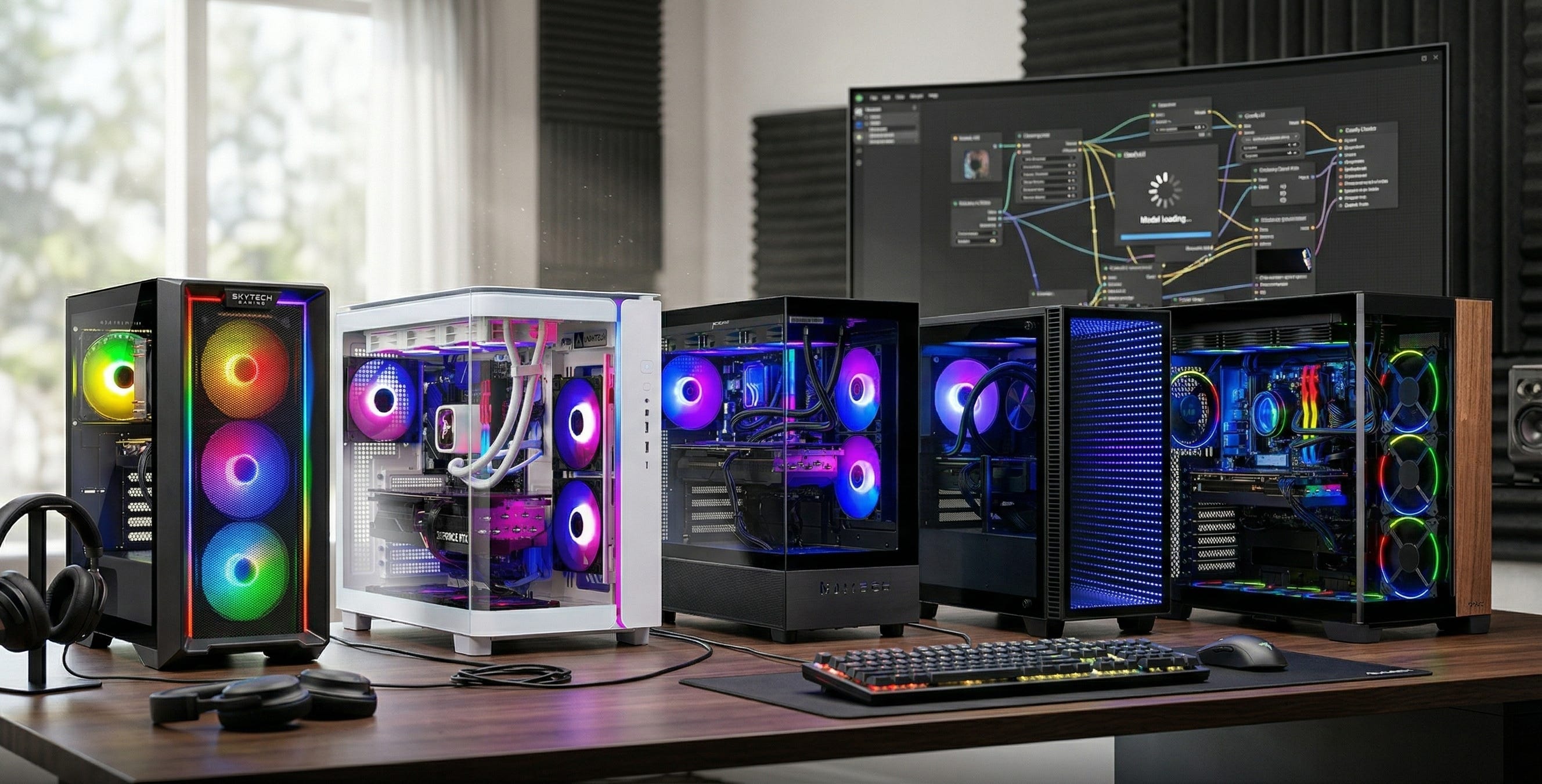
Buying a desktop for local video generation AI is different from buying a gaming PC, and pretending otherwise is how people waste money. Video models punish weak hardware far more aggressively than local image models do. You can get away with a lot on an image box. With local video, you run into VRAM limits, long generation times, storage sprawl, and heat much faster. Most people shopping in this category do not want to spend a weekend comparing motherboard lanes, power supplies, GPU clearance, fan placement, and BIOS quirks. They want one tower, one checkout, and enough headroom to run real workflows without staring at out-of-memory errors.
That timing makes this category more interesting than it was even a year ago. Open video models are getting lighter and easier to run on consumer hardware. One quick source note matters, though. The older Tencent/HunyuanVideo-1.5 repository currently goes nowhere useful, while the live Tencent-Hunyuan/HunyuanVideo-1.5 repository now documents a 14GB minimum with model offloading enabled. LTX-Video is also a real part of the conversation because its official repo points to a practical local ecosystem, built-in ComfyUI support, and an optimized 8-bit path that can generate 720x480x121 video on an RTX 4060 8GB in under a minute.
That last point explains the whole buying philosophy here. Yes, clever software can squeeze surprising results out of smaller cards. No, that is still not the best buying strategy for most people who want predictable local video work. If you want a box that feels useful for more than a month, you should buy around the VRAM tier you actually need, not the minimum that might technically boot.
More on PCs for local AI

The VRAM rule that actually matters
For local video generation, 16GB of VRAM is the sane floor, 24GB is where life gets noticeably easier, and 32GB is the comfort tier for people who are serious about this work. That is the practical rule that matters more than flashy marketing copy. A card such as MSI’s GeForce RTX 5060 Ti 16G Gaming OC shows why the 16GB tier exists at all. It gives you enough frame buffer to enter current local video workflows without immediately living inside offloading tricks and compromise settings.
That does not mean every 16GB machine is equal. System balance matters almost as much once you clear the VRAM line. A tower with the right GPU and weak system RAM, cramped storage, weak cooling, or a bargain-bin PSU is fake value. Local video work is messy. It creates failed renders, test outputs, frame caches, model files, LoRAs, workflow JSONs, and piles of scratch data faster than most buyers expect. A balanced prebuilt gives you room to experiment without forcing you to become your own full-time system integrator.
That is also why this roundup leans heavily toward NVIDIA-based towers. The most practical local video stacks still favor CUDA, and many of the official repos are Linux-first even if plenty of Windows users actually run these workflows through ComfyUI. For most readers, the best prebuilt is the one that gets you to generating faster, with fewer compatibility detours.
How I ranked these prebuilt PCs
I ranked these systems around real local-video workloads, not fantasy benchmark slides. The use cases that matter here are short text-to-video clips, image-to-video tests, ad concepts, social loops, product mockups, B-roll experiments, talking-head motion tests, meme clips, and repeated prompt iteration in ComfyUI. I also weighted whether a machine gives you room to move from casual experimentation into real paid work.
VRAM came first because it is the hard gate. System balance came second because weak RAM, tiny SSDs, and sketchy power delivery can ruin an otherwise good buy. Cooling and power headroom mattered because long generations can hammer a tower for hours. Upgrade path mattered because AM5, a decent PSU, and enough case room give buyers more life later. Amazon availability mattered too. I checked the linked Amazon listings on March 25, 2026. On some systems Amazon showed a live price. On others, especially the expensive towers, it hid the price behind the cart. I ranked those machines by verified configuration, likely market position, and how sensible the whole build looks for local video work.
The result is a list that cares less about raw gaming bragging rights and more about whether a prebuilt desktop actually makes local video generation practical.
The ranked list
Skytech Gaming Nebula
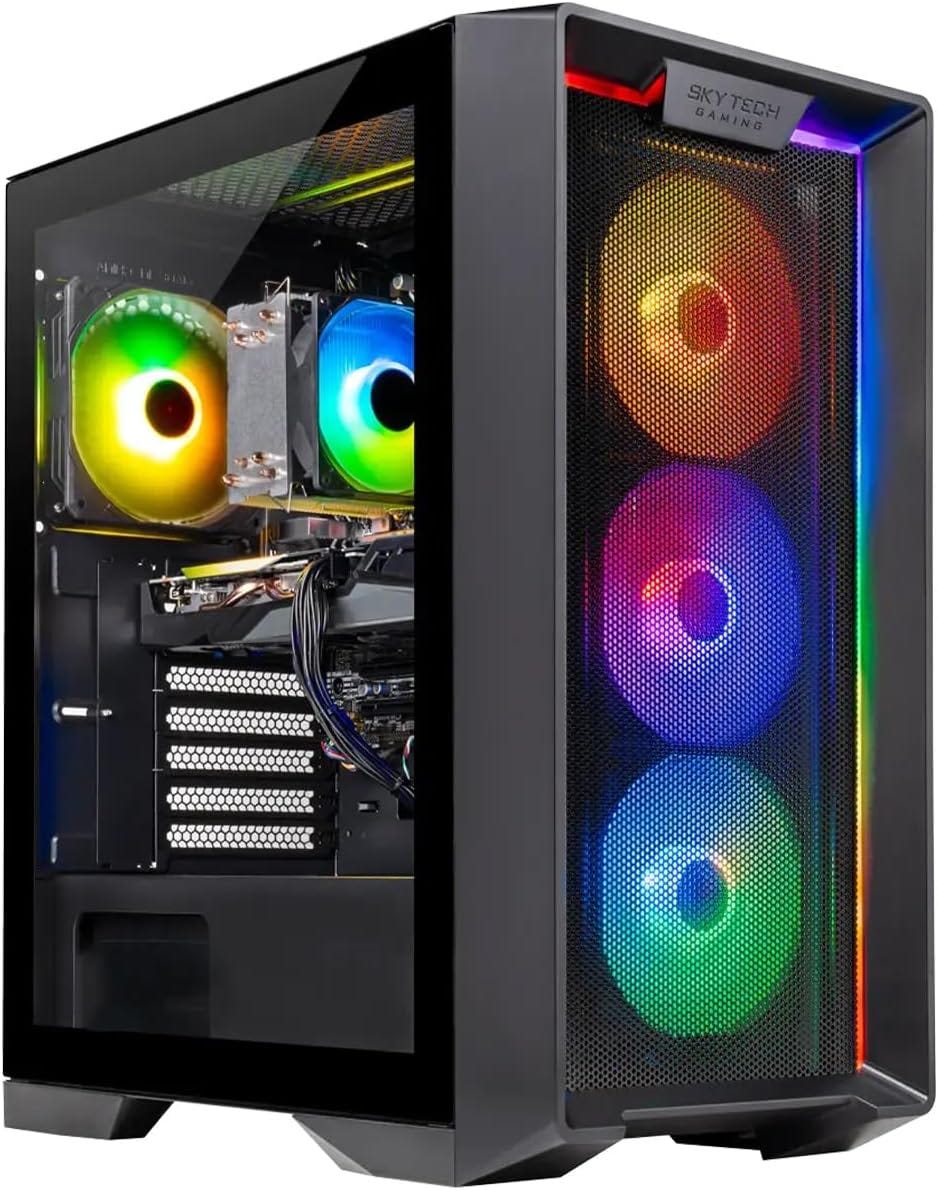
Best budget entry for real local video work
This is still the cheapest serious way into local video generation, with one huge caveat. This Nebula Amazon listing used in the roundup lists the 16GB VRAM and 32GB DDR4 configuration at $1,199.99, which is the version that actually deserves a recommendation for local video work.
If you are buying the 16GB variant, the Nebula earns this slot because it crosses the real threshold for current local video experimentation without jumping into much more expensive territory.
That means HunyuanVideo-1.5 with offloading becomes realistic, LTX-Video workflows become accessible, and shorter image-to-video jobs stop feeling like a science project. It is an older AM4 and DDR4 platform, so this is not the box you buy for elegance or long-term bragging rights. You buy it because it gets you into the game at the lowest sane cost.
The downside is exactly what you would expect. AM4 is an older platform, the 1TB SSD will fill faster than most first-time buyers think, and a 650W Gold PSU is adequate rather than generous. Still, for budget-conscious experimentation, learning ComfyUI video workflows, and testing whether local video can save you money or become part of your work, the Nebula remains the most practical cheap entry point in this group.
Skytech King 95
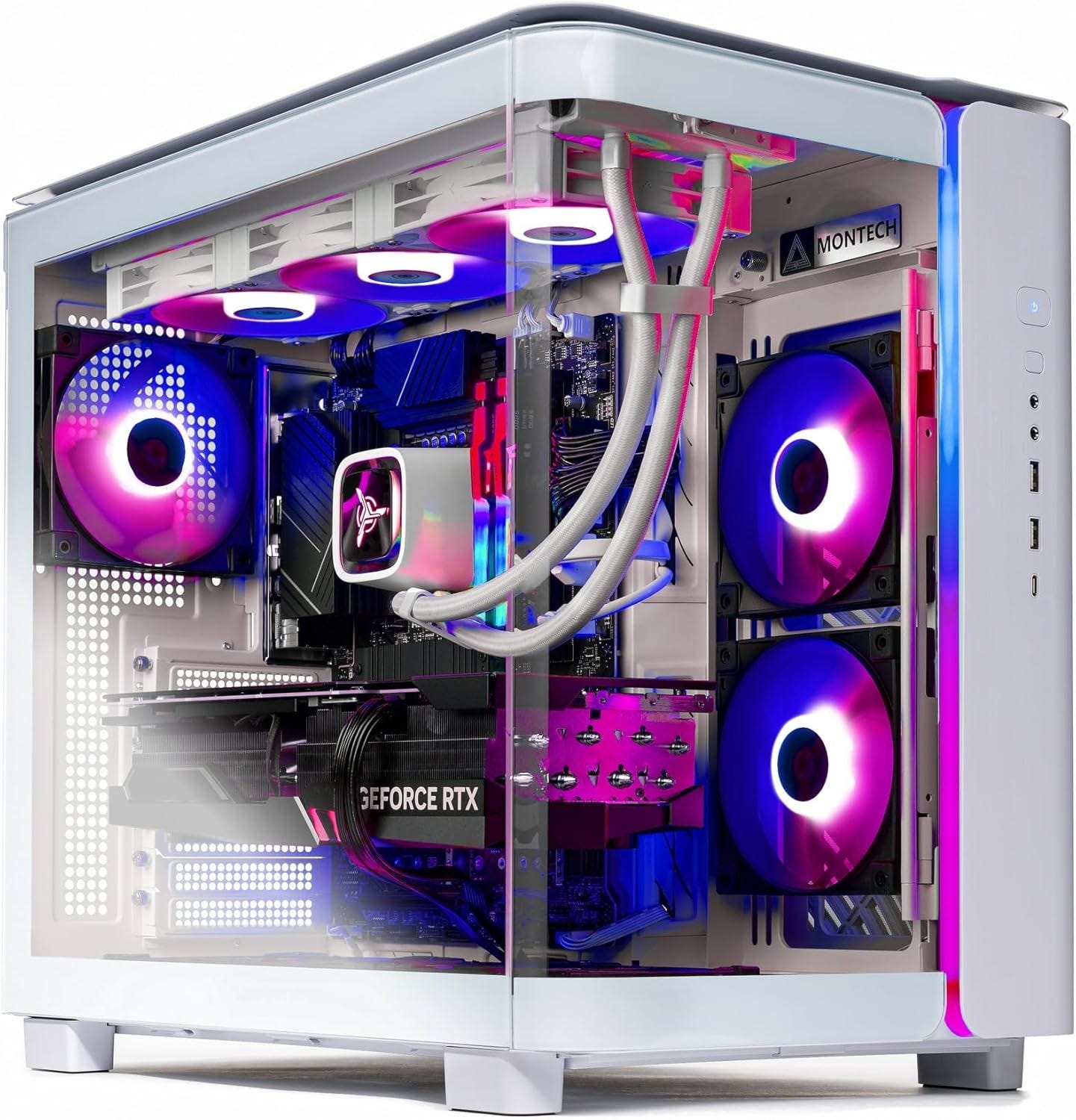
Best overall value for most buyers
This is the prebuilt I would point most readers to first. The current Amazon listing for the King 95 pairs a Ryzen 7 7800X3D with an RTX 5070 Ti 16GB, 32GB of DDR5-6000, a 1TB Gen4 NVMe SSD, an 850W Gold ATX 3 PSU, and a 360mm AIO. This is the sweet spot because it keeps the sane minimum VRAM tier for local video while upgrading almost everything else around the GPU.
In practice, that matters a lot. The King 95 feels more modern than the Nebula, runs on AM5, gets faster memory, and has stronger cooling and a more confidence-inspiring power setup. You are still in the 16GB class, so this machine does not magically erase every memory wall. What it does do is give you a better overall box for heavier ComfyUI workflows, longer experimental clips, more aggressive prompt iteration, and a better chance that the tower still feels sensible a few years from now.
If you want the most balanced answer for the broadest number of buyers, this is it. The only real criticism is that 16GB is still 16GB. It will be faster and nicer to live with than the Nebula, but it cannot offer the breathing room that 24GB and 32GB machines can.
Skytech Azure 3
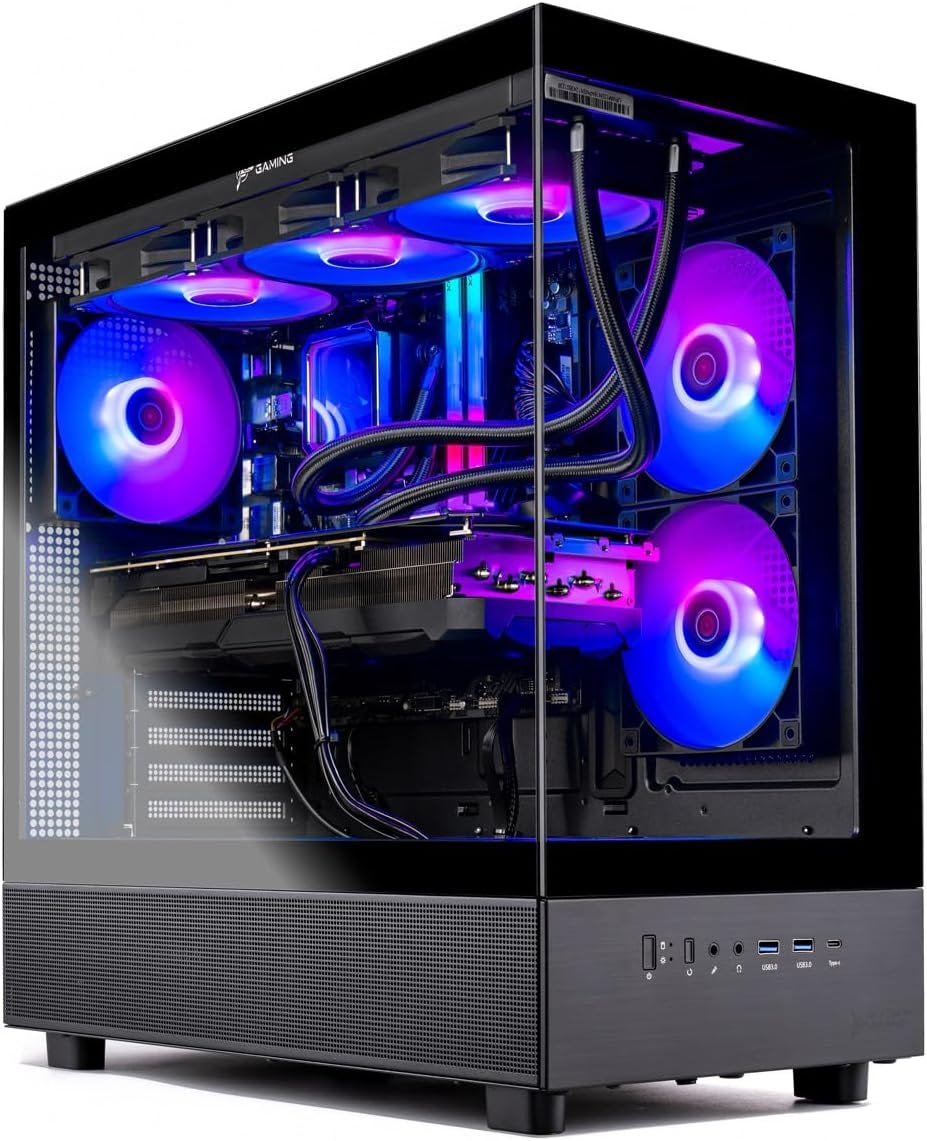
Best fast 16GB tower if iteration speed matters
The Amazon listing for the Azure 3 steps up to a Ryzen 7 9800X3D, an RTX 5080 16GB, 32GB of DDR5-6000, a 2TB NVMe SSD, an 850W Gold ATX 3 PSU, and a 360mm AIO. The big point here is simple. The RTX 5080 stays in the same 16GB VRAM class as the 5070 Ti, but it gives you more raw speed and doubles the storage versus many cheaper prebuilts.
That means the Azure 3 is a throughput buy, not a capability buy. You do not move into a bigger VRAM tier, so some workflows will still ask for compromises. What you get instead is faster iteration. If your bottleneck is time rather than absolute memory headroom, that matters a lot. Agencies, solo creators, and anyone doing frequent batch testing will feel the difference.
This is why the Azure 3 lands third instead of second. It is clearly faster than the King 95, but more speed inside the same 16GB class is not always a better value than a cheaper 16GB tower with a stronger price-to-practicality ratio. If the price gap stays modest, the Azure 3 is easier to justify. If the gap gets wide, the King 95 usually remains the smarter buy.
Empowered PC Continuum Micro
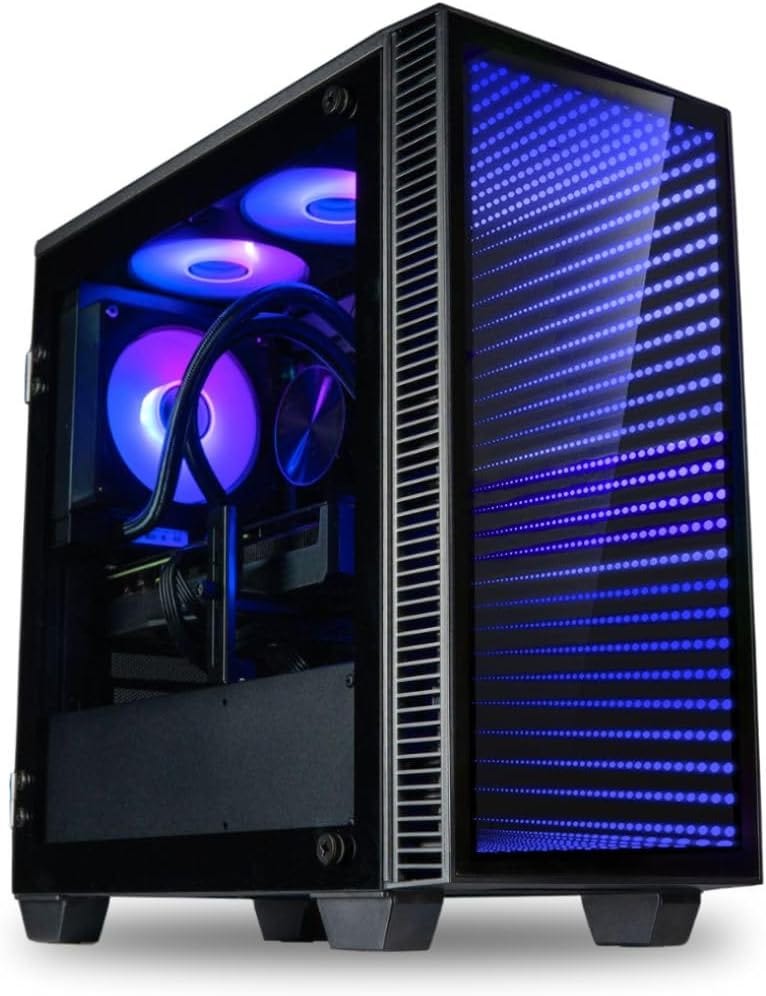
Best serious prosumer pick because 24GB changes the experience
The Amazon listing for the Empowered PC Continuum Micro includes an RTX 4090 24GB, an Intel Core i9-14900KF, 64GB of DDR5, a 2TB Gen4 NVMe SSD, a 6TB HDD, Wi-Fi 6, liquid cooling, and a 1000W Gold PSU. This is where the whole experience starts to change because 24GB is a real quality-of-life leap for local video work.
Going from 16GB to 24GB is a bigger practical step than going from one fast 16GB card to an even faster 16GB card. You get more room for heavier workflows, fewer offloading compromises, and less time spent treating VRAM like a rationed resource. If you are already beyond hobby use and you want local video generation to feel more like a serious tool, the 4090 class remains the smartest upgrade tier in this roundup.
The catch is buyer confidence. The live Amazon page shows a weak 3.1 out of 5 rating from 15 global ratings and hides the price behind the cart, which makes this a more cautious recommendation than the Skytech systems above it. The hardware story is strong. The storefront signal is weaker. For serious users who value 24GB enough to accept that trade-off, it still earns this spot.
Skytech Prism 4
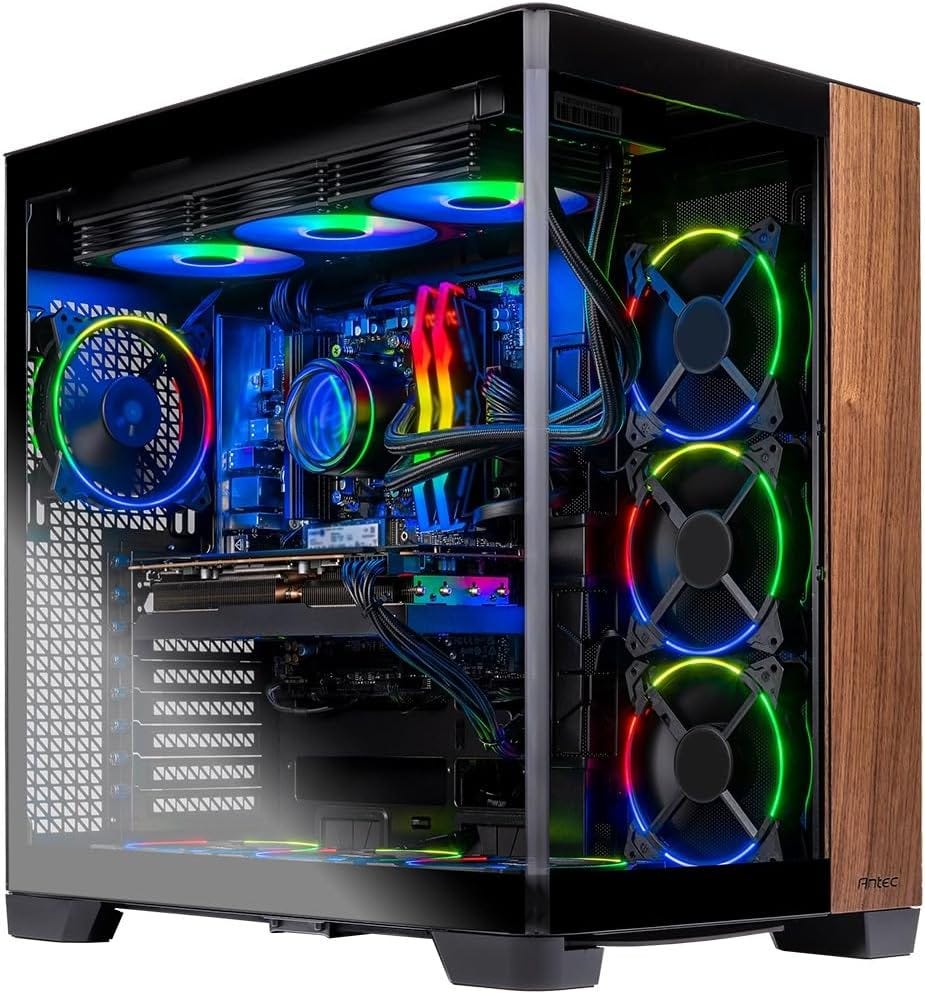
Best no-compromise prebuilt for local video generation AI
The Amazon listing for the Skytech Prism 4 is the cleanest answer for buyers who are done compromising. It pairs a Ryzen 7 9800X3D with an RTX 5090 32GB, an X870 motherboard, 64GB of DDR5-6000, a 2TB Gen4 NVMe SSD, and a 1200W Gold ATX 3 PSU. This is the tower you buy when local video is becoming real work and you want fewer excuses, fewer workarounds, and more room for future models.
The jump to 32GB matters because it gives you the biggest consumer VRAM tier in this list. That means more breathing room, more comfort with ambitious workflows, and a better chance that the machine still feels capable as open video models keep moving forward. It is also backed by a build that actually looks appropriate for the GPU tier, which is exactly what you want from an expensive prebuilt.
The obvious problem is cost. This is the opposite of a budget recommendation, and Amazon was hiding live price details behind the cart when checked. Even so, if local video generation is central to your work, the 5090 class is where constraints start to ease up in a meaningful way.


Which one should you actually buy?
Here is the blunt version. Buy the Nebula if you want the cheapest real entry point and you are comfortable buying only the 16GB configuration, not the weaker version now showing on the base Amazon page. Buy the King 95 if you want the best overall value, the cleanest balance, and the easiest recommendation for most readers. Buy the Azure 3 if you care more about faster iteration inside the 16GB class than you care about squeezing maximum value from every dollar.
Move up to the Continuum Micro if you are beyond hobby use and want the 24GB jump that makes local video materially easier. Buy the Prism 4 if local video is already a serious part of your work and you want the fewest compromises available in a mainstream consumer prebuilt.
What to skip if your goal is local video generation
I would still skip most prebuilts with 8GB or 12GB of VRAM if local video generation is the point of the machine. LTX-Video proves that smart engineering can squeeze surprising output from smaller cards, and that matters. It does not change the broader buying rule. For most buyers, those lower-VRAM systems are false economy because they force too many compromises too early.
I would also skip towers with 16GB of system RAM, 500GB SSDs, or mystery-brand power supplies. Local video work spills files everywhere, eats storage, and punishes weak system balance. That is why the cheapest gaming desktop on a marketplace page is so often the wrong answer for AI video work, even when the headline GPU looks tempting.
The bottom line
For local video generation AI, the smartest move is to buy the cheapest prebuilt that cleanly clears the VRAM tier you actually need. That is why the Nebula still matters as a budget option when it is the true 16GB version, why the King 95 remains the best value for most readers, why the 4090 class is the smartest serious upgrade, and why the 5090 class is reserved for buyers who care enough about local video to pay for fewer constraints.
In plain English, 16GB gets you in the game, 24GB makes the game much easier, and 32GB is what you buy when you are done compromising.
Explore more from Popular AI:
Start here | Local AI | Fixes & guides | Builds & gear | Popular AI podcast
Local video AI is finally getting close to mainstream hobbyist territory, but this piece makes the right point that minimum requirements and comfortable long-term specs are two very different things. If you were buying a desktop for ComfyUI and local video AI right now, what GPU and VRAM tier would you treat as the real starting point?