


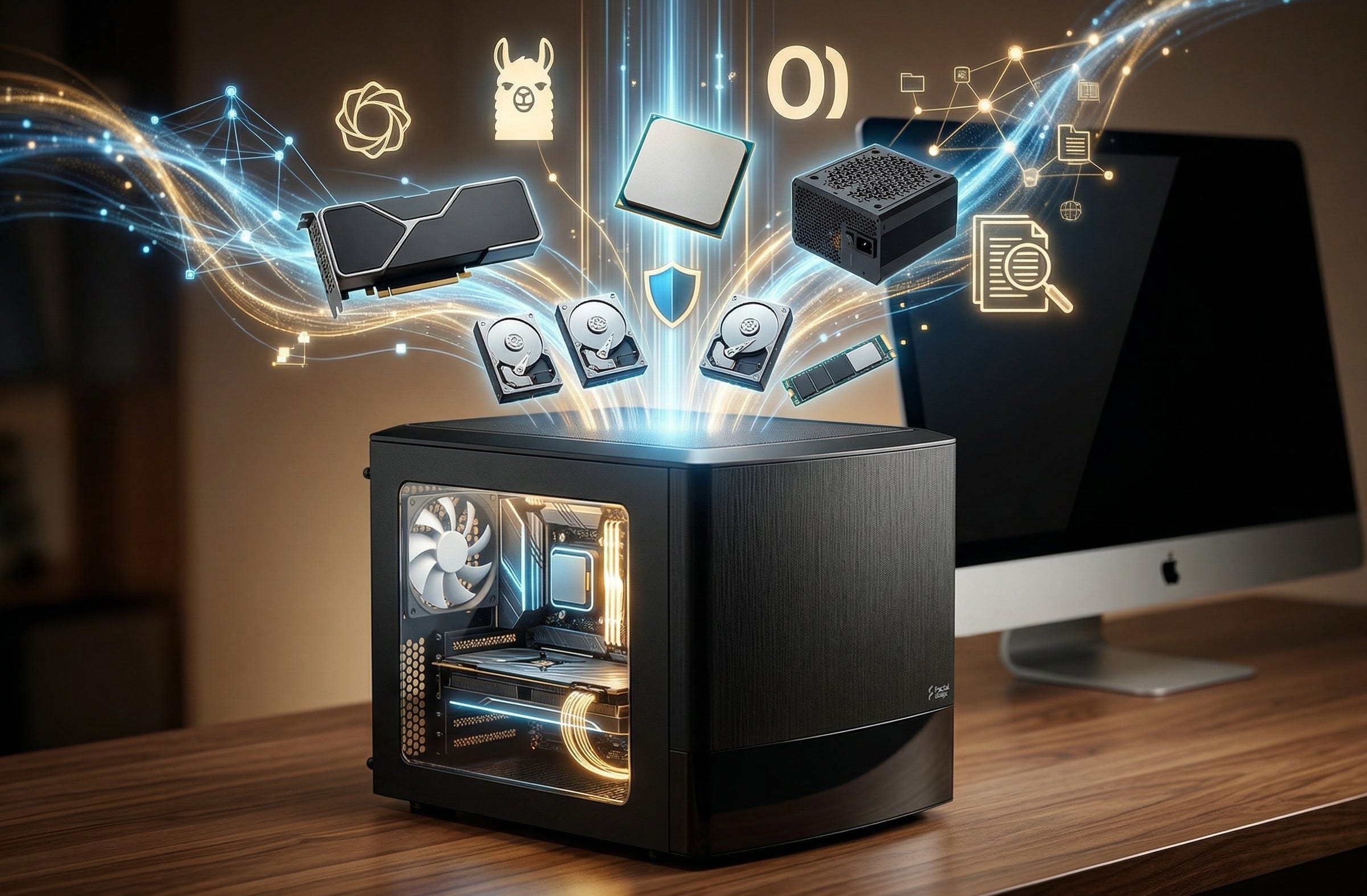
Families already have the raw material for a useful private AI system. Tax PDFs, school forms, insurance records, home manuals, receipts, trip plans, scanned paperwork, and years of household notes are already sitting on a NAS, in a Nextcloud share, or scattered across synced folders. The missing piece has been a machine at home that can actually search, summarize, and chat over that pile of information without handing it to a cloud vendor.
That is why a private family AI NAS makes sense in 2026. Interest is clearly moving in this direction, with self-hosted users discussing private LLM and RAG setups behind VPNs and with Open WebUI’s Quick Start documentation now laying out a practical local-first path for getting the stack up and running. The software has matured enough that this no longer feels like a novelty project for people who enjoy pain.
The simplest answer is also the best one for most homes. Skip the underpowered appliance NAS for your first serious build. Start with a small x86 Linux server with 64GB of RAM, mirrored hard drives for household storage, a fast NVMe drive for models and indexes, and one modest NVIDIA GPU so document chat feels responsive instead of frustrating. Pair it with Open WebUI and Ollama, and you get a clean local stack that is powerful enough to be genuinely useful while still being quiet and realistic for a home office, closet, or utility room.
More on local AI builds

Why this private family AI NAS build makes sense right now
A lot of homes do not need “AI” in the abstract. They need a better way to search their own documents. That is the actual job. You want to ask where the warranty PDF is, what the school email said about next month’s trip, which document mentioned the plumber’s quote, or which folder contains the scanned property papers. For that, a private family AI NAS is far more interesting than another subscription chatbot.
The timing is finally right because the software stack now maps well to the real-world job. Open WebUI’s Quick Start page says user data is stored locally, models are private by default, and new users can require admin approval. Its features page goes further, documenting built-in RAG, multiple vector database options, and document extraction support for PDFs, Word files, spreadsheets, PowerPoint decks, OCR-heavy scans, and more through engines such as Apache Tika and Docling.
That matters because a family system lives or dies on boring file formats. If the stack only works on clean text files, it is not a family tool. It is a toy. The point here is to make ordinary household records searchable and useful.
The demand side is also hard to miss. In self-hosted communities, people are already asking how to run local RAG on Synology, how to keep an LLM behind private access, and how to turn everyday storage boxes into capable AI helpers. That does not mean everyone should cram a model onto a weak NAS. It does mean the appetite is real, and it explains why a purpose-built home AI server now makes far more sense than trying to force the job onto a box that was only ever meant to serve files.
What the best first family AI NAS actually looks like
The best first family AI NAS is not a rack server, and it is not a tiny appliance with no upgrade path. It is a compact, storage-friendly Linux box that can hold multiple drives, accept a real GPU, stay reasonably quiet, and leave you room to grow.
That is why the shape of the build matters more than any single spec line. You want enough CPU for Docker, indexing, extraction, shares, and background housekeeping. You want enough RAM that Open WebUI, Ollama, document processing, and NAS duties are not fighting over scraps. You want mirrored hard drives for the household files you care about, and a fast NVMe drive so models, embeddings, thumbnails, caches, and indexes do not make the machine feel sticky.
Most of all, you want one sensible GPU. For a first family AI NAS, the goal is not benchmark glory. The goal is fast enough local inference that family members will actually use it.
The best buy-now parts list for a private family AI NAS
Disclosure: As an Amazon Associate, Popular AI may earn from qualifying purchases, at no extra cost to you.
Fractal Design Node 804 case
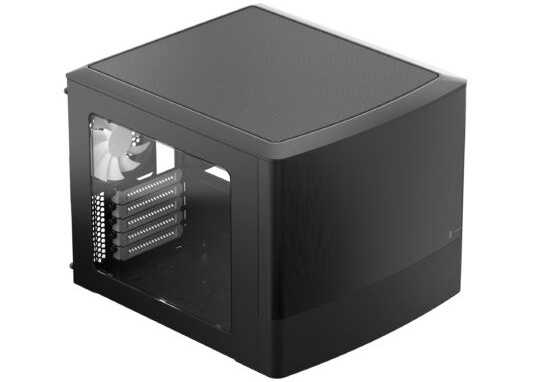
This is the right enclosure for a family AI NAS because the official Node 804 page backs up what matters here: room for a serious storage layout, multiple 3.5-inch drives, included fans, and enough GPU clearance for a practical local AI build. It is compact enough for a home setup without sacrificing the expandability that makes a mixed NAS and AI box worth building in the first place. For current pricing, see the Amazon listing.
ASRock B550M Pro4 motherboard
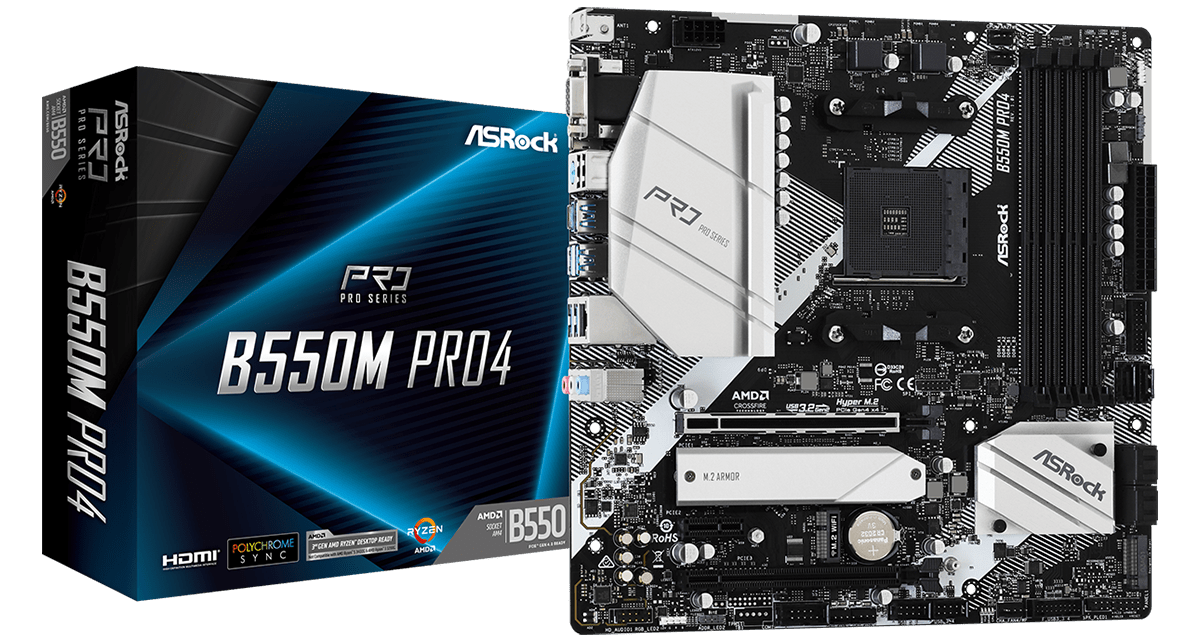
The ASRock B550M Pro4 is a strong fit because it gives you six SATA ports, dual M.2 support, and a proper PCIe 4.0 x16 slot for the GPU in a micro-ATX layout that fits this case cleanly. That is the kind of spec balance a family AI NAS needs. It is practical, not flashy, and that is exactly the point. Current availability is easiest to check through Amazon.
AMD Ryzen 5 5600X
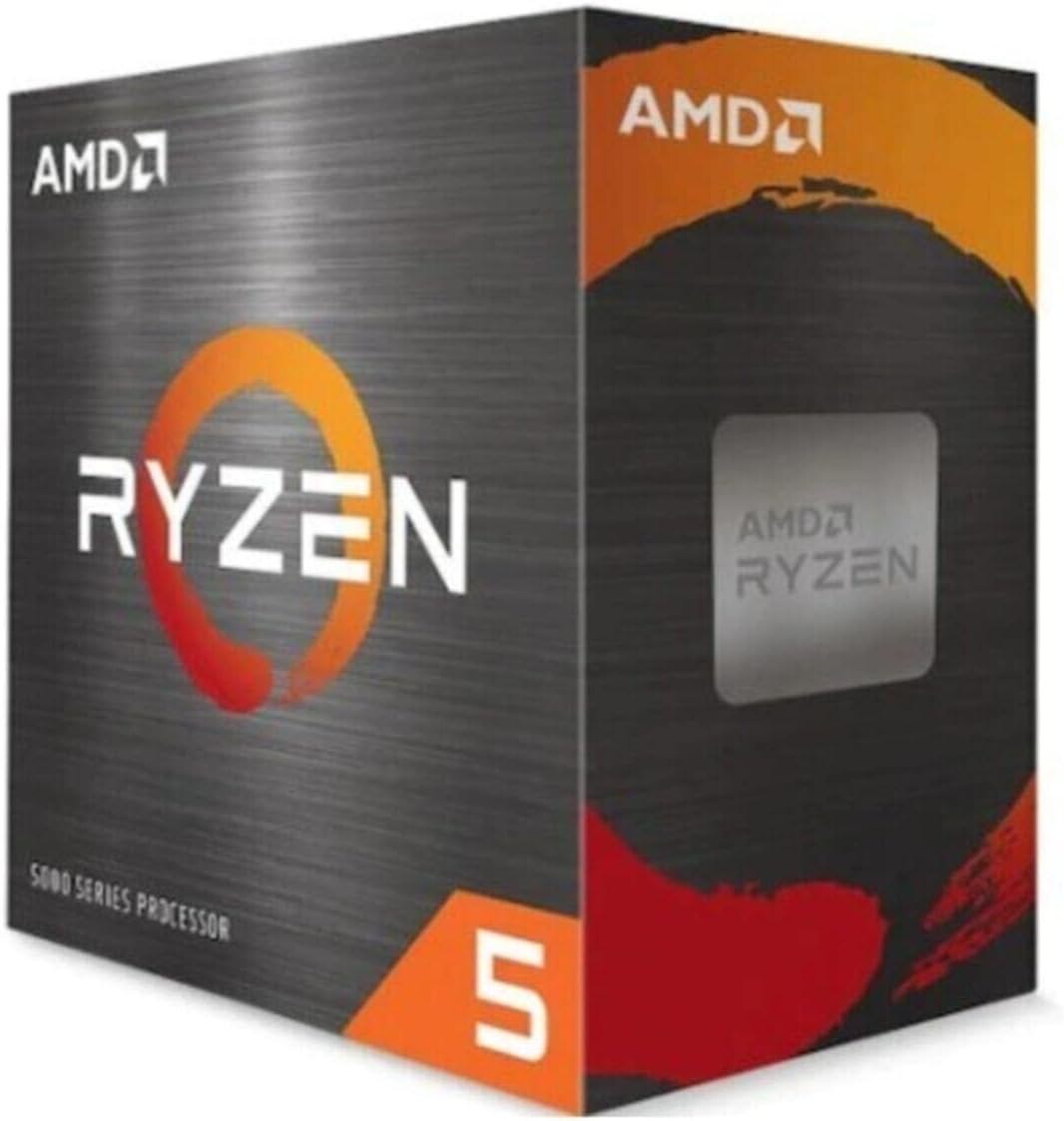
A family AI NAS does not need a furnace-grade processor. The Ryzen 5 5600X remains a sensible CPU for this build because it has enough cores for Linux, Docker, indexing, extraction jobs, and file services while keeping power and heat in a reasonable range. Let the GPU handle local inference, and let the CPU keep the rest of the house in order. Here is the Amazon search link.
Thermalright Peerless Assassin 120 SE
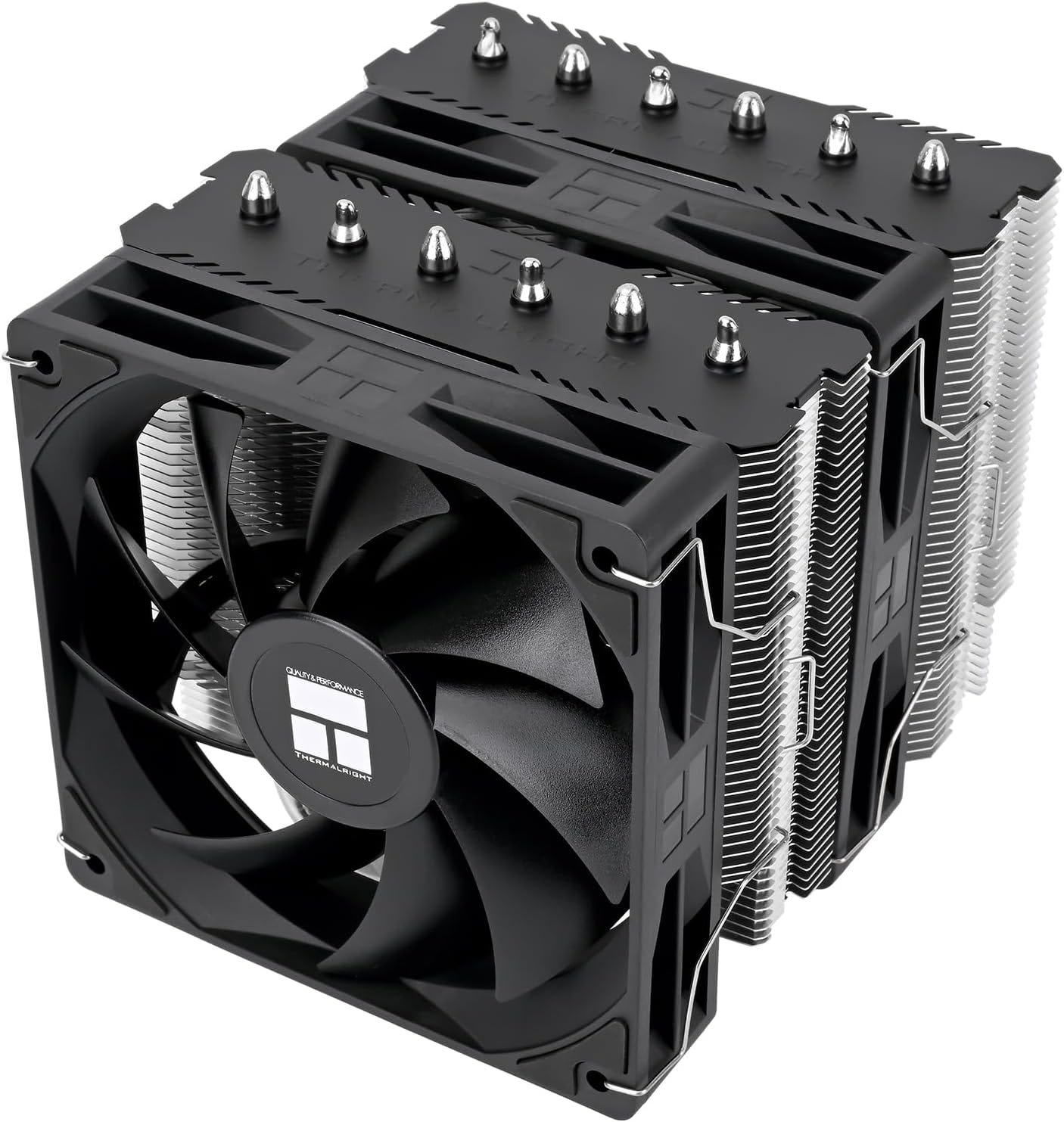
The stock cooler can work, but this is the cheap upgrade that helps the machine feel like an appliance instead of a project. If the box is going to sit in a home office or nearby closet and spend long stretches indexing documents, a quieter cooler is one of the easiest quality-of-life improvements you can make. This is the kind of part you appreciate six months later. Current options are on Amazon.
64GB DDR4-3200 RAM kit, 2 x 32GB
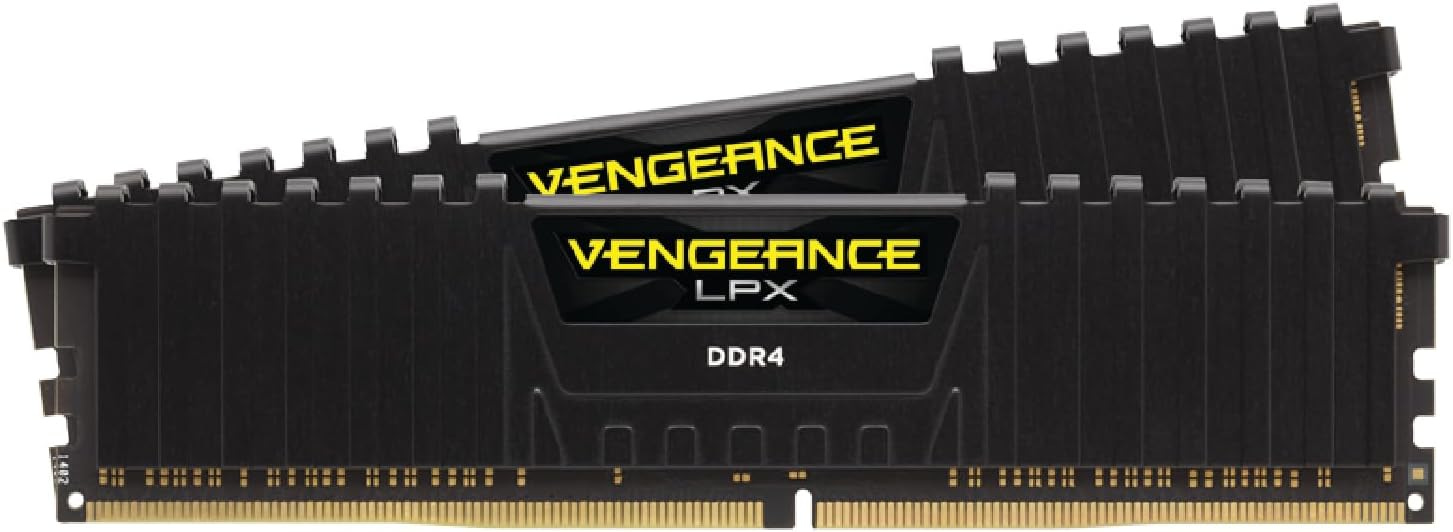
For a private family AI NAS, 64GB is the right starting point. RAG ingestion, document parsing, embeddings, containers, file services, and ordinary system overhead all take memory, and this is one of the easiest places to underbuild a machine that is meant to stay useful for years. A 64GB kit gives the system room to breathe, especially once the box becomes more than a simple file server. The Amazon listing is the straightforward buy-now route.
GeForce RTX 3060 12GB
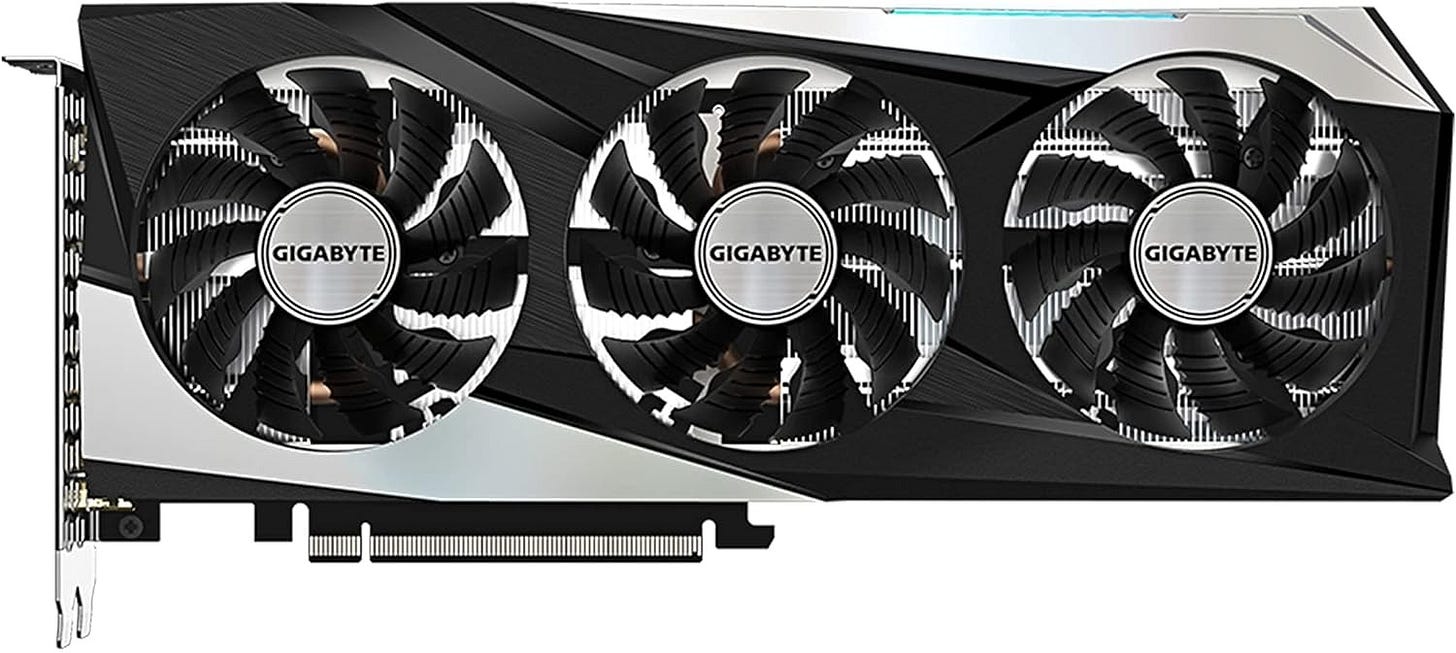
For this use case, the RTX 3060 family page from NVIDIA is the key reference because the 12GB model still hits a very useful sweet spot for local document chat and home RAG workloads. That extra VRAM matters more here than chasing a prettier gaming badge. You want a card that makes local inference feel responsive without blowing up the budget or power draw, and the RTX 3060 12GB still does that job well. Make sure to avoid clunky gamer GPU versions since we are working with a smaller case. Check current Amazon listings here.
Samsung 990 EVO Plus 2TB NVMe SSD
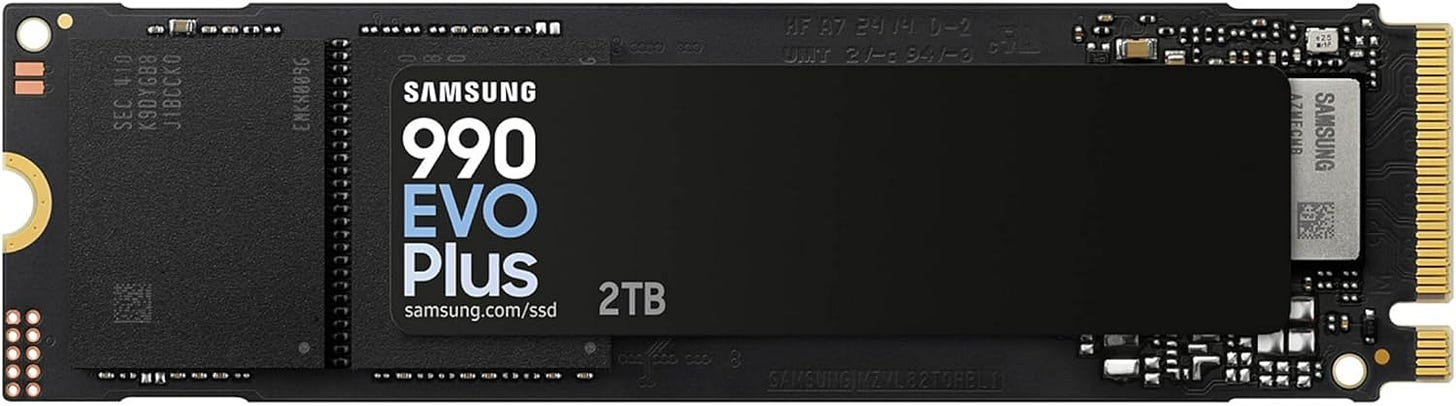
The NVMe drive is where this build either feels crisp or annoying. Linux, containers, models, indexes, embeddings, caches, and temporary processing all benefit from fast storage, and 2TB is a very comfortable starting point for a machine that will hold more than just an operating system. This is where you buy headroom so the rest of the build can show its value. The fastest path is the Amazon listing.
Seagate IronWolf 8TB NAS HDD, buy two
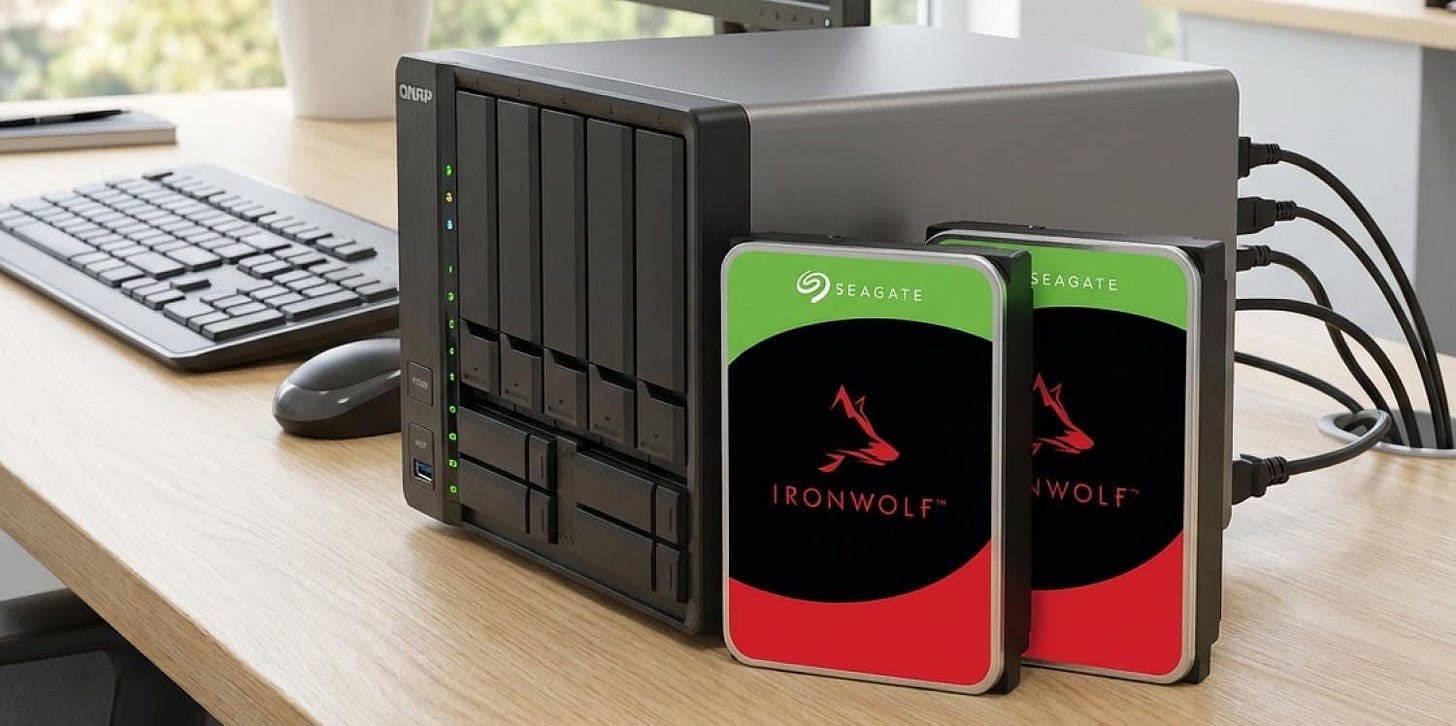
This is the clean starting point for the family storage pool. Two NAS-rated drives in a mirror give you a simple foundation for documents, scans, media, and household backups without turning the build into an immediate storage science project. Start mirrored from day one and keep the recovery story simple. The Amazon link is the easiest way to price the pair.
Corsair RM650e power supply
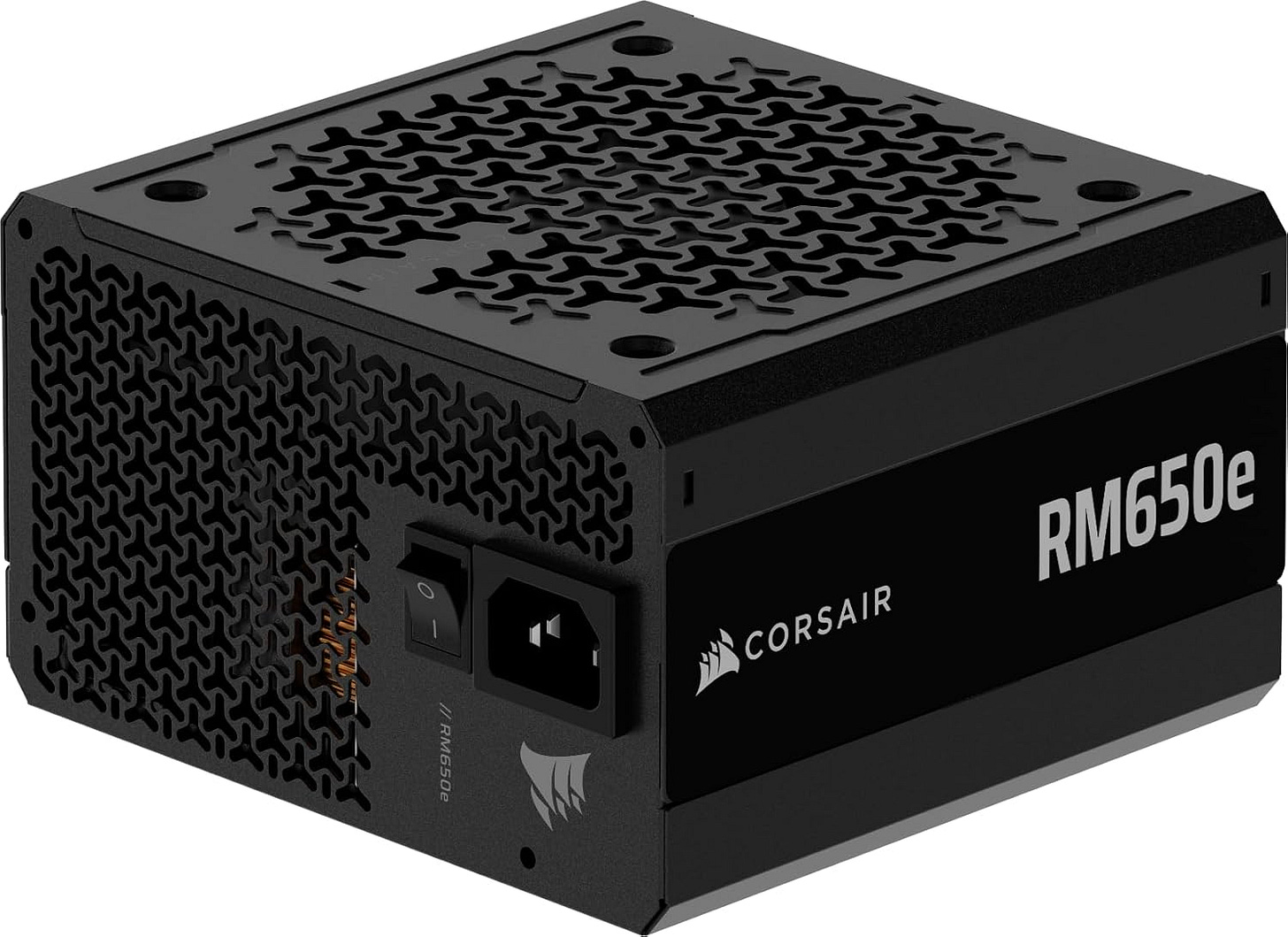
A box like this benefits from a quiet, efficient PSU with enough headroom for the GPU and multiple drives. 650W is the sane tier for this part list. It gives you breathing room without drifting into silly overspend, and it helps the system stay stable as the storage side grows over time. Current buying options are on Amazon.


Why these parts beat a typical off-the-shelf NAS for local AI
A normal consumer NAS is fine when the whole job is file storage. It is a much weaker answer when the goal is private AI over family files. Most appliance NAS boxes are constrained on CPU, constrained on RAM, limited on upgradeability, and awkward to pair with a real GPU. That is why so many self-hosted setups end up split across multiple machines.
That split model can work. In fact, it is a perfectly valid second step once you already own a NAS you like. You can keep household storage on one box and let the model runtime live on another machine. Open WebUI supports that kind of layout, and its documentation makes clear that you can grow beyond the simplest one-box deployment as your setup matures.
For a first build, though, a single quiet Linux system is cleaner. It is easier to explain, easier to back up, easier to troubleshoot, and easier to keep under control. That matters in a family environment where the best system is often the one that keeps working after everyone forgets how it was assembled.
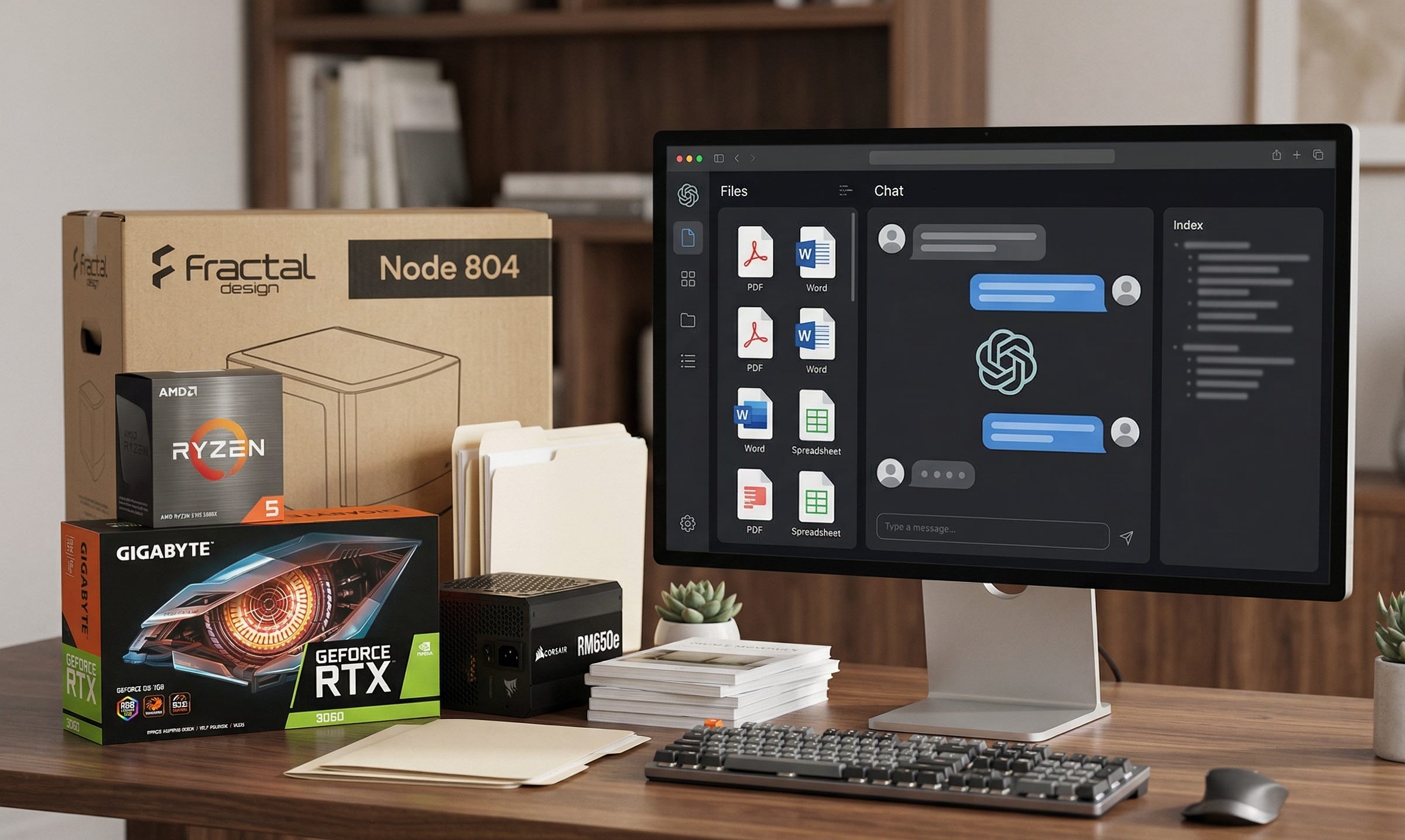
Why Open WebUI and Ollama are the right family stack
Open WebUI is the reason this project feels practical instead of fragile. Its Quick Start guide spells out the household-friendly basics: local data storage, private models by default, and an admin-first account model that lets the person who built the box control who gets access. Its main documentation hub describes the platform as self-hosted and designed to operate offline, which is exactly what you want from something meant to sit in your own home and serve your own documents.
The features documentation is where the stack becomes especially compelling for family use. Open WebUI supports advanced RAG, multiple vector databases, document uploads, knowledge bases, and document extraction across the file formats that households actually use. It is much closer to “drop in your PDFs and folders and start asking questions” than earlier generations of local AI tooling ever were.
Underneath that, Ollama’s Linux install guide keeps the runtime story straightforward, and the platform’s tool calling documentation shows why it is useful beyond plain one-turn chat. That matters because a family AI NAS should eventually be able to do more than answer questions about stored files. It should also be a good base for local tools, retrieval, and structured household workflows.
The clean Linux install path for this home AI server
For a first build, keep the software side brutally simple. Install Ubuntu Server LTS or Debian stable on the NVMe drive. Add the NVIDIA driver stack. Install Docker. Then follow the Open WebUI Docker path in the official docs and the Ollama Linux setup flow.
A straightforward starting point is the bundled Open WebUI and Ollama container with GPU support:
docker run -d -p 3000:8080 --gpus=all \
  -v ollama:/root/.ollama \
  -v open-webui:/app/backend/data \
  --name open-webui \
  --restart always \
  ghcr.io/open-webui/open-webui:ollama
That keeps the deployment story simple. One host, one stack, one web UI, one place to manage users and models.
After first login, create the admin account and keep model sharing locked down unless you deliberately want a shared model library for everyone in the household. That default posture is one of the reasons Open WebUI feels appropriate for a family box instead of a casual demo app.
How to tune RAG and backups from day one
The document side is where a private family AI NAS earns its keep, so a little tuning up front is worth it. Open WebUI’s environment configuration reference documents the knobs that matter, including RAG_SYSTEM_CONTEXT for better performance with cache-friendly models and the Ollama-related RAG settings that keep more of the pipeline local. If follow-up answers start to feel sluggish or document-heavy chats get messy, this is the page you will come back to.
It is also worth remembering that good retrieval depends on more than raw compute. Curated folders, consistent naming, and clean scans matter. A family box with a thoughtful document library will usually feel smarter than a more expensive machine pointed at a chaotic mess.
Backups deserve the same seriousness. Open WebUI’s backup guide calls out the important persistent data locations for both Ollama and Open WebUI. Back up those volumes, back up the mirrored storage pool, and keep a recovery path that does not depend on memory or luck.
And if anyone wonders whether a self-hosted setup loses value when the internet goes away, the Open WebUI FAQ is refreshingly direct about the project’s offline-first posture. For a family AI NAS, that is a real advantage. The machine stays useful on your terms, on your network, with your files.
What this box does well, and what it does not
This build is excellent for household document search, scanned-manual lookup, home records, family knowledge bases, travel files, school paperwork, and private chat over curated folders. It is also a good stepping stone into more ambitious local AI workflows because the software stack already exposes the pieces that matter for retrieval and tool use.
What it does not do is magically replace the strongest cloud models at every task. That is fine. The goal here is not to win an abstract model arms race. The goal is to create a private, dependable, local service that can answer questions over your own information without handing that information to someone else.
That trade is why this category matters. A private family AI NAS takes a household need that usually gets routed toward centralized platforms and moves it back onto hardware you control. Your files stay local. Your user permissions stay local. Your system remains useful even if pricing changes, policies change, or a vendor decides your workflow is no longer strategically interesting.
Final verdict
For 2026, the best first private family AI NAS is a small x86 Linux server with 64GB of RAM, mirrored HDD storage, a fast 2TB NVMe drive, and one RTX 3060 12GB running Open WebUI, Ollama, and local RAG.
That combination lands in the right place for real households. It is powerful enough to be genuinely useful, quiet enough to live at home, affordable enough to build without getting absurd, and open enough to keep your family’s files, models, and workflows under your own roof.
Explore more from Popular AI:
Start here | Local AI | Fixes & guides | Builds & gear | Popular AI podcast
A private family AI NAS with Open WebUI feels like a much more useful 2026 home lab project than another generic smart device, especially for people who want local document chat, private storage, and family-friendly AI access. What would make a setup like this worth it in your house: privacy, shared knowledge search, local assistants, media workflows, or something else?