


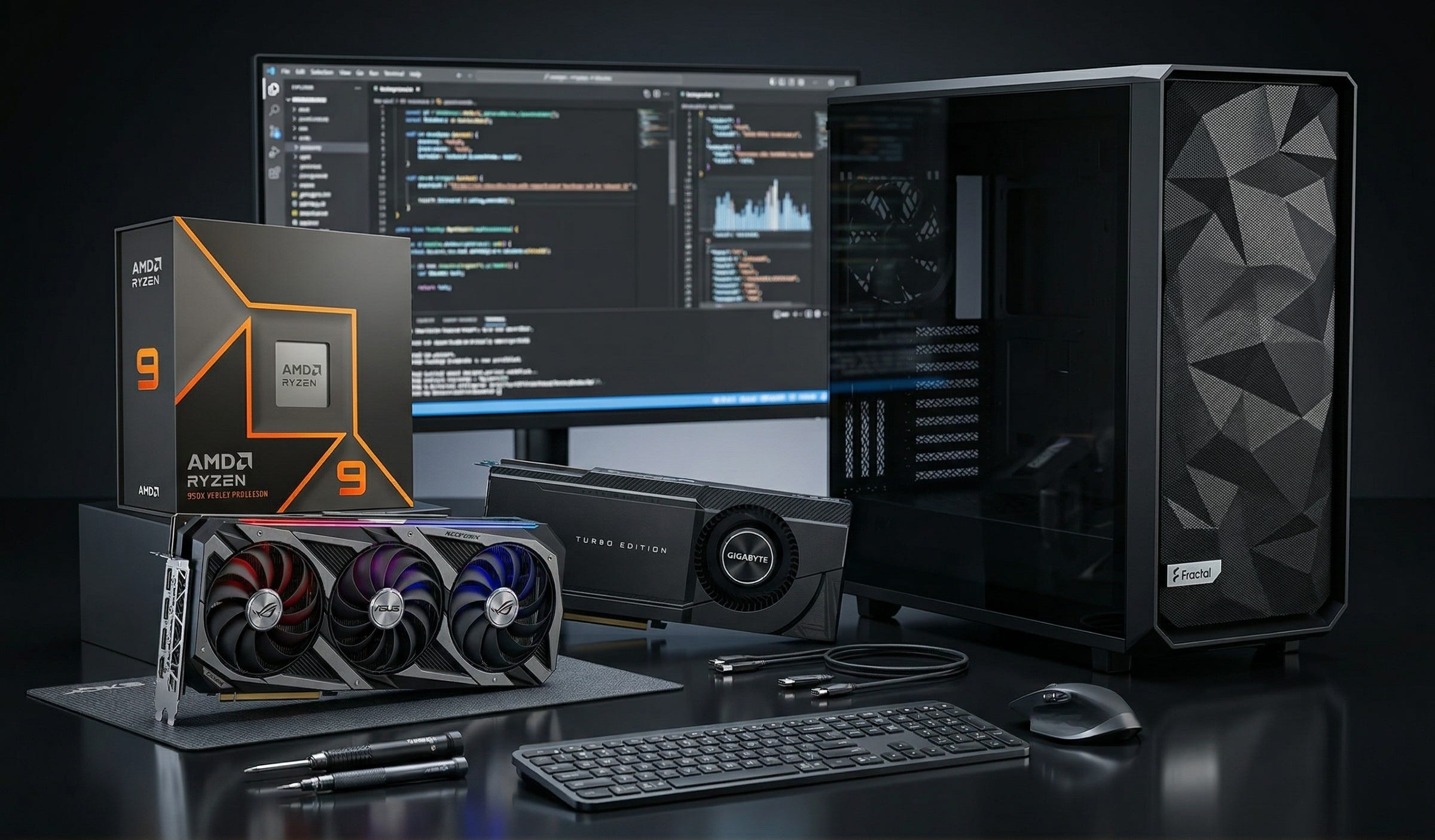
People are no longer asking for a local model in the abstract. They want a local coding agent that can inspect a repo, run tools, write patches, refactor code, and keep working even when a vendor changes policy or tightens rate limits. That is exactly why recent LocalLLaMA discussions keep circling back to the same question: is one RTX 3090 enough for real coding work, or do you need two?
That question matters a lot more now because the local software story is better than it used to be. Ollama now supports tool calling, and OpenAI’s own guide for running gpt-oss locally with Ollama makes it clear that local agent workflows are no longer a fringe hobby project. On the hardware side, NVIDIA still lists the RTX 3090 with 24GB of GDDR6X VRAM, which is why the card keeps showing up in serious local AI builds years after its gaming peak.
This is what makes the 3090 such an interesting workstation part in 2026. It is old enough to be widely available on the used market, but still big enough in VRAM to matter for coding-first local AI. If your goal is private repo work, predictable costs, more control over your toolchain, and fewer cloud dependencies, a 3090 build still makes a lot of sense.
More on the RTX 3090 for local AI:

Why the RTX 3090 still makes sense for local coding agents
The case for the RTX 3090 is simple. You are buying memory capacity and a mature local AI ecosystem, not novelty.
OpenAI’s local Ollama guide says gpt-oss-20b is best with at least 16GB of VRAM, while gpt-oss-120b is best with at least 60GB. That puts a single 3090 in a useful zone right away. With 24GB of VRAM, it clears the official guidance for gpt-oss-20b with room to spare. Two 3090s push you to 48GB total across both cards, which gives you more breathing room for larger coding models and multi-GPU runtimes, but still falls short of the official 60GB target for gpt-oss-120b.
That distinction matters. A one-card 3090 build is not a magic ticket to every large open model. What it can do is give you a strong local coding workstation for code understanding, patching, tool use, repo analysis, and the kinds of day-to-day developer tasks that do not need the biggest model on the market to be valuable.
For Popular AI readers, that is the real pitch. This is not a “run everything” machine. It is an autonomy machine. It gives you a local coding stack that can work on private repositories, avoid recurring cloud costs, and keep running on your own terms.
One RTX 3090 or two?
For most people, one RTX 3090 is the right starting point.
That is especially true if your day-to-day work is reading code, writing fixes, refactoring medium-sized projects, generating tests, or using an agent as a strong local assistant rather than a fully autonomous software shop. A single 3090 is enough to make local coding agents genuinely useful, especially now that local stacks support tool use much more cleanly than they did a year or two ago.
Two RTX 3090s make sense when your work is consistently heavier. If you regularly point models at larger repos, want fewer compromises on quantization, need more headroom for longer-context coding models, or expect the agent to inspect, edit, test, and iterate for longer stretches, dual GPUs are easier to justify.
There is one major trap here. Dual 3090 builds live or die on physical fit, spacing, and airflow. Plenty of used 3090s are oversized triple-slot gaming cards. Buying two of those without planning the chassis and motherboard layout is a good way to build a loud, hot disappointment.
That is why the smartest approach is to buy a platform that supports two cards, then start with one.
What buyers need to know before building
The most important buying lesson in this category is that local coding-agent performance is shaped by more than the GPU alone. VRAM is the gating factor for model fit, but CPU performance, memory capacity, cooling, case airflow, and power headroom all matter once you move from simple chatbot use to real development work.
A coding-agent PC is rarely doing one thing at a time. You may have a model runtime, an IDE, a browser, Docker containers, test processes, local databases, vector stores, repo indexing, and background services all running together. That is why this build leans toward workstation-style stability over spec-sheet flash.
I am also using Amazon search links rather than fixed product pages. For a build like this, especially one centered on used 3090s, seller quality and availability move faster than polished storefront listings. Search links age better, and they make more sense when you care about condition, thermals, and return policy more than one exact SKU.
Disclosure: This post includes Amazon affiliate links. If you buy through them, Popular AI may earn a small commission at no extra cost to you.
The best local coding-agent workstation build in 2026
1) CPU: AMD Ryzen 9 9950X

For a local coding-agent workstation, the Ryzen 9 9950X is the right class of CPU. AMD’s own spec page lists PCIe 5.0, 24 usable native PCIe lanes, DDR5 support, and up to 256GB of memory support. That gives you the platform basics you want for a machine that may compile code, run tests, manage containers, and eventually host two GPUs.
This is the kind of CPU that keeps the rest of the system from feeling like a bottleneck. Local coding agents still lean heavily on the GPU, but the CPU side of the workstation matters once you are doing real developer work around the model.
For current pricing and seller availability, check Amazon listings for the Ryzen 9 9950X.
2) CPU cooler: Noctua NH-D15 G2

A workstation for local AI and coding needs cooling that stays boring in the best possible way. The Noctua NH-D15 G2 is a strong fit because it is built for sustained thermal load rather than short benchmark wins. Noctua describes it as a second-generation dual-tower cooler with eight heatpipes and 20% more surface area for higher heat loads.
That is a good match for a machine that may spend hours compiling, indexing, testing, and running inference in the background. Air cooling also keeps the build simpler. In a system that may already get more complex later with a second GPU, simplicity has real value.
For current listings, here are Amazon results for the NH-D15 G2.
3) Motherboard: ASUS ProArt X670E-Creator WiFi

This is the most important non-GPU choice in the entire build. The ASUS ProArt X670E-Creator WiFi is attractive because it is built with workstation-style expansion in mind. ASUS positions it as a creator board with PCIe 5.0, DDR5, USB4, 10Gb and 2.5Gb Ethernet, and four onboard M.2 slots.
The key detail is the slot layout. ASUS’s own specs show two PCIe x16 slots that run as x16 with one card or x8/x8 with two cards. That is exactly what you want for a one-now, two-later RTX 3090 workstation.
It also gives the build a cleaner future. You do not need to buy the second GPU today, but you avoid painting yourself into a corner later.
For availability, check Amazon listings for the ASUS ProArt X670E-Creator WiFi.
4) Memory: Crucial Pro 128GB DDR5-5600 kit (2x64GB)

For a serious local coding workstation, 64GB is survivable. 128GB is where the machine starts to feel comfortable.
The Crucial Pro 128GB DDR5-5600 kit is a sensible pick because it gives you the memory capacity this kind of machine actually benefits from without getting too exotic. You want room for the operating system, browser tabs, IDEs, model runtimes, Docker, local databases, and whatever other developer mess accumulates during the workday.
The 2x64GB layout is also smarter than filling all four DIMM slots immediately. It keeps the build cleaner and preserves better upgrade flexibility.
For current pricing, here are Amazon listings for the Crucial Pro 128GB DDR5-5600 kit.
5) Primary storage: Samsung 990 Pro 4TB NVMe SSD

A local coding-agent PC burns through storage faster than many people expect. Models, quantizations, containers, test artifacts, repo mirrors, package caches, embeddings, and datasets all pile up.
The Samsung 990 Pro 4TB remains a strong fit for a primary drive because Samsung lists it at up to 7,450 MB/s read and up to 6,900 MB/s write on PCIe 4.0 x4, along with a 5-year limited warranty or 2400 TBW. Four terabytes is the point where the machine begins to feel like a proper workstation rather than a toy you have to babysit.
For current listings, check Amazon results for the Samsung 990 Pro 4TB.
6) Power supply: be quiet! Dark Power Pro 13 1600W

This looks oversized for a one-GPU system, and that is the point.
A build that may eventually host two RTX 3090s should not skimp on the power supply. The be quiet! Dark Power Pro 13 1600W is appealing because be quiet! markets it as 80 PLUS Titanium and ATX 3.1 compliant, with enough headroom for a strong CPU, one or two power-hungry GPUs, and the ugly transient spikes that show up under heavy load.
A dual-3090 workstation is exactly the wrong place to get cute with a borderline PSU. Stability is part of performance.
For current seller options, here are Amazon listings for the Dark Power Pro 13 1600W.
7) Case: Fractal Meshify 2 XL

Case choice can make or break a dual-GPU workstation. You need space, airflow, and fewer surprises.
The Fractal Meshify 2 XL is a good fit because Fractal builds it for large boards, large coolers, and high airflow. Fractal says it supports E-ATX and SSI-EEB boards, GPU lengths up to 530 mm in open layout, and large radiator support front and top. Even if you never install liquid cooling, that amount of internal volume is useful when dealing with oversized used GPUs.
For a one-card build today and a possible second card later, it is far safer than squeezing everything into a prettier but tighter case.
For current availability, check Amazon listings for the Fractal Meshify 2 XL.
8) GPU: used NVIDIA GeForce RTX 3090 24GB

This is the heart of the build.
The reason the RTX 3090 still matters is straightforward. According to NVIDIA’s own product page, the card still offers 24GB of GDDR6X memory on a 384-bit bus. That capacity is why it continues to show up in local AI buying discussions long after its gaming halo years.
For a single-GPU local coding-agent workstation, the used 3090 remains the value anchor. It gives you enough VRAM for serious local work without pushing you into truly painful pricing.
The most important advice here is to buy used carefully. Favor sellers who show clear photos, describe thermal history, and provide evidence that the card has been stress-tested properly.
For live marketplace options, here are Amazon search results for RTX 3090 24GB cards.
9) Optional second GPU: a matched RTX 3090 24GB

The second GPU is an upgrade, not a requirement.
If you eventually hit the limits of one card, adding a second 3090 gives you more headroom for larger coding-focused models, roomier runtimes, and fewer compromises around quantization and context. It does not magically turn the machine into a no-limits frontier box, but it can make a meaningful difference for more demanding local workflows.
Try to match form factor and cooling style as closely as possible. In practical terms, slimmer cards or blower-style cards are usually easier to live with in dual-GPU builds than giant triple-slot gaming variants.
If you want to watch the market, the same Amazon RTX 3090 search page is the right place to start.
10) Extra case airflow: ARCTIC P14 Max 140mm PWM fans

Extra airflow is cheap insurance in a workstation like this.
The ARCTIC P14 Max is a strong pick because ARCTIC positions it as a high-speed 140 mm PWM fan built for focused airflow and static pressure. Its spec sheet lists up to 95 CFM airflow and 4.18 mmH2O static pressure, which is exactly the kind of brute-force airflow you want around one or two used Ampere cards.
When a build includes older high-power GPUs, fresh intake and exhaust airflow are not optional polish. They are part of the stability plan.
For current options, check Amazon listings for the ARCTIC P14 Max 140mm fans.
The best software stack for a local coding-agent PC
The software side is finally good enough to justify the hardware.
Ollama’s tool support matters because it makes local models much easier to plug into agent-style workflows. That closes an important gap. A local model server becomes a lot more useful once it can participate in the same kinds of tool-calling patterns developers already expect from hosted APIs.
OpenAI’s local gpt-oss guide for Ollama matters for a similar reason. It turns “run a model locally” into a more practical development workflow by documenting how to use gpt-oss through an API and connect it to the broader agent stack.
Qwen Code’s documentation also makes this category more compelling. Qwen positions it as a terminal-first coding agent, and its docs say it can directly edit files, run commands, and create commits. That is exactly the behavior people are usually asking for when they say they want a local coding agent rather than a local chatbot.
On the model side, the Qwen3-Coder repository is one of the more interesting places to watch. Qwen highlights Qwen3-Coder-30B-A3B-Instruct and Qwen3-Coder-Next, with 256k-context variants aimed at more serious coding work and repo-scale understanding. For a machine centered on one or two 3090s, that is the kind of model direction that actually matters.
The bigger point is this: local coding stacks are no longer waiting on one missing piece. The runtimes are better, the tooling is more agent-friendly, and the models are more focused on real software work than they were in early local LLM hype cycles.
Can this replace cloud coding subscriptions?
For some people, yes. For everyone, no.
That is the honest answer.
If your main goal is maximum coding quality with minimum setup and zero maintenance, the best hosted systems are still easier. They often feel better out of the box, and they usually give you access to stronger frontier models than a one-card local workstation can match.
But that is not the only question worth asking. A local coding workstation starts to look much better when you care about private repositories, stable access, predictable long-term costs, and having a toolchain that does not change every time a platform shifts pricing or policy.
The used-market economics still help the 3090 case. As a rough market signal, Best Value GPU’s EU tracker currently shows used RTX 3090 pricing around €726.31 on March 23, 2026, while new pricing remains irrationally high. That does not make every used 3090 a bargain. It does explain why the card still has so much gravity for builders who care more about VRAM than shiny release cycles.
The best way to think about this build is as a local-first workstation, not a total cloud replacement. It gives you permanent local capability. It gives you a machine that can handle private repo analysis, refactors, code understanding, and tool-driven workflows on your own hardware. For many developers, that is already enough to reduce reliance on subscriptions in a meaningful way.
Final verdict
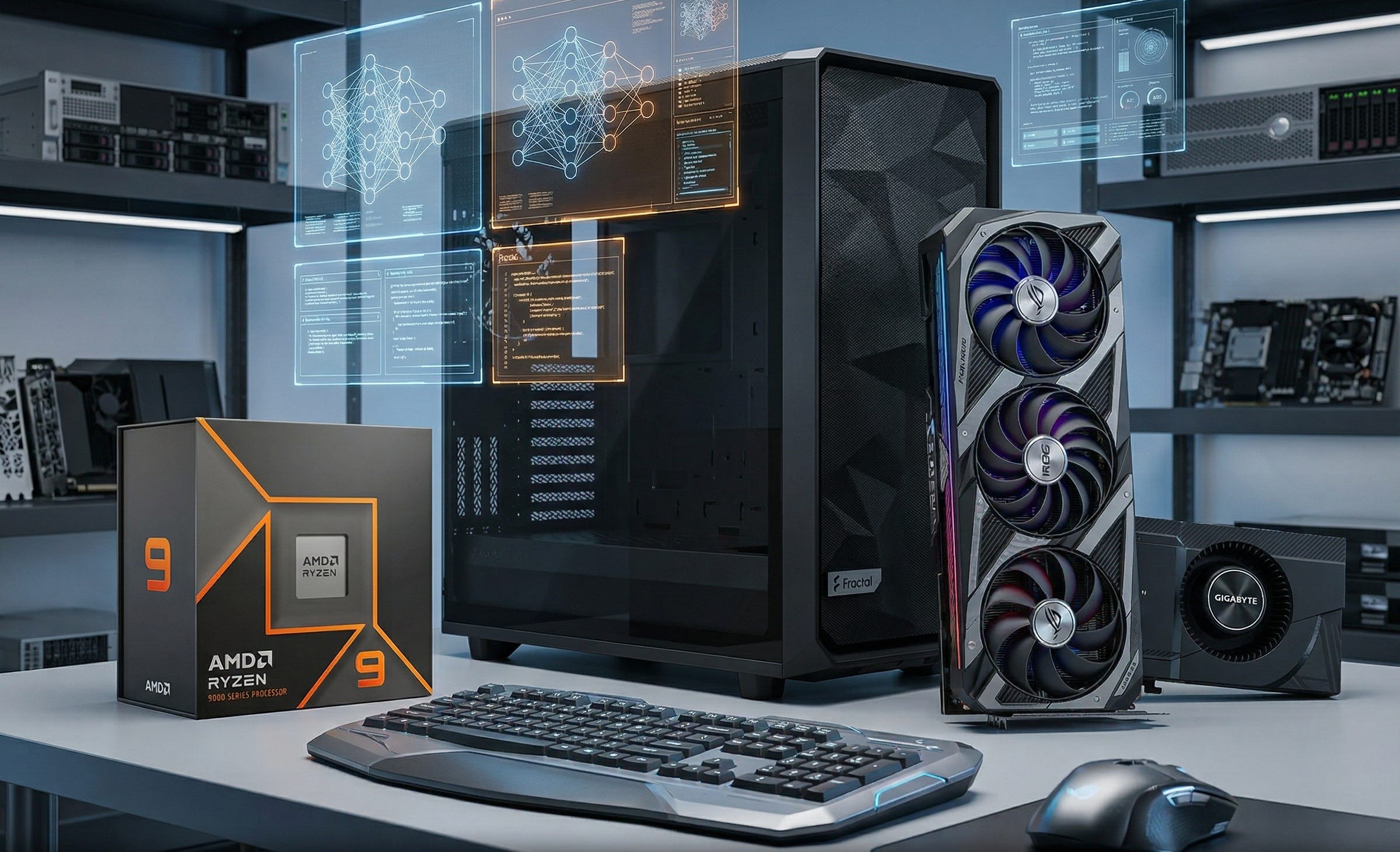
The best local coding-agent workstation for most Popular AI readers in 2026 is a Ryzen 9 AM5 system built to support two GPUs, but purchased with one used RTX 3090 first.
That order matters.
One 3090 is enough to make local coding agents useful right now. The rest of the build gives you the cooling, memory, storage, slot layout, and power headroom to grow into heavier workloads later. If your repo size, model appetite, or local agent workflow expands, you can add the second card when you have earned a real reason to need it.
That is the sweet spot for this category in 2026. Buy the platform once. Buy the second GPU only when the work justifies it.
Explore more from Popular AI:
Start here | Local AI | Fixes & guides | Builds & gear | Popular AI podcast
The RTX 3090 still looks like one of the most interesting cards for local coding agents because private repo work, tool calling, and predictable costs matter more than shiny new branding for a lot of developers. If you are building for local coding agents in 2026, do you think one 3090 is still the sweet spot, or are dual-GPU builds starting to feel worth the extra complexity?