


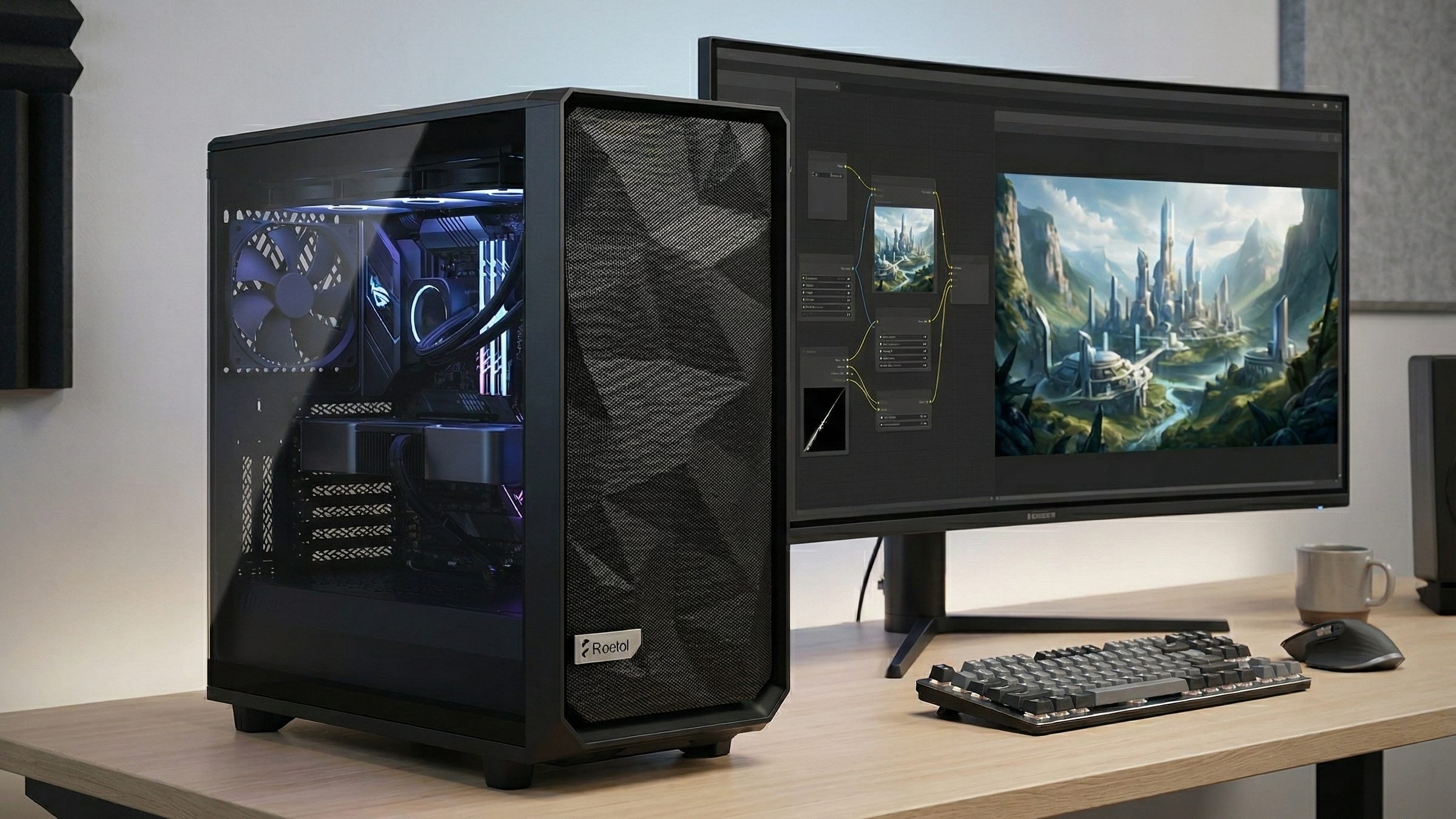
ComfyUI has become one of the clearest answers to a question serious local creators keep asking: what should you actually buy if you want fast, private, flexible AI image generation at home? The official ComfyUI docs describe it as a node-based interface and inference engine for generative AI that runs on your local device, which is exactly why it has become such a magnet for people who want more control over their workflows, checkpoints, LoRAs, and outputs.
Users are still asking on Reddit whether a used RTX 3090 is worth it for image and video generation and what they should actually buy for AI image generation on a budget. Those are the exact questions that lead people to Popular AI when they are ready to spend real money on a local workstation.
The clean answer is still the same. Buy VRAM first, then build the rest of the system around it. That matters even more once you move into larger models like FLUX.1 dev, which Black Forest Labs describes as a 12 billion parameter model and explicitly supports in ComfyUI. Yes, ComfyUI can stretch smaller cards farther than most tools. That still is not the same thing as having a workstation you will actually enjoy using every day.
More on budget local AI builds:

Why a 24GB GPU is still the buying rule
For a serious ComfyUI PC build in 2026, 24GB of VRAM is still the most important mainstream target. NVIDIA’s official specs list the RTX 4090 with 24GB of GDDR6X memory and the RTX 3090 with 24GB of GDDR6X memory as well. That is why the 3090 still hangs around in local AI conversations years after launch. The VRAM capacity keeps it relevant.
But VRAM capacity is only half the story. Speed decides whether ComfyUI feels like a tool or a tax on your patience. In a ComfyUI GitHub benchmark discussion for FLUX Dev FP8, one user posted a 3090 result at 26 seconds, then later posted a 4090 result at 11.28 seconds on the same template. That gap is the whole argument for spending more when your budget allows it. Both cards can fit serious local image-generation workloads. Only one of them makes heavy iteration feel fast enough to stay in the creative zone.
That is the practical reason this build centers on the 4090. If your goal is a real local AI image generation PC for ComfyUI, you should optimize around fast iteration with FLUX, SDXL, LoRAs, ControlNet, and upscale-heavy workflows, not around the cheapest way to barely load the model.
Best ComfyUI PC build for FLUX, SDXL, LoRAs, and ControlNet
Disclosure: This post includes Amazon affiliate links. If you buy through them, Popular AI may earn a small commission at no extra cost to you.
GPU: NVIDIA GeForce RTX 4090 24GB
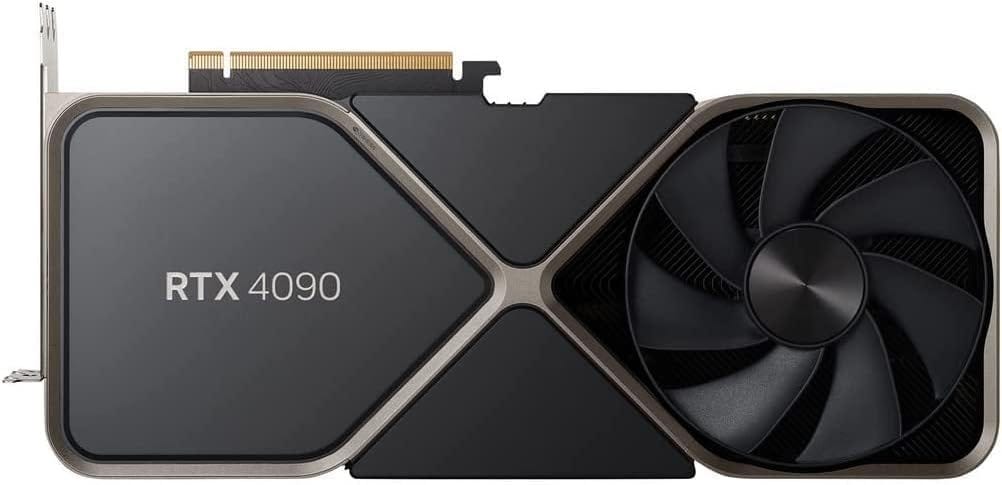
This is the center of the whole build. The official RTX 4090 page confirms the 24GB frame buffer, 450W power figure, 850W minimum system recommendation, and the sheer physical size that affects the rest of your parts list. For ComfyUI buyers, the real appeal is simpler: this is the mainstream consumer GPU that gives you the best mix of VRAM capacity and iteration speed for serious local image generation. If you want the least compromised way to run FLUX, SDXL, LoRAs, and ControlNet on your own machine, start here.
CPU: AMD Ryzen 7 9700X
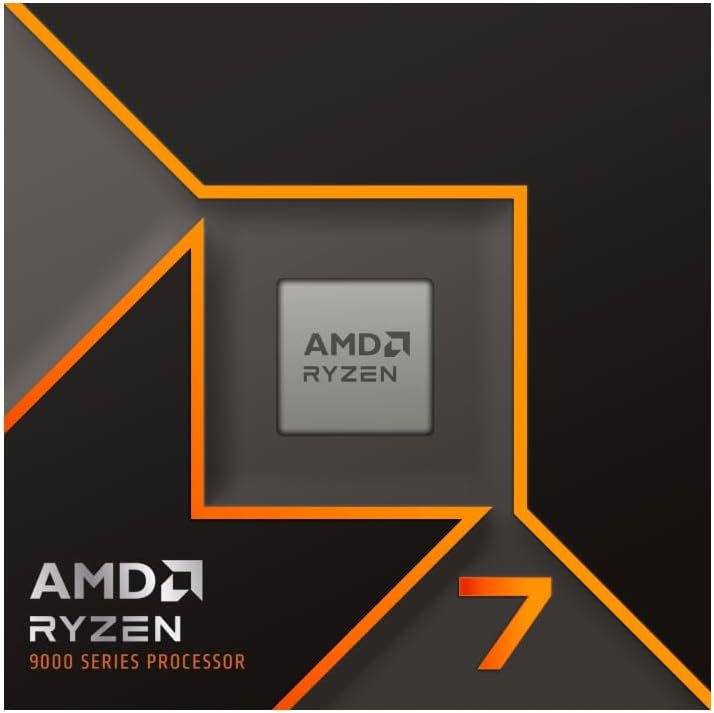
A ComfyUI tower does not need a wildly expensive CPU to feel great. The Ryzen 7 9700X official specs page lists it as an 8-core, 16-thread processor with a 65W default TDP, which is exactly the kind of efficient modern chip that makes sense in a GPU-first build. You want enough CPU to keep the system responsive, handle unpacking, moving files, running background apps, and support a modern AM5 platform. You do not need to burn hundreds more on a halo CPU that will spend most of its life waiting on the GPU.
CPU cooler: Noctua NH-D15 G2
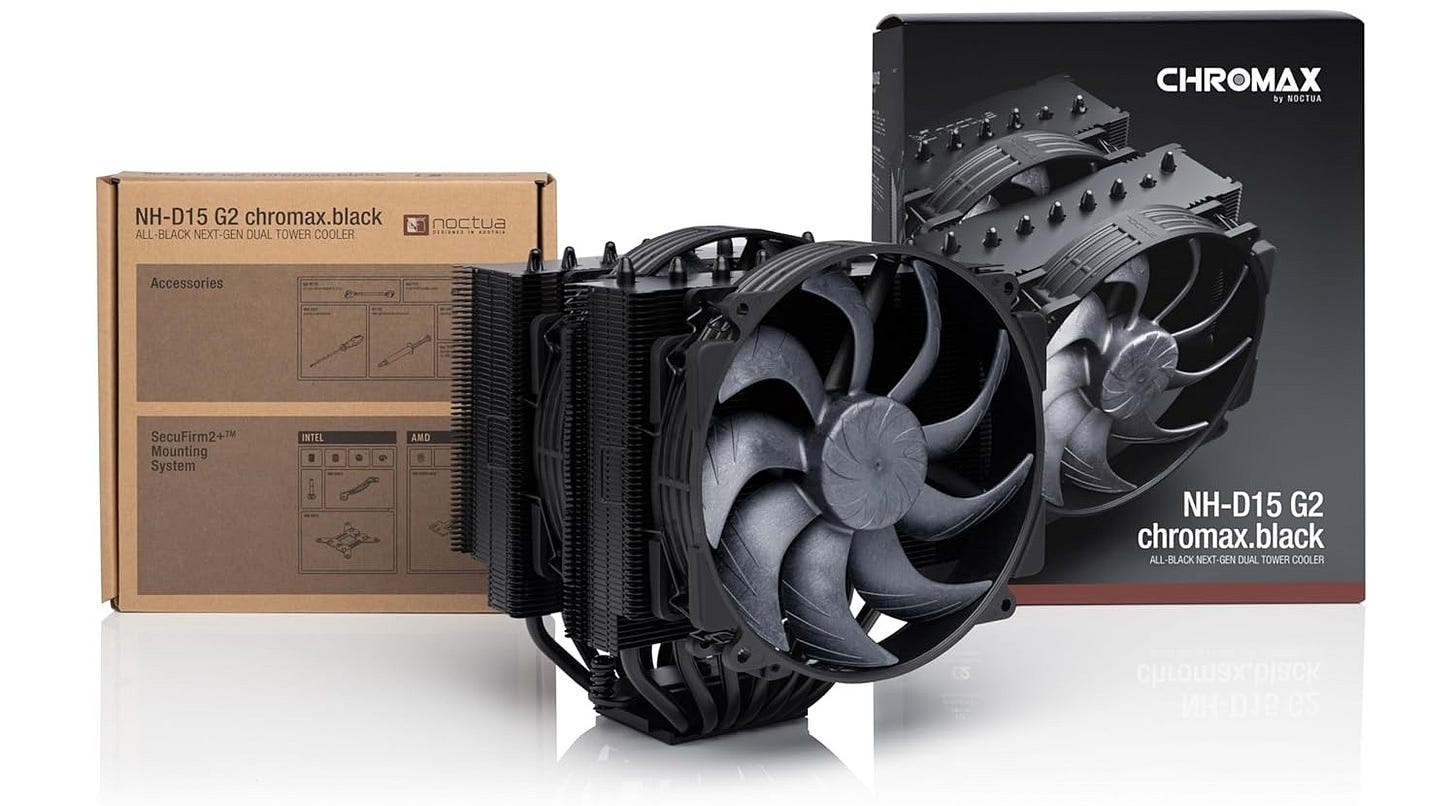
This is the kind of cooler that keeps the build simple and quiet. A strong air cooler is an easy fit for a Ryzen 7 class chip, and the NH-D15 G2 gives you an easy, low-drama option that matches the tone of this workstation. The goal is reliability, low noise, and easy installation, not turning a ComfyUI PC into a liquid-cooling hobby.
Motherboard: MSI MAG B650 Tomahawk WiFi
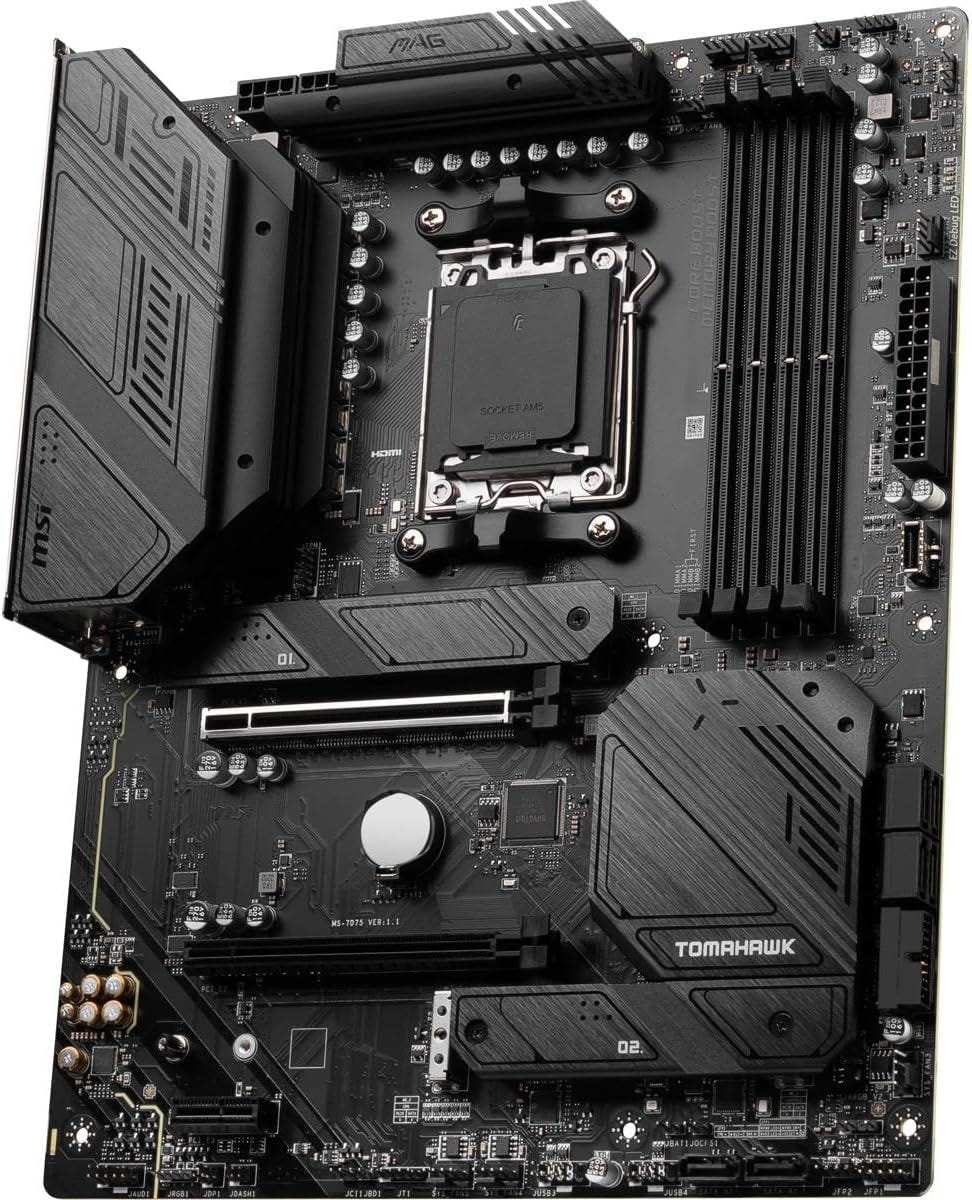
The official MSI board page makes the value case clearly. It supports Ryzen 9000, 8000, and 7000 processors, DDR5 memory, Wi-Fi 6E, 2.5G LAN, and PCIe Gen 4 M.2 storage, which is exactly what a modern local AI workstation needs. This is the sweet spot motherboard if you want current features, solid thermals, and a clean upgrade path without drifting into vanity pricing.
RAM: G.Skill Flare X5 64GB DDR5-6000 CL30 (2x32GB)
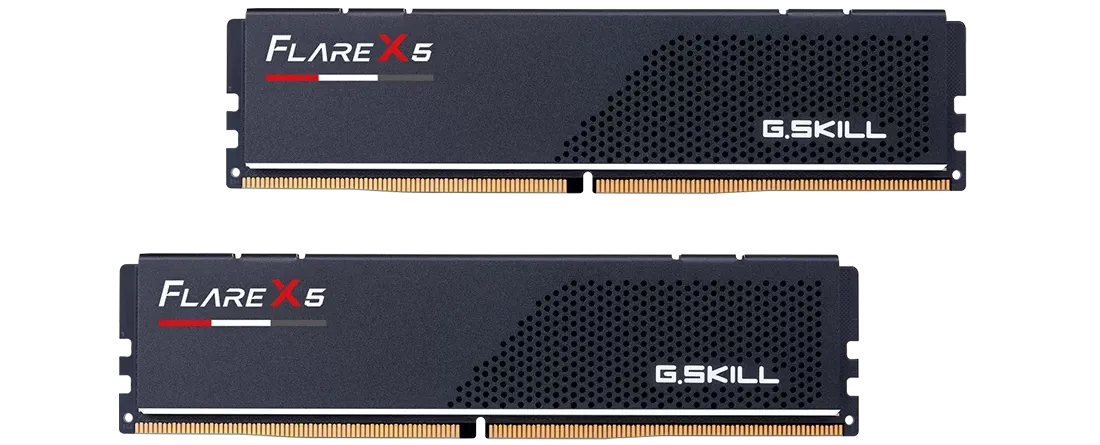
Community advice in the current AI image generation budget thread is useful here because it reflects what people run into after the purchase. Several commenters describe 32GB as the bare minimum, while others recommend 64GB or more once bigger models and heavier workflows enter the picture. That makes 64GB the right target for a serious ComfyUI PC build. It gives you breathing room for model loading, multitasking, and the kind of real-world usage that turns “fine on paper” into “pleasant in practice.”
Primary SSD: Samsung 990 PRO 2TB
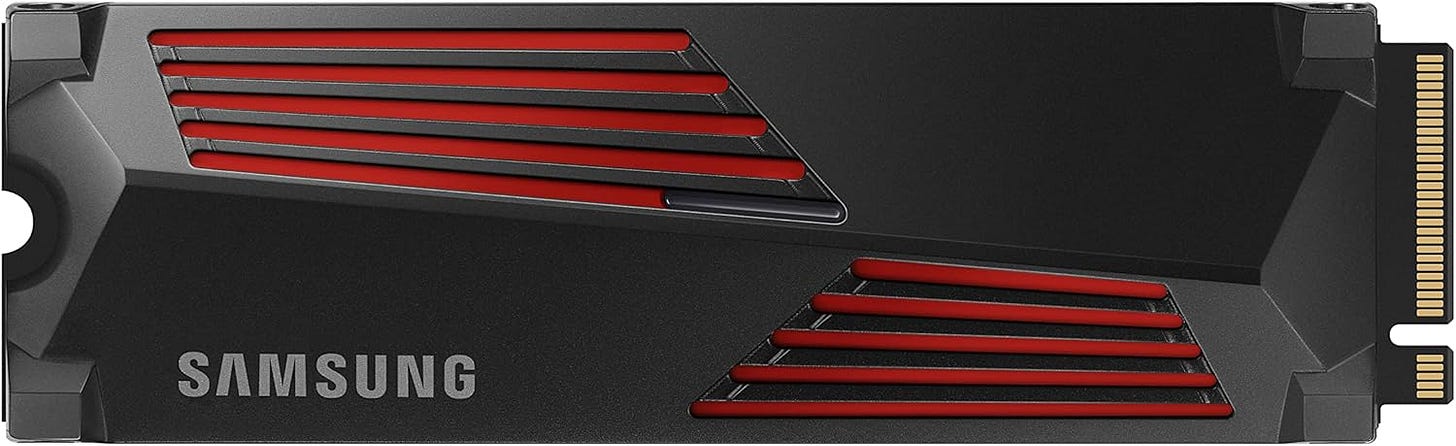
Your system drive should be fast, roomy, and boring in the best possible way. The Samsung 990 PRO 2TB page keeps the recommendation grounded in a well-known high-end PCIe 4.0 NVMe line that makes sense for Windows or Linux, ComfyUI itself, active checkpoints, and the tools you touch every week. Local AI work gets annoying fast when the system drive is cramped, so 2TB is the right place to start.
Secondary SSD: Samsung 990 PRO 4TB
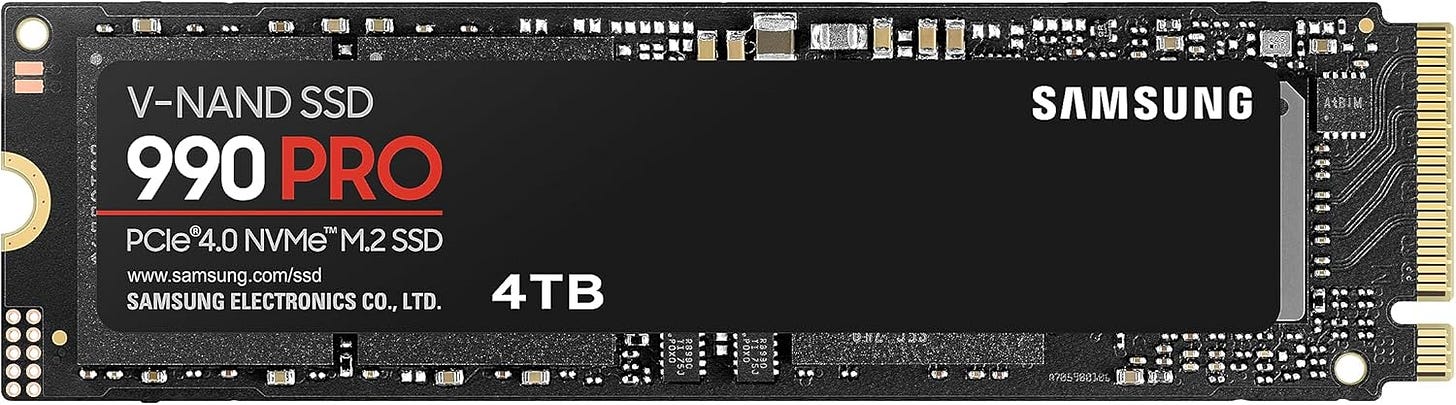
This is the drive that saves your main system disk from turning into a junk drawer. The 4TB 990 PRO product page is a good fit for the reality of local image generation: models, LoRAs, ControlNet files, outputs, reference images, and workflow exports pile up fast. Splitting your storage keeps the machine cleaner and makes expansion easier once your local library grows.
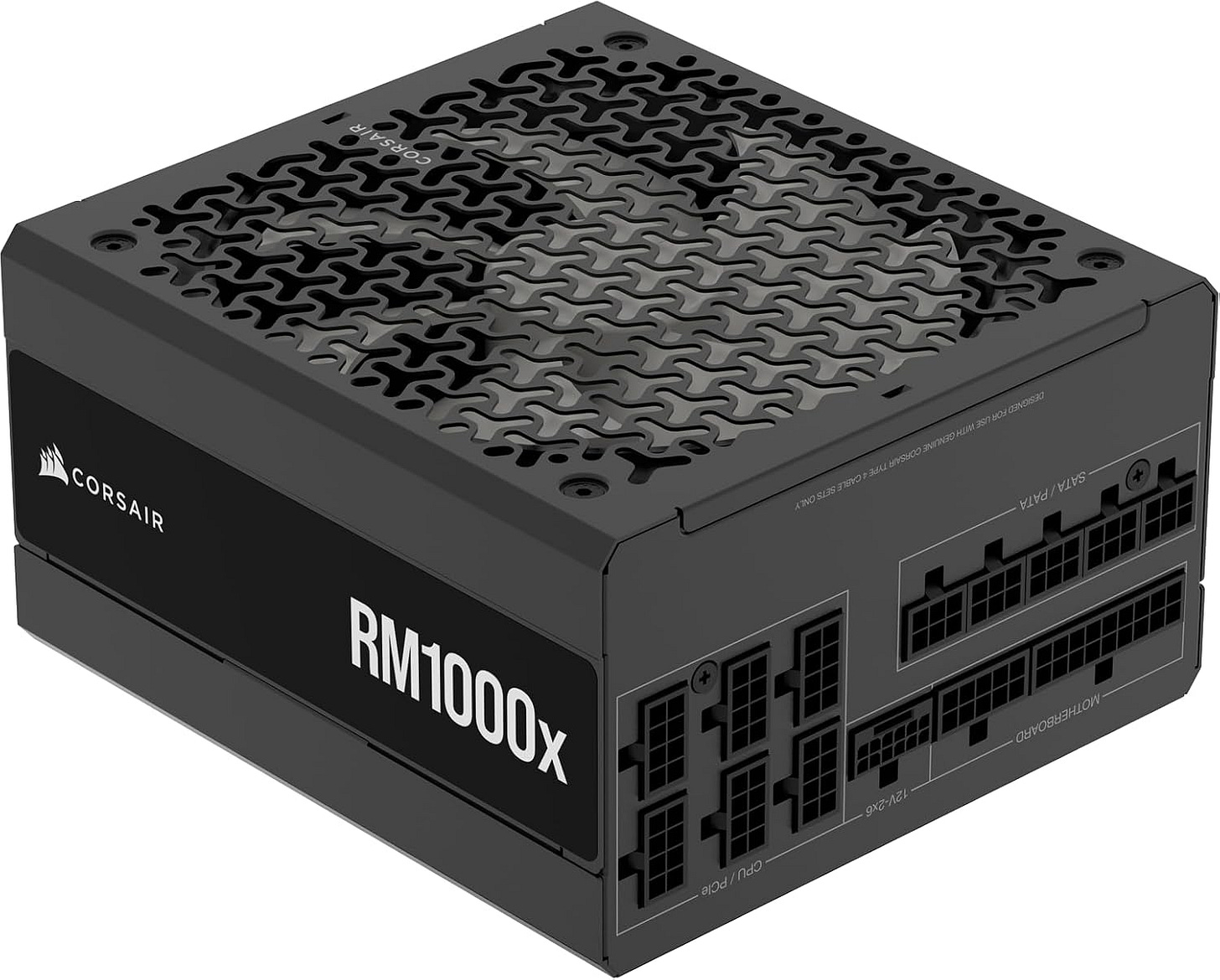
NVIDIA’s own 4090 guidance says 850W minimum, but this is not the place to cut it close. A 1000W ATX 3.1 unit is the calmer choice for a flagship GPU workstation that may spend long sessions under load. A modern PSU also gives you cleaner cable support and a more comfortable margin for a build centered on a power-hungry card.
Case: Fractal Design Meshify 2
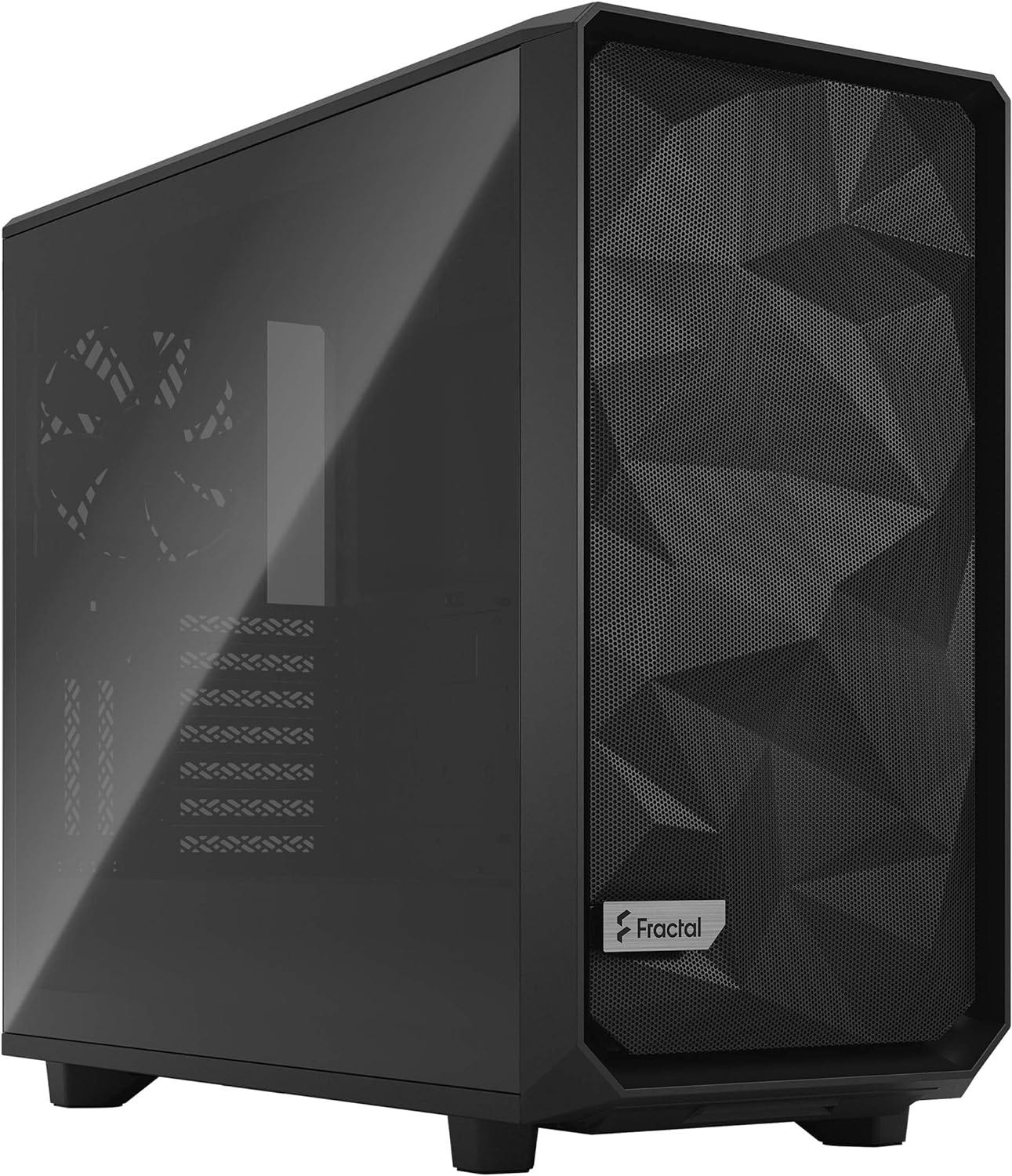
Case choice matters more than many first-time AI builders expect. The RTX 4090 official dimensions page lists the reference card at 304 mm long and 137 mm wide, and partner models can be even larger. That makes an airflow-first chassis like the Meshify 2 the right call. You want clearance, cable space, and steady cooling. You do not want to discover too late that your flagship GPU barely fits once the power cable is attached.


Why this build works for real local image generation
This parts list wins because it spends money where local AI image generation actually hurts. The GPU gets the biggest share because ComfyUI performance lives there. The CPU is modern and efficient without swallowing the budget. The motherboard is current without being overpriced. The RAM target is chosen for serious use, not wishful thinking. The storage plan accepts the reality that local model libraries grow fast.
That last point matters more than many “best AI PC build” guides admit. The same Reddit thread where people discuss what to buy also includes blunt advice that 32GB of system RAM and 1TB of NVMe are the bare minimum, with stronger recommendations to move up to 64GB as workloads get heavier. That lines up with how people actually use these machines. ComfyUI on day one is rarely the same as ComfyUI six months later. Once you start stacking checkpoints, LoRAs, ControlNet models, upscalers, and saved workflows, the cheap version of the build stops feeling cheap and starts feeling cramped.
A local workstation also changes the ownership equation. You keep the box, the files, the workflows, and the outputs. You are not paying a per-image meter. You are not hoping a hosted service keeps supporting your favorite model. You are building a machine that belongs to your workflow, which is a huge part of why local image generation remains so compelling to those dipping their feet into local generative AI.
Is a used RTX 3090 still worth it for ComfyUI in 2026?
Yes, if you are buying on value. No, if you are trying to build the best overall ComfyUI PC.
The case for the 3090 is straightforward. The official RTX 3090 specs page still gives it the one trait that matters most for local AI work: 24GB of VRAM. That is why it keeps showing up in 2026 buying discussions. When people ask whether the 3090 is still worth it, they are really asking whether 24GB at used-market prices is still a smart compromise. In many cases, it is.
The downside is speed. The same GitHub benchmark discussion that makes the 4090 look strong also makes the 3090’s age obvious for FLUX-heavy work. In the linked Reddit thread, commenters are also blunt that the 3090 is fine for SDXL-class still images but feels too slow for FLUX and especially for video-oriented workloads. That is the distinction buyers need to understand before they talk themselves into an older flagship.
So here is the clean rule. Buy the RTX 3090 24GB on Amazon when the used-market style value proposition is the whole point and you knowingly accept slower iteration. Buy the 4090 build when you want the better overall local image generation workstation and you care about staying fast once FLUX becomes part of the daily workflow.
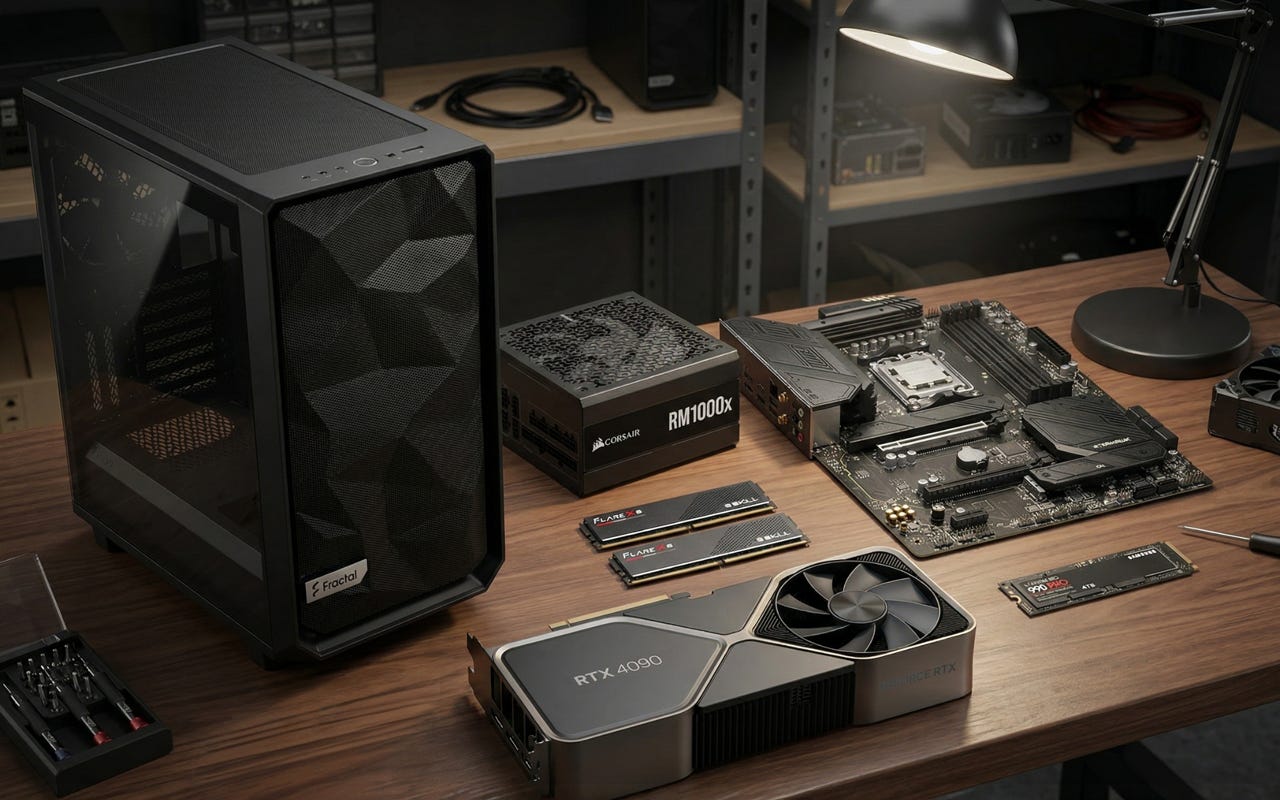
What to install after you build it
After the hardware is done, the software side is refreshingly straightforward. The ComfyUI getting-started guide walks you through local setup, model installation, workflow templates, and loading images that contain workflow metadata. That last feature is one of the best reasons to run ComfyUI locally because it makes it much easier to revisit work later without turning your directory structure into a mess.
A smart post-build setup looks like this. Install ComfyUI, start with the default template flow from the official workflow documentation, then add your preferred models in a sane order. For most people, that means starting with FLUX, then SDXL, then the LoRAs and ControlNet pieces that match the style of work they actually do. If LoRAs are part of your plan, the official LoRA tutorial is worth keeping handy because it covers the folder structure, the Load LoRA node, and the basic logic behind combining multiple LoRAs in one workflow.
This is also where better hardware pays off again. The faster your iteration loop, the more often you test ideas instead of rationing them. That is the hidden value of buying a stronger local AI image generation PC in the first place. It does not just cut waiting time. It changes how often you experiment.
The bottom line
The best ComfyUI PC build for local image generation in 2026 is the one that spends aggressively on the GPU, stays sensible everywhere else, and leaves you with a machine that still feels good once the honeymoon period ends.
For most serious buyers, that means an RTX 4090-based tower with 24GB of VRAM, a modern Ryzen 7, 64GB of DDR5, fast NVMe storage, a real 1000W power supply, and a high-airflow case. That combination gives you the best mainstream route to running ComfyUI for FLUX, SDXL, LoRAs, and ControlNet without building a workstation that wastes money on the wrong parts.
The RTX 3090 still has a place. It just no longer owns the recommendation. In 2026, the smartest ComfyUI PC build is the one that respects two realities at the same time: VRAM still comes first, and fast iteration is what makes local AI image generation genuinely fun to use.
Further reading
For readers who want to go deeper before buying, the ComfyUI homepage is the best starting point for understanding the platform itself, the FLUX.1 dev model card is useful for understanding why larger local models raise the hardware bar, and the ComfyUI GitHub benchmark thread adds practical context around iteration times on different GPUs. The two Reddit buying threads on used 3090 value and budget AI image-generation builds are also worth reading because they show the exact tradeoffs real buyers are making right now.
Explore more from Popular AI:
Start here | Local AI | Fixes & guides | Builds & gear | Popular AI podcast
For local AI image generation with FLUX, SDXL, LoRAs, and ControlNet, this is the kind of build that actually makes daily use enjoyable. What part of your ComfyUI build has been the biggest bottleneck so far?