


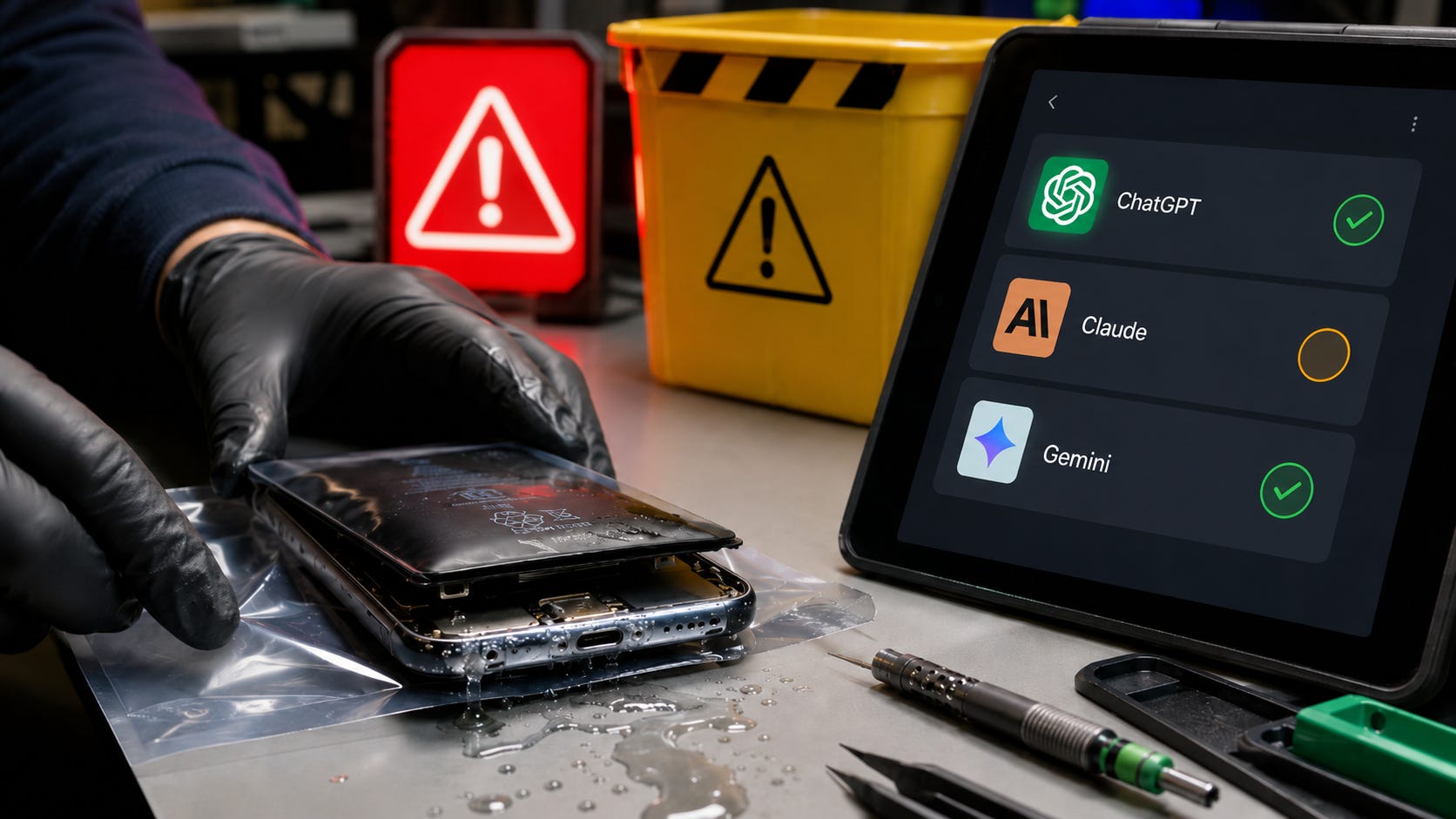
ChatGPT can explain an error message, identify several possible causes, and help you prepare useful questions for a repair technician. It can also confidently recommend a destructive reset, mishandle a swollen battery, or tell you to run repair software against failing storage before preserving the data.
A June 2, 2026 benchmark of 991 real-world repair questions found that leading AI models still made substantial mistakes across phone repair, computer repair, and data recovery. Phone repair was the hardest and most safety-sensitive category. The failures included poor board-level diagnosis, missing battery warnings, bad repair ordering, and recovery advice that could make permanent data loss more likely.
The practical rule is simple: use AI to understand the problem, organize evidence, and locate official documentation. Keep it away from irreversible repair decisions.
The safest repair purchase is often a backup device rather than a toolkit. A verified copy on a portable external SSD can change a stressful hardware failure into a manageable replacement decision.
Disclosure: This post includes Amazon affiliate links. If you buy through them, Popular AI may earn a small commission at no extra cost to you.
ChatGPT phone repair: quick verdict and safety rules
Use AI for explanation and triage. It can decode error messages, organize symptoms, locate manufacturer documentation, and turn a confusing problem into a clear description for a technician.
Proceed only with low-risk actions. The safest suggestions are external, observational, reversible, read-only, supported by the manufacturer, and unlikely to erase data or expose you to a damaged battery.
Stop before physical or destructive work. Do not follow chatbot instructions involving swollen batteries, heat, internal liquid cleaning, voltage injection, microsoldering, firmware flashing, bootloader unlocking, factory resets, or writes to failing storage.
Protect the data first. Confirm that a current backup exists before making repair decisions. For healthy devices, a portable external SSD or external hard drive can provide a separate copy before trouble begins.
A chatbot can help you decide which technician to call. It should never be treated as a substitute for physical inspection, measurements, repair experience, or a data-preservation plan.
What the 991-question repair benchmark tested
The researchers collected real-world questions from phone-repair, computer-repair, technical-support, and data-recovery communities on Reddit. The final RepairBench dataset contained 350 data-recovery questions, 335 phone-repair questions, and 306 computer-repair questions.
The questions covered realistic failures such as boot loops, charging problems, battery issues, liquid damage, inaccessible storage, accidental formatting, corrupted file systems, failed SSDs, broken displays, motherboard faults, and biometric failures.
Six models were evaluated: GPT-5.4, Claude 4.6, Gemini 3.1, Llama 4 Maverick, Qwen 3.6, and DeepSeek 3.2. The benchmark assessed every answer for correctness, completeness, practicality, and safety. It compared the model responses with solutions written and verified by experienced repair professionals.
The study used a controlled, single-turn setup in English and Bangla. That matters because it tested how models responded to the information in one repair question, rather than giving them a long diagnostic exchange with photographs, measurements, or follow-up evidence.
GPT-5.4 achieved the strongest overall results, yet even the best-performing model struggled with board-level diagnosis, storage-specific reasoning, connector damage, microsoldering, hardware-specific troubleshooting, and the correct ordering of recovery operations.
That final weakness is easy to underestimate. A repair response can mention several technically relevant steps and still be unsafe because the sequence is wrong. In a recovery case, “repair the file system” and “clone the failing drive” are not interchangeable suggestions. One may modify the only damaged copy, while the other is intended to preserve readable data before further deterioration.
The benchmark does not show that every AI answer is useless. It shows that reliability changes sharply with the task. Basic explanation and low-risk triage may be useful. Battery work, board diagnosis, and data recovery can punish a single confident mistake.
The most important repair question is what to do first
In ordinary troubleshooting, a mediocre sequence wastes time. In phone repair and data recovery, the wrong sequence can destroy evidence, erase data, worsen corrosion, damage a connector, or turn a recoverable device into a dead one.
The benchmark’s error analysis found that models sometimes recommended disk-repair utilities before cloning failing storage, suggested software recovery before addressing possible physical failure, omitted preservation-first steps such as imaging, and described technician-level repairs without clearly identifying where a beginner should stop.
The models also produced long tool lists without naming the safest immediate action. In some cases, they failed to distinguish between similar symptoms caused by very different faults. A phone that will not charge might have a bad cable, debris in the port, liquid detection, a damaged connector, a failed battery, a power-management fault, or board damage. A plausible list of causes is useful. Selecting one cause as certain without evidence is dangerous.
The study found phone repair to be the least practical domain because it combines lithium-ion batteries, strong adhesives, fragile connectors, paired parts, locked devices, encrypted storage, and data-preservation concerns. The device may need to remain operational to decrypt its own data, which means a repair decision can also become a recovery decision.
Repair ordering should therefore begin with four questions:
Is anyone in physical danger?
Is the device wet, swollen, unusually hot, smoking, or emitting an unfamiliar smell?
Is the data backed up somewhere else?
Which observation-only action will provide the most useful evidence without changing the device?
An AI answer that begins with a reset, a write operation, disassembly, or a hardware procedure before addressing those questions has already skipped the most important part of the job.
A detailed AI answer can still be unsafe
Completeness and safety are separate qualities. A long answer may look organized, practical, and technically sophisticated while omitting the one warning that changes the decision.
In the phone-repair category, Claude 4.6, Gemini 3.1, and Qwen 3.6 scored below 0.25 for safety in both English and Bangla. The recurring failures involved battery hazards, liquid damage, firmware updates, power faults, encryption, and invasive repair procedures.
That finding matters because conversational polish is a poor safety signal. Models are optimized to produce responses that look useful. They cannot see a lifted display, smell a venting battery, feel abnormal heat, inspect corrosion under magnification, test a charging rail, or recognize a failing drive by sound unless a person supplies reliable evidence.
Even when users provide evidence, the model must interpret it correctly. A photograph may hide damage outside the frame. A reported measurement may come from the wrong test point. A user may call a boot loop a “dead phone,” or describe a swollen battery as a screen that is “coming loose.”
Models also tend to fill gaps instead of stopping. A 2026 Nature paper on hallucinations found that state-of-the-art models still produce confident, plausible falsehoods. It argued that many accuracy-based evaluations reward guessing while penalizing appropriate uncertainty or abstention.

That tendency is inconvenient when asking about an obscure acronym. It becomes expensive when the next action could erase an unbacked-up phone, write to a failing drive, or place a damaged battery under mechanical stress.
A safe repair assistant should be willing to say that the information is insufficient. It should identify missing evidence, explain the consequence of a wrong guess, and stop before the advice becomes irreversible.
Use this traffic-light test before following AI repair advice
▪ Green: generally safe uses
Green actions let AI process information without changing the condition of the device.
Use AI to identify the exact model from settings or a model number, explain an error message, list several plausible causes, locate the manufacturer’s support page, and turn your symptoms into a concise repair-shop description.
It can also create questions for a technician, explain unfamiliar terms from a repair estimate, organize a timeline of events, help confirm whether a current backup exists, and explain the difference between repair, data recovery, and device replacement.
The important boundary is that the AI is interpreting information. It is not opening the device, energizing a circuit, changing firmware, writing to damaged storage, or deciding that data loss is acceptable.
▪ Yellow: verify before proceeding
Yellow actions may be reasonable when they come from official instructions for the exact device and when the data is already protected.
Examples include restarting or force-restarting a device, trying a known-good cable or charger, removing an external accessory, checking storage or battery-health information, installing a normal operating-system update, running a manufacturer-provided diagnostic, booting into a supported safe environment, reinstalling an app, resetting a non-destructive setting, or copying accessible files to another device.
Before taking a yellow action, ask:
Can this erase, overwrite, encrypt, or make data inaccessible?
Is the device wet, unusually hot, swollen, smoking, or physically damaged?
Does the instruction come from the manufacturer?
Does it apply to the exact model and software version?
Can the action be reversed?
Is there a verified backup?
Will this make later diagnosis or data recovery harder?
A chatbot’s reassurance does not count as verification. Open the documentation yourself and confirm the prerequisites, warnings, and consequences.
▪ Red: stop and escalate
Red actions require professional judgment, specialized equipment, a controlled environment, or a deliberate acceptance of data loss.
Do not follow AI-generated instructions for swollen, punctured, smoking, or severely overheated batteries. Stop before internal liquid-damage cleaning, board-level electrical diagnosis, voltage injection, microsoldering, glued-battery removal, charging-protection bypasses, paired biometric replacement, firmware-partition repair, bootloader unlocking, destructive resets, file-system repair on the original failing drive, or repeated power cycles of unstable storage.
DIY recovery of irreplaceable data from physically damaged media also belongs in the red category. The first unsuccessful attempt may reduce the success of the second attempt, especially when hardware is degrading.
These are stopping points. A more detailed prompt does not turn a dangerous physical procedure into a safe one.
Stop immediately when a battery is swollen, hot, smoking, or smells unusual
Lithium-ion batteries are sensitive components. Damage during removal can cause overheating, fire, or injury.


Apple’s battery safety guidance says that only a trained technician should replace an iPhone battery to avoid damage that could lead to overheating, fire, or injury. Apple provides parts, tools, and manuals through Self Service Repair in supported regions, but it describes the program as intended for customers experienced with the complexities of electronics repair.
iFixit’s swollen-battery guidance likewise warns against continuing to operate a device with a swollen battery. It advises people who doubt their ability to handle the battery safely to power down and isolate the device, then consult a professional repair technician.
Do not ask a chatbot how hard to pry, where to insert a metal tool, whether the swelling is “minor,” or whether an unusual smell is probably harmless. Text advice cannot assess the battery’s internal condition or the forces being applied during removal.
Power down the device if it is safe to do so. Stop charging it. Keep it away from flammable material and avoid pressing on the case or display. Contact a qualified repair provider and explain that the battery may be swollen or damaged.
❌ If the device is smoking, hissing, venting, or too hot to approach safely, prioritize personal safety and local emergency guidance over saving the hardware.
A wet charging port is no place for improvisation
Liquid-damage questions create urgency because users want the phone working again before corrosion or data loss gets worse. That urgency can make unofficial shortcuts sound attractive.
Apple says charging a wet Lightning or USB-C connector can corrode the pins and cause permanent damage. Its official instructions say to disconnect the cable, leave the phone in a dry area with airflow, avoid external heat and compressed air, avoid inserting foreign objects, and skip the bag of rice.
Google gives similar guidance for Pixel phones. If the USB-C port or cable is wet, turn the phone off and let it dry at room temperature. Google says not to put anything inside the port. A port that appears burned, melted, or corroded should be referred for warranty support or authorized repair.
An AI assistant may suggest cleaning chemicals, forced heat, compressed air, charging overrides, or premature disassembly because one of those actions appears in a repair discussion somewhere. That context does not make the action appropriate for your exact device.
For liquid exposure, avoid asking, “How do I fix it?” Use a constrained request:
Find the official liquid-exposure instructions for this exact phone model. Quote the manufacturer’s warnings accurately, identify any data-erasing steps, and do not add unofficial procedures.
Then open the manufacturer page yourself. Confirm that the instructions apply to your connector, model, and software version.
Do not restore a boot-looping phone before checking the data consequence
Boot loops create pressure. The phone appears unusable, so a firmware restore or factory reset may sound like a reasonable last resort.
It may also erase the data you are trying to save.
Apple’s recovery-mode documentation states that choosing Restore reinstalls iOS and erases all data. The same page recommends trying Update first when an update has not yet been attempted.
Google’s Android factory-reset documentation is equally direct. A factory reset erases the phone’s data, and Google recommends trying other troubleshooting options first when the reset is intended to fix a problem.
Before accepting any AI instruction containing “restore,” “factory reset,” “flash,” “wipe,” “repartition,” “unlock,” or “erase,” establish:
Whether the data exists elsewhere
Whether the phone is still recognized by a computer
Whether a non-destructive official update path exists
Whether unlocking or flashing changes access to encrypted data
Whether the procedure is official for the exact model
Whether preserving the device or preserving the data is the higher priority
Whether a repair provider understands that no destructive action is authorized
A phone-repair shop and a data-recovery specialist may recommend different next steps. State clearly when recovering the data matters more than restoring ordinary device operation.
Data recovery starts with preservation rather than repair
When storage is failing, the first goal is usually to reduce further changes to the original medium and capture as much readable data as possible.
The repair benchmark found that AI models sometimes recommended risky disk-repair utilities before cloning, suggested software tools before addressing possible physical faults, or failed to distinguish between SSDs, conventional hard drives, encrypted devices, and other storage technologies.
That distinction matters because a utility designed to repair file-system structures may write changes to the device. Writing to the only damaged copy can destroy metadata, overwrite recoverable areas, or remove options that a specialist might otherwise have used.
GNU ddrescue, an established recovery tool, is designed to copy data while trying to rescue readable areas first when the source has read errors. That preservation-first design is fundamentally different from trying to fix the original file system in place.
For valuable data:
Stop ordinary use of the affected device.
Do not initialize, format, defragment, or repair the original storage.
Do not install recovery software onto the affected drive.
Decide whether the symptoms suggest logical damage, physical damage, or an unknown failure.
Work from an image or clone when that can be done safely.
Keep the original medium unchanged.
Escalate early when the storage is physically damaged, encrypted, unstable, or irreplaceable.
Record every action already attempted so a specialist can assess the remaining options.
AI can explain these principles. It cannot inspect the drive’s physical state through a text conversation, and it cannot guarantee that a recovery command is appropriate for the exact storage technology or failure mode.
Parts pairing and calibration make generic repair advice worse
Modern phone repair can involve more than fitting a physically compatible component. A replacement may need calibration, software support, account credentials, or manufacturer-specific tools before every function works normally.
Apple’s Repair Assistant installs calibration data after supported part replacements. Apple says an unfinished calibration can leave Face ID or Touch ID unavailable for unlocking, payments, and app sign-in on the affected parts.
This is why generic advice such as “replace the camera module” or “swap the sensor” may be incomplete even when the physical installation is possible. The model may understand the screws and connectors while missing the software state required after reassembly.
Ask these questions before purchasing or installing a replacement part:
Is the component paired to the original device?
Does it require calibration or system configuration?
Will biometric functions continue working?
Does the manufacturer provide a repair manual for this exact model?
Is specialized software required after installation?
Could a used part be protected by Activation Lock?
Can the repair affect service eligibility, trade-in, or warranty coverage?
Will the phone remain able to decrypt or export the data after the repair?
A model trained on older repair discussions may know how a part was once installed while missing what current software requires afterward.
The safer way to use ChatGPT for phone repair
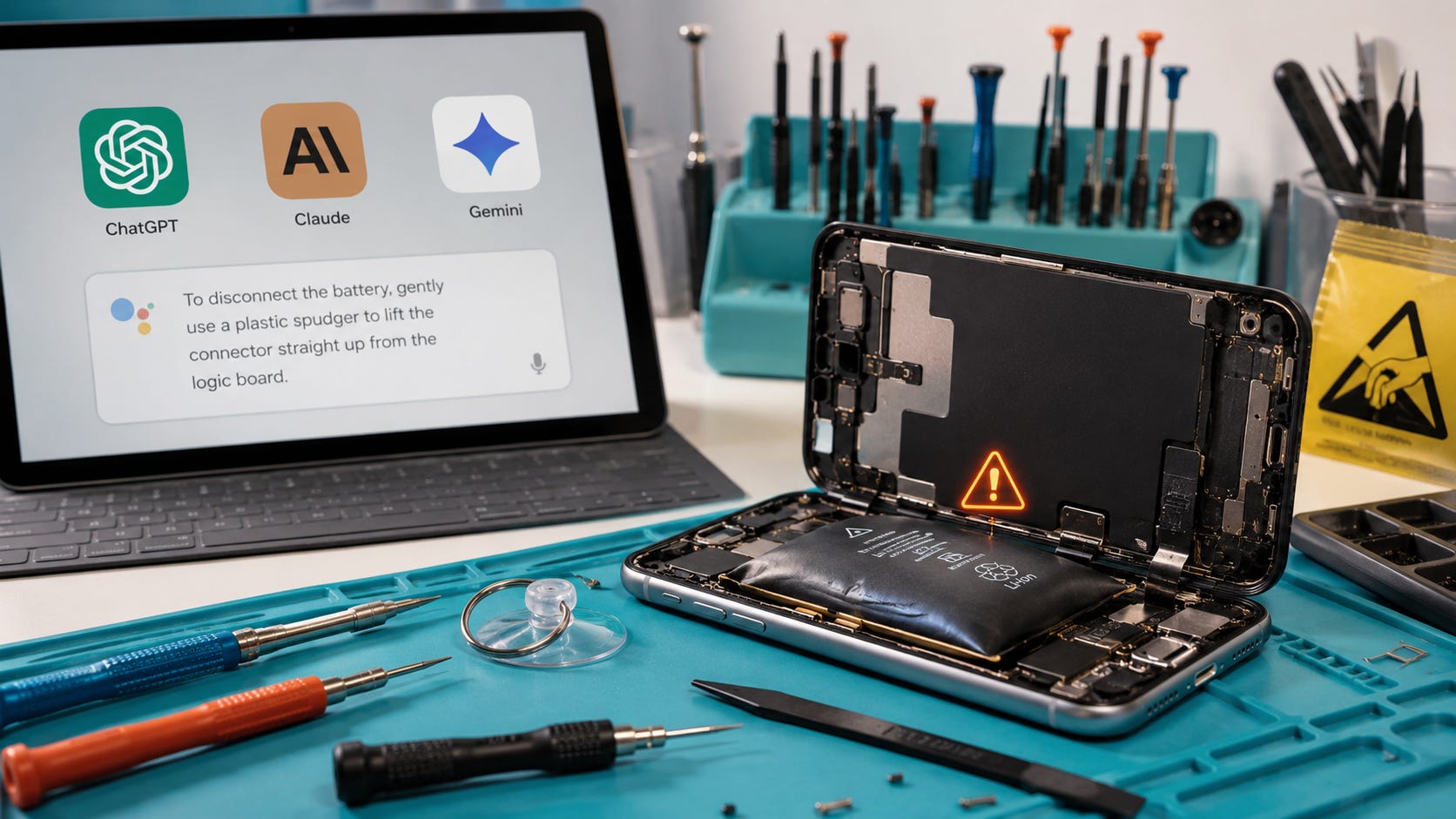
Use AI as a structured triage assistant. Keep the final diagnosis and any hazardous or irreversible action with a qualified human who can inspect the device.
1. Give it the exact model and history
Include the full device model, operating-system version, what happened before the failure, whether liquid or impact was involved, the exact error text, whether another computer recognizes the device, whether the data is backed up, and any smell, swelling, smoke, or unusual heat.
Mention previous repairs and replacement parts. A charging problem after a screen replacement may need a different investigation from the same symptom on an untouched device.
Do not upload account passwords, serial numbers, recovery keys, private photographs, or other sensitive data unless the service’s data handling is acceptable to you.
2. Ask for possible causes instead of a confident diagnosis
Use:
List the plausible causes in order of likelihood. For each cause,
state what evidence would support or weaken it.
Do not claim certainty from the information provided.
This prompt does not guarantee accuracy. It makes uncertainty easier to see and discourages the model from collapsing several possibilities into one unsupported diagnosis.
3. Separate reversible and irreversible actions
Use:
Separate your suggestions into observation-only checks, reversible troubleshooting,
data-erasing actions, and technician-only procedures.
Ask the model to place each recommendation into one category. A factory reset buried halfway through a friendly checklist becomes easier to notice when it must be labeled as data-erasing.
4. State the cost of a wrong answer
Use this safety prompt:
I am using this answer only to triage a device problem.

The data may be irreplaceable. A wrong instruction could cause permanent
data loss, battery damage, fire, or further hardware failure.

Do not recommend:
- opening the device
- battery removal
- external heat
- applying voltage
- soldering
- charging wet hardware
- flashing firmware
- unlocking the bootloader
- factory reset
- writing to failing storage

First identify the safest observation-only checks.

For every proposed action, state:
1. whether it changes or writes data
2. whether it is reversible
3. the worst plausible consequence
4. the official manufacturer source
5. the point where a qualified technician is required

When information is insufficient, say so instead of guessing.
The prompt cannot make the model a technician. It can make unsafe omissions, destructive steps, and unsupported certainty easier for you to detect.
5. Open every cited document yourself
Do not trust a summarized page title or a quotation supplied by the chatbot. Open the cited documentation and confirm that it is on the manufacturer’s real domain, covers the correct model, remains current, and has not been paraphrased in a way that reverses a warning.
Check whether the procedure writes or erases data. Look for prerequisites that the AI omitted. Confirm whether the instruction assumes a healthy battery, a dry connector, a working display, access to account credentials, or a recent backup.
AI literacy matters most when the output sounds convincing. Popular AI’s earlier examination of a serious Claude translation error showed how fluent output can conceal a decisive mistake. The same verification problem applies when the output controls a screwdriver, a restore button, or the only copy of someone’s files.
More on AI reliability:

6. Ask a technician to challenge the AI answer
Do not present a chatbot diagnosis as an established fact. Give the technician the original symptoms, your data-preservation priority, previous repairs, any actions already attempted, and the AI’s proposed diagnosis clearly labeled as unverified.
A good technician may reject the AI’s theory immediately because of a physical clue, measurement, known model failure, or repair-history detail that the model did not understand.
Ask the technician what will happen before authorizing a reset, board swap, storage replacement, firmware restore, or biometric-component replacement. Written approval boundaries are especially useful when the data matters more than returning the phone to normal operation.
Backup storage is usually more valuable than a repair toolkit
The most useful repair accessory often prevents the emergency rather than fixing it. Before buying pry tools, heat mats, or replacement parts, make sure your important files exist somewhere else.
For active transfers and portable backups, compare portable external SSDs on Amazon. For a lower-cost second copy with more capacity, compare external hard drives on Amazon.
A toolkit may help with one repair. A current, verified backup changes every repair decision that follows. Once the data is safe, a failed phone becomes a hardware problem. Without a backup, the same failure can involve damaged storage, encryption, parts pairing, and a chatbot that cannot recognize when it is wrong.
Backups should be tested, not merely assumed. Confirm that important files can be opened from the separate copy. Check that cloud synchronization has finished. Remember that synchronization and backup are different when a deletion or corruption can propagate to every synced device.
More on AI security:

Frequently asked questions
Can ChatGPT accurately diagnose a broken phone?
ChatGPT can propose reasonable hypotheses from symptoms, but it cannot reliably confirm a physical fault without measurements, inspection, diagnostic logs, and model-specific evidence. Treat the output as a list of possibilities. A diagnosis should be supported by evidence that separates one failure mode from another.
Which AI model was best at repair questions?
GPT-5.4 performed best overall in the June 2026 RepairBench study. That result should not be treated as a permanent model ranking. The study tested named models in a controlled, single-turn setup, and even the strongest model made substantial hardware, prioritization, and safety errors.
Is ChatGPT safe for data recovery?
It is useful for explaining terminology, preservation principles, and questions to ask a specialist. It becomes risky when it recommends writing to damaged media, repairing the original file system, repeatedly powering unstable hardware, or using a destructive procedure before creating an image or clone. Work from a verified backup or a safely created image whenever possible.
Should I factory-reset a phone that will not start?
Only after you understand that the reset can erase local data and have decided that restoring device operation matters more than preserving anything that is not backed up. Apple says Restore reinstalls iOS and erases all data, while Google says a factory reset erases phone data.
Can I use AI to replace a swollen phone battery?
AI can help locate the manufacturer’s repair options, but a swollen or damaged lithium-ion battery is a physical safety hazard. Power down and isolate the device if it is safe to do so, stop charging it, and use a trained repair provider. Do not rely on a chatbot to judge whether the battery is safe to pry, bend, heat, or remove.
Is a local AI model safer for repair advice?
Running a model locally can provide more privacy and control over the software. It does not give the model technician experience, physical access to the device, or guaranteed repair accuracy. Local control addresses an account and data-handling concern. The expertise and safety problem remains.
What should I tell a repair shop when my data is important?
State plainly that preserving the data is the first priority. Ask the shop not to reset, restore, replace storage, flash firmware, or perform destructive software procedures without your approval. Ask whether it handles data recovery itself or sends devices to another provider, and request a record of every attempted step.
What should I buy before attempting phone repair?
For a healthy device, prioritize a verified backup before buying a repair toolkit. A portable external SSD is useful for fast transfers and portable copies, while an external hard drive can provide a second copy with more capacity at a lower cost. Choose based on your backup needs rather than as a recovery tool for already failing storage.
How to use ChatGPT phone repair advice without losing data
ChatGPT can translate symptoms into technical language, locate official documentation, generate diagnostic questions, explain a repair estimate, and identify low-risk observation steps. Those are valuable uses when the model’s uncertainty remains visible.
Keep it away from battery handling, internal liquid-damage work, board-level diagnosis, voltage injection, microsoldering, firmware restoration, destructive resets, and recovery operations on failing storage. Those decisions require physical evidence, proper equipment, and someone who understands the cost of getting the sequence wrong.
The RepairBench study does not prove that AI is useless for repair. It shows that AI assistance becomes least reliable where a plausible mistake can become irreversible. The safe boundary is explanation, organization, and verification. The dangerous boundary begins when the model is allowed to write data, energize damaged hardware, or direct invasive work.
Build the backup before the failure. A portable external SSD or external hard drive will usually protect more value than a beginner repair kit.
AI can help you think through a repair. A trained person should decide when to risk the battery, the board, or the only copy of your data.
Explore more from Popular AI:
Start here | Local AI | Builds & gear | Autonomy & policy | Fixes & guides | Popular AI podcast
Would you trust ChatGPT with a phone repair or data recovery problem? Where would you draw the line?