

Practical AI hardware guides for local LLMs, ComfyUI, coding agents and private AI, from budget GPUs to multi-GPU servers.
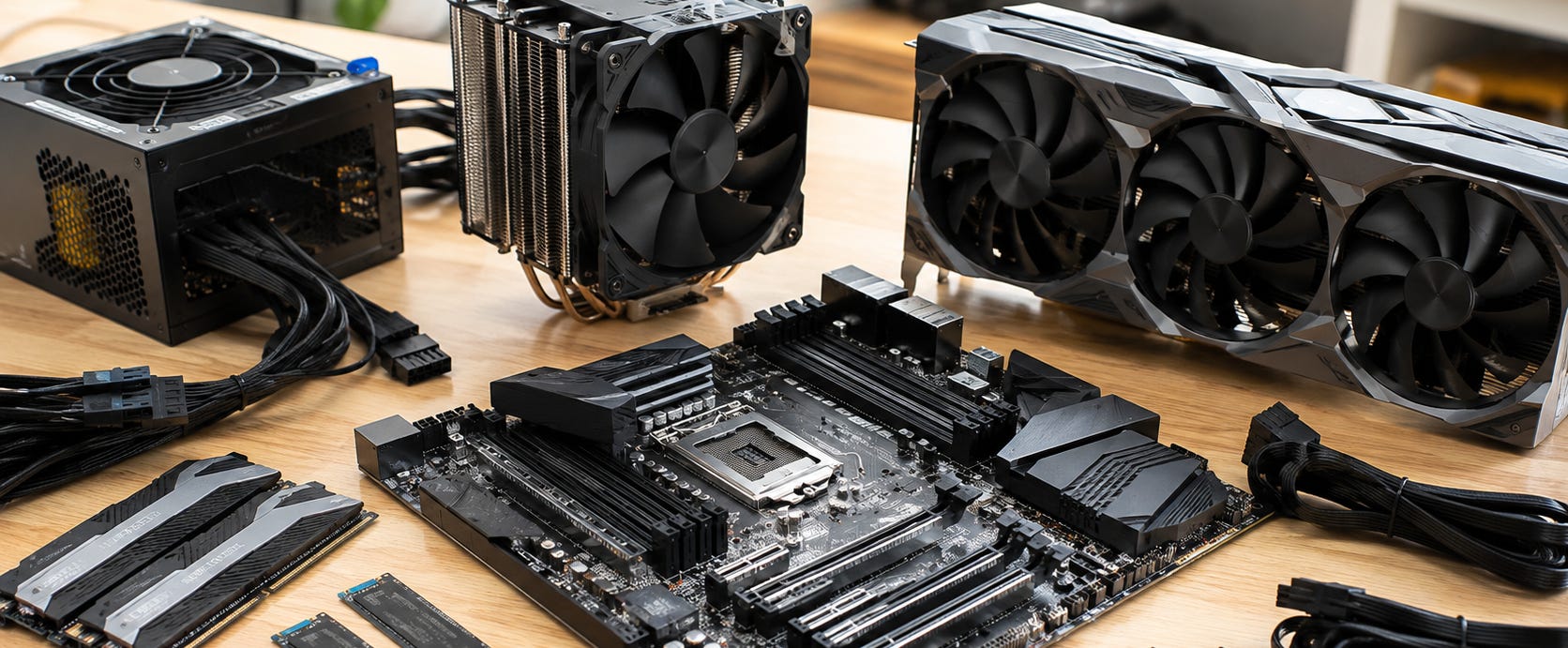
AI hardware determines what you can actually run locally. The right GPU, PC, workstation or home server can give you private inference, local image generation, coding agents and large-model capability on hardware you control. The wrong machine can cost more while leaving you stuck with too little memory, weak software support or an upgrade path that goes nowhere.
The useful way to buy AI hardware is to start with the workload. Decide what models and tools you want to run, work out how much memory they need, then choose the hardware platform that gives them enough room without wasting money on specifications that barely affect the job.
The practical answer
For most local AI workloads, memory capacity comes first.
A faster GPU is valuable when the workload fits. More VRAM becomes more important when the alternative is CPU offload, aggressive quantization or a model that cannot run at all. Start with our guide to choosing local LLMs by VRAM tier if you do not yet know how much memory your models actually need.
After memory, check software support. NVIDIA remains the least complicated route for many CUDA-heavy workflows, while Apple Silicon and AMD unified-memory systems can expose much larger memory pools to local LLMs. Intel and AMD discrete GPUs can be attractive when the price and memory are right, but the software stack deserves as much attention as the specification sheet.
Then deal with the unglamorous parts: power, cooling, case clearance, PCIe lanes, RAM, storage and noise. These become increasingly important as you move from one GPU to two, four or an entire local AI cluster.

Start here
Popular AI’s hardware coverage is organized into three main paths.
▪ Choose the GPU or compute platform
Start with our AI GPU & compute reviews for local models.
This is the best path if you are comparing individual GPUs, workstation cards or high-memory compute platforms. It covers VRAM, memory bandwidth, CUDA support, unified memory and the difference between hardware that is fast and hardware that can actually fit the workload.

▪ Buy or build a complete AI PC
Use the AI PC buying guide for complete desktops, laptops, mini PCs and workstations.
Start here if you would rather answer “which computer should I buy?” than assemble a platform one component at a time.

▪ Scale beyond one GPU
If one workstation is no longer enough, see our guide to building local AI clusters.
It covers the move from one GPU to multi-GPU servers and multiple nodes, including the important distinction between adding more total compute and actually splitting one model across several GPUs or machines.

GPUs for local LLMs
For a first local LLM machine, the central buying question is usually how much usable GPU memory you can afford without creating unnecessary software headaches.
Our best budget GPUs for local LLMs covers the lower-cost end of the market, where older 12GB cards and newer 16GB options can still make good sense.
If you are comparing the enthusiast and flagship tiers, read RTX 3090 vs RTX 4090 vs RTX 5090 for local AI. It explains why an older card with useful VRAM can remain competitive with much newer hardware when model fit is the main constraint.
The RTX 5090 local AI analysis looks more closely at the 32GB Blackwell flagship and where higher speed stops compensating for a finite VRAM ceiling.
At the workstation end, the RTX PRO 6000 Blackwell review covers the opposite strategy: buy a single very expensive NVIDIA card with enough dedicated memory to avoid many multi-GPU compromises.
There are worthwhile alternatives outside the usual NVIDIA hierarchy. Our Arc Pro B60 vs RTX 5060 Ti comparison looks at Intel’s larger-memory proposition against NVIDIA’s easier software path. The RTX 5060 Ti 16GB vs RX 9070 XT comparison tackles a similar decision for buyers choosing between CUDA convenience and AMD hardware.
Related:


GPUs for ComfyUI and image generation
Image generation has its own hardware priorities. VRAM still matters, but workflow complexity, model precision, resolution and the number of components loaded into a ComfyUI graph can change the memory requirement quickly.


For inexpensive cards, start with 5 budget GPUs for local AI image generation.
The RTX 3060 12GB ComfyUI guide examines one of the cheapest established CUDA options for local image generation.
Move up to the RTX 3090 ComfyUI performance guide if you want 24GB of VRAM for heavier SDXL, FLUX, ControlNet, IPAdapter, LoRA and high-resolution workflows without paying current flagship prices.
If you would rather buy a finished machine, our best desktop PCs for local AI image generation ranks complete systems around the parts that affect local generation.
For heavier video workflows, use the guide to the best desktop PCs for ComfyUI and local video AI.
Related:


Budget local AI PC builds
You do not need workstation hardware to build a useful local AI machine.
Our local AI PC build under $1,000 shows how the budget changes when you prioritize useful VRAM instead of gaming-oriented extras and AI PC branding.
For the stronger value-first route, see why the best budget local AI PC starts with a used RTX 3090. The appeal is straightforward: 24GB of VRAM remains a useful amount of local AI memory if you can buy the card at a sensible used price and build the rest of the system around its heat and power demands.
Developers building specifically for local agents can use the RTX 3090 PC build for local coding agents. It approaches the machine as an upgradeable workstation for private repositories, local coding models and tool-using agents.
Related:


Prebuilt AI PCs and laptops
Building is usually the best way to control the exact parts. Buying prebuilt is the easier way to get working hardware without researching every motherboard slot and power connector.
Our ranking of the best prebuilt AI PCs for Ollama and local LLMs focuses on finished desktop systems with useful memory tiers instead of vague AI branding.
If the computer has to travel, use the best laptops for running local LLMs. Portable local AI involves stricter compromises around VRAM, unified memory, thermals, battery use and upgradeability, so buying the right configuration up front is especially important.
Related:


CPUs, RAM and workstation platforms
The GPU usually gets the attention, but the platform around it decides how far a build can grow.
Our guide to the best CPUs for running local LLMs compares ordinary desktop platforms with Threadripper-class systems where additional memory capacity and PCIe expansion become part of the AI decision.
For a normal single-GPU build, an expensive workstation CPU can be unnecessary. For multiple GPUs, large RAM pools, many NVMe drives or a machine intended to become a local AI server, PCIe lanes and memory architecture can become more important than another small jump in CPU benchmark performance.
This is why it pays to choose the eventual upgrade path before buying the motherboard.
Related:

Mac mini and Apple Silicon for local AI
Apple Silicon offers a different local AI proposition. Instead of a discrete GPU with a fixed VRAM pool, the CPU and GPU operate from unified memory.
Our best Mac mini for local LLMs explains which M4 and M4 Pro memory configurations make sense for different model sizes.
The separate Mac mini LLM performance guide looks more directly at what changes as you move through the available memory tiers.
For buyers considering something more powerful, M4 Max vs Ryzen AI Max+ 395 for local AI compares the Apple route with a high-memory x86 alternative.
Apple hardware is especially attractive when you want a quiet, compact local LLM system and your software works well with Metal and MLX. It is a less obvious choice when your workflow depends heavily on CUDA-first software.
Related:


Ryzen AI Max and 128GB unified-memory systems
AMD’s Ryzen AI Max platform has created another route to large local memory without building a traditional multi-GPU workstation.
The AMD Ryzen AI Halo review examines the developer platform as a local AI workstation and compares its value with other high-memory systems.
For smaller machines, our Strix Halo mini PC buying guide explains the attraction and the catch. Large unified memory can make models fit that would overwhelm normal consumer VRAM, while backend support and raw accelerator speed can still make NVIDIA the better tool for other jobs.
The GMKtec EVO-X3 128GB local AI mini PC is another example of this new category.
These systems make the most sense when capacity is the problem. If the model already fits comfortably on a conventional NVIDIA GPU and your workload rewards CUDA performance, a discrete-GPU workstation can remain the better machine.

Related:


RTX Spark and compact CUDA systems
High-memory unified systems become more interesting if they can retain NVIDIA’s software ecosystem.
Our RTX Spark local AI analysis looks at whether prospective buyers should wait for the platform or choose an RTX 5090, DGX Spark, Ryzen AI Max or conventional workstation instead.
This category could eventually close part of the gap between high-memory unified systems and CUDA workstations. Until real machines, pricing and workload performance make the tradeoffs clear, buy around workloads you have now rather than specifications you hope to need later.
Related:

Dual-GPU local AI workstations
A second GPU is the first major step beyond an ordinary enthusiast AI PC.
Start with three dual-GPU AI PC builds for local LLMs. It covers budget, high-end GeForce and workstation-class approaches while accounting for the parts people often forget: slot spacing, PCIe lanes, cooling and power.

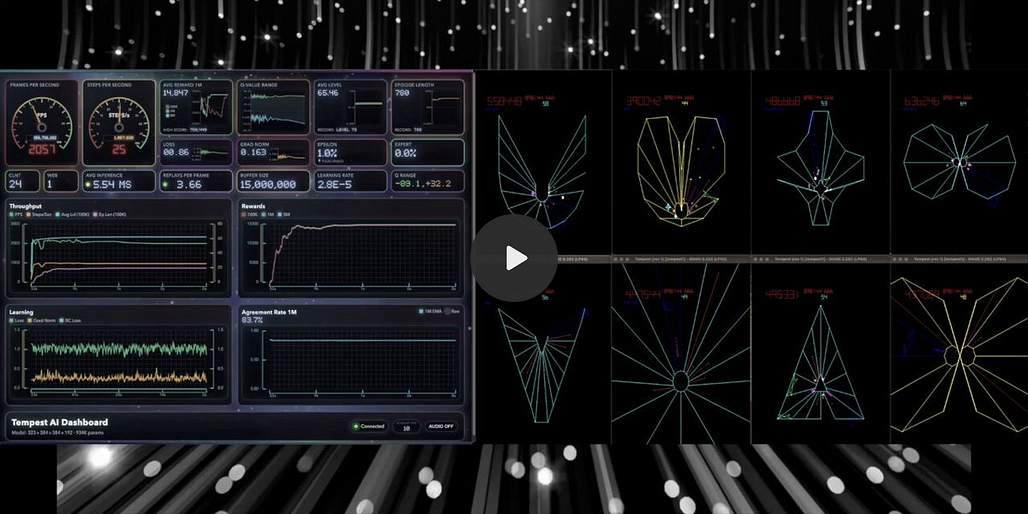
If used 24GB cards are your target, read whether dual RTX 3090s are still worth buying for local AI.
Two 24GB cards give you much more aggregate GPU memory than a single consumer card, but software still has to divide the model or workload between them. Treat multi-GPU support as part of the buying decision rather than assuming two cards behave like one giant GPU.
Related:


4x and 8x GPU AI servers
Four GPUs move the project out of ordinary desktop territory.
The guide to 4x and 8x RTX 3090 local AI servers covers platform choice, aggregate VRAM, PCIe connectivity, power delivery, cooling and the point where used consumer cards should be compared with workstation or enterprise hardware.
Large triple-slot cards create an additional physical problem. Our 4x RTX 3090 AI server build with triple-slot GPUs shows how to approach that with layouts built around the actual size of the GPUs rather than pretending four thick cards will fit comfortably into an ordinary tower.
If you are already considering hardware at this scale, read the local AI clusters guide before buying parts. Several smaller nodes can sometimes make more sense than one enormous server, especially when the goal is serving several workloads rather than forcing one giant model across every GPU.
Related:


Home AI servers and storage
A local AI machine does not have to be a benchmark box. It can also become persistent infrastructure for the household or office.
The private family AI NAS build combines local inference with storage, document search and a self-hosted interface. This kind of system favors reliability, useful storage, backups and quiet operation over maximum tokens per second.
It is a good example of why AI hardware should be purchased around a job. A machine serving documents and local RAG has different priorities from a ComfyUI workstation or a four-GPU LLM server.
Related:

Should you buy local AI hardware at all?
Before spending thousands of dollars to avoid a subscription, read should you buy local AI hardware in 2026?.
Local hardware is easiest to justify when it solves a concrete problem: private files, sustained usage, offline access, local experimentation, predictable access, custom models or workloads that benefit from hardware you own.
Cloud AI remains the easier option when you need occasional access to frontier models and do not have enough sustained local work to justify the machine.
A hybrid setup is often the sensible starting point. Use hosted models where their capability is worth it. Build local capacity around the workloads where privacy, repeatability, customization, heavy use or control make ownership valuable.
Related:

What to watch out for
The easiest hardware mistake is buying around the wrong number.
AI TOPS does not tell you whether your 30B model fits. A gaming benchmark does not tell you whether a ComfyUI graph will run out of memory. A giant unified-memory number does not guarantee CUDA compatibility or high inference speed. Two GPUs do not automatically behave like one GPU with twice the VRAM.
Used hardware introduces another set of tradeoffs. Older high-VRAM GPUs can offer excellent value, but card condition, cooling, seller quality, power draw and physical dimensions deserve more attention than cosmetic differences between board partners.
Finally, plan the whole machine. A GPU recommendation is useless if the card blocks the next slot, the motherboard cannot feed several accelerators sensibly, the PSU is operating at its limit or the case cannot remove the heat.
Common questions
How much VRAM do I need for local AI?
It depends on the models and workflows you want to run. Smaller local LLMs and lighter image workflows can work on modest GPUs. Larger models, long contexts, FLUX-class image pipelines, local video and multi-model workflows reward much more memory.
Use the local LLM VRAM guide before choosing the GPU.
Is NVIDIA still the safest choice for local AI?
For CUDA-heavy software, NVIDIA remains the easiest general recommendation. AMD, Intel and Apple hardware can be better choices in specific workloads, particularly where price or large unified-memory capacity outweighs CUDA compatibility.
Buy for the programs you actually intend to run.
Is 24GB VRAM still useful?
Yes. That is why the RTX 3090 continues to appear throughout current local AI build guides. Twenty-four gigabytes provides substantially more room than common 8GB, 12GB and 16GB cards without requiring workstation hardware.
The better question is whether an older 24GB card offers enough speed, efficiency and reliability for the price you can actually buy it at.
Should I build one big AI server or several smaller machines?
Use one multi-GPU server when your main problem is fitting or accelerating one large workload across several GPUs.
Separate nodes are attractive when you want several independent services, easier incremental upgrades, distributed heat and power, or the ability to reuse existing machines.
The local AI clusters guide explains where the distinction becomes important.
Is local AI hardware cheaper than cloud AI?
Sometimes. Cost alone is rarely the strongest reason to build a high-end local machine.
Owning hardware makes more sense when you also value persistent access, privacy, offline operation, high sustained usage, custom software or the ability to run models without tying the workflow to a hosted account.
▶ View all AI hardware & builds articles
Explore more from Popular AI:
Start here | Local AI | Fixes & guides | Builds & gear | Popular AI podcast