


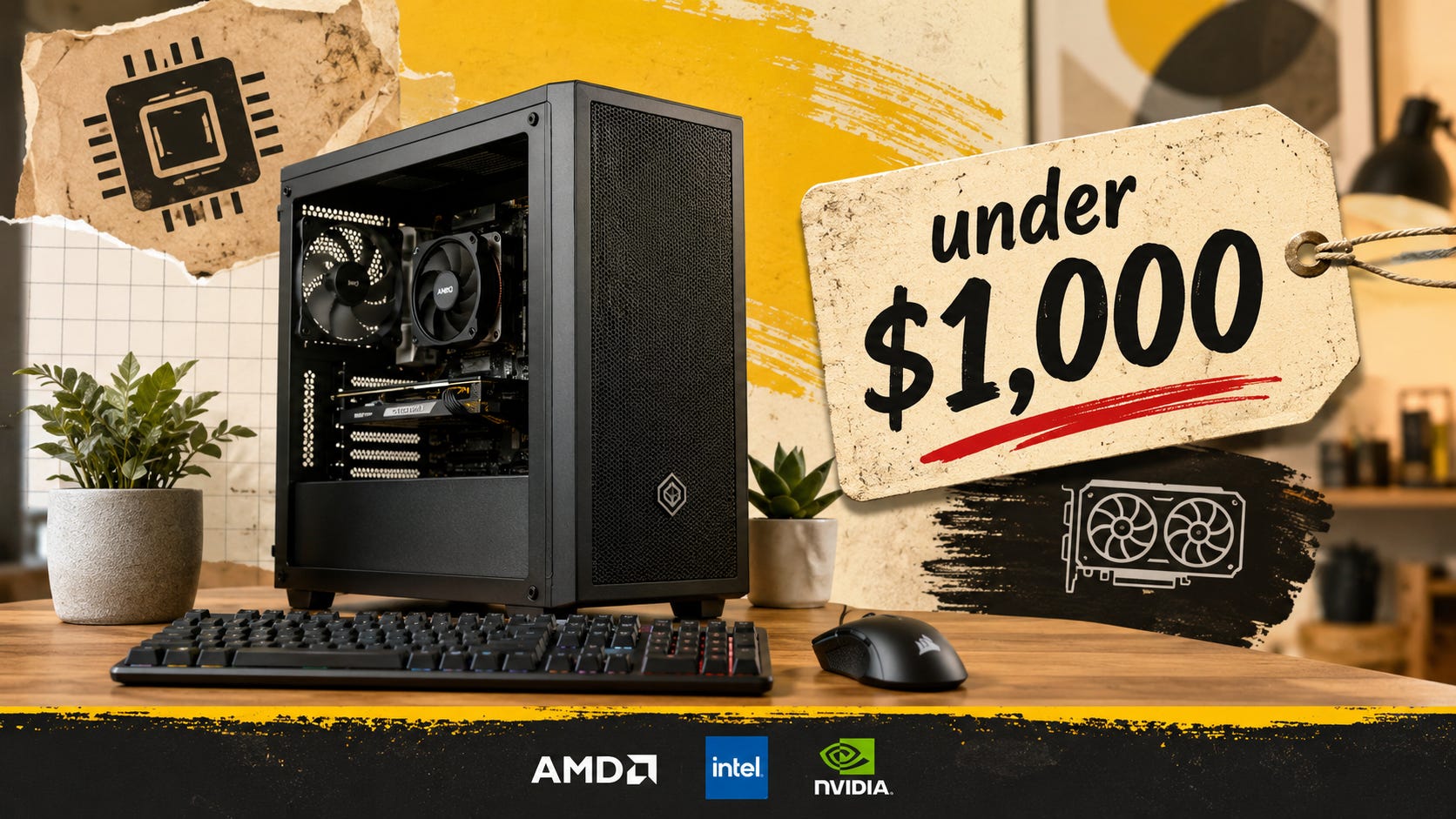
The best budget local LLM PC under $1,000 in 2026 starts with one boring rule: buy as much NVIDIA VRAM as the budget can handle, then keep everything else practical.
That means this is a VRAM-first PC build, not a sticker-first “AI PC” build. If the goal is to run useful local models in Ollama, LM Studio, llama.cpp, Open WebUI, private document Q&A, or coding-agent workflows, the graphics card matters more than RGB, premium motherboards, huge CPUs, or marketing around NPUs.
The difficult part here will be price. In 2026, used GPUs, RAM, and SSDs can swing enough to ruin a perfect parts list in a week. A used RTX 3090 can still be the best value for local AI because it gives you 24GB of VRAM, but it only works as a sub-$1,000 build if the rest of the machine stays disciplined.
Quick verdict
The best overall path under $1,000 is a used RTX 3090 build, especially if you can reuse parts or buy a used CPU, motherboard, and RAM bundle. NVIDIA’s official RTX 3090 specifications list 24GB of GDDR6X on a 384-bit memory interface, and MSI’s RTX 3090 Ventus specification page lists 350W power consumption with a 750W recommended PSU.
The safest all-new-ish budget path is an RTX 3060 12GB build. It is slower and more limited, but it keeps the total PC price realistic. NVIDIA’s RTX 3060 family specifications list the RTX 3060 with a 12GB GDDR6 configuration, and MSI’s RTX 3060 Gaming X 12G datasheet lists 170W power consumption and a 550W recommended PSU.
The best stretch-budget path is an RTX 5060 Ti 16GB or a heavily discounted RTX 4060 Ti 16GB. NVIDIA announced the RTX 5060 Ti 16GB at a $429 starting price in April 2025 in its Blackwell GeForce launch announcement, and NVIDIA’s current RTX 5060 family page lists the RTX 5060 Ti with 16GB and 8GB GDDR7 options. The older RTX 4060 Ti page still matters because the 16GB version can be a sensible local AI card when the price is right.
The best CPU-only fallback is a used office tower with 64GB RAM, but only when speed is secondary. CPU-only local LLMs can work for private notes, slow chat, testing small quantized models, and learning. They are a poor fit for anyone expecting a snappy coding assistant.
The thing to skip is an 8GB “AI PC” sold as a local LLM workstation. Microsoft’s Windows 11 specifications say Copilot+ PCs require a 40+ TOPS NPU, 16GB RAM, and 256GB storage. Those requirements matter for Windows AI features, but they do not replace the GPU VRAM needed for larger local LLMs.
Who this guide is for
This guide is for readers who want a real local LLM PC for Ollama or LM Studio chat, private document Q&A, local coding models, Open WebUI, llama.cpp experiments, small local agents, occasional ComfyUI work, or a fallback when hosted AI tools become expensive, restricted, slow, or unreliable.
It is also for anyone who wants a local AI desktop that can be built, maintained, and upgraded like a normal PC. The target is a practical machine, not a workstation fantasy build.
This is not the right guide for training frontier models, running huge 70B models smoothly on a single cheap GPU, or building a silent living-room PC around a 350W used card. A sub-$1,000 desktop can be useful, private, and flexible, but it will not replace the best hosted models for every task.
For broader context, Popular AI has a related guide on why your first budget local AI PC should still start with a used RTX 3090 and a separate guide explaining why Ollama and llama.cpp slow down when models spill into RAM.
Why VRAM decides the build
For local LLMs, VRAM decides what fits. If the model, context, and cache fit in GPU memory, the experience can feel responsive. If too much work spills into system RAM, replies slow down hard.
That is why a used 24GB RTX 3090 can beat a newer 8GB GPU for local AI. The 3090 is older, hotter, louder, and riskier on the used market, but 24GB of VRAM is the feature that changes what the machine can actually do.
A 12GB GPU can run useful smaller quantized models. A 16GB GPU gives more room and usually comes with better power behavior. A 24GB GPU gives the most breathing room in this budget range, especially for larger quantized chat models, coding models, longer context, and local tools running at the same time.
The simplest buying rule is this: fit comes before speed. A model that fits comfortably on a slower card often feels better than a larger model forced into painful offloading.
CUDA support still keeps NVIDIA in front
NVIDIA remains the easiest default recommendation for most budget local LLM PC builds because so many tools, tutorials, and troubleshooting paths assume CUDA.
Ollama says its GPU support includes NVIDIA GPUs with compute capability 5.0 or newer and driver version 531 or newer. The llama.cpp build documentation documents several acceleration backends, including CUDA, HIP, Vulkan, Metal, OpenCL, and more.
AMD and Intel GPUs can work in some local AI setups, especially for experiments and specific workflows. For a first budget local LLM desktop, NVIDIA is still the safer recommendation because there are fewer software surprises.
System RAM still matters
A good local LLM desktop should ideally have 64GB of system RAM. That gives the operating system, browser tabs, model files, vector databases, coding tools, Docker containers, and CPU fallback room to breathe.
The problem is 2026 RAM pricing. The Verge reported on Framework’s memory price hikes amid broader memory shortage pressure, which is exactly the kind of market weirdness that can blow up a budget PC build.
That changes the advice. If 64GB RAM is wildly expensive when you buy, start with 32GB and leave two slots open. Used DDR4 can also make sense if you are building on AM4 or an older Intel platform from a reputable seller.
Do not sacrifice the GPU budget just to force overpriced new RAM into the build. VRAM is still the part that determines which models feel usable.
Keep the CPU boring
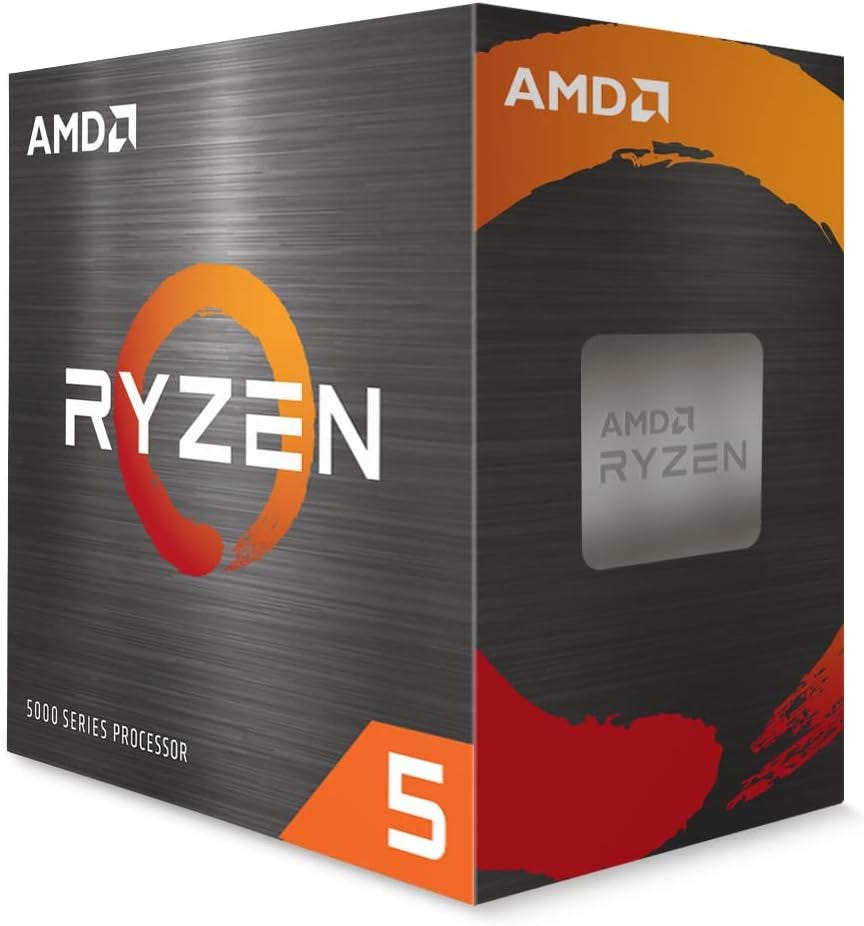
For a GPU-based local LLM build, a Ryzen 5 5600, Ryzen 5 3600, Intel i5-12400F, or similar 6-core chip is enough for most people. AMD lists the Ryzen 5 5600 as a 6-core, 12-thread, 65W AM4 processor.
That is the right kind of CPU for this budget. Spend on VRAM before spending on extra CPU cores. A bigger processor will not fix a GPU with too little memory.
Power and airflow are part of the build
An RTX 3090 is a serious power and cooling part. MSI’s RTX 3090 Ventus spec lists 350W power consumption and a 750W recommended PSU. Treat that 750W recommendation as the floor for a used-card build, not as a luxury target.
For an RTX 3090 build, use a quality 750W PSU at minimum. An 850W unit is better if the price difference is small. Avoid cheap, old, unknown, or mystery-brand power supplies. The PSU is the last place to gamble when the GPU is the most expensive part of the machine.
Case airflow matters too. Many used 3090 cards are long, thick, and hot. Check card length, card thickness, front fan clearance, and power connector space before buying a case.
How these builds were chosen
These builds are selected for local AI usefulness, not gaming benchmark glory. The goal is the best mix of VRAM per dollar, software support, current used-market reality, power and cooling sanity, upgrade path, and risk management.
A GPU can look strong in games and still be a weak local LLM choice if it has too little VRAM. That is why 8GB cards fall down the list, even when they are newer.
Pricing is also treated as a moving target. As of late April 2026, used GPUs, RAM, and SSDs remain volatile enough that exact shopping carts age quickly. The recommendations below use price bands instead of pretending every reader will see the same checkout total.
Disclosure: This post includes Amazon affiliate links. If you buy through them, Popular AI may earn a small commission at no extra cost to you.
Build path 1: Used RTX 3090 local LLM PC under $1,000
This is the best path if the goal is maximum local LLM usefulness for the money.
Target parts
GPU: Used RTX 3090 24GB

Target price: $600 to $750 if possible. Walk away if the card is close to $900 unless the rest of the system is unusually cheap.
CPU: Ryzen 5 5600, Ryzen 5 3600, Intel i5-12400F, or similar

Target price: $80 to $150, depending on used versus new.
Motherboard: Used B450, B550, or LGA 1700 board

Target price: $60 to $110.
RAM: 32GB minimum, 64GB preferred
Target price: highly variable. Buy used if new 64GB pricing is unreasonable.
Storage: 1TB NVMe SSD
Target price: $80 to $150, depending on the current SSD market.
PSU: Quality 750W minimum, 850W preferred
Target price: $80 to $130.
Case: Airflow case that fits the card
Target price: $50 to $80.
Consult our detailed build guide around the RTX 3090:

Realistic total
A clean RTX 3090 build under $1,000 usually requires at least one of these moves:
Reuse an old case, SSD, motherboard, or RAM.
Buy a used CPU, motherboard, and RAM bundle.
Start with 32GB RAM and upgrade later.
Find an RTX 3090 near the lower end of the used price band.
If every part is new except the GPU, the RTX 3090 path can drift above $1,000 because the card, PSU, and RAM eat the budget fast.
What it runs well
This is the best budget path for larger quantized local chat models than a 12GB GPU can comfortably handle, coding models with longer context, Open WebUI and Ollama workflows, private document search, local agents that need more breathing room, and ComfyUI experiments where 24GB VRAM helps.
What it does badly
It uses a lot of power. It can be loud. Used cards may have mining history, worn fans, old thermal pads, or memory-temperature issues. Some models will still be too large. The total build cost can break $1,000 if RAM prices are bad.
Used RTX 3090 buying rules
Ask for a timestamped photo or video of the card running.
Ask for
GPU-Z,nvidia-smi, or another load-test screenshot.Avoid “for parts,” “untested,” “no returns,” and suspiciously cheap listings.
Prefer sellers with real history.
Avoid blower-style server pull cards unless you understand noise and cooling.
Check card length before buying a case.
Budget for thermal pads or fan replacement if the price is unusually good.
Verdict
Use the RTX 3090 path if you want the most useful local LLM PC near $1,000 and you are comfortable buying used hardware. Skip it if you need a quiet, low-power, warranty-backed machine.
Build path 2: RTX 3060 12GB local LLM PC under $1,000
This is the safer budget build for people who want a working local LLM PC without putting the whole budget into a used 350W GPU.
Target parts
GPU: RTX 3060 12GB

Target price: $150 to $250 used, or around $300 to $400 if new pricing is bad. Tom’s Hardware reported in April 2026 that RTX 3060 12GB cards were readily available for $350 to $400 on Amazon and as low as $150 to $200 on second-hand marketplaces.
CPU: Ryzen 5 5600 or Intel i5-12400F class CPU.
RAM: 32GB minimum, 64GB if the price is sane.
Storage: 1TB NVMe SSD.
PSU: 550W to 650W quality unit. MSI’s RTX 3060 Gaming X 12G datasheet lists 170W power consumption and a 550W recommended PSU.
More on building an AI PC around the RTX 3060:

Realistic total
This build can land around $650 to $900 depending on used parts, RAM pricing, SSD pricing, and whether the RTX 3060 is bought used or new.
What it runs well
An RTX 3060 12GB build is good for 7B and 8B class quantized models, light coding assistants, private chat, basic document Q&A, local AI learning, and some 13B class models with compromises.
What it does badly
This is not a run-everything card. Long context can become the problem. Larger coding models may feel constrained. ComfyUI workflows will hit VRAM limits sooner. You may outgrow it if local AI becomes part of daily work.
Verdict
Use the RTX 3060 12GB path if you want the cheapest sane local LLM PC. Skip it if you already know you want larger models, longer context, or more serious coding-agent work.
Build path 3: RTX 5060 Ti 16GB or RTX 4060 Ti 16GB stretch build
This is the modern 16GB path. It can work under $1,000, but only if the card price is disciplined and the rest of the build stays lean.
Why 16GB is attractive
A 16GB GPU sits between the cheap 12GB path and the used 24GB RTX 3090 path. It gives you more room than the RTX 3060 12GB without the heat, power draw, and used-card risk of the RTX 3090.
The RTX 5060 Ti family includes 16GB and 8GB versions, and NVIDIA’s specifications list 4,608 CUDA cores on the RTX 5060 Ti. The older RTX 4060 Ti 16GB remains relevant when discounted, especially because NVIDIA lists it with 16GB or 8GB GDDR6 and a 128-bit memory interface.
What to buy
Buy the RTX 5060 Ti 16GB if it is close to the manufacturer’s suggested retail price.
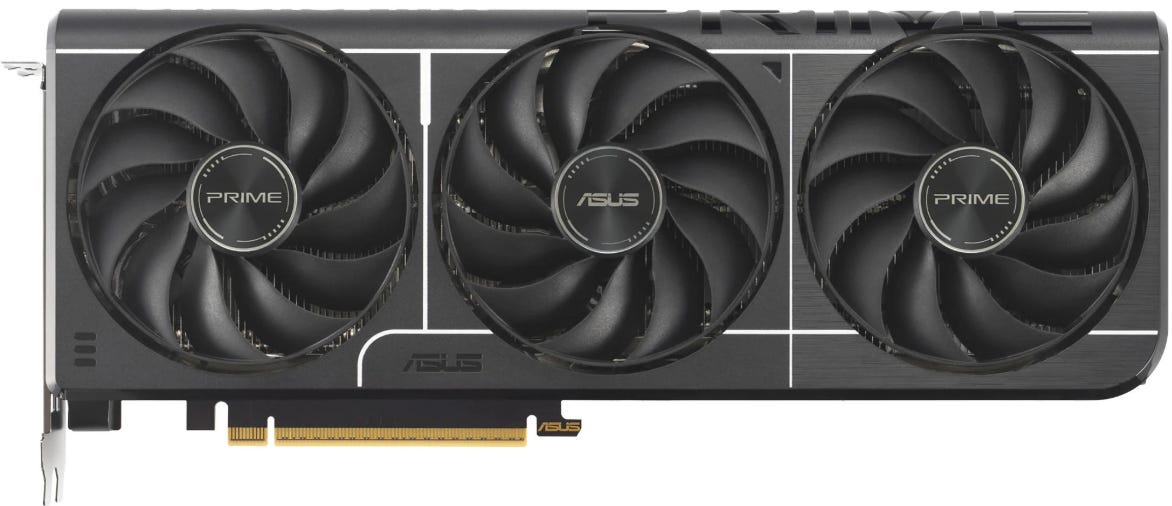
Buy the RTX 4060 Ti 16GB only if it is meaningfully discounted.
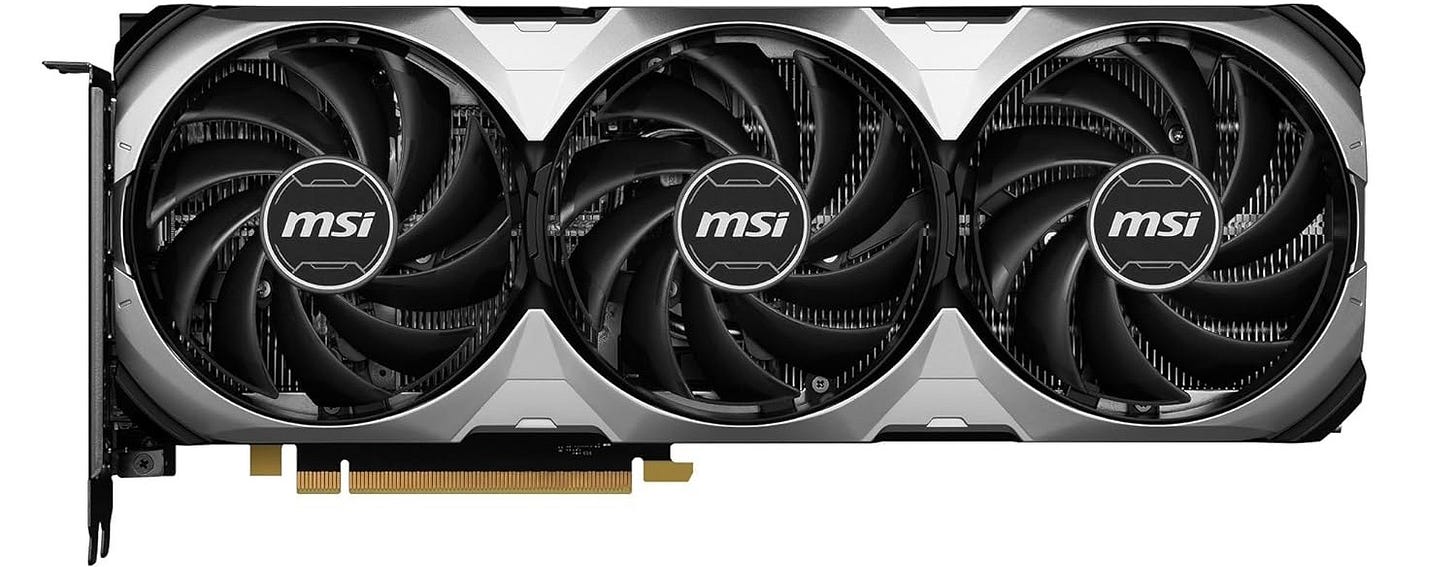
Avoid the 8GB version for a local LLM desktop unless the budget is extremely tight and you accept the ceiling.


More on budget GPUs for local AI:

Realistic total
A careful 16GB build can fit around $850 to $1,050, depending on RAM and SSD pricing. If the GPU price is inflated, the build loses its point.
What it runs well
This path works well for 8B and 12B class local models with more comfort than 12GB, moderate coding models, LM Studio and Ollama daily use, lower-power local AI desktops, and small creator workflows.
What it does badly
It still does not replace 24GB VRAM. The 128-bit memory bus on these cards is not ideal for every workload. At bad pricing, a used RTX 3090 may be the better AI buy.
Verdict
Use the 16GB path if you want a newer, lower-power, warranty-backed local LLM PC. Skip it if the card is priced too close to a used RTX 3090.
Build path 4: CPU-only local LLM PC under $1,000
This is the fallback path. It can be useful, but it should be treated as a stepping stone or privacy-first machine.
When CPU-only makes sense
CPU-only local LLMs make sense when you mainly want privacy, run small quantized models, do not care about speed, already own the PC, want to learn before buying a GPU, or are building a home server that also handles file storage, backups, or light automation.
LM Studio’s system requirements recommend at least 16GB of RAM on Windows and at least 4GB of dedicated VRAM for GPU use. The llama.cpp project is designed for local LLM inference across a wide range of hardware, including CPU and hybrid CPU plus GPU setups.
What to buy
Used office tower with a 6-core or 8-core CPU.
32GB RAM minimum.
64GB RAM if affordable.
1TB NVMe or SATA SSD.
Case and PSU that leave room for a future GPU.
More on CPUs for local AI:

What to avoid
Do not spend $900 on a CPU-only local LLM PC if a used GPU build is available.
Do not buy a small-form-factor office PC unless you know it can accept the GPU you may want later.
Do not mistake NPU marketing for local LLM capability.
Verdict
Use CPU-only if it is a cheap stepping stone or a privacy-first fallback. Avoid it as the main local LLM workstation if you want speed.
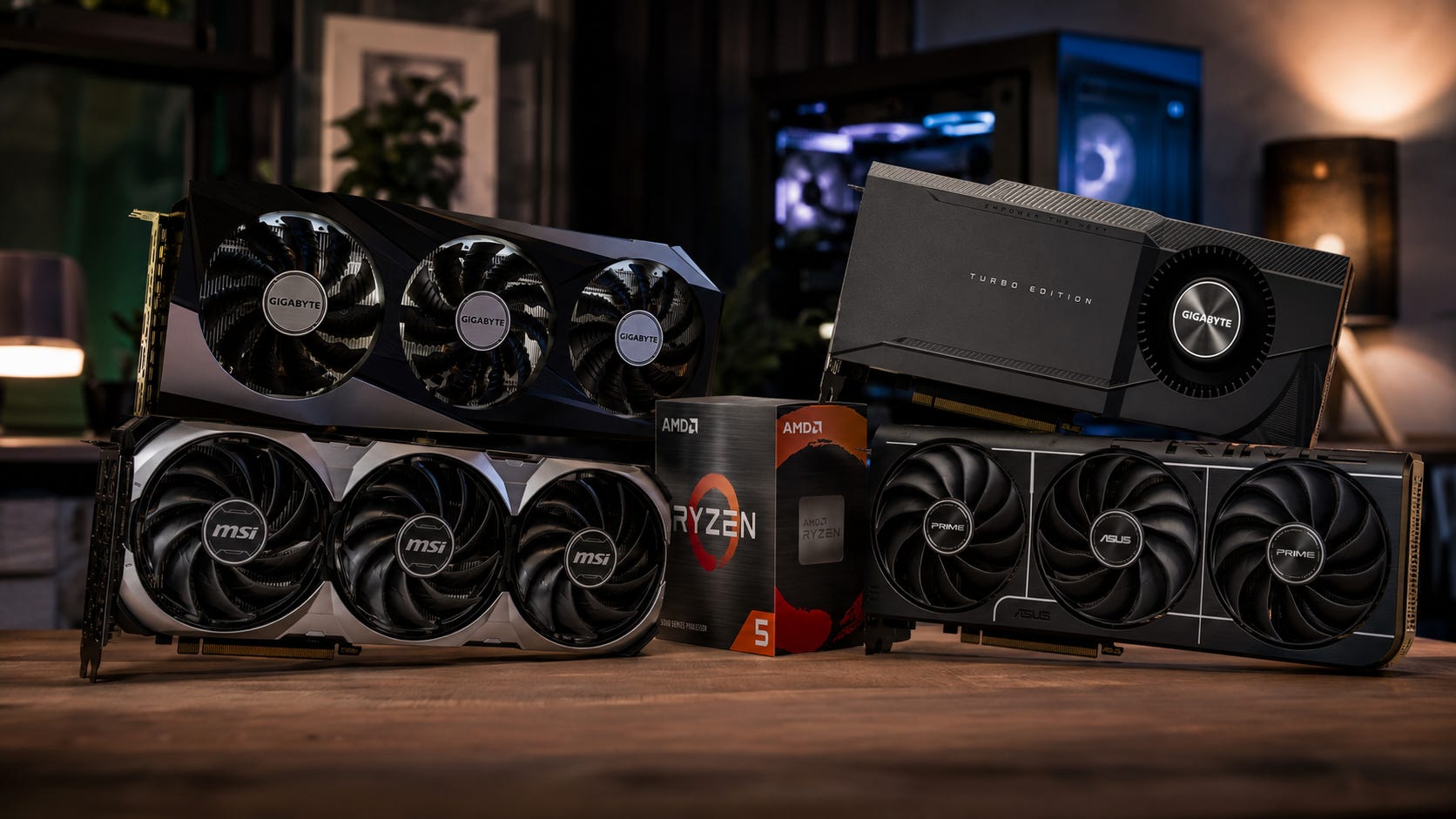
Recommended parts strategy by budget
Around $500
Buy used.
Best path:
Used office tower.
32GB RAM.
1TB SSD.
No GPU, or a used RTX 3060 12GB if you find a real deal.
This is a learning machine. It is not a serious long-term local AI workstation.
Around $750
Best path:
Ryzen 5 5600 or used equivalent.
32GB RAM.
1TB SSD.
Quality 550W to 650W PSU.
This is the most realistic cheap local LLM PC.
Around $1,000
Best path:
Used RTX 3090 if the rest of the build is cheap.
RTX 5060 Ti 16GB if new-card pricing is reasonable.
RTX 4060 Ti 16GB if heavily discounted.
At this tier, avoid RGB spending, premium motherboards, liquid cooling, oversized CPUs, and “AI PC” branding.
What to avoid buying
Avoid an 8GB GPU as the centerpiece. An 8GB card can run small models, but it is a weak 2026 local LLM build target unless the price is extremely low. You will hit the VRAM wall too quickly.
Avoid a new RTX 3090 at inflated third-party prices. The RTX 3090 makes sense as a used-value card. It loses its charm when priced like a collector item.
Avoid tiny office PCs for full-size GPU builds. Small-form-factor Dell, HP, and Lenovo office machines can be great cheap desktops, but many cannot fit a full-size GPU or a proper PSU.
Avoid overbuying the CPU. A 12-core or 16-core processor looks impressive in a parts list, but it will not fix too little VRAM.
Avoid buying an “AI PC” purely because of the NPU. A 40+ TOPS NPU can matter for Windows AI features, but it does not give you 12GB, 16GB, or 24GB of GPU VRAM for local LLMs.
Windows or Linux for a local LLM PC?
Use Windows if you want the easiest desktop experience with LM Studio, NVIDIA drivers, and general software compatibility. This is usually the better starting point for first-time builders who want to test models quickly.
Use Linux if the machine will become a dedicated local AI box for Ollama, Open WebUI, Docker, SSH access, and server-style workflows. Linux can feel cleaner once the hardware is stable and the machine has one job.
The practical path is simple. Start on Windows if you are learning. Move to Linux if the machine becomes a dedicated local AI server. Use one clean OS install. Avoid turning the first local LLM build into a triple-boot science project.
Best software stack for this PC
Beginner stack
LM Studio.
Ollama.
Open WebUI later.
This is the easiest route for testing models and learning what your hardware can handle.
Practical local server stack
Linux.
Ollama.
Open WebUI.
Optional
llama.cpp.
This works well if the machine will sit on your network and serve other devices.
Power-user stack
Linux.
llama.cpp.vLLM for supported models and more advanced serving.
Docker where it actually helps.
Manual model management.
This path is stronger, but it is not where most first-time budget builders should start.
FAQ
Can you build a good local LLM PC under $1,000 in 2026?
Yes, but the word “good” needs discipline. A used RTX 3090 build can be excellent for the money if you buy carefully and keep the rest of the parts cheap. A new-parts build under $1,000 is more likely to land on an RTX 3060 12GB or a 16GB midrange GPU.
Is a used RTX 3090 still worth it for local LLMs?
Yes, if the price is right and you accept used-card risk. The 24GB VRAM is the reason to buy it. Heat, power draw, age, and seller risk are the reasons to inspect carefully.
Is 12GB VRAM enough for local LLMs?
It is enough to start. An RTX 3060 12GB can run useful smaller quantized models, but it is not ideal for larger models, long context, or heavier coding workflows.
Is 16GB VRAM enough for local AI?
16GB is a strong middle ground. It is more comfortable than 12GB, easier to cool than a 3090, and often available in newer cards. It still does not give the same headroom as 24GB.
How much RAM should a local LLM PC have?
32GB is the minimum practical target for a budget build. 64GB is better, but 2026 RAM pricing can make that painful. Leave room to upgrade if the budget forces a 32GB starting point.
Should you buy AMD or Intel GPUs for a budget local LLM PC?
For most first-time local LLM builders, NVIDIA is still the safer choice because CUDA support is widely assumed. AMD and Intel can work in some setups, but the friction is higher.
Is a Copilot+ PC good for local LLMs?
A Copilot+ PC is built around Windows AI features and a 40+ TOPS NPU requirement. That does not replace the GPU VRAM needed for serious local LLM work.
Should you buy a prebuilt PC instead?
Only if the price is close to the cost of parts and the GPU has enough VRAM. Many prebuilts under $1,000 use 8GB GPUs, weak power supplies, cramped cases, or proprietary parts that make upgrades annoying.
Final recommendation
The best budget local LLM PC under $1,000 in 2026 comes down to three realistic choices.
Buy the used RTX 3090 build if you want the most local AI capability near the budget limit and can handle used hardware risk.
Buy the RTX 3060 12GB build if you want the cheapest sane local LLM desktop and are comfortable with smaller models.
Buy the RTX 5060 Ti 16GB or RTX 4060 Ti 16GB build if you want a newer, lower-power machine and the card is priced well.
Skip 8GB GPU builds, overbuilt CPUs, tiny office PCs with no GPU path, and NPU-branded “AI PCs” sold as if they solve local LLM hardware reality.
For local AI, the old rule still holds: fit comes first. Speed is nice. VRAM decides whether the model runs comfortably at all.
Explore more from Popular AI:
Start here | Local AI | Fixes & guides | Builds & gear | Popular AI podcast
What would you prioritize in a budget local AI PC: 24GB of used RTX 3090 VRAM, a cheaper RTX 3060 12GB build, or a newer 16GB GPU with lower power draw?