


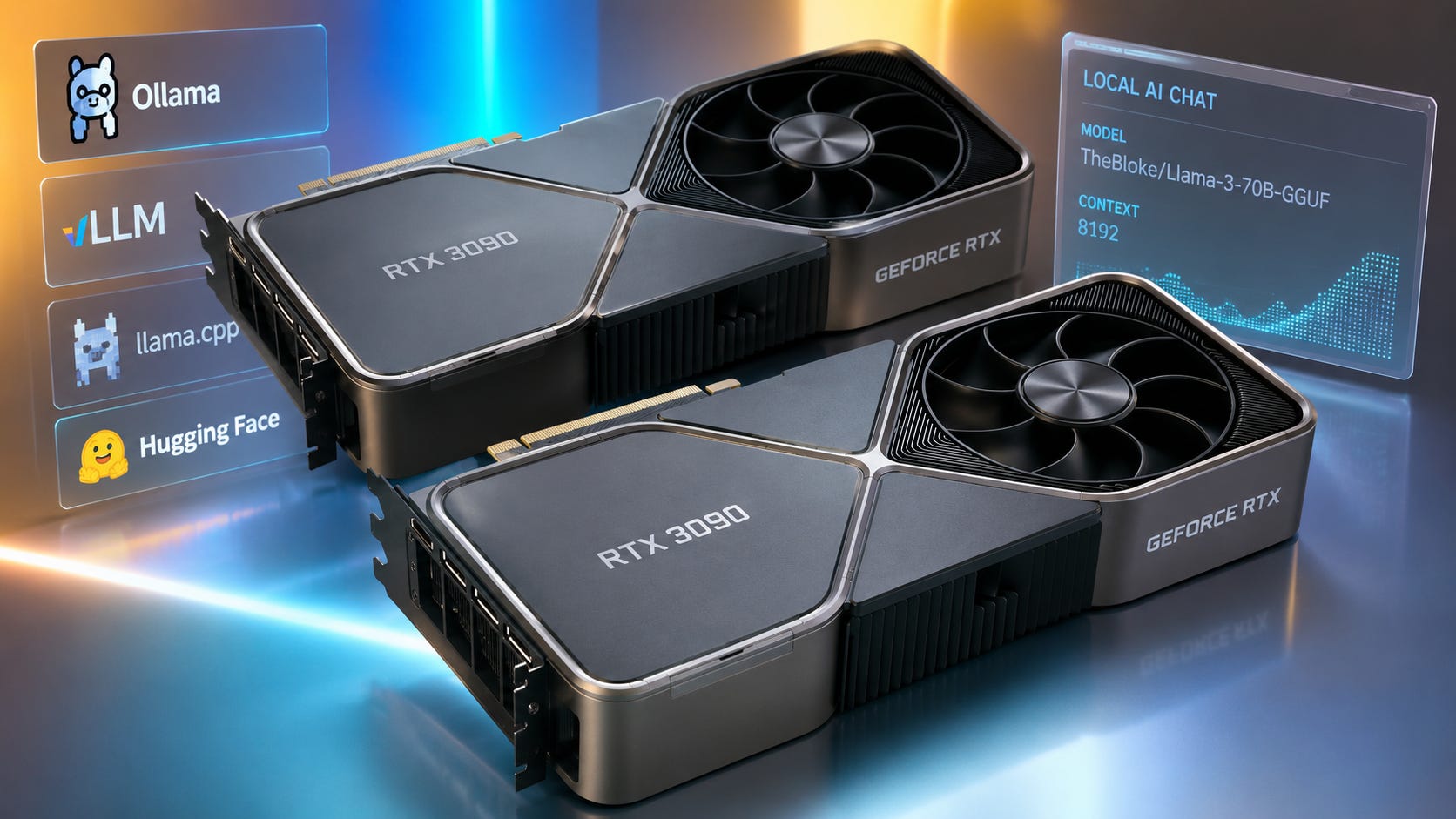
A dual RTX 3090 setup is still worth buying for local AI in 2026 if your main goal is running larger local LLMs and you can get the cards cheaply. The reason is simple: two RTX 3090 cards give you 48GB of total VRAM, while an RTX 4080 gives you 16GB. That changes what models you can run locally.
The catch is that dual RTX 3090s are not a clean upgrade for everyone. They draw a lot of power, need serious airflow, depend on multi-GPU software support, and do not behave like one simple 48GB GPU.
More on dual GPU local AI builds:

Quick verdict
Best answer: Buy dual RTX 3090s if your main workload is local LLM inference and you specifically want to run 30B, 32B, and some 70B-class quantized models.
Best reason to keep the RTX 4080: Keep it if you care more about efficiency, gaming, AV1 encoding, image generation, video workflows, and a clean single-GPU setup. NVIDIA lists the RTX 4080 with 16GB of GDDR6X, 780 AI TOPS, 320W total graphics power, and no NVLink support.
Best reason to buy one RTX 3090 first: A single RTX 3090 already gives you 24GB of VRAM, which is a much better local LLM tier than 16GB. NVIDIA lists the RTX 3090 with 24GB of GDDR6X, a 384-bit memory interface, NVLink support, and 350W graphics card power.
Best reason to skip dual 3090s: Skip them if you want a quiet, simple, efficient machine. Two RTX 3090 cards are 700W of GPU power before the CPU, motherboard, drives, fans, and transient spikes are considered. NVIDIA lists the RTX 3090 at 350W graphics card power.
Best alternative if money is less tight: An RTX 5090 gives you 32GB of GDDR7 on a single card, newer Blackwell Tensor Cores, and 575W total graphics power, but it still does not give you the 48GB VRAM pool that two 3090s can provide for LLM inference. NVIDIA lists those RTX 5090 specifications on its official product page.
Why local AI builders still care about dual RTX 3090s
A recent r/LocalLLaMA discussion about buying dual RTX 3090s framed the problem well. The user had an RTX 4080, was testing Qwen 3 14B and Llama-style models, wanted better Korean performance from larger models, and was considering spending roughly $800 net by swapping the 4080 for two used RTX 3090s.
That is the real buying question. The RTX 4080 is newer and more efficient, but an upper limit of 16GB of VRAM blocks access to many larger local LLM workflows. Two RTX 3090s are older and messier, but they move the machine into a 48GB total VRAM class.
For a broader build path, Popular AI’s guide to a budget local AI PC built around a used RTX 3090 reaches the same basic premise. Cheap 24GB CUDA cards still matter because model fit often matters more than GPU generation for local LLM users.
More on RTX 3090 local AI computers:

Who should buy dual RTX 3090s
Buy dual RTX 3090s if most of these are true:
You mainly care about local LLM inference.
You want to run larger quantized models locally instead of paying for API access.
You are comfortable with Linux, vLLM, llama.cpp, ExLlamaV2, or similar local inference stacks.
Your motherboard can physically and electrically handle two large GPUs.
You can handle a high-power, high-heat build.
You are buying used cards at a price that leaves room for maintenance.
You value local privacy and account independence enough to accept the hardware friction.
This is a strong setup for private chat, local coding assistants, multilingual model testing, local RAG, private document work, and experimenting with 70B-class models.
It is not the best setup for every local AI workload. For ComfyUI, FLUX, SDXL, video generation, and LoRA image training, a faster single 24GB card can be easier to live with. Popular AI’s RTX 3090 ComfyUI performance guide is still relevant here because image workflows often care about single-GPU VRAM, raw speed, and workflow compatibility more than split multi-GPU memory.
More on RTX 3090 performance:

VRAM matters first
For local LLMs, the first question is usually not which GPU is newer. The first question is whether the model fits.
A 70B GGUF model can be large even after quantization. One common Meta-Llama-3-70B-Instruct Q4_K_M GGUF is listed at 42.52GB on Hugging Face, and the model page advises choosing a file 1GB to 2GB smaller than your available RAM or VRAM if you want the model to run as fast as possible in GPU memory.
That means 16GB is in a different buying tier than 48GB. An RTX 4080 can run useful local models, but a pair of RTX 3090 cards opens the door to a whole different class of local AI experiments.
A 32B model is a better example of why a single 3090 is already useful. A Qwen3-32B Q4_K_M GGUF is listed at 19.76GB, which is awkward for a 16GB card but comfortable on a 24GB RTX 3090 with reasonable context settings.
Multi-GPU support matters second
Two RTX 3090s do not magically become one clean 48GB GPU. CUDA’s memory model uses a unified virtual address space, but NVIDIA’s documentation still describes CPU memory and each GPU’s memory as distinct ranges inside that address space.
The practical result of this is simple. Your software must know how to split the model or workload.
vLLM recommends tensor parallelism when a model is too large for one GPU but fits on a single multi-GPU node. llama.cpp also has official multi-GPU documentation covering split modes and command-line flags for running across more than one GPU. Hugging Face Accelerate can dispatch model layers across available devices, filling GPUs first, then CPU, then disk when needed.
That is good news. It means dual RTX 3090s are usable. It also means beginners should not expect every app to treat the setup as one painless card.
Power and cooling matter more than people expect
One RTX 3090 Founders Edition is a 350W card with a 750W recommended system power rating in NVIDIA’s reference guidance. Two of them put the GPUs alone at 700W, and many used partner cards are physically large, hot, and old enough to need pad or paste maintenance.
This is where dual 3090 builds stop being a casual upgrade.
You need:
A quality 1200W PSU or 1600W PSU, depending on CPU and card model.
Enough PCIe power cables, not splitter spaghetti.
A motherboard with usable slot spacing.
A case with serious airflow, or an open-frame setup.
A plan for noise.
Enough room around both cards for power connectors and heat.
A Reddit user in the same dual RTX 3090 discussion reported that a dual 3090 setup was capable but loud, costly after fees and thermal maintenance, and only worth it under the right circumstances. That is community experience rather than a lab benchmark, but it matches the obvious power and cooling math.
Dual RTX 3090s versus RTX 4080 for local AI
The RTX 4080 is the cleaner card. It is newer, more efficient, and better for a lot of non-LLM work. NVIDIA lists the RTX 4080 with 16GB GDDR6X, 9728 CUDA cores, 780 AI TOPS, 320W total graphics power, and no NVLink.
The RTX 3090 is the better local LLM memory card. NVIDIA lists the RTX 3090 with 24GB GDDR6X, a 384-bit memory interface, PCIe Gen 4, NVLink support, and 350W graphics card power.
Keep the RTX 4080 if you want lower power draw, a simpler single-GPU system, better gaming and creator features, strong image generation performance within 16GB, less used-market risk, and fewer driver, heat, and motherboard headaches.

Move to dual RTX 3090s if you want 48GB total VRAM for local LLM inference, more flexibility for 30B and 70B quantized models, better local model experimentation without API fees, a CUDA-friendly home lab, and a stronger privacy and account-risk fallback.

The decision comes down to a clean 16GB single-GPU setup versus a messier 48GB local LLM box.
Are dual RTX 3090s good for 70B models?
Yes, with caveats.
A 70B Q4 model can fit across two 24GB cards, but the margin is not huge once you add context, KV cache, server overhead, and the specific runtime’s memory behavior. A commenter in the Reddit thread about dual RTX 3090s put it bluntly. 70B can “just barely fit” on two RTX 3090s including context.
The model file size backs up the caution. A Llama 3 70B Q4_K_M GGUF is 42.52GB. That leaves several gigabytes of headroom across 48GB, but not enough to ignore context length and runtime settings.
A practical 2x3090 local LLM setup should treat 70B as possible and useful, with tuning required.
Use 70B when you need better reasoning or language capability than 14B to 32B models give you, you are willing to tune quantization, context, batch size, and runtime, you can tolerate slower startup and more setup friction, and you are running inference rather than expecting easy full fine-tuning.
Use 32B-class models when you want a smoother daily driver, need lower latency, want more context headroom, or are still learning local inference.
For multilingual users, larger Qwen models are especially relevant. Qwen says Qwen3 supports 119 languages and dialects and recommends local usage through tools such as Ollama, LM Studio, MLX, llama.cpp, and KTransformers. That does not prove every Qwen model will satisfy every Korean workflow, but it does explain why a user unhappy with 14B multilingual output would look toward 30B or larger models.
Are dual RTX 3090s good for fine-tuning and training?
They can be useful, but this is where expectations need to be controlled.
For beginner LoRA and QLoRA experiments on smaller models, a single RTX 3090 is already a strong learning platform. For larger models, dual 3090s give you more room, but training workflows are less forgiving than inference. You may need distributed training, sharding, gradient checkpointing, quantized training, or framework-specific support. Some workflows replicate the model on each GPU instead of combining memory in the way a beginner expects.
The buying takeaway is simple. Buy dual 3090s for local LLM inference first. Treat fine-tuning and training as bonus capability unless you already know the software stack you plan to use.
Are dual RTX 3090s future-proof?
No GPU purchase is future-proof. Dual RTX 3090s are still a good local AI value because VRAM remains scarce, and because used 24GB CUDA cards still fill a specific gap.
The RTX 3090 lacks newer features found on Ada and Blackwell cards. The RTX 4090 has 4th-generation Tensor Cores, 24GB VRAM, 450W total graphics power, and no NVLink.

The RTX 5090 moves to 32GB GDDR7, Blackwell, 5th-generation Tensor Cores, PCIe Gen 5, and 575W total graphics power, but NVIDIA still lists NVLink support as “No” on the RTX 5090 page.

That means the RTX 3090 is aging in two different ways.
It is aging badly if you care about newest tensor formats, power efficiency, and single-GPU speed.
It is aging well if you care about cheap CUDA VRAM.
The used market confirms why this card stays in the conversation. BestValueGPU’s U.S. tracker showed a used RTX 3090 around $1050 on eBay as of June 15, 2026, with a current Amazon price around $1488. That does not mean every used card is worth $1050. It means the 3090 is still priced like local AI buyers care about 24GB VRAM.
At a clean, tested, local price near $700 to $850 per card, dual 3090s can still make sense. At $1000 or more per used card, the value case gets weaker unless 48GB total VRAM is exactly what you need.
What about unified memory systems?
Unified memory is the main reason some buyers hesitate. The fear is reasonable. A machine with 96GB, 128GB, or more unified memory can load models that do not fit into ordinary GPU VRAM.
But unified memory does not automatically beat dual RTX 3090s for local LLM use.
AMD’s Ryzen AI Max+ 395 supports up to 128GB of LPDDR5x-8000 memory on a 256-bit memory interface, with Radeon 8060S graphics and 40 graphics cores. That memory capacity is attractive, but the theoretical bandwidth from 256-bit LPDDR5x-8000 is about 256GB/s. A single RTX 3090 has 936GB/s memory bandwidth according to the referenced 2026 GPU spec sheet, and two cards provide much more aggregate bandwidth when the workload can use both GPUs well.

Apple’s Mac Studio with M3 Ultra is a stronger unified-memory example. Apple lists 819GB/s memory bandwidth for M3 Ultra and a 96GB unified memory starting configuration for that model. That can be excellent for very large models that simply need to load. It is also a different ecosystem with different software tradeoffs, less CUDA compatibility, and usually a higher total platform cost.

Unified memory is best when you need one large addressable memory pool and can accept lower or different acceleration characteristics.
Dual RTX 3090s are best when you want CUDA, high bandwidth, strong local LLM inference, and the best used price per gigabyte of GPU memory.
How to avoid buying the wrong dual 3090 setup
Before buying two cards, check the build around them as carefully as you check the GPUs.
Start with the exact card models. Avoid assuming every RTX 3090 is physically manageable. Some are huge triple-slot cards. Some blower cards are loud. Some mining cards have tired fans or memory pads.
Ask for the exact model name, photos of the card and ports, proof of working under load, a GPU-Z screenshot, temperature screenshots under stress, whether the card has been repadded or repasted, whether the original BIOS is installed, and whether warranty remains.
Then confirm your motherboard layout. You want enough spacing for airflow and ideally useful PCIe bandwidth to both cards. A dual 3090 LLM setup can work without a perfect workstation board, but bad spacing can turn the build into a heat problem.
The same Reddit discussion surfaced the right practical warning. Slot spacing and motherboard bifurcation matter if you want a clean two-card build.
Buy the PSU before the second GPU. A single RTX 3090 already has a 750W system power recommendation in NVIDIA’s reference guidance. Two cards, a modern CPU, drives, fans, and transient load spikes push this into serious PSU territory.
For a dual 3090 build, a quality 1200W power supply should be treated as a realistic floor for modest systems. A high-quality 1600W power supply is safer if you run a high-end CPU, many drives, or power-hungry partner cards.
Plan for Linux if this will be a serious local LLM box. Windows can work for local AI, especially with LM Studio, Ollama, and llama.cpp builds. For dual-GPU LLM serving, Linux is usually the cleaner path. vLLM, CUDA tooling, and server-style workflows tend to be happier there.
Our guide to dual GPU AI PC builds for local LLMs is the better follow-up if you are planning a dedicated dual-card box rather than upgrading a daily desktop.
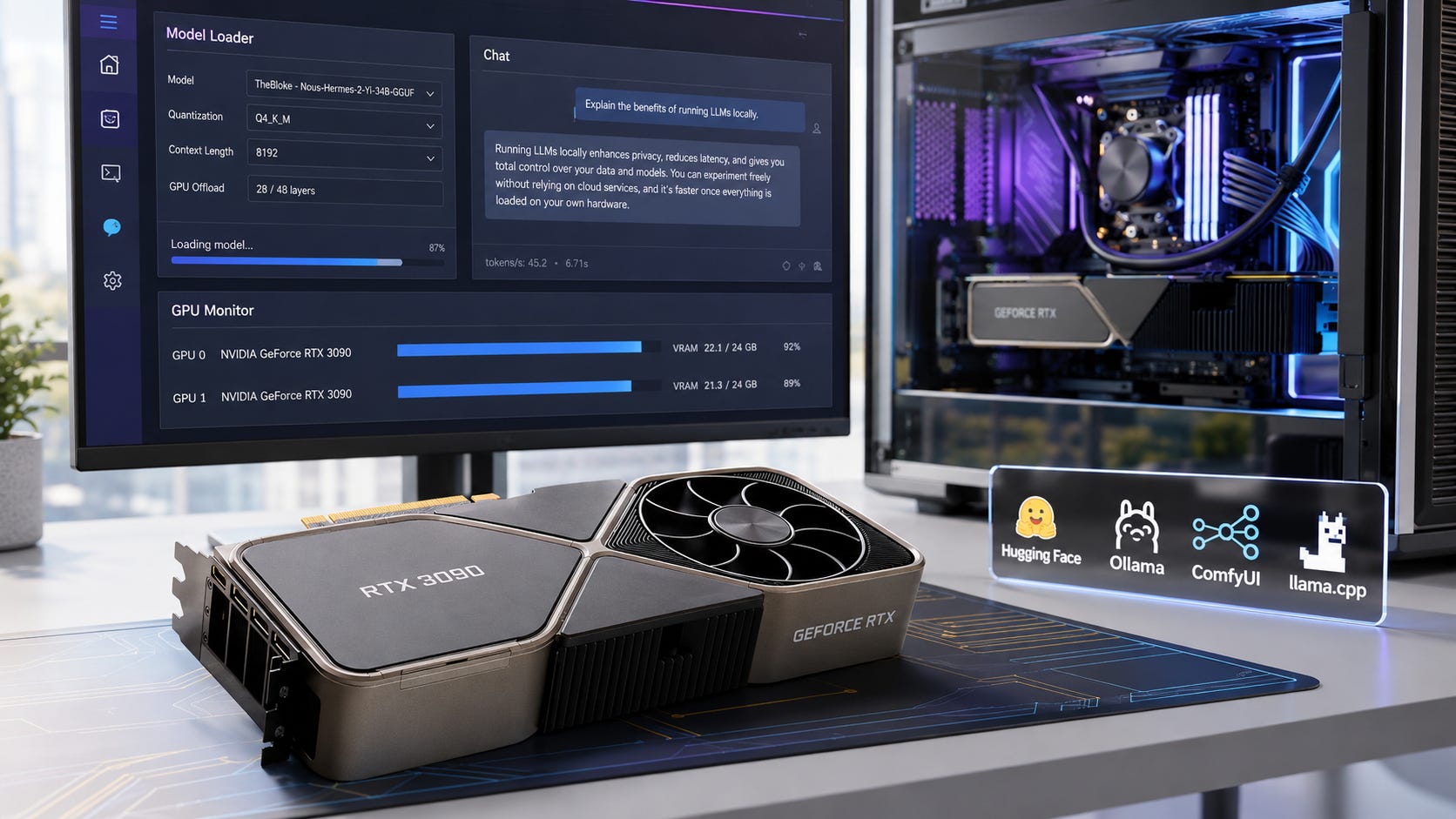
Finally, test the models through an API before spending, if at all possible. The Reddit poster had a specific language-quality problem. You don’t want to invest in hardware upgrades, only to make your workstation more efficient at delivering subpar results.
Before buying hardware, test the actual target models through a hosted endpoint, rental GPU, or friend’s setup. Do not buy 48GB of VRAM because “70B is better” in the abstract. Buy it because the specific model you want gives better Korean output, better coding help, or better private document results.
A small amount of API spending can prevent a bad hardware purchase.
What to buy instead
A single RTX 3090 is the safer stepping stone if you are unsure. It gives you 24GB VRAM, lets you test larger 30B and 32B models, and can later become the first half of a dual-GPU build.
Our VRAM-tier guide for local LLMs is the right place to start if you are still learning what 8GB, 12GB, 24GB, and 48GB actually change.
More on picking the right model for your VRAM:

An RTX 4090 is the better pick if you want the cleanest 24GB experience. It is faster, newer, and more efficient per unit of work than a 3090. NVIDIA lists the RTX 4090 with 24GB VRAM, 4th-generation Tensor Cores, 1321 AI TOPS, and 450W total graphics power. It does not support NVLink.
Buy it if you want one excellent local AI GPU and do not need 48GB total VRAM.
An RTX 5090 is the high-end consumer answer for people who want newer architecture, a single-card setup, 32GB VRAM, and strong AI acceleration. NVIDIA lists it with 32GB GDDR7, 5th-generation Tensor Cores, 3352 AI TOPS, and 575W graphics power.
Buy it if you want a simpler premium card and can pay for it.
Do not buy it expecting it to replace 48GB total VRAM for every dual-GPU LLM use case.
A Mac Studio or Ryzen AI Max+ 395 mini PC can be attractive if you want to load larger models into one memory pool. This is especially relevant for huge MoE models or experiments where fitting the model matters more than tokens per second.
Buy unified memory if you value capacity, power efficiency, and a single memory pool.
Skip it if CUDA compatibility, mature NVIDIA inference tooling, and maximum local LLM speed per dollar matter more.
FAQ
Are two RTX 3090s better than one RTX 4080 for local LLMs?
Yes, for larger local LLMs. Two RTX 3090s give you 48GB total VRAM, while the RTX 4080 gives you 16GB. The RTX 4080 is newer and more efficient, but the 16GB limit blocks many larger model workflows. NVIDIA lists the RTX 4080 at 16GB GDDR6X and 320W total graphics power.
Does NVLink make two RTX 3090s act like one 48GB GPU?
No. NVLink can improve GPU-to-GPU communication in supported workflows, and the RTX 3090 supports NVLink, but software still has to split the workload correctly. NVIDIA’s CUDA memory documentation distinguishes CPU memory and each GPU’s memory range inside the unified virtual address space.
Can dual RTX 3090s run 70B models?
Yes, many 70B quantized models can run across two RTX 3090s, but context length and runtime overhead matter. A Llama 3 70B Q4_K_M GGUF is listed at 42.52GB, which leaves limited headroom inside 48GB total VRAM.
Should I sell my RTX 4080 for two RTX 3090s?
Only if local LLM memory is the main problem you are trying to solve. If you use the RTX 4080 for gaming, video, image generation, or a quiet daily workstation, replacing it with two older hot cards may feel worse. If your real goal is 70B local inference, the trade can make sense.
Is a used RTX 3090 risky?
Yes. Used RTX 3090s can be excellent, but they are old, hot, and often worked hard. Check thermals, fan noise, memory stability, seller history, warranty status, and whether pads or paste were replaced. Leave money in the budget for maintenance.
Are dual RTX 3090s still a good value in 2026?
Yes, if the purchase price is right. BestValueGPU’s U.S. tracker showed a used RTX 3090 around $1050 on eBay as of June 6, 2026, but many local AI buyers should be more selective than that. Dual 3090s are compelling near bargain used prices. They are less compelling if each card costs nearly as much as newer options.
Final recommendation
Dual RTX 3090s are still worth buying for local AI in 2026 if you are building a local LLM box and can get the cards cheaply. The setup is especially attractive for 30B, 32B, and carefully configured 70B inference, where 48GB total VRAM changes what you can run at home.
Do not buy them because they are elegant. Buy them because used 24GB CUDA cards still offer a rare combination of meaningful VRAM, strong local software support, and pricing that can beat newer single-card options for large model experimentation.
For most buyers, the smartest path is to buy one RTX 3090 first, test the exact models you care about, then add the second card only if 24GB is truly holding you back.
Explore more from Popular AI:
Start here | Local AI | Fixes & guides | Builds & gear | Popular AI podcast
Would you rather take the messy 48GB dual RTX 3090 route for local LLMs, or stick with a cleaner single-GPU AI build in 2026?