


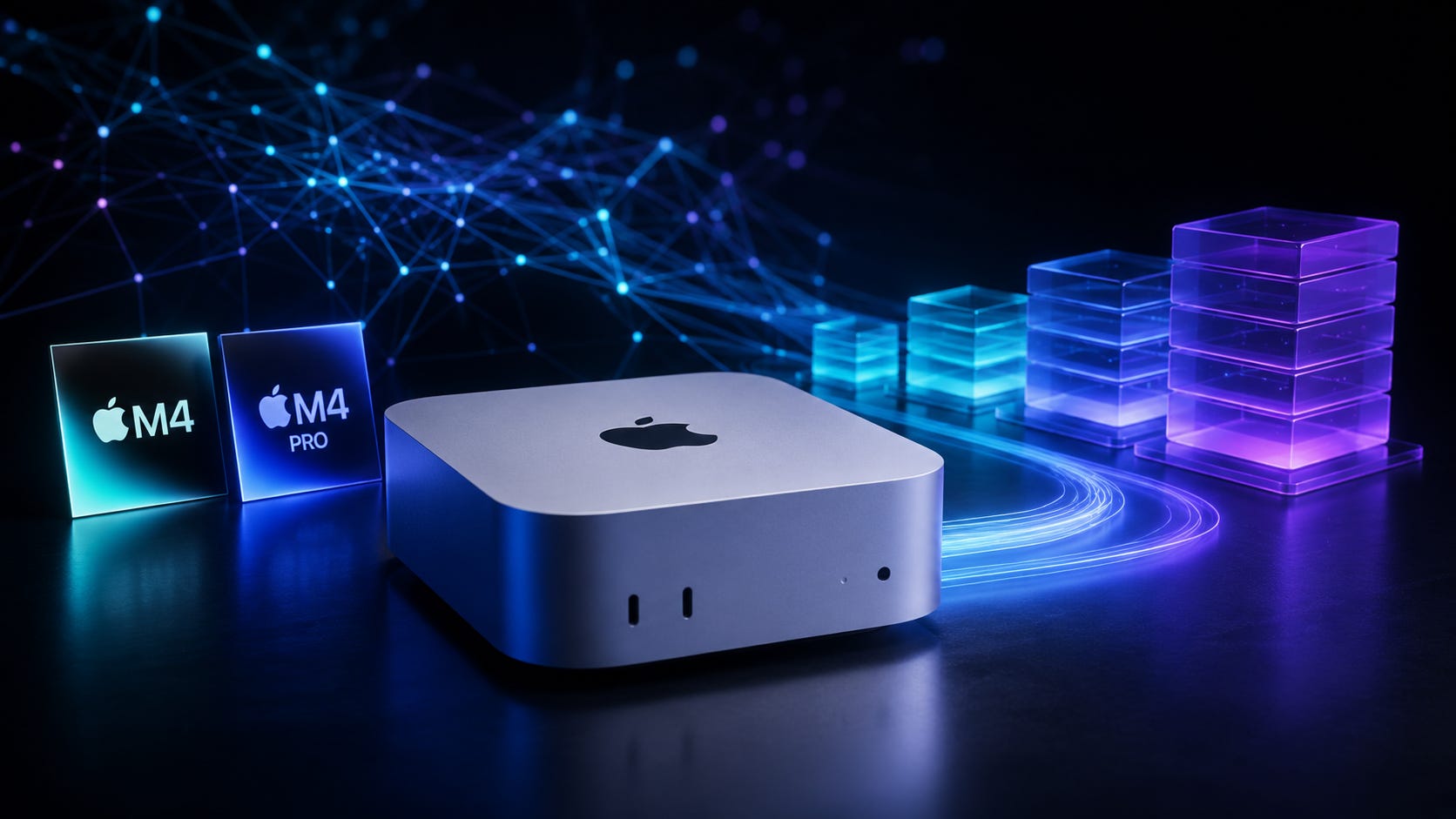
A Mac mini can be a surprisingly good local LLM machine in 2026, but only if you buy the right memory tier. The wrong Mac mini for local AI usually fails because the model does not fit cleanly in unified memory. CPU binning matters, GPU cores help in some workloads, and storage matters once you start collecting models. Still, the real buying decision starts with unified memory and memory bandwidth.
Apple’s current Mac mini lineup is still built around M4 and M4 Pro. The standard M4 Mac mini starts with 16GB of unified memory and can be configured to 24GB or 32GB, while the M4 Pro starts with 24GB and can be configured to 48GB or 64GB. Apple’s Mac mini technical specifications also show the biggest performance clue for local LLMs: the M4 has 120GB/s memory bandwidth, while the M4 Pro has 273GB/s.
That bandwidth gap is the reason the M4 Pro feels so different once you move beyond small models. Local LLM inference on Apple silicon is often memory-bandwidth bound, especially during token generation. More cores can help, but the machine still has to stream model weights from memory fast enough to keep generation moving.
The best Mac mini for local LLMs in 2026 is the M4 Pro with 48GB of unified memory. The best value option is the M4 with 32GB. The base 16GB model is fine for small private assistants, summarization, note search, and lightweight coding help. The 64GB M4 Pro gives you more room for large contexts, multitasking, and 70B-class experiments, but it does not turn a Mac mini into a workstation GPU box.
More on the Mac mini for local AI:

The short answer: which Mac mini should you buy for local LLMs?
For most people running local AI in 2026, the M4 32GB and M4 Pro 48GB are the two configurations that matter.
The M4 16GB Mac mini is the budget entry point. It can handle 3B to 8B models well, and community testing of the base M4 16GB machine showed roughly 25 to 26 tok/s on Llama 3.2 3B and Qwen2.5 7B, plus about 10.5 tok/s on Qwen2.5 14B Q4_K_M. That is useful for a quiet always-on local assistant, but it is not the right target for 24B to 35B models. The Mac mini M4 16GB/256GB configuration on Amazon makes sense when cost matters more than model headroom.
The M4 32GB Mac mini is the lowest configuration that feels serious for local LLMs. It is the value floor for people who want to run 14B models comfortably and stretch into 24B-class models with sensible quantization. The Mac mini M4 32GB/512GB configuration on Amazon is the one to look for if you want the cheapest Mac mini that can handle real local AI work without feeling cramped immediately.
The M4 Pro 48GB Mac mini is the sweet spot. It combines the Pro memory bandwidth class with enough unified memory for Gemma 4 31B, Qwen3.5-27B, Qwen3.5-35B-A3B, and Mistral Small 3.2 24B to become realistic daily tools. The Mac mini M4 Pro 48GB/512GB configuration on Amazon is the most balanced target for serious local LLM use.
The M4 Pro 64GB Mac mini is for people who already know they need more room. It can run larger contexts, keep more tooling open, and attempt 70B-class models in 4-bit quantization. Community reports still put 70B-class performance in the slow and compromise-heavy range, so the Mac mini M4 Pro 64GB/1TB configuration on Amazon is a headroom purchase rather than the default recommendation.
Why unified memory matters more than the chip name
Local LLM performance starts with a simple question: does the model fit?
On Apple silicon, the CPU, GPU, and Neural Engine share unified memory. That design is one of the reasons Macs are attractive for local AI, because a model does not have to be split between separate system RAM and discrete VRAM in the same way it would on many traditional PCs. The downside is just as important. You cannot upgrade unified memory later, and every local LLM choice is shaped by the amount you bought on day one.
Apple’s Mac mini technical specifications make the memory tiers clear. The standard M4 starts at 16GB and can be configured to 24GB or 32GB. The M4 Pro starts at 24GB and can be configured to 48GB or 64GB. Storage starts at 256GB on the M4 and 512GB on the M4 Pro, though local model users should treat 512GB as a more comfortable practical floor.
The other number to watch is memory bandwidth. Apple lists the M4 Mac mini at 120GB/s and the M4 Pro at 273GB/s. That jump is the reason the Pro tier matters for mid-size and larger models. When a model is generating tokens, the system has to read a huge amount of weight data. If memory bandwidth is the bottleneck, extra compute cannot fully rescue the experience.
That is why the M4 Pro 24GB configuration is awkward for LLM buyers. It gives you the faster memory bandwidth, but the 24GB ceiling makes many of the models that justify the Pro chip hard to use comfortably. In practical terms, the M4 32GB is often a better value than the M4 Pro 24GB for local model work, while the M4 Pro 48GB is where the Pro tier starts making sense.
The 2026 local LLM landscape has moved up in size
The local model conversation has changed fast. Small models have become good enough for private assistants, note search, simple coding help, and lightweight agents. At the same time, the models people actually want to use every day have moved into the 24B to 35B range.
Google’s Gemma 4 announcement is a good example. Gemma 4 includes E2B and E4B edge models, a 26B mixture-of-experts model, and a 31B dense model. Google positions the larger Gemma 4 models for local workstations, coding assistants, and agentic workflows, with quantized versions meant to run on consumer hardware.
Qwen3.5 also pushes Mac mini buyers toward more memory. The 27B and 35B-A3B models are exactly the kind of local models that make a 16GB machine feel too small. The same warning applies to mixture-of-experts models. A model might activate only a small number of parameters per token, but all weights still need to live somewhere. Community discussion around Qwen on 32GB Apple silicon repeatedly points out that total model size and quantization matter more than the active-parameter marketing number.
Mistral adds another useful comparison. Mistral Small 3.2 remains a practical 24B-class local option. By contrast, Mistral Small 4 is a 119B-parameter hybrid model with 6.5B active parameters. That active number sounds friendly, but a Mac mini still has to deal with the total model weight footprint. For most Mac mini buyers, Mistral Small 4 belongs in the “interesting, but choose different hardware” category.
The result is simple. A 16GB Mac mini is still useful, but it is now a small-model machine. A 32GB Mac mini is the realistic value floor. A 48GB M4 Pro is the point where current open models start to feel practical. A 64GB M4 Pro buys breathing room, especially for context length and experimentation.
Mac mini M4 16GB: good for small local assistants
The base Mac mini M4 with 16GB of unified memory is a capable small-model box. It is quiet, compact, power efficient, and inexpensive by Mac standards. For a home server-style local assistant, a private summarization machine, a simple coding helper, or a local search and note workflow, it can be a strong choice.
Community Mac mini M4 16GB test results showed about 25.5 tok/s on Llama 3.2 3B Q8_0, 26.3 tok/s on Qwen2.5 7B Q4_K_M, and 10.5 tok/s on Qwen2.5 14B Q4_K_M. Those numbers are perfectly usable for lightweight tasks. A 3B or 7B model can answer quickly enough to feel responsive, especially when the workflow is private and local rather than frontier-model quality.
The limits appear when you try to move up the model ladder. Gemma 4 26B MoE, Gemma 4 31B dense, Qwen3.5 27B, Qwen3.5 35B-A3B, and Mistral Small 3.2 24B are outside the 16GB Mac mini’s comfort zone. You may be able to force larger models with aggressive quantization, lower context, or awkward offloading, but that is a poor buying strategy.
The 16GB Mac mini is also less forgiving if you want to run a browser, IDE, vector database, local server, and model runtime at the same time. Unified memory is shared by the whole system, so the model does not get the entire 16GB. macOS and your apps need memory too.
The base M4 is best when your goal is clear: small models, low cost, low power, and always-on convenience. For anything beyond that, move up.
Mac mini M4 32GB: the best value floor for local AI
The M4 Mac mini with 32GB of unified memory is the first configuration that should be considered a serious local LLM machine. It still uses the standard M4 chip and 120GB/s memory bandwidth, but the memory ceiling changes what you can do.
Apple’s Mac mini launch pricing put the M4 model at $599 in the U.S. and the M4 Pro at $1,399. Apple’s current configuration options show the standard M4 can be ordered with up to 32GB of unified memory, and the Mac mini configurator is the cleanest way to check current upgrade pricing before buying.
This tier matters because 32GB gives you room for better quantization choices. Community discussion around 32GB Apple silicon machines often points to Q4_K_M as a practical sweet spot. Ultra-low-bit quantization can look attractive on paper, but on Apple silicon the dequantization overhead can reduce or even erase the expected speed advantage. A 32GB machine gives you enough memory to choose quality and stability more often.
For 14B-class models, the 32GB M4 is comfortable. For 24B-class models like quantized Mistral Small 3.2, it becomes realistic. For Gemma 4 26B MoE, it can start to make sense with the right runtime and quant. For 31B dense and 35B-class daily use, the 32GB M4 is still pushing it.
This is the Mac mini to buy when value matters and the workload is more ambitious than small chatbots. It is especially attractive for developers who want local coding help, private document summarization, and offline assistants without spending M4 Pro money.
Mac mini M4 Pro 48GB: the sweet spot for serious local LLMs
The M4 Pro 48GB Mac mini is the best overall Mac mini for local LLMs in 2026. It gives you the two things that matter most: 48GB of unified memory and 273GB/s memory bandwidth.
That combination changes the experience. Mid-size models stop feeling like experiments and start feeling like daily tools. Gemma 4 31B, Qwen3.5-27B, Qwen3.5-35B-A3B, and Mistral Small 3.2 24B all make far more sense here than on a standard M4. The extra memory also gives you more context headroom and more room to keep developer tools, browsers, databases, and local model runtimes open together.
Community testing helps explain the jump. A Reddit thread on Gemma models in Ollama reported Gemma 3 27B around 8 to 9 tok/s in GGUF and around 14 to 15 tok/s in MLX on a 24GB M4 Pro. The same discussion warned that 32B-class models sit near the edge on lower-memory Pro systems. Other M4 Pro 48GB reports have put Qwen3 coder 30B-A3B around 75 to 80 tok/s in empty context and about 40 tok/s in real chat use, depending on the runtime and workload.
The lesson is clear. M4 Pro bandwidth is valuable, but memory makes it usable. The M4 Pro 24GB is a tempting middle option, yet it misses the main reason to spend more. If you are buying a Mac mini because you care about local LLMs, the 48GB tier is the practical Pro starting point.
This is the machine for serious local coding, agent workflows, private research assistants, and heavier context use. It is also the configuration that best matches where open models are headed: larger than 7B, much more useful than older small models, and still small enough to run locally with the right quantization.
Mac mini M4 Pro 64GB: more room, but no magic
The M4 Pro 64GB Mac mini is the high-headroom option. It is the one to consider if you already know you want large contexts, heavy multitasking, more experimental quantization choices, or 70B-class local testing.
The appeal is obvious. With 64GB of unified memory, you can keep more of the system comfortable while loading larger models. You can push beyond 32B-class models more often, leave room for longer prompts, and avoid feeling squeezed by background apps. For people who want one compact desktop for development, local AI, and experimentation, the 64GB M4 Pro is attractive.
The warning is equally important. More memory does not make 70B-class models fast. Community testing of Llama 3.2 3B and Llama 3.3 70B on a Mac mini M4 Pro reported small models flying, while 70B-class models landed around 3 to 5 tok/s depending on runtime and quantization. Another thread asking whether the Mac mini M4 Pro is good enough for local models like Ollama lines up with the same conclusion: 32B models can feel decent, while 70B is slow.
There is also a practical buying nuance. Community discussion suggests the jump from the 12-core to the 14-core M4 Pro is not the main LLM win, because both sit in the same 273GB/s bandwidth class. That makes memory tier the better place to spend money for local LLM workloads.
Buy the 64GB M4 Pro for room. Buy it for long context experiments. Buy it if 48GB already sounds cramped. Do not buy it expecting hosted frontier-model speed from 70B local models.
Which local LLMs fit on 16GB, 32GB, 48GB, and 64GB?
Think about Mac mini LLM performance in bands rather than exact promises. The model, quantization, context length, runtime, prompt shape, and background apps all change the experience.
The 16GB M4 tier is best for Gemma 4 E2B and E4B, 3B to 8B Llama and Qwen models, local note assistants, private summaries, lightweight code help, and simple agents. It can stretch into some 14B work with careful quantization, but that should be treated as the edge of the experience rather than the reason to buy it.
The 32GB M4 tier is the real value floor for 14B to 24B-class work. Older Qwen2.5 14B, stronger 7B to 9B models, and quantized Mistral Small 3.2 24B all make more sense here. Gemma 4 26B MoE can become plausible, especially with a good runtime. The 32GB M4 is the minimum recommendation for users who want local AI to feel useful beyond toy workloads.
The 48GB M4 Pro tier is the best fit for the most interesting local models in 2026. Gemma 4 31B dense, Qwen3.5-27B, Qwen3.5-35B-A3B, and Mistral Small 3.2 24B are the targets that justify this machine. It has enough memory to reduce constant compromises and enough bandwidth to make responses feel more alive.
The 64GB M4 Pro tier is for large contexts, 32B-plus experiments, multitasking, and 70B-class testing with clear expectations. It can run things the smaller models cannot, but 70B local inference remains slow. For most buyers, 64GB is a luxury tier. For experimenters, it may be worth it.
Mistral Small 4 and similar high-total-parameter mixture-of-experts models are poor Mac mini targets. Active parameters matter for compute, but total parameters still shape memory pressure. When a model has 119B total parameters, a compact desktop with unified memory is probably the wrong tool unless the software stack and quantization path are unusually favorable.
Why MLX is now central to Mac mini LLM performance
The software stack matters more than many buyers expect. On Apple silicon, a poor runtime can make a good machine feel mediocre, while a well-optimized path can unlock a lot of the hardware.
Apple’s MLX framework is built for machine learning on Apple silicon and designed around the unified memory model that makes Mac mini local AI appealing in the first place. That is why MLX-native and MLX-backed inference paths matter so much for 2026 Mac buyers.
LM Studio added MLX support earlier, and Ollama introduced an MLX backend preview in March 2026 with large gains reported on Apple chips. The exact speed you see will depend on the model, format, quantization, context length, and prompt. Still, the direction is obvious: on Apple silicon, the runtime can decide whether a model feels acceptable or frustrating.
This also explains why benchmarks can look inconsistent. GGUF through llama.cpp, MLX models, LM Studio, Ollama, and other stacks may report different token rates on the same Mac. Empty-context speed can look impressive, then drop once chat history, retrieval, or tools enter the workflow. For buyers, the safest assumption is to leave memory headroom and prefer runtimes that make good use of Apple silicon.
The best Mac mini for local LLMs has enough unified memory, enough bandwidth, and a runtime that actually uses the hardware well. The spec sheet still matters, but the day-to-day experience depends on that full combination.
FAQ: is the Mac mini M4 good for local LLMs?
Yes, the Mac mini M4 is good for local LLMs when the models are small enough. The 16GB version is a strong fit for 3B to 8B models, private assistants, local summaries, and lightweight coding help. It can handle some 14B workloads with the right quantization, but it is not the smart choice for 24B to 35B daily use.
The 32GB M4 is a much better local AI machine. It gives you enough memory to run better quants, handle more realistic workloads, and avoid the immediate frustration that comes with a 16GB ceiling. If you want local LLMs on a Mac mini and need to keep the budget under control, 32GB is the tier to target.
FAQ: is the M4 Pro worth it for LLMs?
The M4 Pro is worth it for LLMs when paired with 48GB or 64GB of unified memory. The Pro chip’s 273GB/s memory bandwidth is a major step up from the standard M4’s 120GB/s, and that matters for token generation.
The catch is the 24GB M4 Pro. It has the faster bandwidth, but the memory ceiling is too low for many of the models that make the Pro chip attractive. For local LLM buyers, the better decision is usually M4 32GB for value or M4 Pro 48GB for performance.
FAQ: can a Mac mini run Gemma 4?
Yes, a Mac mini can run Gemma 4, but the right configuration depends on the model size. Gemma 4 E2B and E4B are small enough for the 16GB M4 tier. Gemma 4 26B MoE belongs on 32GB or higher. Gemma 4 31B dense is a much better fit for the M4 Pro 48GB tier.
The 48GB M4 Pro is the best match if Gemma 4 is one of your main reasons for buying a Mac mini. It gives the larger models more room and pairs that memory with the Pro bandwidth class.
FAQ: can a Mac mini run 70B models?
Yes, a Mac mini M4 Pro with 64GB can run some 70B-class models in 4-bit quantization. That does not mean the experience feels fast. Community reports put 70B-class performance around 3 to 5 tok/s depending on quantization and runtime.
For experimentation, that may be acceptable. For daily chat, coding, or agent workflows, a smaller high-quality model on the M4 Pro 48GB will often feel better. The best local model is the one you will actually use, and waiting on a slow 70B model can become frustrating quickly.
The verdict: the M4 Pro 48GB is the best Mac mini for local LLMs
The best Mac mini for local LLMs in 2026 is the M4 Pro with 48GB of unified memory. It has the memory capacity and memory bandwidth to make today’s most interesting local models useful without pushing the machine into constant compromise.
The M4 32GB is the best value pick. It is the lowest Mac mini tier that feels serious for local AI, especially for 14B to 24B-class models. The M4 16GB is still a good small-model box, but it should be purchased with realistic expectations. The M4 Pro 64GB is the headroom option for larger contexts, multitasking, and 70B-class experiments.
Memory comes first. Bandwidth comes second. CPU bins and marketing labels come after that. For local AI on a Mac mini, the smartest buy is the machine that fits the models you actually want to run, with enough room left over for the work you want those models to do.
Explore more from Popular AI:
Start here | Local AI | Fixes & guides | Builds & gear | Popular AI podcast
Which Mac mini would you buy for local LLMs in 2026: the value-focused M4 32GB, the M4 Pro 48GB sweet spot, or the 64GB model for larger local AI experiments?