


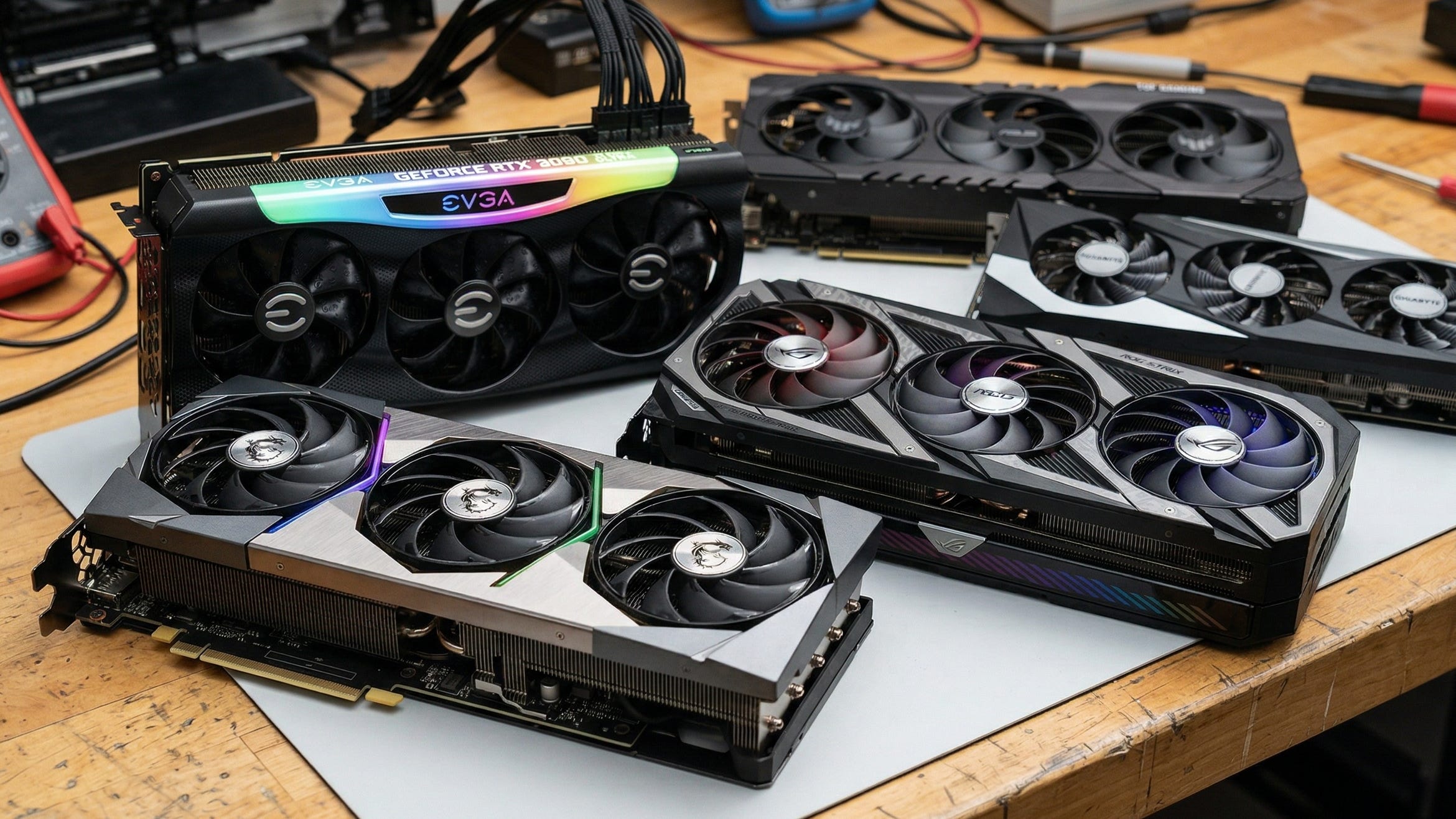
The RTX 3090 is still one of the most relevant local AI GPUs you can buy in 2026. That sounds strange for a card that launched in 2020, but ComfyUI users care about one thing more than marketing cycles: whether the GPU can actually fit the workflow.
That is where the 3090 still earns its place.
NVIDIA’s current GeForce comparison page shows a familiar gap in the stack. The RTX 5080 lands at 16GB. The RTX 5090 jumps to 32GB. The 3090 still sits in the middle with 24GB, and for local image generation that middle tier remains incredibly useful. ComfyUI’s own GPU buying guide is blunt about it: 3000-series and newer NVIDIA cards are recommended, and more VRAM is always preferable. For Popular AI readers building around SDXL, ControlNet, IPAdapter, LoRAs, inpainting, outpainting, and increasingly heavy FLUX-class workflows, that is the point that matters most.
More on RTX 3090 local AI builds:

Why the RTX 3090 still matters for ComfyUI
The case for the RTX 3090 in 2026 is simple. It is still one of the cheapest ways to get 24GB of VRAM on a consumer GeForce card without jumping all the way to a modern flagship. That matters more in ComfyUI than a flashy generational slogan because local AI workloads run into memory limits fast. Once your graph gets bigger, your models get heavier, or your resolution climbs, the wrong VRAM ceiling becomes the whole story.
That is why the 3090 keeps showing up in serious local-first AI builds. A newer card with less memory can absolutely be faster in some workloads. It can also hit a wall sooner. For a lot of ComfyUI users, the problem is not raw speed in a clean benchmark. The problem is fitting the model, keeping the graph stable, and avoiding the slow slide into CPU offload and system-memory compromises.
RTX 3090 ComfyUI performance still holds up
There still is not one official ComfyUI benchmark that settles every debate, so the best way to judge the 3090 is to look at real diffusion testing and then map that behavior onto current local image workflows.
That still tells a pretty clear story.
In Puget Systems’ Stable Diffusion testing, the RTX 3090 posted 16.66 iterations per second in Automatic1111 with xFormers and 17.63 iterations per second in PugetBench. The RTX 4090 was clearly ahead at 21.04 and 22.8 respectively, but the 3090 remained much closer to the high end than people often assume when they hear “last-gen” or “used-market GPU.” In those older image-generation workloads, the 3090 still landed in the same general performance neighborhood as cards many buyers would call modern. Tom’s Hardware’s Stable Diffusion benchmarks reinforce the same point. Diffusion performance does not always scale in a neat line with theoretical compute, and memory bandwidth still has real influence on results.
That makes the practical answer easy to understand. The RTX 3090 still feels fast in ComfyUI for image work. It is obviously behind a 4090. It is nowhere near as efficient as newer cards. Even so, it remains powerful enough for serious local generation, especially when the workload rewards VRAM capacity and bandwidth as much as headline compute.
Why 24GB of VRAM still beats a prettier spec sheet
This is the section that keeps the 3090 alive.
ComfyUI itself has continued to get better at squeezing more useful work out of available memory. The March 2026 ComfyUI changelog added --fp16-intermediates to reduce VRAM use and called out major VRAM reductions for LTX and WAN VAE models. The server configuration docs also make it clear how much of the experience still revolves around VRAM management, precision choices, and whether you can stay in a higher-memory operating mode without falling back to slower compromises.
That matters because 24GB is still a real threshold for ambitious image workflows. In the FLUX.1-dev community discussion, users described roughly 22GB base VRAM for bf16 or fp16 loading, which is exactly why the 3090 keeps showing up in local image rigs long after launch. A 16GB card can be excellent. It can also be the reason a promising workflow turns into a session of trimming models, shrinking batches, and offloading pieces of the pipeline to survive. The 3090 gives you more room to stay focused on generation instead of resource triage.
Where the RTX 3090 still shines in real workflows
For image generation, the 3090 is still a very comfortable ComfyUI card. It makes sense for SDXL, SDXL derivatives, high-resolution runs, ControlNet-heavy graphs, IPAdapter, inpainting, outpainting, upscaling, and larger batch experimentation. If your goal is serious local image work, 24GB still feels like a working amount of memory instead of a constant compromise.
It is also one of the older consumer GPUs that still has a credible argument for FLUX-class image workflows. That alone keeps it relevant. Plenty of people shopping local AI hardware in 2026 are not asking for the absolute fastest card. They are asking for the cheapest card that still feels roomy. The 3090 remains one of the strongest answers to that question.
Video is where the story gets more mixed. The Wan2.1 repository says its T2V-1.3B model needs 8.19GB of VRAM, which means a 3090 has plenty of headroom for lighter local video experimentation. Once you start looking at heavier modern local video pipelines, though, 24GB stops feeling generous and starts feeling merely adequate. That does not make the 3090 a bad video card. It just means the card is strongest as a local image-generation workhorse that can also handle lighter video work on the side.
Why the RTX 3090 aged this well
The hardware story still matters here.
The Ampere GA102 whitepaper explains why the card remained so useful outside gaming. GA102 brought a major FP32 leap over Turing, and the RTX 3090 paired that architecture with 10,496 CUDA cores and 24GB of GDDR6X memory. The result was a card with enough compute, enough bandwidth, and most importantly enough VRAM to stay relevant after newer generations arrived. That is a big reason the 3090 still feels like a practical AI GPU instead of a nostalgia purchase.
There is one catch you still have to respect: thermals. The 3090’s memory setup made heat a real part of the ownership experience, especially on cards that lived hard lives. Tom’s Hardware’s coverage of RTX 3090 thermal pad replacements is still the right reminder here. Used 3090 shopping is about more than VRAM and benchmark charts. Cooler quality, pad condition, fan noise, sag, dust, prior mining use, and case airflow all matter more than a tiny factory overclock.
What to check before buying a used RTX 3090
By 2026, the RTX 3090 is usually a used-market GPU. That changes how you should shop for it.
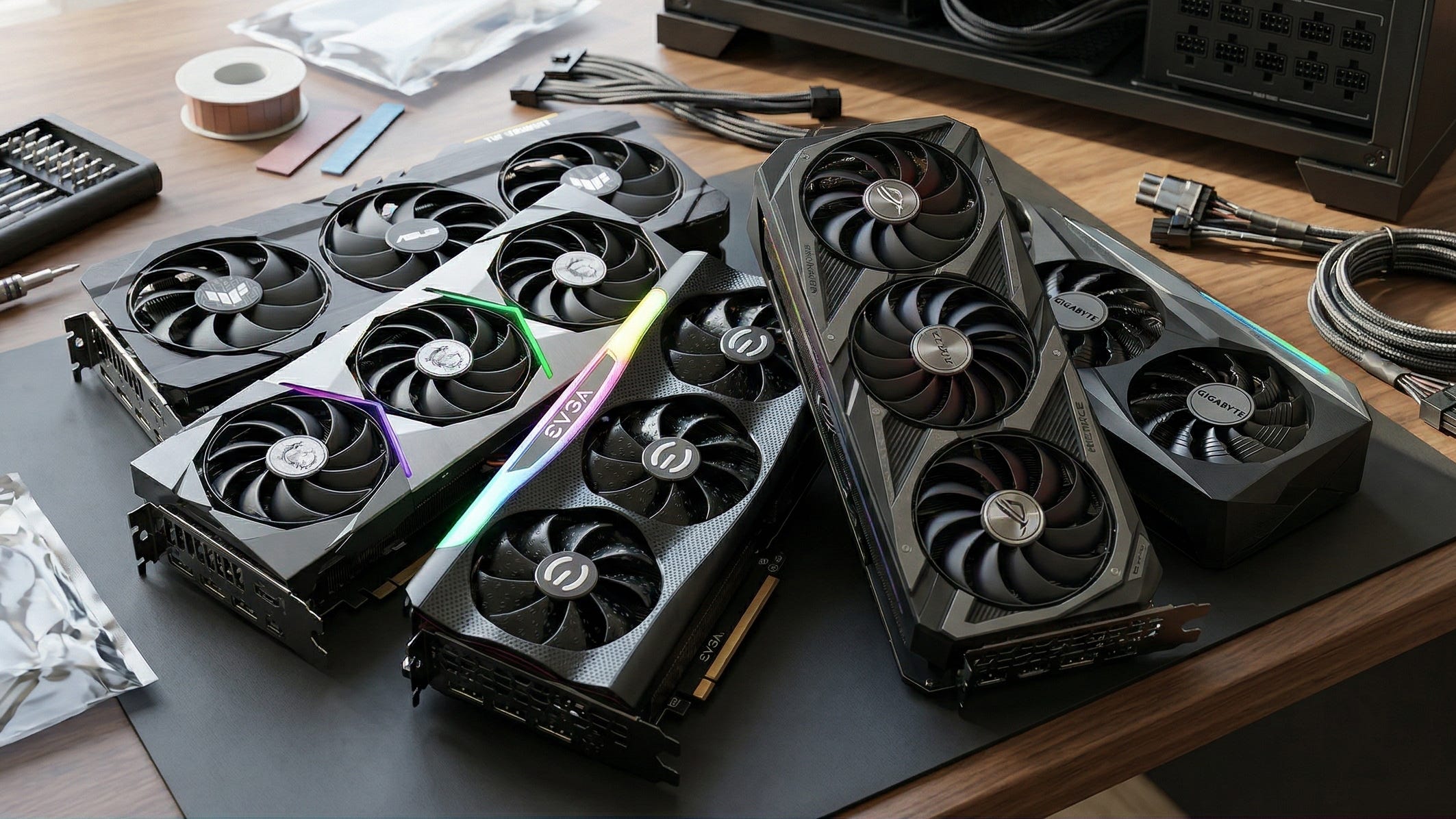
The first thing to look at is cooler quality. You want a card that can sit under long denoise sessions and repeated AI workloads without cooking its memory. The second thing is size. Many of the best 3090 models are huge, and “triple-fan” does not tell you enough. Measure your case. Check your PSU. Confirm the required power connectors. A card that technically benchmarks well but turns your case into a space heater or barely fits behind your front fans is the wrong card for a real workstation.
The market itself also tells you what kind of product you are dealing with now. A Best Value GPU RTX 3090 price history page shows how strange 3090 pricing has remained, and a representative Amazon Renewed ASUS ROG Strix RTX 3090 listing shows how much remaining retail stock has tilted toward refurbished or marketplace inventory. In plain English, this is not a clean new-retail purchase anymore. Condition matters. Seller quality matters. Thermals matter. A lot.
Disclosure: This post includes Amazon affiliate links. If you buy through them, Popular AI may earn a small commission at no extra cost to you.
The best RTX 3090 models for ComfyUI in 2026
MSI GeForce RTX 3090 SUPRIM X 24G
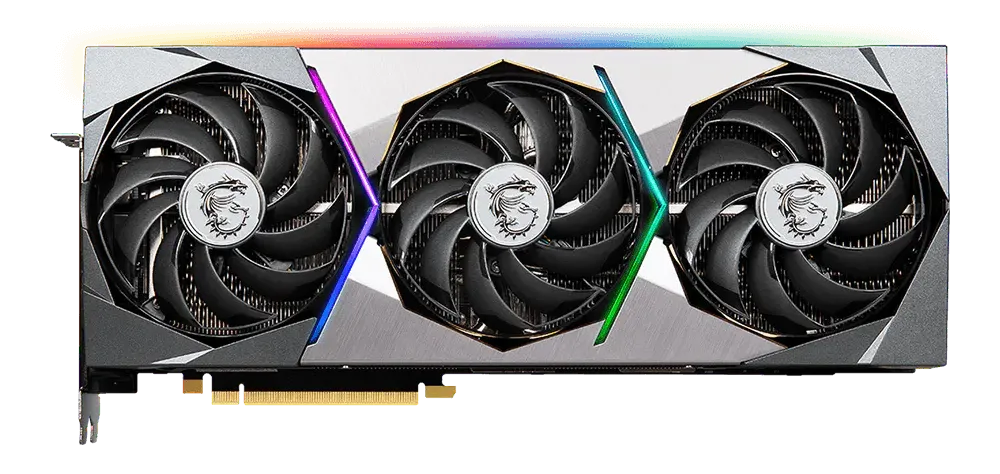
The MSI GeForce RTX 3090 SUPRIM X 24G spec page reads like the blueprint for an AI-first 3090. MSI lists up to 1875 MHz, 420W power consumption, triple 8-pin power, and a 336 x 140 x 61 mm card size. That is enormous, and that is exactly why it ranks first here. For long SDXL runs, FLUX experiments, larger batches, and heavy ComfyUI graphs, the SUPRIM X gives you the kind of thermal and board overhead that makes life easier over time. If your case and PSU can support it, check current Amazon availability for the MSI RTX 3090 SUPRIM X.
ASUS ROG Strix GeForce RTX 3090 OC
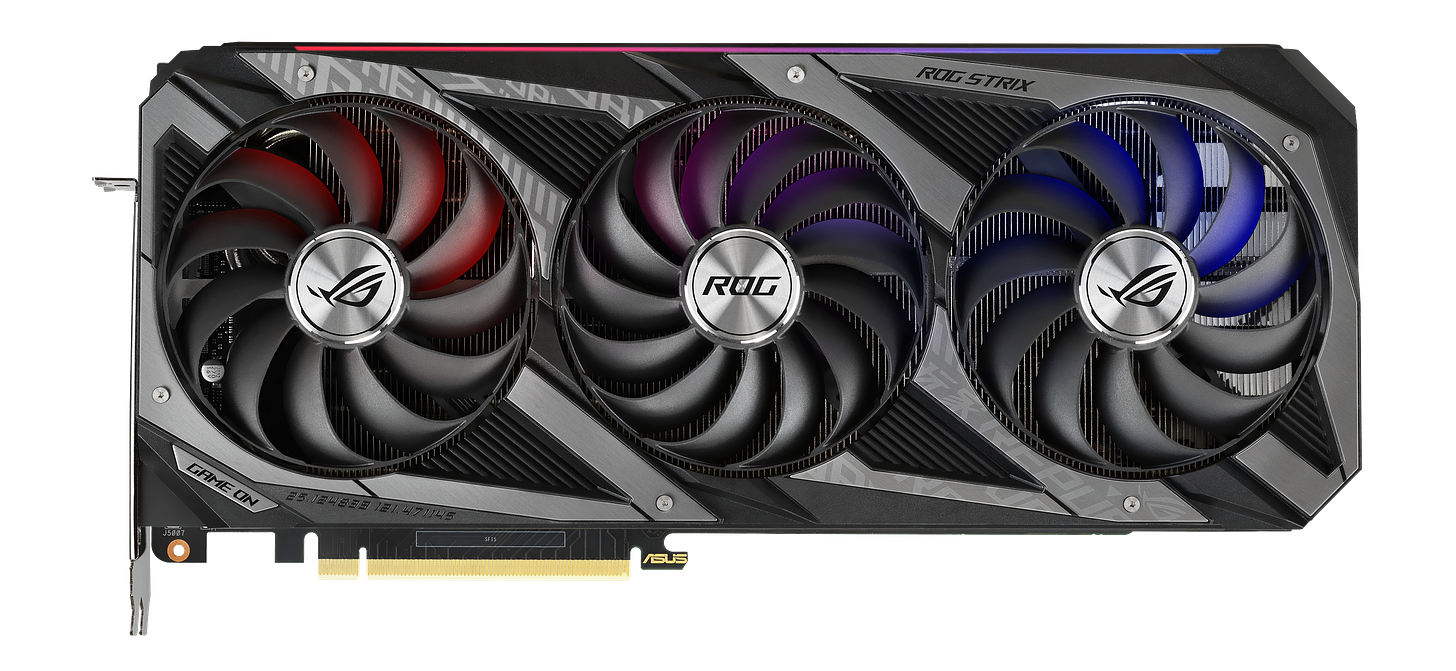
The ROG Strix RTX 3090 OC spec page still looks like a maximum-effort AIB design. ASUS lists 1890 MHz in OC mode, an 850W recommended PSU, 3 x 8-pin power, 31.85 x 14.01 x 5.78 cm dimensions, and a 2.9-slot design. For a single-GPU ComfyUI workstation where you want premium cooling and do not mind the size, this remains one of the best 3090s ever built. If you want the flagship-feeling option, check current Amazon pricing for the ASUS ROG Strix RTX 3090 OC.
EVGA GeForce RTX 3090 FTW3 Ultra Gaming
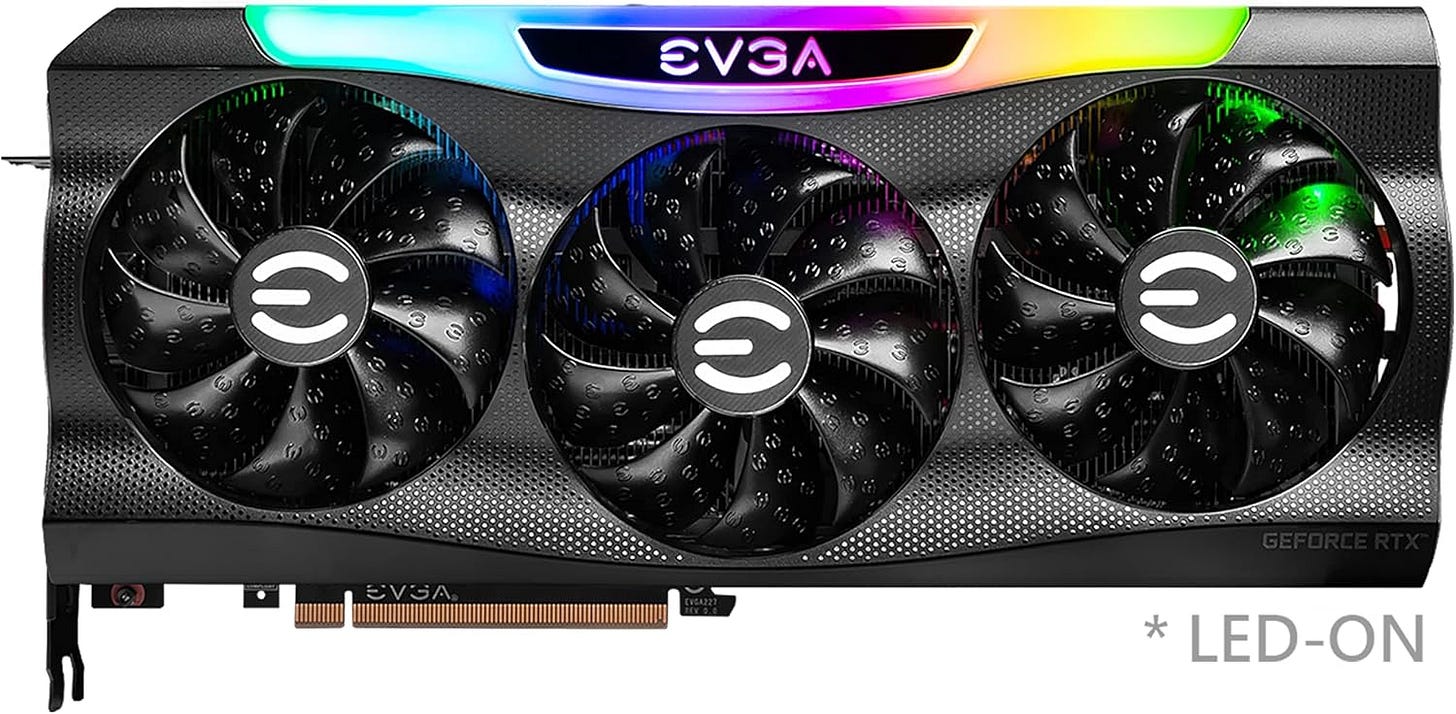
The EVGA FTW3 Ultra spec page is still a reminder of how good EVGA’s last big cards were. EVGA lists a 1800 MHz boost clock, 300 mm length, 2.75-slot width, iCX3 cooling, and 24GB of GDDR6X with 936 GB/s of bandwidth. In the used market, the FTW3 Ultra still deserves serious attention because it blends performance, cooling, and desirability better than most surviving 3090s. EVGA is out of the GPU business now, so this is a hardware bet rather than a future-platform bet, but it is still a strong one. Check current Amazon availability for the EVGA RTX 3090 FTW3 Ultra.
ASUS TUF Gaming GeForce RTX 3090 OC Edition
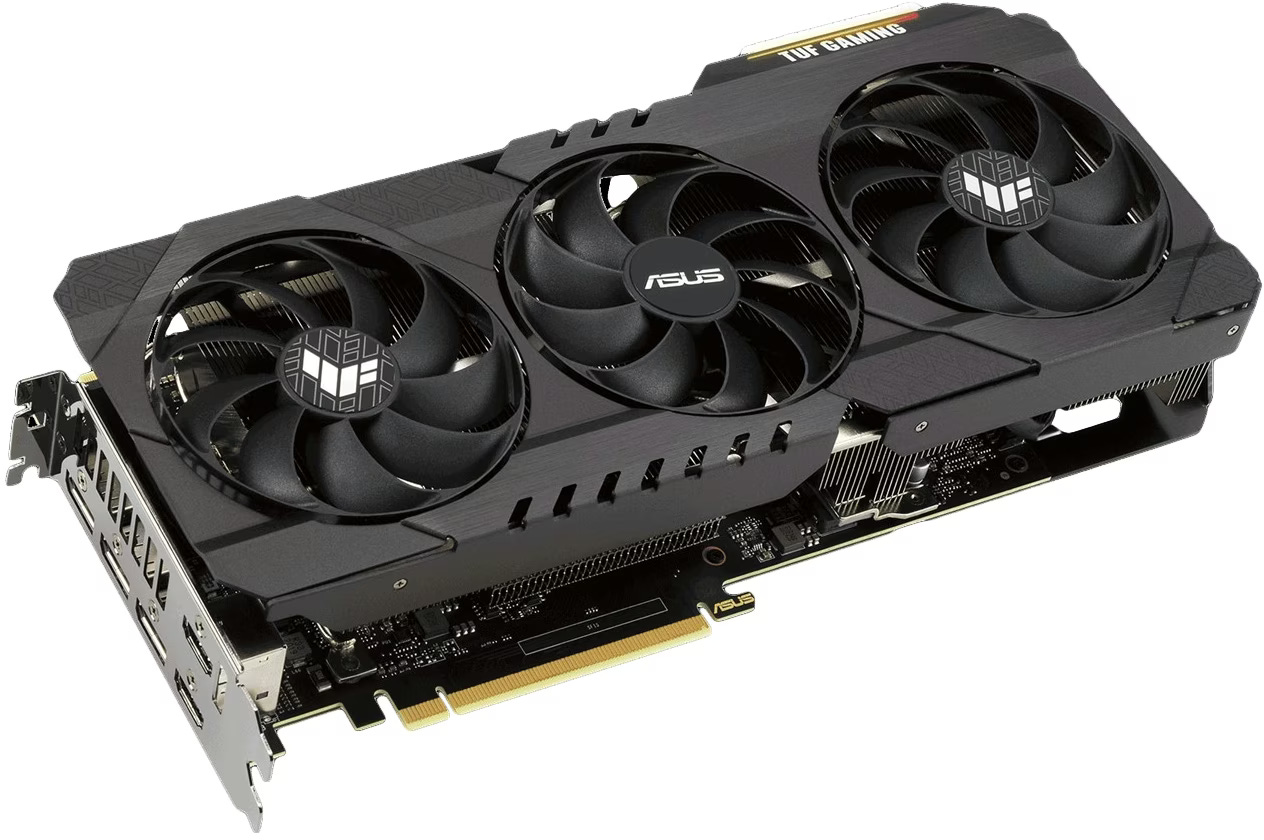
The ASUS TUF RTX 3090 OC tech specs make this the most practical high-end pick for many builds. ASUS rates it at 1770 MHz in OC mode, 29.99 x 12.69 x 5.17 cm, 2 x 8-pin power, a 2.7-slot design, and an 850W recommended PSU. It gives up some bragging rights compared with the Strix or SUPRIM X, but it is easier to fit, easier to power, and still gives you the full 24GB of VRAM that actually drives the ComfyUI decision. For a lot of buyers, this is the smartest balance of size, cooling, and day-to-day practicality. Check current Amazon pricing for the ASUS TUF RTX 3090 OC.
Gigabyte GeForce RTX 3090 Gaming OC 24G
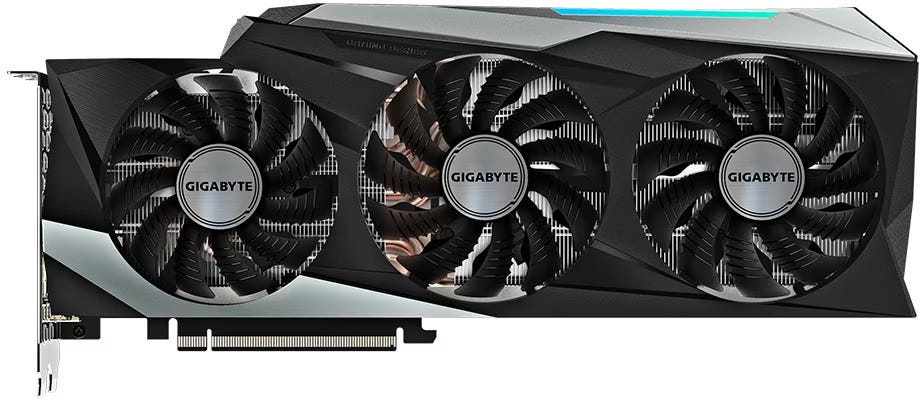
The Gigabyte RTX 3090 Gaming OC spec page positions this as the value-minded AIB pick. Gigabyte lists a 1755 MHz core clock, 320 x 129 x 55 mm dimensions, 2 x 8-pin power, and a 750W recommended PSU. It is less extravagant than the SUPRIM X or Strix, which is exactly why it still makes sense for buyers who want a competent 24GB card for SDXL, LoRAs, batch work, and lighter local video without paying the heaviest premium for the nameplate. Check current Amazon availability for the Gigabyte RTX 3090 Gaming OC 24G.


So, should you still buy an RTX 3090 for ComfyUI in 2026?
Yes, with one important condition: buy it at the right used-market price and buy the right version.
If your goal is the fastest possible local AI experience, newer hardware wins. That part is easy. If your goal is a rational, high-VRAM GPU for serious local image generation, the RTX 3090 is still one of the strongest buys in the market because NVIDIA has kept 24GB uncommon in consumer GeForce cards. That makes the 3090 feel less like a relic and more like a very specific answer to a very current problem.
For Popular AI readers, the bottom line is straightforward. The RTX 3090 still makes a lot of sense for ComfyUI in 2026 because 24GB of VRAM continues to unlock workflows that many 12GB and 16GB cards handle far less gracefully. Buy newer if you want maximum speed and better efficiency. Buy a well-kept 3090 if you want a serious local AI card that still has room to breathe.
Explore more from Popular AI:
Start here | Local AI | Fixes & guides | Builds & gear | Popular AI podcast
Great local AI hardware advice starts with the question people are actually asking: is RTX 3090 ComfyUI performance in 2026 still good enough to justify buying one? In this post, we break down real-world performance, 24GB VRAM advantages, used-market risks, and the best RTX 3090 models for serious ComfyUI workflows. Are you still using a 3090 for ComfyUI, or would you choose a different GPU today?