


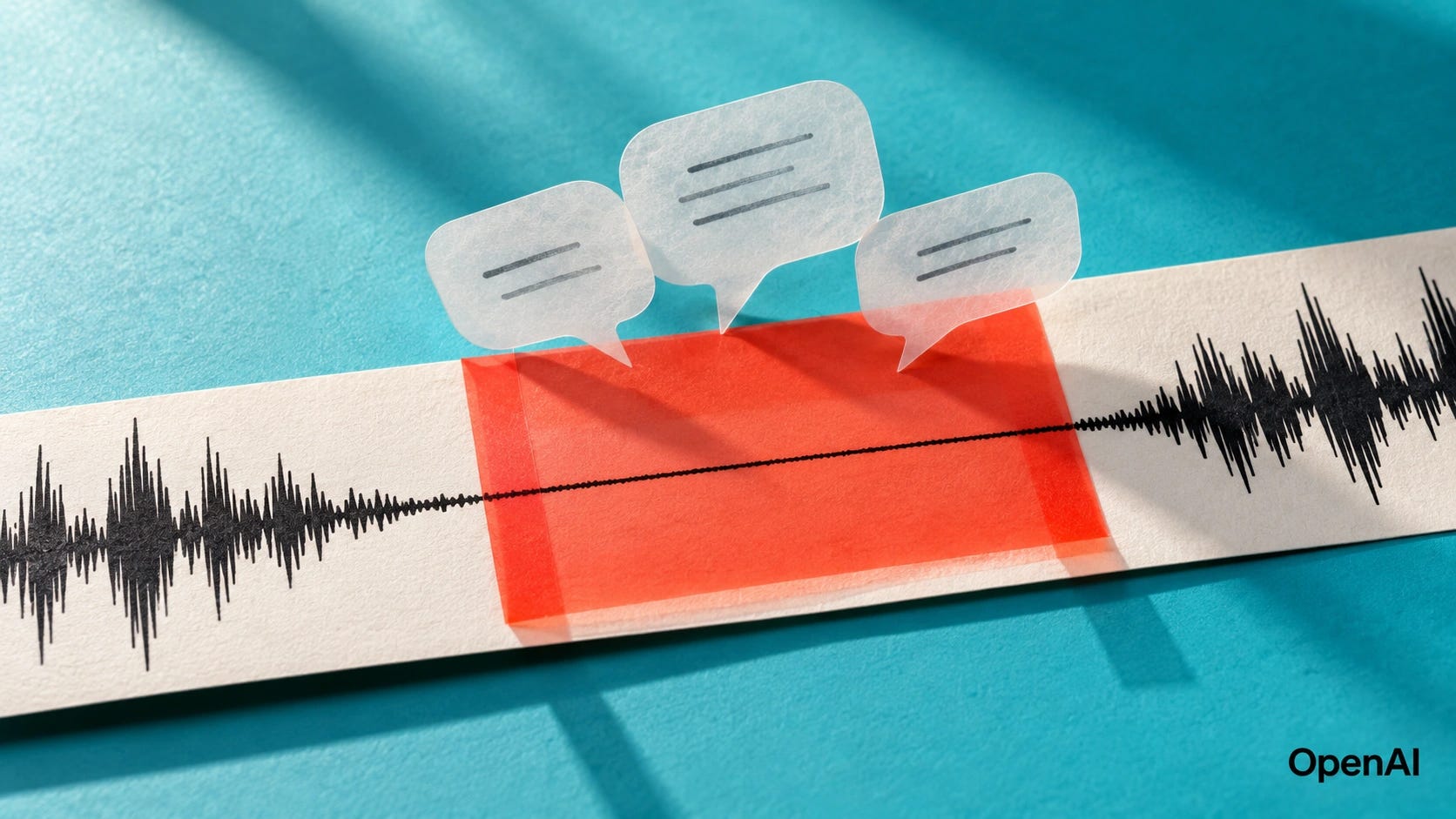
Whisper can produce perfectly readable sentences when nobody said anything. Silence, room tone, music, microphone dropouts, and low-level background noise can all trigger invented text. Sometimes it is a short phrase such as “thank you.” Sometimes the model gets stuck repeating the same line for minutes.
Start by detecting non-speech before Whisper decodes it. Add voice activity detection, then disable previous-text conditioning if hallucinations are turning into repetition loops. Treat no_speech_threshold tuning as a secondary defense, because Whisper’s own silence score is not a hard VAD gate.
This applies to OpenAI Whisper, large-v3, large-v3-turbo, faster-whisper, and Whisper-based pipelines. The exact controls differ by implementation.
Quick fix
If you are using faster-whisper, turn on its VAD filter first. If you are using OpenAI Whisper directly, put a dedicated VAD such as Silero in front of it or move the transcription stage to an implementation with VAD support. Then test
condition_on_previous_text=Falseif one bad segment starts contaminating the segments that follow.
Do not make the VAD so aggressive that faint speech disappears. The goal is to stop obvious non-speech from reaching the decoder while retaining quiet voices, clipped syllables, and short utterances.
What Whisper hallucinations during silence actually mean
Whisper is doing more than matching sounds to words. Its decoder predicts text from the audio representation and linguistic context. When the audio contains little useful speech evidence, the model can still find a plausible sequence of tokens.
A September 2026 paper describes how Whisper’s generative decoder can produce fluent transcripts from inputs containing little or no speech. The researchers were able to suppress many of those hallucinations by modifying internal decoder activations, although doing so introduced a trade-off with recognition accuracy and false rejection of real speech.
That trade-off is the reason there is no universal “make Whisper stop hallucinating” slider.
OpenAI Whisper’s built-in silence logic starts with these default transcription settings:
no_speech_threshold = 0.6
logprob_threshold = -1.0
compression_ratio_threshold = 2.4
condition_on_previous_text = True
The important part is the interaction between the first two settings. Whisper does not discard a segment merely because its no-speech probability crosses no_speech_threshold. The decoded output must also have sufficiently low average token probability according to logprob_threshold.
That creates an awkward failure mode. If Whisper produces nonsense that it is relatively confident about, the transcript can survive the no-speech check.
This helps explain why blindly changing no_speech_threshold sometimes does very little.
There is another failure mode layered on top. With condition_on_previous_text=True, output from earlier windows can be fed into later windows as context. That usually helps continuity. Once a bad phrase gets into the context, though, it can encourage another bad phrase, which can encourage another.
That is how a single hallucination can turn into a repetition loop.
In a September 13, 2026 user report, large-v3-turbo generated repeated Chinese phrases during a microphone failure. The reporter said the recording contained no speech during that interval, yet Whisper produced multilingual and corrupted-looking text before repeating the phrase. Normal transcription resumed when the audio returned.
The same basic complaint has been circulating for years. A user running both OpenAI Whisper and whisper.cpp in 2024 described good transcription during speech followed by repeated “thank you” text during silence or muted audio.
The recurring phrases can look strangely specific. That does not prove where any individual phrase originated. The reports are consistent with the explanation above: when acoustic evidence becomes weak, the decoder’s learned text patterns can gain more influence over the output.


Diagnose the cause before changing anything
Do this on a short copy of the troublesome recording rather than repeatedly processing a two-hour meeting.
Cut out roughly 30 to 60 seconds containing normal speech, the hallucinated silent or noisy section, and normal speech afterward. Keep the original audio untouched.
Run that clip using your current settings and save the segment metadata. For OpenAI Whisper, inspect
no_speech_prob,avg_logprob, andcompression_ratioalongside the generated text.Run the same clip again with
condition_on_previous_text=False. If the first hallucination remains but the long repetition disappears, you have identified a context feedback loop.Run the identical clip with VAD enabled before decoding. If the invented text disappears while real speech remains, non-speech gating is solving the right problem.
Finally, run the same clip through another Whisper implementation and one non-Whisper ASR model. This separates an implementation problem from a failure that follows the Whisper model family itself.
For OpenAI Whisper in Python, this diagnostic dump puts the text beside the segment metadata. It assumes model is an initialized OpenAI Whisper model and audio_path points to your test clip. The examples use language="en" for English audio, so use the appropriate language for your recording:
result = model.transcribe(
    audio_path,
    language="en",
    verbose=False,
)
for segment in result["segments"]:
    print(
        segment["start"],
        segment["end"],
        segment["no_speech_prob"],
        segment["avg_logprob"],
        segment["compression_ratio"],
        repr(segment["text"]),
    )
Do not treat any one metadata field as a verdict on whether speech occurred. Compare the audio you can hear with the generated text and the metadata. Look for changes at the point where the failure appears, then check whether those changes recur on the same clip.
Fix the silence before Whisper sees it
Put voice activity detection, or VAD, before the transcription stage. The detector decides which audio contains speech before Whisper gets a chance to turn that audio into words.
faster-whisper has direct Silero VAD integration through vad_filter=True. Its documentation says the normal VAD behavior is deliberately conservative and removes silences longer than 2 seconds. Its VAD implementation currently uses a default speech probability threshold of 0.5, a 2,000 ms minimum silence duration, and 400 ms of speech padding.
For recordings with obvious gaps, faster-whisper’s README shows shortening the minimum silence duration to 500 ms. In Python, with an initialized faster-whisper model, the configuration below combines that adjustment with a speech threshold of 0.5 and previous-text conditioning disabled:
segments, info = model.transcribe(
    "audio.wav",
    language="en",
    vad_filter=True,
    vad_parameters=dict(
        threshold=0.5,
        min_silence_duration_ms=500,
    ),
    condition_on_previous_text=False,
)
segments = list(segments)
Treat 500 as a starting point for a test, not a universal setting. When diagnosing a failure, compare VAD alone and context reset alone before combining them, so you can tell which change helped.
If transcription starts cutting words spoken quietly, focus first on the VAD speech threshold. A lower speech threshold is more permissive, which can retain weak speech but also admits more noise. A higher threshold rejects more questionable audio and therefore increases the chance of deleting genuine low-volume speech.
The minimum silence duration controls when speech regions are separated. It does not turn quiet speech into loud speech.
For long meetings, interviews, and other private recordings, this VAD-first approach fits naturally into a local Whisper transcription workflow. It also keeps silence filtering on your own machine instead of creating another cloud processing stage.
More on running Whisper locally:

Stop one hallucination from becoming twenty
If Whisper generates one bad phrase and then keeps repeating it, test this next:
result = model.transcribe(
    audio_path,
    language="en",
    condition_on_previous_text=False,
    verbose=False,
)
OpenAI Whisper and faster-whisper document the same trade-off: disabling previous-text conditioning can reduce repetition loops and timestamp drift while making text less consistent across windows.
This setting will not stop every hallucination. A silent window can still produce invented text by itself.
It is particularly useful when the failure behaves like a cascade: one strange phrase appears, then the same phrase or related garbage continues after the audio changes.
For long-form transcription, I would rather accept an occasional awkward transition between windows than let one fabricated sentence poison the next five minutes of transcript.
Do not rely on no_speech_threshold as your VAD
The built-in Whisper settings are still useful. They should sit behind proper speech detection rather than carry the whole job.
Lowering no_speech_threshold makes Whisper more willing to classify a window as silence. The catch is in the source code: the decision interacts with logprob_threshold. If the model produces text with high enough token confidence, the segment can be retained despite its no-speech score.
Lower the threshold too far and genuine quiet speech can disappear.
OpenAI Whisper also exposes hallucination_silence_threshold, which can skip longer silent periods when a possible hallucination is detected and word timestamps are enabled. There is no universal threshold documented for every microphone, language, and recording environment.
Use these controls as a second layer. Tune them against recordings that contain both known silence and known quiet speech.
Changing one value at a time is tedious. It is also much more informative than moving three thresholds at once and having no idea which change helped.
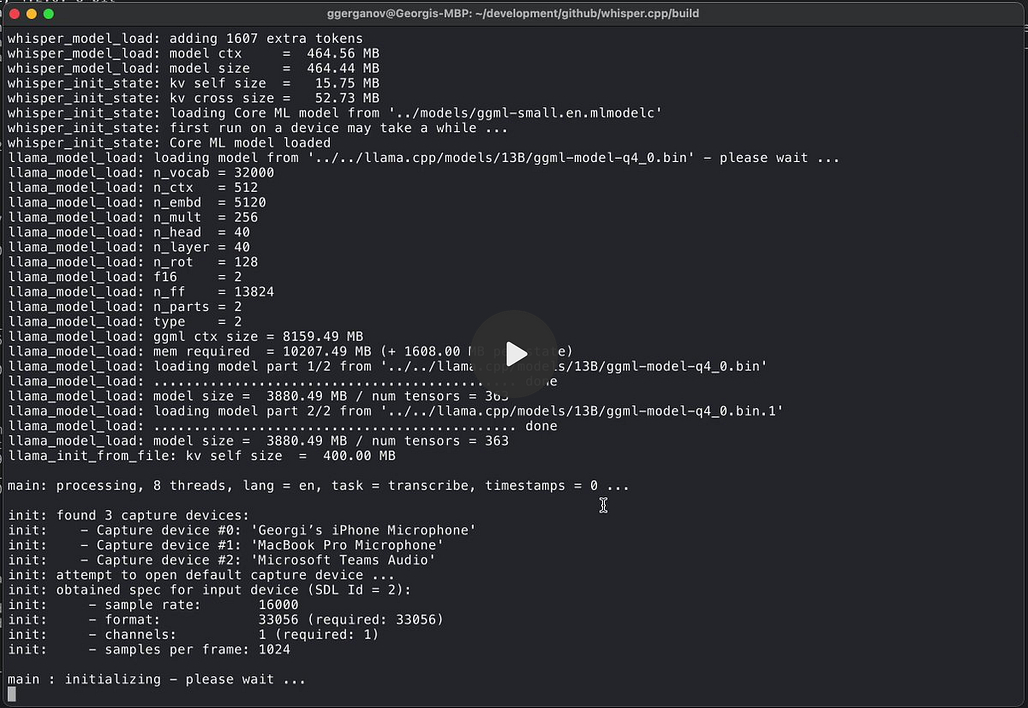
Put VAD in front of whisper.cpp
You no longer have to build a separate silence detector around whisper.cpp if its own VAD support fits your workflow.
whisper.cpp supports Silero VAD models through --vad, --vad-model, --vad-threshold, --vad-min-speech-duration-ms, and --vad-min-silence-duration-ms, alongside speech padding and related controls.
From the whisper.cpp repository directory on Linux or macOS, the commands below download the VAD model and run transcription with speech detection enabled. They assume you have already built whisper-cli, downloaded ggml-large-v3-turbo.bin into models/, and prepared audio.wav:
./models/download-vad-model.sh silero-v6.2.0

./build/bin/whisper-cli \
  -m models/ggml-large-v3-turbo.bin \
  -f audio.wav \
  --vad \
  --vad-model models/ggml-silero-v6.2.0.bin \
  --vad-threshold 0.50
That gives you a useful comparison against OpenAI Whisper without changing the underlying Whisper model family.
If OpenAI Whisper hallucinates on your clip while whisper.cpp plus VAD stays empty during the same silence, audio gating is a likely explanation worth testing before attributing the improvement to the runtime itself.
Be careful with audio segmentation
Silence filtering and audio segmentation are related, but they are not the same operation.
For a file, you generally want VAD to identify meaningful speech regions while preserving enough audio around each boundary for words to remain intact. The 400 ms speech padding in faster-whisper’s current VAD defaults is there for a reason.
For live transcription, do not send endless silent 3-second chunks into Whisper and hope the language model decides to say nothing. Detect whether speech is present first. If the current buffer has no speech, an empty transcript is usually the appropriate result.
Avoid chopping every sentence into tiny independent fragments unless your tests show it helps. Whisper benefits from acoustic and linguistic context. Removing long dead zones is useful. Destroying all continuity is a different experiment.

Noise reduction is a second-line fix
A recording can contain no speech without containing digital silence. Air conditioners, traffic, keyboard noise, music, compression artifacts, and a failing microphone can all leave enough energy to confuse simplistic volume thresholds.
A proper VAD is therefore a better first tool than an amplitude cutoff.
Noise reduction can help when persistent background sound keeps triggering the VAD, but test the denoised version against the raw recording. Aggressive processing can also remove parts of quiet speech.
The correct test here is boring and effective: same recording, same model, same transcription settings, one variable changed.
Still getting hallucinations after applying the fixes?
This paid section covers how to verify your Whisper configuration and troubleshoot more stubborn failures that survive silence filtering.
Subscribe or upgrade to a paid Popular AI subscription to unlock the advanced troubleshooting guide and support our independent AI coverage.
Prevent hallucinations from returning
Treat non-speech handling as part of the transcription pipeline instead of a cleanup script added after a bad transcript reaches your meeting notes.
Keep VAD enabled for long recordings and live input. Reset decoder context after problematic gaps when repetition is an issue. Preserve raw audio long enough to verify important transcript sections. Log enough segment metadata to reproduce failures. Keep a small silence, noise, quiet-speech, and normal-speech regression set.
If you are setting up local Whisper from scratch, Popular AI’s Windows Whisper transcription guide covers the basic local workflow. For a more complete meeting stack with VAD and local summarization, use the private Whisper and Ollama meeting transcription guide.
More on local AI audio transcription:

Privacy, security, and account risk
All of the fixes above can run locally. There is no technical reason to upload a confidential meeting merely to test whether silence filtering works.
⚠️ Be more careful when comparing against hosted transcription services or cloud ASR APIs. A 30-second reproduction clip can still contain names, client details, health information, passwords spoken aloud, or private conversation immediately before and after the failure.
Trim and anonymize test files before sharing them in GitHub reports.
FAQ
Why does Whisper say “thank you” or other phrases during silence?
Because the model can continue generating plausible text when the audio provides weak speech evidence. Certain phrases recur often in user reports, but a specific hallucinated phrase does not by itself prove which training example produced it.
Will large-v3-turbo fix silence hallucinations?
No. The September 2026 microphone-failure report used
large-v3-turbo, which is good evidence that a larger or newer Whisper checkpoint does not remove this failure mode automatically.
Should I lower no_speech_threshold?
Test it, but do not make it your first fix. A lower value makes silence rejection more aggressive and can remove quiet real speech. Whisper’s skip logic also depends on token log probability, so the threshold does not behave like a dedicated VAD.
Is faster-whisper less likely to hallucinate?
The underlying Whisper model can still hallucinate. faster-whisper makes the problem easier to control because it has direct Silero VAD support and exposes useful VAD parameters. The improvement comes from the pipeline as much as the runtime.
Can noise reduction eliminate Whisper hallucinations?
Sometimes it helps when background noise is fooling the speech detector. It can also damage weak speech. Compare raw and processed audio on the same test clip before making denoising permanent.
Conclusion: stop sending non-speech to Whisper
👉 Start with VAD.
▪ If you use faster-whisper, enable vad_filter=True.
▪ If you use whisper.cpp, use its Silero VAD support.
▪ If you use OpenAI Whisper directly, put an external speech detector in front of it.
Then set condition_on_previous_text=False when hallucinations are turning into repetition loops. Tune no_speech_threshold, logprob_threshold, and related controls only after the basic gating works.
When you accomplish a configuration that rejects non-speech while preserving quiet voices on your test clip, keep it. If invented text continues inside genuine speech, move on to the model and runtime comparisons above. Silence filtering has done its job when the decoder receives speech and quiet gaps stay empty.
Explore more from Popular AI:
Start here | Local AI | Builds & gear | Autonomy & policy | Fixes & guides | Popular AI podcast
Have you ever caught Whisper or another AI transcription tool inventing words that nobody actually said? How did you notice?
Koenecke et al. (FAccT 2024) found invented phrases in about 1% of Whisper API transcriptions from mid-2023, and 38% of them included explicit harms. They showed up disproportionately for speakers with longer non-vocal stretches, a common symptom of aphasia, which makes halting speech worth a place in that quiet-voice test set.