


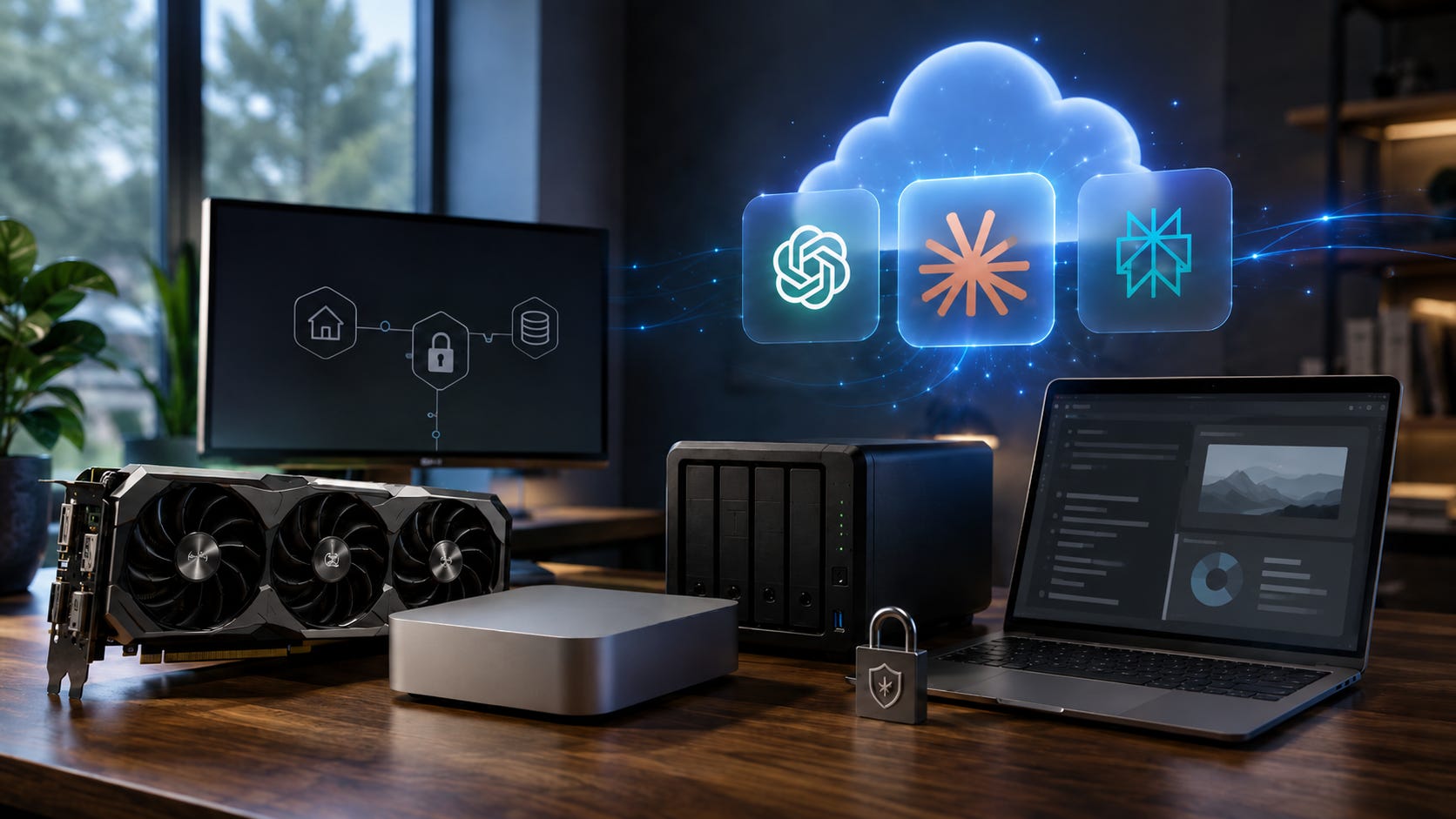
This year, the local AI hardware question finally got serious. A recent r/LocalLLaMA Reddit thread asked the question many newcomers are quietly thinking: why spend real money on local AI hardware when a cloud subscription costs about $200 a year and already works?
The poster had an M1 Pro with 16GB of RAM, wanted help with coding, health research, finance research, investing, and possible workstation workflows. He also disliked feeling dependent on Big Tech, but he did not want to buy hardware just for vibes. It had to make practical sense.
The replies were blunt, and that is why the thread is useful. Several users said local AI is usually a bad deal if the only question is cost. Others said they keep paying for local hardware anyway because it is private, stable, and still works months later without a vendor changing the model, the limits, the interface, or the rules.
That is the real divide in 2026. Local AI hardware is rarely the cheapest way to access strong AI. It can still be the smarter purchase when you are buying privacy, control, stable access, offline use, and the freedom to run the models you choose.
More on local AI versus cloud subscriptions:

The short answer: cloud first, local when the need is real
If your only goal is the cheapest path to strong AI, buy the cloud subscription first.
A single subscription still beats most local hardware purchases on pure dollars. The Claude pricing page lists Claude Pro at $17 per month with annual billing, billed upfront at $200, or $20 month to month. Perplexity Pro sits in the same broad consumer price range, with Perplexity’s pricing page listing Pro at $20 per month or $200 per year. ChatGPT Plus has also trained users to think of premium AI as a $20-per-month product.
That is hard for hardware to beat at the start. A used RTX 3090 alone can cost more than several years of one consumer AI subscription before you buy the rest of the PC. That is why The best budget local AI PC in 2026 starts with a used RTX 3090 still centers on a used 24GB card rather than a flashy new build. Local AI hardware buying is about getting enough memory headroom to matter without turning the purchase into a workstation fantasy.
The clean advice for most readers is simple: rent frontier intelligence first. Buy local hardware once your need for privacy, control, or heavy daily use becomes specific.
The money math still favors subscriptions at low volume
On pure cost, local hardware usually loses at the beginning.
One $200-per-year subscription costs $600 over three years. One $20-per-month subscription costs $720 over three years. That is still less than many serious local AI setups, and far less than a high-end local workstation.
The moment you buy local, you are paying upfront. You need the GPU, RAM, storage, power supply, motherboard, case, cooling, and time. You also inherit the maintenance. Drivers break. Models change. Quantization choices matter. Context length can turn a smooth experience into a crawl. A machine that looked powerful on paper can feel weak if the model spills out of VRAM and starts leaning too heavily on system RAM.
That is why the 24GB VRAM tier keeps coming up. NVIDIA’s RTX 3090 remains relevant because it gives home users a consumer GPU with 24GB of GDDR6X. That does not make it cheap. It makes it useful enough to remain part of the conversation.
Apple offers a quieter path, but the economics do not magically flip. Apple’s Mac mini tech specs show the M4 Mac mini can be configured with up to 32GB of unified memory, while the M4 Pro version can reach 64GB. That makes the Mac mini appealing for people who want a small, quiet local AI box. It does not make it a cheap replacement for one subscription.
This is where The Best Mac mini for local LLMs in 2026: M4 vs M4 Pro for Ollama and MLX lands in the right place. The 32GB M4 is the real entry point. The 64GB M4 Pro is the version to buy when local AI is the reason you are opening your wallet.
What local AI actually buys you
Local AI buys control.
That control starts with privacy. Consumer cloud plans are useful, but they live inside vendor policies, retention settings, moderation rules, account restrictions, and product changes. OpenAI’s data-use policy says content from individual services such as ChatGPT, Sora, and Operator may be used to train models. Anthropic’s consumer plans, Perplexity’s consumer plans, and other cloud services have their own privacy settings and retention policies that users need to understand before feeding them sensitive data.
For casual brainstorming, that may be fine. For personal documents, health notes, finance records, tax files, private code, internal business material, family paperwork, and long-running workflows, it becomes a different question.
Local also buys resilience. A local system does not disappear because a vendor changes a plan. It does not lose a favorite model because the provider retired it. It does not stop working because your account was flagged, your card failed, your internet dropped, or the platform decided your workflow no longer fits its strategy.
That is why one of the strongest comments in the Reddit thread was so simple: local worked on day 1 and still worked on day 200. That is the kind of stability people only value after they lose it.
The local stack is easier than it used to be
The software side of local AI is no longer the brutal part it once was.
Ollama’s download page supports macOS, Linux, and Windows. Open WebUI’s Quick Start gives home users a practical self-hosted interface. LM Studio has made local model testing feel approachable for people who do not want to live in a terminal.
The model menu is much better too. Ollama’s Qwen3 library page is one example of how broad the local model ecosystem has become. Local users can now choose from Qwen, DeepSeek, Llama, coding-focused models, vision-language models, and smaller models that fit less aggressive hardware.
That matters because local AI in 2026 is less about installing one magic model and more about building a toolkit. You might use one model for fast drafting, another for coding, another for private document search, and another for experiments where cloud guardrails or rate limits get in the way.
Coding is where the answer splits
For coding, the answer depends on the work.
The Reddit thread shows exactly where local AI stands in 2026. Some users still argue that serious local coding needs far more VRAM and memory bandwidth than normal consumer hardware can provide. Others say newer local models such as Qwen 3.5, Qwen3-Coder-Next, and GLM-4.7-Flash are finally good enough for daily coding help.
Both sides can be right.
For small scripts, contained projects, familiar libraries, and private coding assistance, local models have become genuinely useful. For huge codebases, long context, agentic workflows, and frontier-level reasoning, cloud models still have a major advantage. That is why cloud or hybrid remains the better default for many developers.
The practical split looks like this: use cloud models for the strongest coding help on non-sensitive work, then bring local models into the workflow when privacy, repeatability, cost control, or model choice matters more than having the strongest frontier model every time.
The VRAM ceiling is still the key constraint. Make sure to read our post on how to choose the right local LLM for 8GB, 12GB, and 24GB VRAM because local AI performance is mostly a memory story before it becomes a benchmark story. If the model does not fit comfortably, everything else becomes more painful.
Private documents are the clearest local win
The strongest case for local AI is not casual chat. It is private knowledge.
Health notes, financial records, tax documents, scanned letters, insurance policies, family paperwork, contracts, business files, and private research notes are exactly the kind of material many people hesitate to feed into a consumer cloud plan. That hesitation is rational.
This is where local AI changes from hobby gear into household infrastructure. A private box can search, summarize, and answer questions over documents that should stay under your roof. It can support a home office, a family knowledge base, a small business archive, or a personal research workflow without turning every file into another upload.
That is the argument behind our recommendations for the best private family AI NAS build for 2026. A private family AI NAS is not competing with ChatGPT as a better general chatbot. It is solving a different problem: making a household’s own documents searchable and useful without sending the whole archive to a vendor.
For many readers, that is the first local AI use case that actually justifies hardware.
Family sharing changes the math, but not the job
For families, cloud can still be a better deal when the goal is basic AI access.
Google AI Plans supports family sharing for up to five other people. That weakens the case for buying a local machine just so several people can ask a chatbot questions.
But a shared cloud plan and a local family AI box are different products.
A cloud family plan gives several people access to AI tools. A local family knowledge system gives a household one private place to search, summarize, and chat over its own files. One is a subscription to a service. The other is owned infrastructure.
That distinction matters. If your family mostly wants help with homework, planning, translation, recipes, and casual questions, cloud is easier. If your family wants to search old PDFs, tax records, home manuals, medical notes, school forms, scanned documents, and shared folders in one private place, local starts making sense faster.
Frontier performance still belongs to the cloud
Local AI hardware is not a cheap way to beat frontier labs.
If your benchmark is the best paid model you can rent today, a normal home box is not going to win. Cloud providers have data center GPUs, massive memory pools, optimized serving stacks, and the newest models before local users can run anything comparable at home.
That does not make local pointless. It means local should be judged by a different standard.
The goal is not to recreate a frontier lab in a spare room. The goal is to own a stable private tool that is good enough for the work you actually do. For many people, that means document search, summarization, coding assistance, drafting, personal automation, model testing, private research, and offline workflows.
Local AI hardware becomes frustrating when buyers expect it to be cheaper and better than cloud at the same time. It becomes useful when they treat it as infrastructure with a specific job.
The best path for most people is hybrid
The smartest 2026 answer is hybrid.
Use cloud tools for frontier intelligence, web-connected research, heavy coding help, multimodal features, and anything where the best model matters more than privacy. Use local tools for private files, repeatable workflows, offline access, model testing, sensitive notes, and heavy usage that would run into cloud limits or make you uncomfortable.
That approach also protects you from buying the wrong machine too early. Spend a few months learning what you actually do with AI. Watch where you hit limits. Notice which files you avoid uploading. Pay attention to whether you need privacy, unlimited iteration, offline use, or stable model behavior.
Then buy hardware around a real workload.
For readers starting from zero, make sure to check out our post on the best budget local AI PC with a used RTX 3090, our tips on how to choose the right local LLM for your hardware, our assessment of the best Mac mini for local LLMs in 2026, and the best private family AI NAS build.
For the bigger autonomy argument behind local AI, read our article on the control layer on everything to learn why owning your own tools matters once AI starts mediating more of everyday life. Make sure to check out our dedicated local AI buyer guides and builds for up-to-date hardware recommendations.
The verdict: buy local AI hardware for control, not cheapness
Local AI hardware is worth buying in 2026 when you are buying privacy, resilience, stable access, high sustained usage, model choice, or real control over your tools.
It is usually a weak buy when you are trying to replace one low-cost cloud subscription as cheaply as possible.
Start with cloud. Learn your workload. Find the point where privacy, limits, control, or heavy daily use becomes a real bottleneck. Buy local when the need is specific enough to justify the investment.
Until your use case reaches the point where cloud subscriptions either can’t satisfy your demands or handle the workload you feed them, keep local AI firmly classified in the hobby category.
Explore more from Popular AI:
Start here | Local AI | Fixes & guides | Builds & gear | Popular AI podcast
Where do you draw the line: is local AI hardware worth buying for privacy and control, or is a cloud AI subscription still the better deal for most people in 2026?