


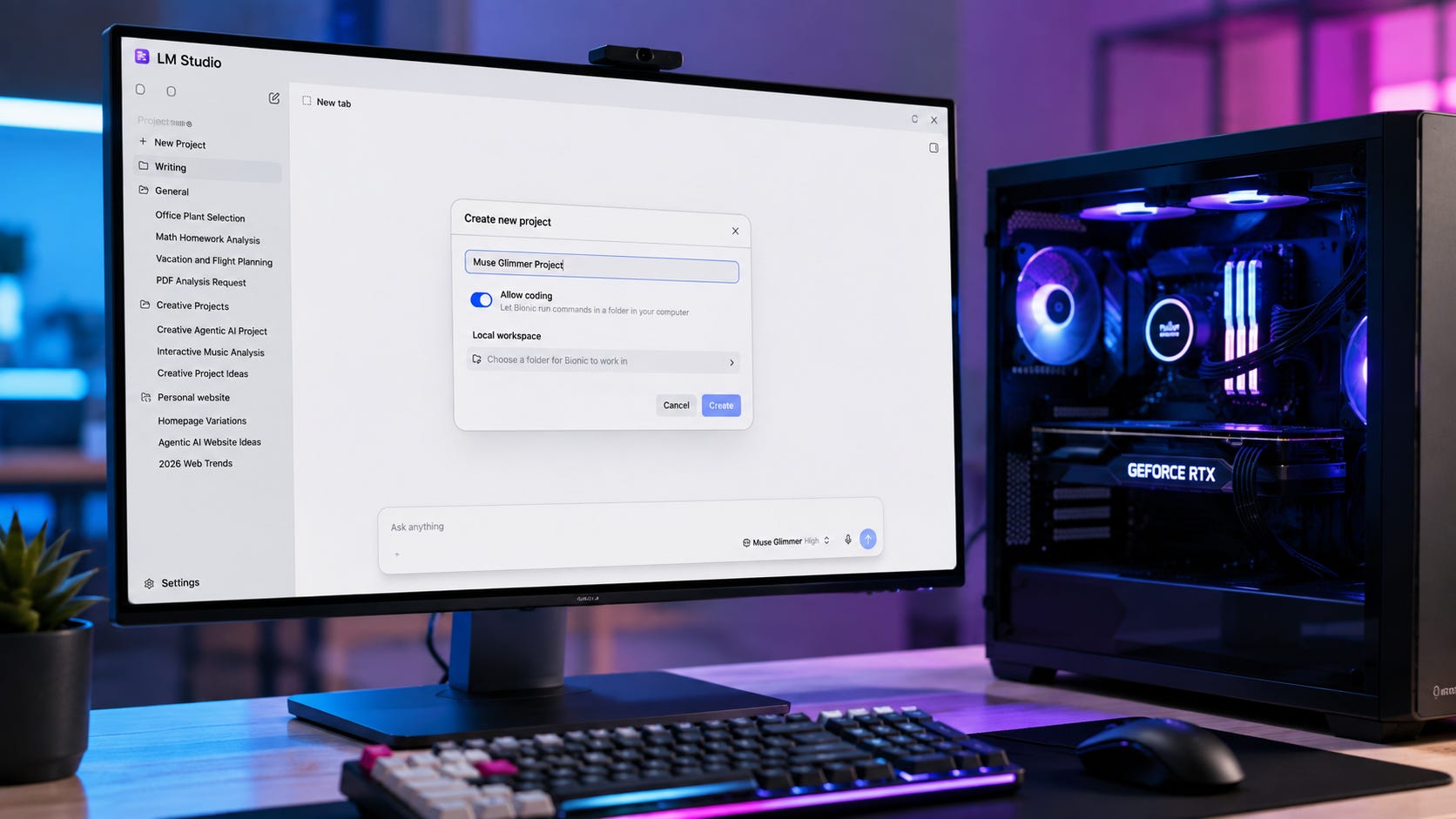
Meta finally has a Muse model that local users can download and run themselves. Muse Glimmer, released August 10, is a 30-billion-parameter open-weight model built for local agents, coding, tool use, multimodal input, and long-running tasks. Meta released the weights under Apache 2.0 and says a 4-bit configuration can fit inside a single consumer GPU memory envelope.
The practical answer to the obvious question is yes, with an important qualification. Muse Glimmer looks like the local Muse release many users wanted after Meta kept the more capable Muse Spark line behind hosted infrastructure. Yet “one GPU” means 24GB of VRAM at the low end of Meta’s intended configuration. It does not mean an ordinary 8GB, 12GB, or 16GB gaming card. Glimmer is also a smaller specialist distilled from Muse Spark, rather than Muse Spark running on your desktop.
That distinction matters more than the launch slogan. Glimmer gives local AI users something Meta’s earlier Muse releases did not: downloadable weights, a permissive license, official quantizations aimed at consumer hardware, multimodal input, and an architecture tuned for long-running agent workflows.


Independent testing also gives the model a clearer place in the local AI market. Artificial Analysis scores Glimmer below Qwen3.6 27B overall while finding unusually strong tool-use performance for its size. Hosted Muse Spark 1.2 remains in a much higher performance class. Glimmer therefore looks less like a universal replacement for the best local 30B models and more like a specialized option for people who care about local agents.
Key takeaways
24GB VRAM is the real entry point. Meta’s smallest official 4-bit configuration targets a 24GB memory envelope. A 32GB configuration uses less aggressive quantization, while full precision targets 64GB.
This is genuinely open-weight. Meta released full-precision weights, two 4-bit variants, the vision encoder, and the DFlash speculative-decoding component under Apache 2.0.
The agent specialization looks real. Tool use is one of Glimmer’s strongest areas, while independent testing also found weaker agentic knowledge work and a high hallucination rate on one knowledge-calibration benchmark.
Glimmer does not replace Spark. Spark 1.1 offered a 1-million-token managed context and more ambitious hosted agent workflows. Spark 1.2 has since moved further toward coding and long-horizon software work.
If you already own a 24GB local AI machine, Glimmer deserves a test. If you would need to buy expensive hardware specifically for it, more independent RTX 3090, 4090, 5090, and Mac testing would make a better basis for a purchase than Meta’s launch numbers alone.
What Meta actually released
Muse Glimmer is a dense 29.6B-parameter causal transformer with a roughly 1.8B-parameter vision encoder. It accepts text and images as input, produces text, and has an officially listed context length of 131,072 tokens or more. Meta says the model was distilled from Muse Spark and trained around agent behavior, including multi-step planning, function calling, failure recovery, coding, multimodal reasoning, and long-horizon execution.
That framing is important because Glimmer is primarily an agent model rather than another local chatbot release. Meta’s intended workloads include local AI agents, coding agents, long sequences of tool calls, multimodal tasks involving screenshots and documents, synthetic-data generation, and LLM-as-a-judge work. The model also exposes four reasoning-effort settings: low, medium, high, and xhigh.
The release includes BF16 weights, two 4-bit quantizations, the DFlash drafter used for speculative decoding, and the perception encoder. Hugging Face provides examples for Transformers, vLLM, SGLang, and Docker. Meta also says optimized integrations for llama.cpp, MLX, ExecuTorch, Ollama, LM Studio, and other local tools are arriving around the release.
That is a materially different proposition from the original Muse Spark rollout. Spark offered a hosted model and managed agent environment. Glimmer gives users the model artifacts themselves and makes local deployment part of the product design rather than a community workaround.
What “runs on one GPU” actually means
This is the most important part of the release for anyone considering Muse Glimmer as a local model.
Meta says a full-precision 30B model would require more than 55GB of memory. Its local deployment approach instead quantizes the language model to roughly 4-bit precision and shrinks the weights below 20GB. That leaves space for the KV cache, vision encoder, runtime overhead, and the speculative-decoding drafter within the memory envelope Meta is targeting.
Meta lists three official hardware targets:
24GB VRAM: K-Quant-17GB, with Meta reporting about 1% average degradation across 15 benchmarks.
32GB VRAM: K-Quant-Dynamic, with about 0.2% reported degradation.
64GB VRAM: full precision.
Those quality-loss figures are Meta’s measurements. They are useful for understanding the intended configurations, but they are not independent validation.
So the phrase “single GPU” needs a hardware-class qualifier. Meta’s practical floor is a 24GB-class GPU, which places Glimmer well above the memory available on mainstream 8GB, 12GB, and 16GB cards. A single card can be enough, but it needs to be the right single card.
That puts Glimmer directly in the hardware tier covered by Popular AI’s guide to the best local LLMs for an RTX 3090 24GB and our broader guide to choosing a local model by 8GB, 12GB, and 24GB VRAM. The familiar memory warning still applies. Fitting model weights is only one part of the equation. Context, KV cache, the vision path, the agent runtime, and other applications can all consume the remaining memory.
There is already encouraging community evidence. At least one Hacker News user reports running Glimmer on a single RTX 3090 with 24GB of VRAM, and the thread contains other reports of 3090-class use. Those are user reports rather than controlled benchmarks, so they show feasibility more clearly than they establish expected performance.
The Mac story needs the same caution. Meta published results on M4 Max and M5 Max hardware, but that does not mean a low-memory MacBook is automatically a comfortable Glimmer machine. Available unified memory remains the key constraint.
Related:


Meta’s RTX 5090 speed result needs context
Meta’s generation numbers are eye-catching, especially once DFlash speculative decoding is enabled.
On the K-Quant-17GB configuration, Meta reports 74.9 tokens per second on an RTX 5090 without speculative decoding and an average 233.4 tokens per second with the DFlash drafter. The same test table reports 37.8 tokens per second on M4 Max and 50.2 tokens per second on M5 Max with DFlash.
Those figures show what Meta’s inference design can do under a specific test configuration. They should not be read as a general promise for every 24GB GPU.


Meta used batch size 1 and greedy decoding. The RTX measurement used llama.cpp, while the Mac measurements used ExecuTorch. That makes the 233.4-token figure useful evidence that Glimmer’s speculative-decoding path can be extremely fast under Meta’s setup. It does not tell an RTX 3090 owner to expect anything close to that speed on their own machine.
Glimmer’s memory architecture may prove nearly as important as raw decode speed. Artificial Analysis estimates that the hybrid attention design keeps the minimum KV-cache requirement around 1.8GB at the original 128K context length. That helps explain why a long context can remain plausible on a 24GB card instead of immediately consuming the memory left after loading the quantized weights.
For buyers, the safer interpretation is simple. Meta has demonstrated a fast reference configuration on an RTX 5090. The more useful data for the local community will come from repeatable tests on the RTX 3090, RTX 4090, RTX 5090, and high-memory Macs using the runtimes people actually plan to use every day.
Glimmer brings Muse local without turning into Spark
The most useful comparison is Glimmer against the Muse model Meta previously kept behind its own infrastructure.
When Muse Spark 1.1 launched on July 9 with access through Meta AI and the Meta Model API, the model focused on many of the same workloads that now make Glimmer interesting: tool use, computer use, coding, multimodal reasoning, subagents, long-running execution, and context management. Spark 1.1 could actively manage a 1-million-token context and delegate work across parallel subagents.
Meta has since moved to Muse Spark 1.2, released August 5 as a coding-focused update with long-horizon training and persistent subagent workflows. Spark 1.2 is available in Muse Code and through the Meta Model API. It concentrates more heavily on code generation, complex debugging, repository understanding, persistent subagents, and long-running software work.
Glimmer’s advantage over Spark is therefore control of the runtime and checkpoint. You can keep Glimmer’s weights on your hardware. You can choose the scaffold, keep using the same checkpoint if Meta changes its hosted products, and run the model without an internet connection when the surrounding workflow allows it. You can also modify or fine-tune the released artifacts under the license terms.
That is the capability local users were missing from Spark. Popular AI covered the earlier hosted tradeoff in our analysis of Muse Spark 1.1 and its coding-agent economics. Glimmer supplies a local branch of that decision instead of asking users to treat Meta’s API as the only way to access the Muse family.
The tradeoff is capability. Glimmer is smaller and distilled. Spark 1.2 remains the stronger Muse model for users who value maximum performance more than local ownership and deployment control.
Related:

The benchmarks show a specialist rather than a new default
Meta’s own benchmark table gives Glimmer several strong results in agent workloads.
The model card reports Glimmer at 75.5 on MCP Atlas compared with 62.5 for Qwen3.6 27B, and 74.6 versus 71.1 on DeepSearch QA. Qwen leads Glimmer on OSWorld-Verified, 75.6 to 65.9, and Terminal-Bench 2.1, 60.7 to 51.7. The pattern is mixed enough that a single “Glimmer beats Qwen” headline would hide more than it reveals.
Meta also published a detailed Muse Glimmer evaluation methodology. The disclosure matters because the benchmark table combines Meta-run evaluations, self-reported competitor scores, and Artificial Analysis results depending on the benchmark. Meta also notes that its agent evaluation setup for third-party models may not be specifically tuned to those models, so some results may fail to reflect their best performance in environments tailored to their strengths.
The first independent evaluation makes Glimmer’s positioning easier to understand. Artificial Analysis scores Muse Glimmer at 35 on its Intelligence Index. That puts it five points above Gemma 4 31B at 30 and three points behind Qwen3.6 27B at 38. Hosted Muse Spark 1.2 scores 57 in the same analysis.
The agent results are mixed in a more interesting way. Glimmer scores 24% on Tau3-Banking tool use compared with 17% for Qwen3.6 27B. On GDPval-AA v2, Glimmer reaches 953 Elo against Qwen’s 1141. On AA’s Omniscience benchmark, Glimmer produces an 82% hallucination rate compared with 49% for Qwen.
That 82% figure needs tight framing. It is the hallucination rate on Artificial Analysis’s Omniscience evaluation. It should not be presented as an 82% hallucination rate for ordinary Glimmer use, coding, chat, or every agent workflow.
The more useful conclusion is that Glimmer looks particularly promising when structured tool use is the job, while Qwen3.6 27B remains the stronger all-around local model in the first independent evaluation.
That makes Glimmer interesting because it has a specific role rather than because it dominates every comparison.
Where Muse Glimmer makes the most sense
The strongest fit is a local machine that already has at least 24GB of usable GPU memory and is intended to run agents rather than plain chat.
For local coding agents, Glimmer’s combination of tool calling, SWE-bench-oriented training, failure recovery, long context, and controllable reasoning makes it worth testing on repository work and coding-agent experiments. The benchmark data does not justify assuming that it will displace Qwen immediately. Artificial Analysis has Qwen ahead overall, while Meta’s own table gives Qwen the advantage on Terminal-Bench 2.1. The practical comparison should therefore happen in the same repository, with the same harness and the same tools.
Local desktop and tool agents may be an even better fit. Meta explicitly trained Glimmer for reliable function calling, multi-step reasoning, failure recovery, multimodal input, and extended agent workflows. Those are capabilities that matter when an agent has to call tools repeatedly, inspect screenshots, maintain state, recover from failed actions, and continue working through a longer task.
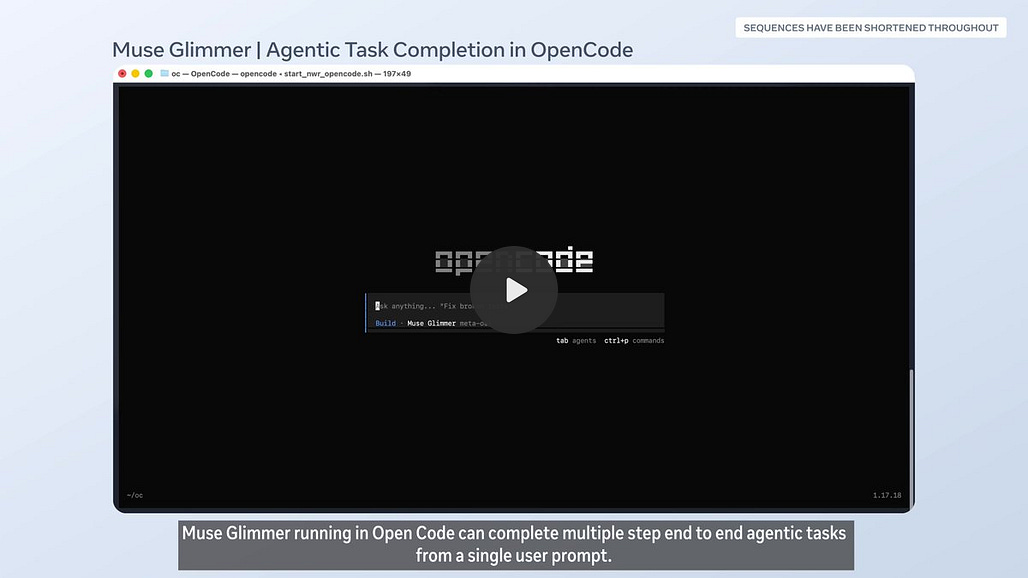
Private document and screenshot workflows are another natural use case. The model accepts text and images and can run locally without cloud inference, which means the reasoning layer can stay on hardware you control. That can matter for documents, screenshots, charts, and other material that users prefer not to send to a hosted model.
A local model does not make every connected agent private. If the scaffold calls Gmail, GitHub, cloud storage, web search, or another online service, those calls still leave the machine. Local inference gives you control over an important layer of the system, while the privacy of the complete workflow still depends on every tool the agent is allowed to use.
Apache 2.0 makes local control more meaningful
The license is one of the strongest parts of the release.
All released Glimmer artifacts are covered by Apache 2.0, including the full-precision weights, two 4-bit variants, DFlash drafter, and perception encoder. Artificial Analysis describes this as substantially more permissive than Meta’s previous Llama licenses, especially around commercial use and derivative work.
That changes the practical control point for users and developers. With Spark, Meta controls the endpoint and hosted product. With Glimmer, a downloaded checkpoint can continue running on your own hardware even if Meta later changes API pricing, availability, product strategy, or the behavior of a hosted model.
There is still another layer of control to design carefully: the agent scaffold. A model with permission to edit files, execute shell commands, send messages, or operate accounts can cause real damage when it makes a bad decision. Meta’s model card recommends additional guardrails, including human-in-the-loop confirmation for irreversible actions, when Glimmer is deployed in agentic contexts that can affect the real world.
That advice fits the benchmark evidence. Glimmer may be specialized for agent behavior, but specialization should not be confused with permission to run consequential workflows without supervision.
Who should test Muse Glimmer now?
If you already own a 24GB-class local AI machine and want to build agents, Glimmer is an easy model to justify testing. It is especially relevant for MCP-style tool use, coding, screenshot understanding, private document workflows, and tasks that benefit from working without a cloud model in the reasoning loop.
Keep Qwen3.6 27B available too. Glimmer has not established itself as the new default 30B-class local model. Early independent testing gives Qwen the overall intelligence advantage, while Glimmer’s clearest strength appears in structured tool use. A head-to-head test inside your own harness will tell you more than a single aggregate benchmark.
Use Spark 1.2 when maximum Muse capability matters more than local control. Spark 1.2 is the stronger model and is built around more ambitious hosted coding workflows, including persistent subagents and long-horizon repository work.
Skip Glimmer for now if your GPU has substantially less than 24GB of VRAM and your goal is a straightforward, dependable daily setup. Community quantizations and offloading may broaden the range of hardware that can launch the model, but those configurations sit outside Meta’s primary 24GB and 32GB deployment targets. A smaller model that fits comfortably may be more useful than a larger one squeezed into a constrained setup.
For the broader decision, Popular AI’s Local AI hub covers models, privacy, hardware, and APIs, while our AI hardware and builds guide focuses on GPUs, PCs, and servers for local AI. Those guides are the better starting point if the real question is whether to change hardware rather than whether to test Glimmer on a machine you already own.
Related:


What to watch after the launch
The first question is performance on ordinary 24GB hardware. Meta has shown that the architecture can run quickly on an RTX 5090, and community reports show that a 3090 can run it. What local users still need is reproducible testing across common 24GB setups, runtimes, context lengths, and agent scaffolds.
The second question is agent reliability. Glimmer’s tool-use results are encouraging, while its weaker GDPval-AA and Omniscience results show why the word “agentic” should not be treated as a synonym for “safe to trust unsupervised.” The more consequential the tools, the more important confirmation gates and task-specific evaluation become.
The third question is runtime maturity. The model will be easier to judge once integrations around llama.cpp, Ollama, LM Studio, MLX, ExecuTorch, and the official DFlash path settle into normal local workflows. The model’s value depends partly on how much friction remains between downloading the weights and running a reliable agent.


Then there is the future of the Muse family itself. Reuters reported that Meta plans to release Muse Spark 1.2 weights. If that happens, Glimmer could end up looking like the consumer-friendly, hardware-conscious member of a broader open Muse lineup rather than the final destination for local Muse users.

That possibility does not make Glimmer less useful now. It makes its role easier to understand. Glimmer is the model aimed at fitting a capable Muse-style agent into hardware that enthusiasts and local AI developers can realistically own.
Muse Glimmer is the local Muse release, with a 24GB reality check
Muse Glimmer finally gives local users a real downloadable Muse model. The Apache 2.0 weights, official 24GB quantization, multimodal support, long context, and agent-focused training make the release meaningful beyond the fact that the checkpoint is open-weight.
The compromise is equally important. Glimmer does not put Muse Spark 1.2 on a gaming PC. It gives you a smaller, distilled, specialized model designed around a workload that local AI hardware can plausibly handle well: always-available agents running on hardware you control.
If you already have 24GB of VRAM, Glimmer belongs on the test list beside Qwen3.6 27B. The deciding benchmark should be your agent, your tools, your context length, and your workload. A model that wins a general intelligence index can still be the wrong choice if your agent spends most of its time calling tools, and a tool-use specialist can still be the wrong choice if your work depends on broad knowledge accuracy.
That is why the best part of Muse Glimmer is not the headline claim that it runs on one GPU. The more useful achievement is that Meta has released a Muse model whose hardware target, model artifacts, and license make local ownership practical for the 24GB class.
For local AI users, that turns Muse from something you primarily access into something you can actually keep.
Explore more from Popular AI:
Start here | Local AI | Builds & gear | Autonomy & policy | Fixes & guides | Popular AI podcast
Would you actually switch your local AI setup to Muse Glimmer, or does the hardware tradeoff make you want to stick with Qwen?