

Learn how to run local AI, choose open-weight models, protect private data, compare APIs, and build workflows that survive vendor changes.
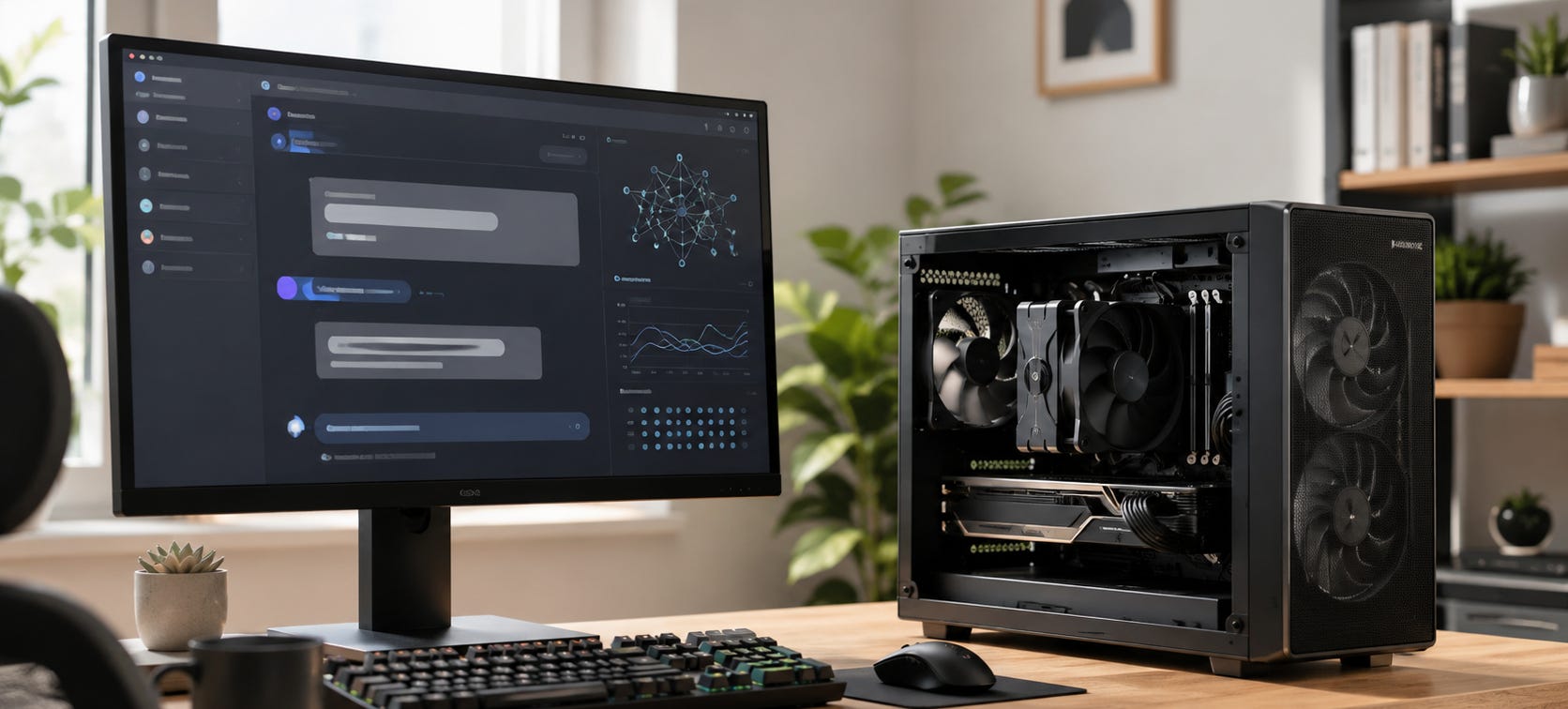
Local AI lets you run useful AI capability on hardware you control instead of making every prompt, file, agent, and workflow depend on a hosted service. That can mean a small LLM running on a laptop, a private transcription system, a coding agent connected to a local model, or a multi-GPU server built for models that would otherwise require rented infrastructure.
The attraction is control. Local AI can keep sensitive data off third-party inference servers, work without an internet connection, avoid per-token charges, and give you a fallback when a cloud model, API, account, feature, or pricing plan changes.
The tradeoff is that you inherit the hardware, software, security, and maintenance problems yourself.
This guide is divided into three parts: open-source LLMs and local models, AI privacy and security, and AI APIs and cloud fallbacks.
The practical answer
You do not need to replace every cloud model with a local one.
For most people, the strongest setup is hybrid. Keep enough AI capability locally to handle private data, repeatable work, offline tasks, and workflows where account dependence would be a problem. Use hosted frontier models when their extra capability, integrations, or convenience justify sending the work to someone else’s infrastructure.
The important distinction is between capability you rent and capability you can continue using on your own terms.
If you are new to local AI, start with one of these three paths:
For models, runtimes, hardware fit, and local inference, start with Open-source LLMs for local AI and private use.
If your main concern is sensitive files, connected accounts, workplace data, or private workflows, start with AI privacy & security: isolating your data from Big Tech.
If you build software or agents around hosted models, start with AI API comparisons: pricing, fallbacks and performance.


Open-source LLMs and local models
Local AI usually starts with a downloadable model and something capable of running it.
Those are separate choices. A model determines capability, behavior, licensing, and memory requirements. The runtime determines how it loads, how much control you get, whether other applications can call it through an API, and how painful the setup becomes.
“Open source,” “open weights,” and “local” are also different concepts. A model can provide downloadable weights without meeting a strict definition of open-source AI. A local model describes where inference happens, not how permissive its license is.


The full distinction is covered in our guide to open-source LLMs and local models.
▪ Choose the runtime first
Three tools cover a large share of ordinary local LLM use.
llama.cpp is the control-first option. Ollama is usually the easiest way to turn a local model into a service other applications can call. LM Studio gives desktop users a much friendlier way to download, test, compare, and serve models.
The llama.cpp vs Ollama vs LM Studio comparison breaks down speed, GPU offload, context length, privacy, model management, and local API use.

Once that is working, you can build higher-level local systems rather than stopping at a chat window. The local Perplexity alternative using Vane, Ollama and SearXNG shows how local inference can become part of a self-hosted research stack, while private AI agents with Ollama and local Llama tool calling moves into agents that can use tools without putting a commercial AI API at the center of the workflow.


▪ Choose models by memory, not hype
The model you should run is heavily constrained by the memory available to it.
That makes our local LLM guide for 8GB, 12GB, 24GB, 48GB and larger memory tiers a better starting point than a generic leaderboard.

If you have no useful discrete GPU, local LLMs are still possible. The best CPU-only local LLMs in 2026 covers the smaller models that remain practical when generation happens in system RAM on the CPU.

At the other end of the consumer market, 24GB GPUs remain unusually useful because they open up much larger quantized models. RTX 3090 owners can start with the best local LLMs for RTX 3090 24GB.

Apple’s unified-memory machines create a different set of choices. Use the Mac mini M4 local LLM guide by memory tier to choose models, then follow the Mac mini Ollama, LM Studio and MLX setup guide to get them running.


▪ Local AI hardware can scale a long way
You do not need exotic hardware to begin. In fact, buying hardware before understanding the workload is one of the easiest ways to waste money.
Start with Should you buy local AI hardware in 2026? if you are still deciding whether owning the machine makes economic sense at all. The answer changes when privacy, sustained use, offline availability, or predictable access becomes valuable enough to justify the upfront cost.

For inexpensive dedicated systems, the sub-$1,000 local AI PC build focuses on buying useful memory and GPU capability rather than generic “AI PC” branding.

Larger builds get serious quickly. Popular AI’s four-RTX-3090 server guide for triple-slot GPUs covers the physical, PCIe, cooling, and power problems that appear once a local AI box becomes a real multi-GPU server.

New high-memory systems offer alternatives to used GPU clusters. See RTX Spark for local AI: should buyers wait? and the AMD Ryzen AI Halo local AI review for two different approaches to putting much larger memory pools into a relatively compact machine.
There is still a point where “open weights” stops meaning “home lab.” Kimi K3’s local hardware requirements are a useful reminder that a downloadable frontier model can remain completely impractical for an ordinary workstation.


AI privacy and security
Privacy is one of the strongest reasons to move AI workloads locally, but “local” is not a magic security label.
A fully local model can keep inference on your machine. It can also be connected to an exposed web server, unsafe plugin, compromised dependency, unrestricted shell, synchronized cloud folder, or agent with access to credentials.
The right starting point is therefore the AI privacy and security guide, which separates ordinary hosted use, sensitive professional workloads, and information that should remain on hardware you administer.
▪ Decide what data actually needs to leave your machine
The simplest privacy improvement is often data minimization.
Do not give an agent an entire drive because it needs one folder. Do not connect a complete repository when the task concerns one module. Do not expose years of personal records because one conversation would benefit from a handful of documents.
The risk becomes clearer as assistants gain more persistent context.
For personal data, the ChatGPT Health privacy guide explains the permissions, memory, deletion, connected-record, and Temporary Chat controls worth checking before turning medical records into general AI context.

For organizations, the ChatGPT Work privacy checklist examines what changes once an AI agent can reach workplace files, apps, and actions.

▪ Private workflows are where local AI earns its keep
Some applications have an unusually strong local case because the inputs themselves are sensitive.
The local Otter.ai alternative using Whisper and Ollama keeps meeting transcription and summarization on hardware you control, making it useful for conversations that contain business plans, client information, personnel discussions, or unpublished work.

More ambitious systems are turning local AI into complete workspaces. PewDiePie’s Odysseus private AI workspace is an example of the direction these systems are heading: models, documents, memory, research, and agent functions combined under more user-controlled infrastructure.

▪ Local agents need strict permissions too
Agents create a different security problem because the model can turn text into actions.
The Alibaba Claude Code private-repository analysis looks at privacy, telemetry, policy, and jurisdiction risks when hosted coding agents touch sensitive repositories.

The more immediate technical warning comes from the Friendly Fire exploit involving Claude Code and Codex. It shows why untrusted repository content and autonomous command execution are a dangerous combination. Read-only access, isolated environments, limited credentials, and human approval become much more important once the agent can execute what it reads.

Moving the model onto your own GPU removes a cloud provider from the path. It does not make bad tool permissions safe.
AI API comparisons, fallbacks and local alternatives
Local AI and cloud APIs are not opposing religions. They are two infrastructure choices.
APIs are excellent when you need intermittent access to models that would be absurdly expensive to reproduce locally. Local hardware becomes more attractive when a workload is repetitive, private, high-volume, sensitive to outages, or important enough that losing one vendor account would break the system.


The full decision framework is in AI API comparisons: pricing, fallbacks and performance.
▪ Compare completed work, not token menus
A cheap token is only cheap if the model completes the job.
Retries, failed agent runs, context growth, tool calls, human repair, and long autonomous sessions can overwhelm the apparent difference between two advertised token prices.
The Claude Opus 5 vs Fable 5 comparison uses that completed-task logic rather than treating raw API pricing as the whole decision.

The same issue appears with coding models. Meta Muse Spark 1.1: should you switch? looks at low advertised inference costs alongside the practical economics of Codex, Claude Code, Gemini CLI, and local coding models.

▪ Build fallbacks before you need them
Vendor dependence becomes obvious when an endpoint disappears.
GitHub Models dies July 30: migrate before your AI app breaks turns that problem into a practical migration case. If your prompts, state, model assumptions, and application logic are welded to one provider, changing APIs becomes a crisis instead of routine maintenance.

For developers, Build an independent AI dev stack with Claude Code covers a more portable approach that can route work between providers and local models rather than treating one vendor as permanent infrastructure.

The architectural issue becomes even more important as agents accumulate memory, tools, execution environments, scheduling, and hosted state. AI agents become platforms in 2026: how to avoid lock-in explains why replacing the underlying model may eventually be the easy part.

▪ Keep a local API in your fallback plan
A useful local model does not have to replace your main frontier model to justify its existence.
Ollama, LM Studio, and llama.cpp can expose local models through APIs that applications can call. That means a cloud-dependent tool can sometimes retain a reduced but functional mode when a hosted provider is unavailable, too expensive, restricted, or inappropriate for the data involved.
The llama.cpp vs Ollama vs LM Studio guide compares their local serving approaches as well as their desktop inference performance.
That is the useful middle ground for many serious AI users: rent frontier capability when it earns its cost, but keep important workflows portable enough that one API does not own the entire system.
Where to go next
If you are starting from zero, get one modest local model running before buying hardware or building an agent stack. Learn what your existing machine can handle, test the same tasks against the cloud tools you already use, and decide which workloads actually benefit from being local.
If the answer is privacy, move the sensitive workflow first.
If the answer is cost, measure sustained real-world usage before buying GPUs.
If the answer is resilience, build the fallback before the service you depend on disappears.
And if the answer is control, remember that owning the model is only part of the job. The runtime, storage, search layer, APIs, agent permissions, interfaces, and hardware all determine how independent the finished system really is.
▶ View all local AI articles
Explore more from Popular AI:
Start here | Local AI | Fixes & guides | Builds & gear | Popular AI podcast