

Learn which AI privacy settings matter, when cloud AI is safe enough, and when sensitive files should stay on hardware you control.
Every useful AI workflow creates a data-handling decision. Paste a private document into a hosted chatbot and that information leaves the environment you directly control. Connect an AI assistant to email, cloud storage, health records, or a code repository and the potential exposure grows.
That does not mean every cloud AI service trains on everything you send it. Policies differ by product, account type, and setting. It does mean AI privacy should be treated as an architecture decision, not a trust slogan.
The safest approach is to separate ordinary AI work from sensitive work. Use hosted models where their capability is worth the tradeoff. Keep confidential documents, intellectual property, private archives, client material, and other high-value data local whenever the workflow allows it.
The practical answer
There are three useful levels of AI privacy.
▪ For ordinary, low-sensitivity prompts, a reputable hosted AI service with the right privacy settings is usually reasonable. Review training controls, memory, connected apps, retention, sharing, and account permissions before assuming the defaults match what you want.
▪ For sensitive professional work, use stronger business or API data protections when available, minimize what you send, remove secrets, and avoid connecting broad file repositories unless the workflow genuinely requires them.
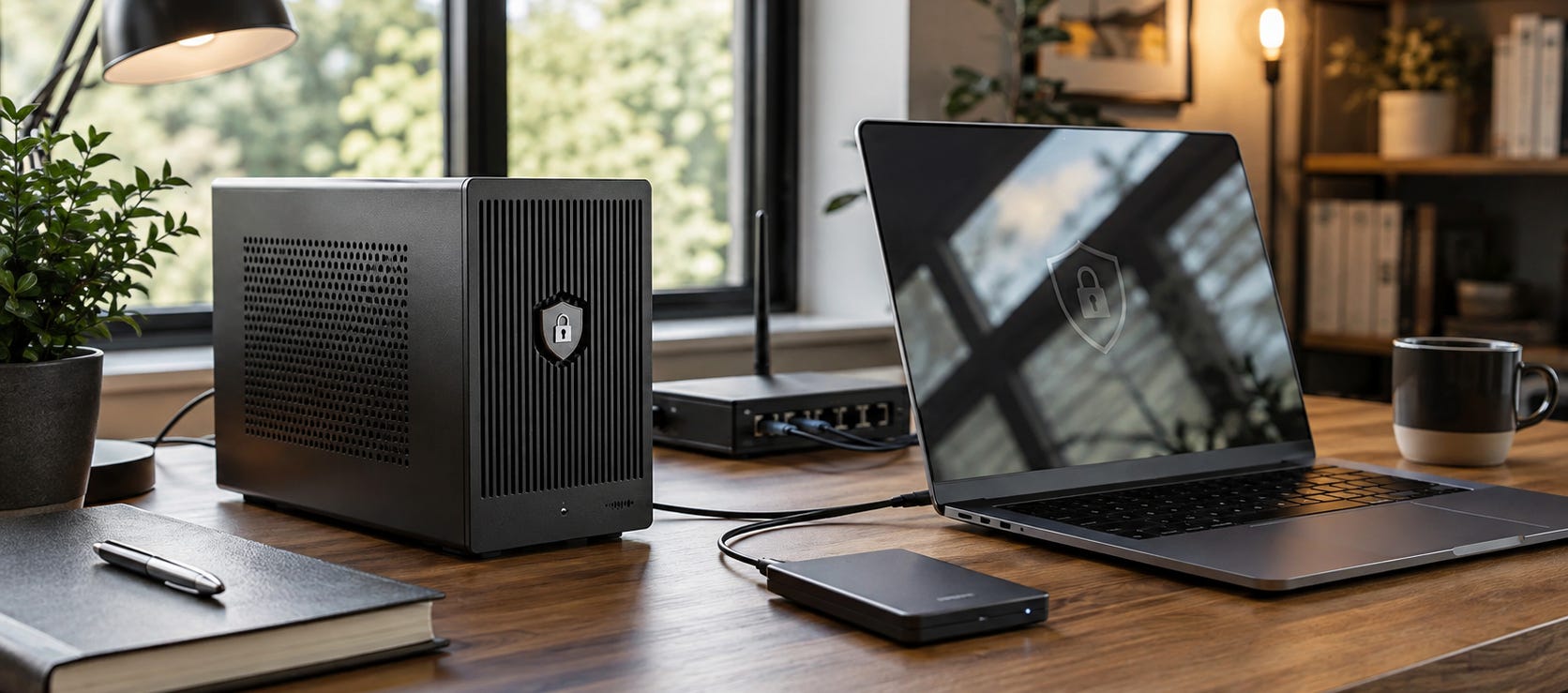
▪ For material that should not leave your machine, use local AI. A properly configured local model can process documents, transcripts, notes, code, images, and other files without sending the actual inference workload to a third-party AI provider.
The last option provides the strongest practical isolation, but it also makes you responsible for securing the computer, models, backups, network services, and applications around it.
Start here
If you use ChatGPT with particularly sensitive personal information, begin with our guide to ChatGPT Health privacy settings to review before connecting records. OpenAI says connected medical records, Apple Health data, and conversations that use that connected information are not used to train its foundation models or target ads. The guide covers a different privacy problem: where connected health information can appear, what permission choices mean, and what disconnecting a source does not erase.

For workplace AI, read the ChatGPT Work and GPT-5.6 privacy checklist. Once an assistant can reach company documents and applications, privacy becomes partly an access-control problem. A perfectly functioning AI can still reveal information to the wrong employee if the underlying permissions are too broad.

If you are deciding whether sensitive work justifies your own hardware, our 2026 local AI hardware guide explains the economic tradeoff. Cloud subscriptions often win on raw price and frontier capability. Local hardware starts making more sense when privacy, offline access, stable availability, repeated heavy use, or control becomes valuable enough to pay for.

What AI privacy actually means
“Does this company train on my data?” is important, but it is only one question.
A useful privacy review should also ask what gets stored, for how long, which features create additional copies of the information, whether humans can review any of it, what connected services can be accessed, whether memories persist, whether feedback changes the data rules, and what happens after deletion.
OpenAI, for example, says individual ChatGPT users can disable Improve the model for everyone, after which new conversations are not used to train its models. It also provides Temporary Chat, which is not used for training and is deleted from its systems after 30 days. OpenAI explains those controls in its current Data Controls FAQ.
Account type changes the bargain too. OpenAI says content submitted through its API, ChatGPT Business, and ChatGPT Enterprise is not used for model improvement by default unless the customer explicitly opts in. Its consumer data-use documentation explains the distinction.
Google uses a different control model for Gemini. Its current Gemini Apps Privacy Hub says the Keep Activity setting affects whether activity can be used to improve its services, including generative AI training. Google also says some data can be human-reviewed, and reviewed material can have retention rules that outlast deletion from ordinary account activity. Google documents the current Gemini privacy controls and retention details here.
The practical lesson is to read the policy for the product you are actually using. “AI privacy” is not one setting shared across ChatGPT, Gemini, Claude, enterprise plans, APIs, coding agents, and third-party applications.
Privacy and model control are different problems
Privacy is about what happens to your information.
Model control is about what happens to the capability you depend on.
A cloud provider can offer meaningful training opt-outs while still controlling the model version, system behavior, moderation rules, features, integrations, pricing, availability, and account access. Those are separate issues and they deserve separate treatment.
This distinction is useful because it avoids two bad assumptions.
The first is that every hosted AI service is secretly training on everything you enter. The published policies do not support that blanket claim.
The second is that good privacy settings give you full control over the AI system. They do not. You still depend on someone else’s servers, software updates, account policies, and operating rules.
Local AI reduces both kinds of dependence when the entire workflow remains local.
Protect intellectual property by reducing exposure
Confidential work should be handled according to consequences rather than convenience.
Source code, unpublished research, acquisition plans, customer lists, proprietary processes, legal material, private financial documents, unreleased products, credentials, internal strategy, and other intellectual property deserve a higher threshold than a restaurant recommendation or a generic writing prompt.
The strongest approach is data minimization.
Do not give an AI system an entire repository when one isolated function is enough. Do not upload a complete customer database to summarize ten records. Do not connect a lifetime of cloud storage because you want help with one folder.
Coding agents make this particularly important because they can combine model access with repository access, shell commands, telemetry, external tools, and credentials. Our analysis of private-repository risks around hosted AI coding agents explains why the question is bigger than which model writes better code.

Keep secrets outside model context. Restrict agents to the directories they need. Use disposable copies when appropriate. Give write access only where the task requires it.
The objective is not to make a hosted system magically trustworthy. It is to reduce the consequences if a setting, permission, integration, account, or workflow behaves differently from what you expected.
When local AI is the better privacy choice
Local inference changes the basic data path.
Instead of sending a prompt and its supporting files to a vendor’s servers, the model runs on your computer or a server you administer. This can be especially useful for private document search, transcription, internal knowledge bases, draft analysis, coding, family archives, business records, and repetitive work involving sensitive inputs.


For example, Popular AI’s private meeting transcription workflow with WhisperX and Ollama keeps the core audio transcription and AI summarization workflow on local hardware. That is a meaningful difference when meetings contain client discussions, strategy, financial information, hiring conversations, or unpublished plans.

A richer example is the Odysseus private AI workspace, which combines local models with files, memory, research, and agent functions.

These setups also demonstrate the catch: local does not automatically mean secure.
A local model exposed to the public internet, an agent with unrestricted shell access, an unencrypted laptop, badly configured backups, compromised software dependencies, or a synchronized folder can still leak sensitive information.
Running AI locally removes one third party from the inference path. It does not repeal basic computer security.
Build separate AI zones for different kinds of data
A practical privacy setup does not need to be all-cloud or all-local.
A hybrid architecture is usually easier to live with:
Public and disposable work: hosted frontier models, web research, brainstorming, generic questions, and content with little confidentiality risk.
Controlled professional work: business accounts or APIs with appropriate data terms, limited connectors, sanitized inputs, and carefully scoped permissions.
Private local work: confidential documents, private knowledge bases, sensitive transcripts, intellectual property, personal archives, and workflows where third-party processing creates unnecessary exposure.
The classification is more useful than arguing over whether one company is “private.”
Choose the environment after you know what information it will touch.
What to watch out for
The most common AI privacy mistakes happen outside the model itself.
⚠ Connected apps can quietly widen the blast radius. Granting an assistant access to email, cloud storage, calendars, repositories, or health information turns one chat interface into a gateway to much more data.
⚠ Memory changes persistence. A fact entered once may become useful context later. That can be convenient, but review memory separately from conversation history and model-training controls.
⚠ Feedback buttons can have different rules. Some providers treat conversations submitted as feedback differently from ordinary chats. Check before sending feedback on a conversation containing sensitive information.
⚠ Deletion can have boundaries. Deleting visible chat history does not necessarily imply that every derivative record, reviewed sample, connected-service copy, backup, memory, or security log disappears at exactly the same time.
⚠ Third-party AI apps add another policy layer. A product using an OpenAI, Anthropic, Google, or other model API has its own servers, databases, logs, analytics, authentication, and privacy policy. The underlying model provider’s rules are only part of the system.
Common questions
Is local AI completely private?
It can provide strong practical privacy when inference, files, embeddings, databases, and outputs remain on equipment you control. Network calls, cloud sync, remote APIs, telemetry, exposed services, or compromised software can break that isolation.
Should I stop using cloud AI?
For most people, no. Hosted frontier models remain easier to use and often more capable. The useful goal is to stop sending every category of information through the same hosted account.
Use cloud AI where its advantages are worth the exposure. Keep an alternative for work where they are not.
Does turning off AI training make a cloud chatbot private?
It addresses one important use of your data. It does not make the service local, eliminate ordinary processing, remove every retention requirement, disable all safety systems, or give you control over the provider’s infrastructure.
What is the safest way to use AI with confidential documents?
Do not upload the document unless the service and account type meet your requirements. When confidentiality is strict, run document analysis locally and keep the source files, embeddings, prompts, and outputs inside the same controlled environment.
Is business AI safer than a personal chatbot account?
It can offer materially different data terms and administrative controls. Do not infer those protections from the brand name alone. Check the exact product, plan, data-processing terms, retention rules, connector permissions, and administrator settings you are using.
Keep control proportional to the sensitivity of the data
AI privacy does not require disappearing from every cloud service.
It requires knowing when convenience stops being worth the dependency.
Use privacy settings for ordinary hosted AI. Use stronger account types and strict permission boundaries for professional workflows. Use local execution when the data itself is valuable enough that it should not leave your environment.
The key question is simple: if this prompt, document, recording, repository, or database became accessible somewhere you did not expect, how serious would the consequences be?
If the answer is “very,” that workload belongs much closer to hardware you control.
▶ View all local AI articles
Explore more from Popular AI:
Start here | Local AI | Fixes & guides | Builds & gear | Popular AI podcast