

Find open-source and open-weight LLMs you can run locally, understand their licenses, and choose models with fewer platform restrictions.
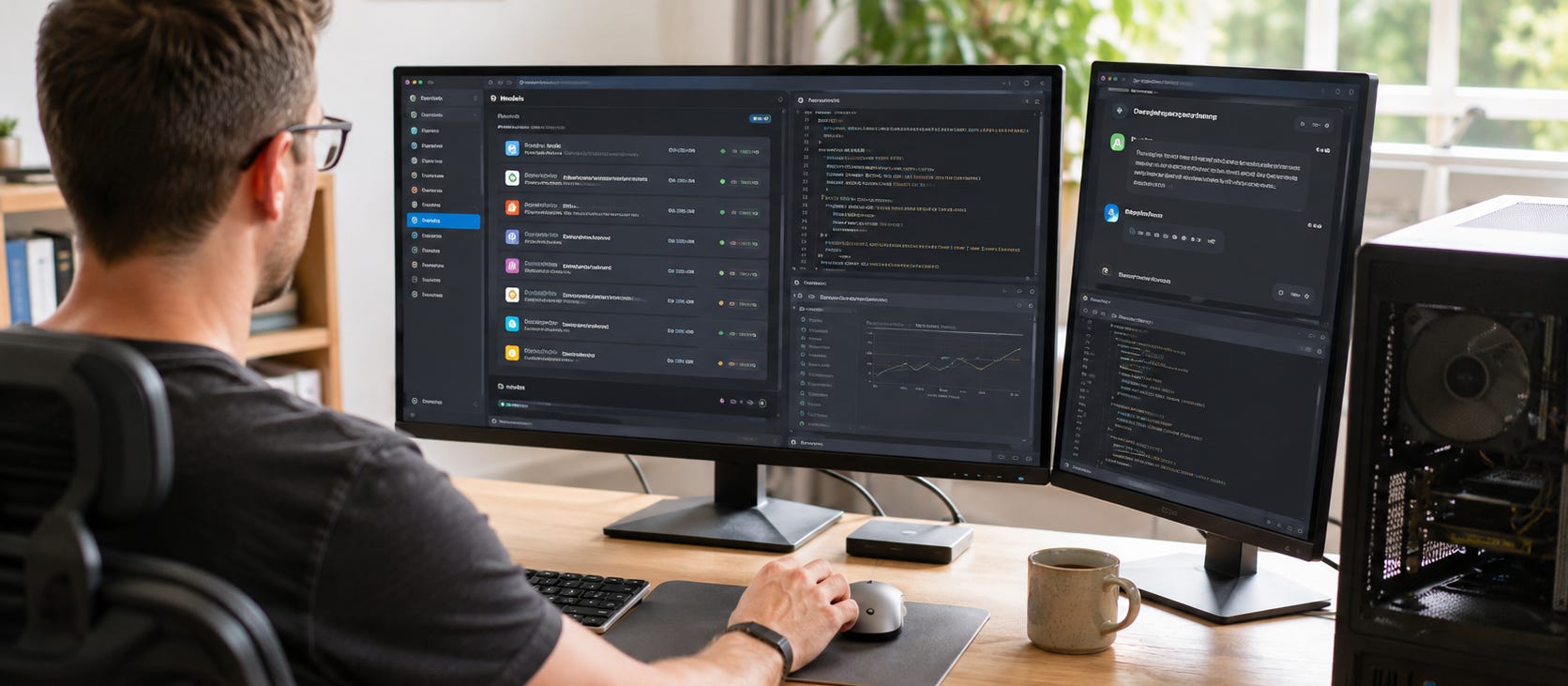
Open-source LLMs give you something even an excellent cloud chatbot cannot fully provide: control over the model you run, the software around it, and where inference happens.
Run a suitable model locally and there is no cloud provider sitting between your prompt and the model deciding whether your account can access it, whether a request crosses a product-policy boundary, or whether a favorite model disappears after the next product update.
There is an important catch. Open source, open weights, local, and uncensored do not mean the same thing. Some of the most prominent “open-source LLMs” are technically open-weight releases with custom licenses. Some can run comfortably on a desktop GPU. Others, such as Kimi K3, make ordinary workstations look tiny.
The useful question is therefore not simply, “What is the best open-source LLM?”
It is: Which model gives you the capability, license, hardware fit, privacy, and behavioral control you actually want?
The practical answer
If you want to start running local LLMs, do not begin with the largest or most impressive model on a leaderboard. Start with a model that fits comfortably on your hardware and a runtime you can understand.
For most users, the path looks like this:
LM Studio if you want the easiest desktop interface.
Ollama if you want a simple local model manager and API.
llama.cpp if you want more direct control over GGUF models, quantization, offloading, and inference settings.
Popular AI’s llama.cpp vs Ollama vs LM Studio comparison explains where each approach makes sense.

Then choose the model by memory rather than reputation. A modern 4B, 8B, 14B, 27B, or 32B model that fits properly can be much more useful than an enormous model constantly spilling out of VRAM.
Use our local LLM guide for 8GB, 12GB, 24GB, 48GB, and larger memory tiers before downloading anything enormous.

Open source vs open weights: know what you are actually getting
“Open-source LLM” has become convenient shorthand for downloadable AI models, but it often hides major differences.
The Open Source Initiative’s Open Source AI Definition says an open-source AI system should give users the freedom to use, study, modify, and share it, along with access to the preferred form for making modifications. For machine-learning systems, that reaches beyond merely publishing model weights.
That gives us four useful categories.
▪ Open-source AI
The strongest version of openness. You receive sufficiently open components and rights to study, modify, use, and redistribute the system.
Truly satisfying that definition can be harder than releasing an ordinary open-source software project because a model is the product of weights, architecture, code, training processes, and enormous amounts of data.
▪ Open-weight models
You can obtain and run the trained weights, but that does not automatically mean the entire model development process is open source.
This is where many of the best-known downloadable models belong.
OpenAI, for example, explicitly describes gpt-oss-120b and gpt-oss-20b as open-weight models. Their weights use Apache 2.0, while OpenAI separately publishes a usage policy.
Meta’s Llama family also distributes weights, but Llama 4 uses Meta’s own Community License, including an acceptable-use policy and additional terms for extremely large commercial services.
▪ Local models
“Local” describes where inference happens, not how the model is licensed.
A proprietary model could theoretically run locally. An openly licensed model could be accessed exclusively through somebody else’s cloud. These are separate questions.
When your model and runtime execute entirely on your own machine, you gain the strongest practical control over prompts, files, availability, inference settings, and network access.
▪ Uncensored models
“Uncensored” is an informal description of model behavior, not a licensing category.
Usually it refers to an instruction-tuned model or community fine-tune designed to refuse fewer prompts than mainstream hosted assistants.
Running locally removes the cloud provider’s live moderation and account-enforcement layer. It does not magically remove behavioral tendencies learned during training or post-training. If an instruction model was heavily aligned before release, those tendencies remain inside its weights.
For maximum behavioral control, model choice and fine-tuning matter alongside local inference.
Which open-weight LLM families matter?
The useful open-model ecosystem is now much broader than Llama.
There is no permanent “best” model because releases move too quickly and hardware changes the answer. Instead, learn the major families and choose within them according to your workload.
▪ Qwen

Alibaba’s Qwen family has become one of the most useful places to look for local models across general chat, coding, multimodal work, and agentic workflows.


For example, Qwen3.6-27B publishes downloadable weights under Apache 2.0, putting it in a very different control category from an API-only frontier model.
It is also a realistic workstation-sized model rather than a multi-trillion-parameter science project. Popular AI currently recommends Qwen models repeatedly across its local hardware guides, including the best local LLMs for an RTX 3090 with 24GB VRAM.

▪ Llama

Meta’s Llama family helped turn downloadable LLM weights into a mainstream ecosystem.
Its continuing advantage is compatibility. Llama models and derivatives appear across local inference engines, fine-tunes, quantizations, agents, RAG projects, and third-party tools.
The licensing distinction is worth remembering. Llama 4 is available under Meta’s custom Llama 4 Community License rather than a conventional open-source software license.
For a practical example of putting a Llama-family model to work rather than merely chatting with it, see Popular AI’s guide to building private AI agents with Ollama and local Llama tool calling.

▪ DeepSeek

DeepSeek helped demonstrate how permissively released models can spread quickly through the local ecosystem.
The DeepSeek-R1 repository releases its code and primary model weights under the MIT License and permits commercial use, modification, and derivative works. Some distilled variants inherit additional considerations from their underlying Qwen or Llama bases, so check the particular model rather than assuming every file carrying the DeepSeek name has identical terms.
For users with 24GB GPUs, Popular AI still includes DeepSeek-R1-Distill-Qwen-32B among its practical RTX 3090 model choices.
▪ Gemma

Google’s Gemma family occupies another useful part of the ecosystem. Gemma 4 includes several open-weight sizes under Apache 2.0, including smaller variants intended for constrained hardware and larger multimodal models.
That range matters more than having one enormous flagship. Local AI becomes useful when you can pick the amount of intelligence your actual machine can afford to run.
▪ gpt-oss

OpenAI’s gpt-oss models are an interesting reminder that the split is no longer simply “open models versus OpenAI.”
The company released gpt-oss-20b and gpt-oss-120b as downloadable open-weight reasoning models under Apache 2.0. They can run on infrastructure controlled by the user rather than being available only through ChatGPT.

That does not make every part of OpenAI’s ecosystem open. It does give local users another substantial model family to test.
▪ Kimi K3

Kimi K3 sits at the opposite end of the hardware spectrum.
Moonshot AI describes Kimi K3 as a 2.8-trillion-parameter open-weight multimodal model with 104 billion active parameters and a one-million-token context window.


Its weights are downloadable, but the model uses a custom Kimi K3 License. Among other conditions, companies operating a Model-as-a-Service business above a specified revenue threshold need a separate agreement with Moonshot AI.
That is exactly why “open weights” and “open source” should not be treated as interchangeable.
There is another problem: having permission to download a model does not mean you can practically run it.
Popular AI’s Kimi K3 local hardware analysis shows how quickly frontier-scale open weights can move beyond ordinary local hardware. K3 is fascinating as an open-weight release. It is not the sensible first download for somebody with a gaming PC.

Start with the model your hardware can actually run
Local LLM performance begins with memory.
A model that does not fit comfortably forces compromises in quantization, context, GPU offloading, speed, or all four.
If you already own a machine, work backward from its memory.
▪ No discrete GPU
CPU-only local AI is perfectly viable for smaller models, experimentation, private document work, and lightweight assistants.
Start with Popular AI’s best CPU-only local LLMs in 2026.
The goal is responsiveness, not bragging rights. Smaller modern models are usually more pleasant than squeezing a giant quant into RAM and waiting ages for every response.

▪ 8GB to 16GB VRAM
This is useful local AI territory, but model size needs discipline.
Quantized smaller models can handle chat, summaries, RAG, basic coding, structured extraction, and lightweight agents surprisingly well.
Do not spend all your memory on weights and then discover that there is no room left for the context you actually need.
▪ 24GB VRAM
This remains one of the most interesting consumer tiers because 24GB opens the door to strong models around the 20B to 35B range without turning every session into a memory-management exercise.
If you own an RTX 3090, start with the 2026 RTX 3090 local LLM guide.
▪ Apple unified memory
Apple Silicon trades the conventional CPU-plus-discrete-VRAM setup for unified memory accessible by the system.
That can make memory-heavy local inference attractive, particularly on machines with larger RAM configurations. Popular AI has separate guides covering which models fit each Mac mini M4 memory tier and how to run them with Ollama, LM Studio, and MLX.


Local inference is where open weights become useful
Downloading weights is only the beginning.
The real independence comes when the rest of the workflow can also move onto hardware you control.
That can include:
Local chat and document analysis.
Coding assistants.
RAG over private files.
Tool-calling agents.
Local APIs for other software.
Private search and research systems.
Fine-tuned models for specialized tasks.
Offline workflows that keep functioning without an AI subscription.
For research, Popular AI’s local Perplexity alternative using Vane, Ollama, and SearXNG shows what this looks like when the model becomes one component in a larger self-hosted stack.

For autonomous workflows, private AI agents with Ollama shows how local models can call tools without making a hosted API the center of the system.
The model gets most of the attention. The surrounding runtime, search layer, tools, storage, permissions, and interfaces determine how much of the complete workflow you actually control.
Local AI removes one layer of filtering, not every constraint
Hosted AI products can enforce restrictions at several levels. The model can be trained to refuse certain requests. A system prompt can impose another layer. Moderation systems can inspect input or output. Product rules can disable tools. Accounts can be restricted. Features can disappear.
Local inference removes several of those external control points because you operate the runtime yourself.
That does not turn every downloadable model into an unrestricted oracle.
A local instruction model can still refuse requests because of its post-training. A fine-tune can weaken or strengthen those tendencies. A particular frontend can add its own system prompt. A model license may restrict particular uses even when no technical mechanism actively blocks them.
For users frustrated by increasingly managed mass-market assistants, the answer is therefore configurability and alternatives, not simply downloading whatever model happens to advertise itself as “uncensored.”
Popular AI’s analysis of why mass-market AI defaults may become safer, softer, and more agreeable explains why maintaining an independent model path can be useful even when cloud AI remains more capable.

Escaping platform restrictions takes more than changing models
AI dependence can occur above the model layer too.
A cloud chatbot might be replaceable while the operating system, search provider, app store, browser, or mobile platform still privileges its owner’s services.
That is why local AI belongs in a broader strategy of keeping replaceable components.
For example, Popular AI’s analysis of replacing Gemini as Android’s default assistant shows the difference between being allowed to install a competing AI app and giving that app access to the operating-system capabilities that make a system assistant genuinely useful.

The same principle applies on the desktop.
Prefer workflows where you can change the model without rebuilding everything. Keep important files in portable formats. Use local APIs where practical. Separate the frontend from the inference engine. Avoid making one vendor account the permanent home of your prompts, memory, knowledge base, automations, and tools.
What to watch out for
Open models solve some problems and introduce others.
▪ License restrictions: Read the model license. “Downloadable” tells you almost nothing about commercial rights, redistribution, derivative models, hosted inference, or attribution requirements.
▪ Fake openness: Publishing weights is valuable, but it does not automatically reveal training data, data-processing methods, or the full recipe needed to reproduce the model.
▪ Hardware fantasy: A frontier open-weight model can still require data-center hardware. Kimi K3 is the obvious example.
▪ Quantization loss: Making a model fit through aggressive quantization can reduce quality. The biggest model you can technically load is not necessarily the model you should use.
▪ Context inflation: Advertised context windows do not mean you should run maximum context locally. KV cache and runtime memory still cost resources.
▪ Security: A local model with unrestricted tool access can delete files, expose credentials, or execute bad instructions just as a hosted agent can. Local control gives you responsibility for permissions and isolation too.
▪ Stale model recommendations: Model rankings age quickly. Choose by current capability, license, runner support, quantization availability, hardware fit, and your actual workload.
Common questions
Are open-source LLMs uncensored?
Not necessarily. An open or open-weight model can still contain refusal behavior learned during post-training. Local inference removes the provider-controlled moderation and account layer, while community fine-tunes can change the model’s behavior further.
Is Llama actually open source?
Llama weights are available for developers to use and modify, but Llama 4 uses Meta’s custom Community License and Acceptable Use Policy. Calling it open-weight is more precise than assuming it satisfies every definition of open-source AI.
What is the best local LLM?
There is no single answer independent of hardware. A model that is excellent on a 48GB workstation can be useless on an 8GB laptop.
Start with the Popular AI model-sizing guide, then choose among current Qwen, Gemma, Llama, DeepSeek, Mistral, gpt-oss, and other models that fit comfortably.
Can I run an LLM locally without a GPU?
Yes. Smaller quantized models can run entirely on CPUs. The tradeoff is inference speed, especially as model size and context increase.
See the CPU-only local LLM guide for realistic starting points.
Does running an LLM locally make it private?
Local inference can keep prompts and model computation on your hardware, but privacy depends on the entire software stack.
Model downloads, update checks, cloud features, remote search, telemetry, plugins, browser interfaces, and third-party tools can still create network traffic. For sensitive workflows, verify each component rather than assuming “local model” means “nothing leaves the machine.”
Should I replace ChatGPT, Claude, or Gemini completely?
For many users, no.
Cloud models can still provide better frontier capability, easier multimodal workflows, integrated search, and zero-maintenance access. Local models provide privacy, customization, offline operation, predictable access, and an independent fallback.
The strongest setup is often hybrid: use rented intelligence when it gives you the best result, while keeping enough capability locally that one company’s account, policy, outage, or product decision cannot disable your entire AI workflow.
▶ View all local AI articles
Explore more from Popular AI:
Start here | Local AI | Fixes & guides | Builds & gear | Popular AI podcast