

Practical local AI hardware reviews covering RTX GPUs, unified-memory systems, multi-GPU builds, VRAM limits and compute tradeoffs.
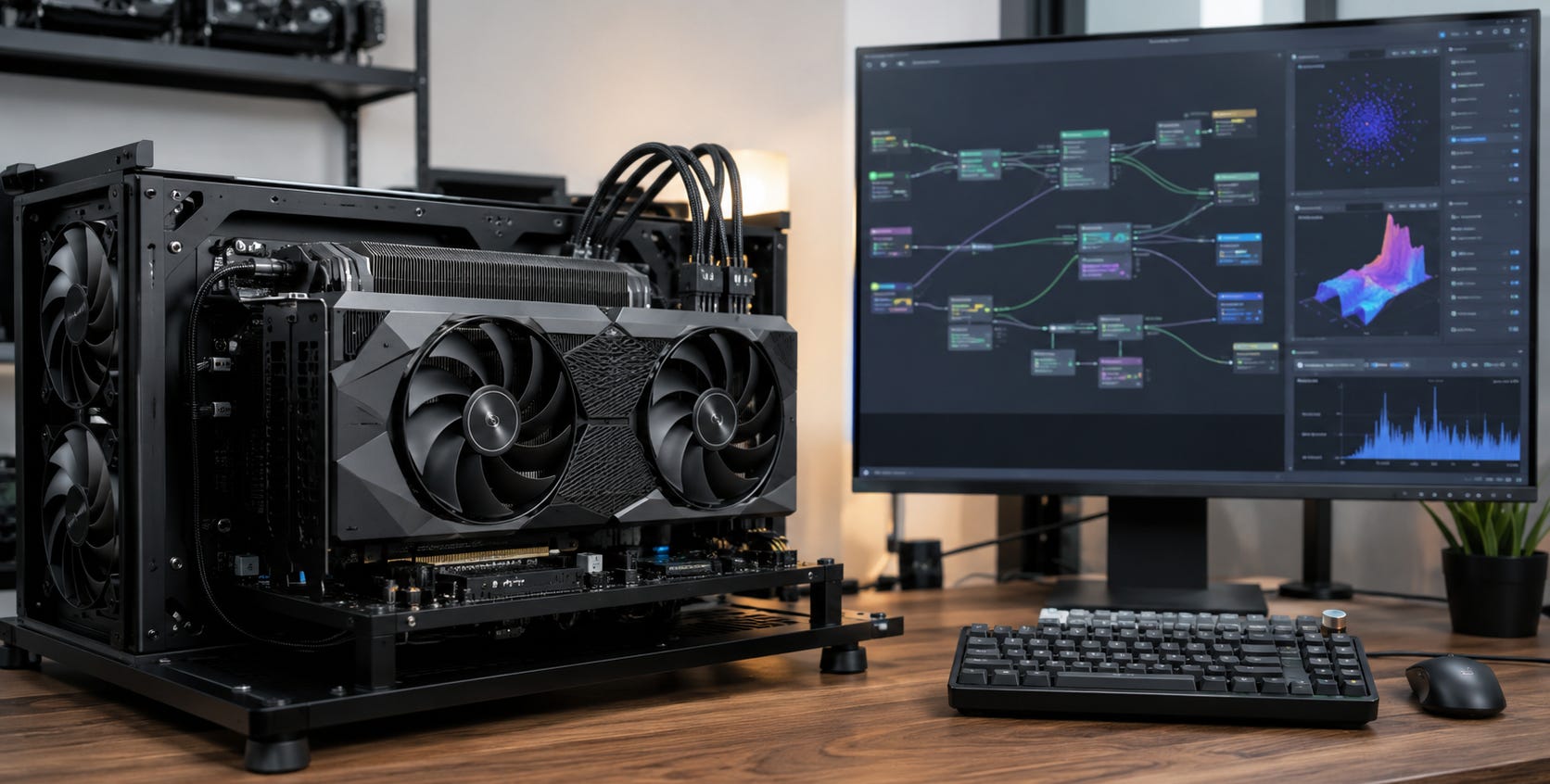
If you want AI that keeps working without depending on an account, API quota or cloud provider, the compute has to live somewhere you control. That makes the GPU, workstation or local AI server more than a performance upgrade. It determines which models you can run, how fast they respond and how much of your workflow can stay on your own hardware.
The first number to check is usually memory. VRAM determines whether a model fits. Memory bandwidth affects how quickly large models can move data. CUDA and software support determine whether the tools you want to run actually work. Raw compute matters too, but a huge CUDA-core or AI TOPS number cannot rescue a workload that does not fit in memory.
This hub collects Popular AI’s GPU reviews, local AI workstation comparisons and multi-GPU build coverage so you can choose hardware around the workloads you actually intend to run.
The practical answer
For local AI, buy enough memory first and speed second.
A 12GB to 16GB GPU can be a useful starting point for smaller quantized LLMs, ComfyUI, Stable Diffusion and everyday local AI. Our budget GPU guide for local LLMs explains where cards such as the RTX 3060 12GB and RTX 5060 Ti 16GB still make sense.
At 24GB, cards such as the RTX 3090 and RTX 4090 enter a much more useful enthusiast tier. You get room for larger models, more demanding image-generation graphs and fewer compromises. The RTX 3090 vs RTX 4090 vs RTX 5090 comparison shows why the older 24GB RTX 3090 can still make more sense than newer hardware when price-to-VRAM value matters.
The RTX 5090 moves the high-end consumer tier to 32GB. NVIDIA lists the desktop card with 32GB of GDDR7, 21,760 CUDA cores and 1,792GB/s of memory bandwidth. That combination makes it extremely fast for workloads that fit, but 32GB still creates a hard boundary for larger local models.
Beyond that, the market splits. You can combine several consumer GPUs, buy an expensive high-memory workstation GPU, or move to unified-memory machines such as DGX Spark, Ryzen AI Max systems and upcoming RTX Spark computers.
There is no single best compute platform. There is a best memory and software architecture for the job you need to run.


Start here
If you are buying one high-end GPU today, start with our RTX 5090 local AI analysis. It explains why the card’s enormous memory bandwidth makes it unusually fast while the 32GB VRAM ceiling still limits larger LLMs.
If you are considering the next generation of high-memory Windows machines, read RTX Spark for local AI: should buyers wait?. RTX Spark is especially interesting because NVIDIA says the platform combines up to 128GB of unified memory with a 6,144-core Blackwell RTX GPU and native CUDA support. That could remove one of the biggest compromises in current local-AI laptops, but final pricing, memory bandwidth and retail performance remain important unanswered questions.
For compact 128GB systems you can compare today, see the AMD Ryzen AI Halo review and the GMKtec EVO-X3 local AI buying guide. Both show why a huge memory pool can be more useful than a faster GPU when your main problem is simply fitting the model.


Why VRAM matters more than most GPU marketing
A GPU can only accelerate a model efficiently when the model weights, KV cache and runtime overhead fit into accessible memory.


That makes VRAM capacity the first filter in an AI buying decision.
A fast 16GB GPU can outperform an older 24GB card when both can run the workload. The 24GB card wins automatically when the job requires more than 16GB and the smaller card has to offload into system RAM or cannot run it at all.
The same logic explains why old RTX 3090 cards refuse to disappear from the local-AI conversation. Their 24GB memory pool is still useful. For image generation specifically, our budget GPU guide for local image AI looks at where cheaper cards provide enough memory without turning the whole build into a flagship purchase.
Once you move into 32GB and above, the choices become more interesting. The RTX 5090 gives you extremely fast dedicated GDDR7. The RTX PRO 6000 Blackwell jumps to 96GB of dedicated workstation memory. Unified-memory machines can reach 128GB, but the CPU, operating system and GPU may share that pool.
Memory capacity tells you whether the workload can fit. It does not tell you how fast it will run.


CUDA cores matter, but the number needs context
CUDA-core counts are useful when comparing closely related NVIDIA GPUs. They are much less useful as a universal AI performance score.
The RTX 5090 has 21,760 CUDA cores. RTX Spark tops out at 6,144. Looking at those two numbers alone would make RTX Spark seem uninteresting.
That misses the reason RTX Spark exists.
Its attraction is the combination of CUDA compatibility and up to 128GB of unified memory. A large model that cannot fit into 32GB of RTX 5090 VRAM may fit into an RTX Spark system even if the Spark GPU is slower once generation begins.
The reverse is also true. If your model fits comfortably inside 32GB, the RTX 5090’s dedicated GDDR7 and much larger GPU may make it the more sensible machine.
This is why Popular AI hardware reviews focus on workload fit instead of treating CUDA cores, TOPS or TFLOPS as a leaderboard.
RTX 5090 and consumer GPU reviews
The consumer GPU market is still where most local AI users should begin.
Our RTX 5090 analysis covers the high-end 32GB option, while the RTX 3090, RTX 4090 and RTX 5090 comparison looks at the more useful buying question: how much should you pay for speed when VRAM capacity may be the real limit?
There are good options below the flagship tier too. The Arc Pro B60 vs RTX 5060 Ti comparison examines the trade between Intel’s larger memory pool and NVIDIA’s easier software path. The RTX 5060 Ti 16GB vs RX 9070 XT comparison covers a similar choice between CUDA convenience and competing hardware value.
The common rule is simple: confirm that your software supports the GPU before buying it. Memory that your preferred framework cannot use properly is much less valuable.


RTX Spark and high-memory Windows AI PCs
RTX Spark could create a new category between gaming laptops and dedicated AI appliances.
NVIDIA says RTX Spark supports up to 128GB of unified memory, 6,144 CUDA cores and one petaflop of theoretical FP4 AI performance. The unusual part is not the petaflop claim. It is the possibility of running CUDA workloads against a much larger memory pool than conventional RTX laptop GPUs provide.
Our RTX Spark buying analysis explains why prospective buyers should pay close attention to real memory bandwidth, Windows-on-Arm compatibility, sustained thermals and the price of 64GB and 128GB configurations.
For local AI, those details will decide whether RTX Spark becomes a serious workstation platform or an expensive capacity specialist.
DGX Spark and compact AI supercomputers
DGX Spark approaches the problem from the other direction. Instead of adapting a normal PC around local AI, NVIDIA built a small development system around AI workloads.
NVIDIA’s current specifications give DGX Spark 128GB of coherent LPDDR5X memory, 273GB/s of memory bandwidth, a 20-core Arm CPU and up to one petaflop of FP4 performance.
Those numbers make DGX Spark interesting for large-model development, serving and CUDA-based experimentation, but they do not automatically make it faster than a desktop GPU for every task.

Our Ryzen AI Halo review compares AMD’s 128GB developer platform directly with DGX Spark. The GMKtec EVO-X3 buying guide looks at the same decision from a cheaper x86 mini-PC angle, while the RTX Spark analysis explains how NVIDIA’s upcoming Windows platform fits between an ordinary RTX PC and DGX Spark.
DGX Spark makes the strongest case when you specifically want NVIDIA’s AI software environment, large unified memory and a machine designed around local model development rather than general desktop value.
96GB workstation GPUs and larger models
If you want lots of memory without abandoning a conventional discrete CUDA GPU, workstation hardware is the cleaner option.
The RTX PRO 6000 Blackwell review examines the appeal of 96GB of dedicated GDDR7 memory and the much less attractive price attached to it.
This tier makes sense when the 32GB limit is the problem you are trying to solve and you want to avoid splitting a model across several cards.
It makes much less sense when two cheaper GPUs can handle your actual workload.
Multi-GPU local AI builds
Several older GPUs can sometimes buy more useful AI memory than one new flagship.
Two RTX 3090 cards provide 48GB of aggregate VRAM, which is why dual RTX 3090 builds still deserve consideration. The tradeoff is power, heat, case space, PCIe layout and software complexity.
Scale further and those problems become the build.
Our 4x and 8x RTX 3090 server guide covers the server-level choices, while the newer 4x RTX 3090 triple-slot build guide deals specifically with the physical problem of fitting four thick consumer GPUs into a usable AI server.
Multi-GPU builds are attractive when you understand exactly why you need the extra memory. They are a poor first local-AI machine.


Unified memory vs dedicated VRAM
Unified memory changes what can fit. Dedicated VRAM usually gives the GPU a faster, more predictable memory path.
AMD’s Ryzen AI Halo developer platform combines 128GB of LPDDR5X memory with 256GB/s of bandwidth. DGX Spark also provides 128GB, with NVIDIA listing 273GB/s. High-end discrete cards use smaller pools with much higher bandwidth.
That creates a useful split.
Choose high-bandwidth dedicated VRAM when the workload fits and speed matters.
Choose large unified memory when model capacity is the problem and you can accept lower throughput or a different software stack.
Our M4 Max vs Ryzen AI Max+ 395 comparison goes deeper into that tradeoff.

What to watch out for before buying AI hardware
▪ Do not buy from VRAM capacity alone. Check bandwidth, software support, operating system compatibility and whether your preferred inference backend can use the hardware efficiently.
▪ Do not buy from CUDA-core count alone. Core counts make the most sense inside the same GPU family. Architecture, clock speed, memory, Tensor Core support, precision and software optimization all affect real performance.
▪ Do not assume aggregate VRAM behaves like one giant GPU. Two 24GB cards can let software split a larger model across 48GB, but the cards still have separate memory pools connected through the system.
▪ Do not ignore power and physical fit. Local AI can hold GPUs under sustained load for long periods. A flagship card or multi-GPU build may require a different PSU, case, motherboard and cooling strategy.
▪ Do not pay for local compute unless you have a reason to own it. If you only make occasional AI requests, renting cloud inference can still be cheaper. If privacy, offline access, predictable availability or sustained daily workloads matter, owning the hardware becomes easier to justify. Our guide to whether local AI hardware is worth buying in 2026 covers that decision first.

Common questions
How much VRAM do you need for local AI?
For basic local LLM and image-generation use, 12GB to 16GB can be workable. Twenty-four gigabytes gives considerably more room. Thirty-two gigabytes opens another useful tier, while 48GB, 96GB and 128GB systems target progressively larger models and heavier workflows.
The exact requirement changes with model size, quantization, context length, batch size and the software you use. Buy for the workload, not a generic VRAM target.
Is the RTX 5090 the best GPU for local AI?
It is one of the strongest conventional consumer GPUs when your workload fits inside its 32GB of VRAM. It is less attractive when your main goal is fitting very large models, where high-memory workstation cards, multi-GPU systems or unified-memory machines can be more useful.
Is DGX Spark better than an RTX 5090?
They solve different problems. DGX Spark offers 128GB of coherent unified memory and NVIDIA’s AI development stack. The RTX 5090 offers much faster dedicated GPU memory and a larger conventional GeForce GPU, but only 32GB of VRAM.
Choose DGX Spark for large-model capacity and NVIDIA development workflows. Choose the RTX 5090 when the workload fits and raw single-GPU speed matters more.
Should you wait for RTX Spark?
Wait if you specifically want a Windows machine that combines CUDA with 64GB or 128GB of accessible unified memory. Buy existing hardware if your current machine is already blocking paid work and a 24GB, 32GB or existing 128GB platform solves the problem today.
The key RTX Spark questions are still real-world memory bandwidth, pricing, thermals and software compatibility.
Is owning AI hardware really more independent than using the cloud?
Owning the machine removes several important dependencies. Your local workflow does not disappear because a subscription changes, an API quota runs out or a hosted account becomes unavailable.


You still depend on drivers, software, model licenses and hardware vendors. Local compute is not perfect independence. It gives you a much stronger fallback because the actual inference hardware is under your control.
▶ View all AI builds & gear articles
Explore more from Popular AI:
Start here | Local AI | Fixes & guides | Builds & gear | Popular AI podcast